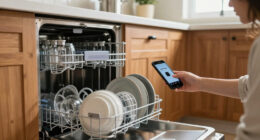
To reduce false alerts on your smart doorbell, start by adjusting the sensitivity settings to match your environment and define specific detection zones to focus on important areas like your porch. Position the device carefully to avoid shadows, glare, or passing vehicles triggering alerts. Keep firmware and app updates current for improved accuracy, and consider using advanced zone configurations to exclude irrelevant movement. If you’re still facing issues, there’s more to explore to optimize performance further.

Get home appliances delivered free with Prime
- Fast, free delivery on millions of items
- Prime Video, Amazon Music and more included
- Member-only deals all year
Key Takeaways
- Adjust motion sensitivity and define specific detection zones to minimize triggers from passing cars, animals, or shadows.
- Position the device and camera angles to avoid glare, backlighting, and environmental factors that cause false alerts.
- Use advanced zone configuration to focus on critical areas like doorways and exclude irrelevant zones.
- Keep firmware and app updates current to benefit from improved detection accuracy and security features.
- Regularly review and calibrate detection settings to adapt to seasonal and environmental changes.
smart doorbell sensitivity adjustment
As an affiliate, we earn on qualifying purchases.
As an affiliate, we earn on qualifying purchases.
Why Do False Alerts Happen on Smart Doorbells?

False alerts on smart doorbells often happen because the device’s motion sensors pick up movement from things like passing cars, animals, or shadows. These sensors can mistake harmless activities for intruders, leading to unnecessary notifications. Voice recognition technology sometimes causes false alerts if it misidentifies voices or sounds as threats. Additionally, package detection features can trigger alerts when packages are delivered or moved nearby, even if no one approaches your door. These inaccuracies happen because the doorbell’s sensors interpret everyday activities as potential motion or threats. Understanding these common triggers helps you see why false alerts occur, so you can better manage your device’s settings and reduce the number of unnecessary notifications you receive. Being aware of sensor inaccuracies can help you implement effective adjustments to improve your doorbell’s performance. Properly configuring sensitivity settings and understanding sensor limitations can significantly minimize these false alarms. Recognizing how sensor behavior influences alerts allows for more precise control over your smart doorbell’s notifications, especially since sensor technology can sometimes be overly sensitive to environmental factors. Additionally, adjusting the motion zones can help target specific areas and reduce unintended detections.
As an affiliate, we earn on qualifying purchases.
How to Fine-Tune Motion Detection Settings
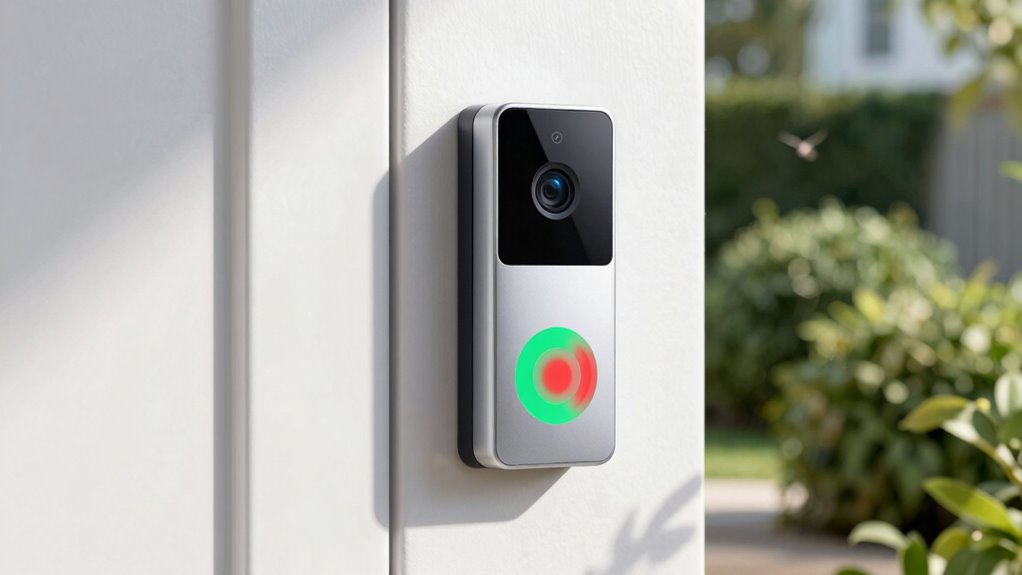
You can reduce false alerts by adjusting your doorbell’s sensitivity levels to better match your environment. Defining specific detection zones helps focus on important areas and ignore irrelevant movements. Fine-tuning these settings guarantees your doorbell alerts you only when it really matters. Incorporating advanced nanotech fabrication techniques can further improve sensor accuracy and reliability. Additionally, understanding how indoor air quality impacts sensor performance can lead to more precise detection. Proper sensor calibration ensures your smart doorbell functions optimally under varying conditions. Recognizing the influence of environmental factors can also assist in optimizing sensor performance for consistent alerts, especially when considering sensor placement for ideal coverage.
Adjust Sensitivity Levels
Adjusting the sensitivity levels of your smart doorbell can markedly reduce unnecessary alerts. Proper sensor calibration ensures your device detects only relevant motion, preventing false notifications. To fine-tune this, consider the following steps:
- Lower the sensitivity to prevent minor movements like passing cars or branches.
- Increase the sensor calibration to focus on larger, closer objects.
- Test notifications after each adjustment to observe changes in notification frequency.
- Fine-tune until alerts only trigger for genuine visitors or activity at your door.
- Refer to your device’s sensor calibration guidelines to optimize performance effectively.
- Regularly review your settings to maintain work-life harmony by minimizing unnecessary distractions.
Define Specific Detection Zones
To effectively reduce unwanted alerts, defining specific detection zones allows your smart doorbell to focus only on the areas where activity matters most. Proper camera placement and lighting adjustments are essential for ideal detection. Use the detection zone feature to exclude areas like busy streets or trees that trigger false alarms. Adjust the zones carefully to cover your doorstep and porch without capturing irrelevant motion. Consider the lighting conditions; shadows and glare can cause false alerts, so tweak lighting or reposition the camera if necessary. Use the following table as a guide:
| Zone Area | Purpose | Adjustment Tips |
|---|---|---|
| Front Door | Main activity zone | Cover porch, entry pathway |
| Side Yard | Unnecessary movement zones | Exclude from detection zones |
| Street | Traffic and passing cars | Block with zone settings |
| Garden | Plants or trees causing false alerts | Reduce or exclude these areas |
| Lighting Zones | Shadows or glare issues | Adjust camera angle or lighting |
smart doorbell firmware update kit
As an affiliate, we earn on qualifying purchases.
As an affiliate, we earn on qualifying purchases.
Set Up Advanced Motion Zones
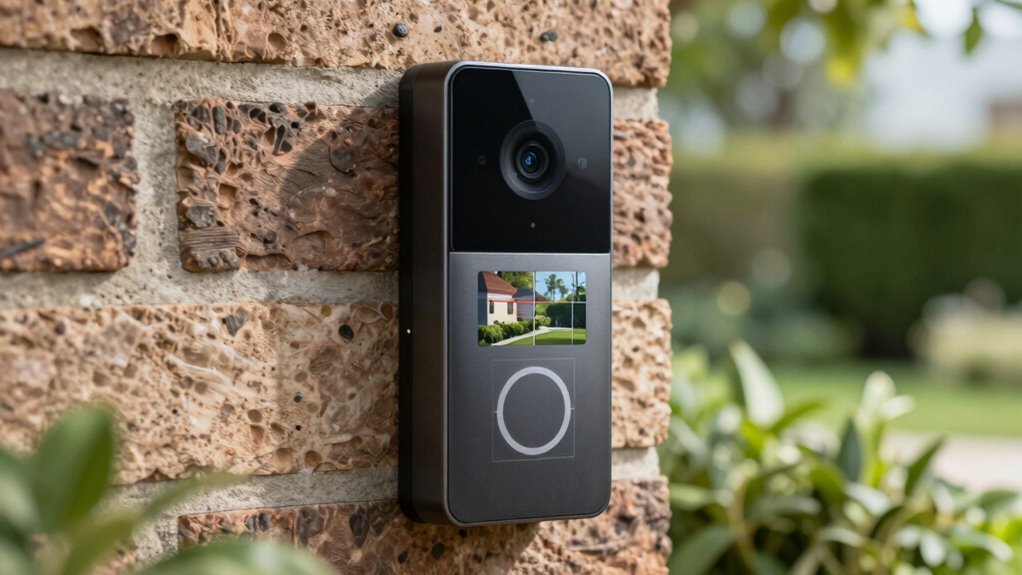
You can reduce false alerts by customizing your smart doorbell’s detection areas to focus on key zones. Prioritizing these important spots helps prevent unnecessary notifications from irrelevant movement. Setting up advanced motion zones guarantees your alerts stay accurate and meaningful. Additionally, proper cabling solutions ensure your device remains securely mounted and functions optimally. Using advanced detection technology can further enhance the accuracy of your alerts by filtering out minor or irrelevant movements.
Customize Detection Areas
Customizing detection areas allows you to fine-tune your smart doorbell’s motion sensors, helping to reduce false alerts caused by passing cars, trees, or other non-threats. By setting precise zones, you guarantee your device focuses on essential areas, enhancing smart home integration and respecting user privacy considerations. Imagine:
- Drawing a rectangle around your front door to catch visitors.
- Excluding busy street sections where cars frequently pass.
- Highlighting garden areas to monitor activity only near your porch.
- Creating invisible boundaries to ignore passing pedestrians or animals.
This targeted approach minimizes unnecessary alerts, improves response accuracy, and maintains your privacy. Configuring these zones ensures your smart doorbell works efficiently, reducing false alarms without sacrificing security or privacy.
Prioritize Important Zones
Building on your tailored detection zones, prioritizing important areas guarantees your smart doorbell focuses its sensors on the most relevant activity. Setting up advanced motion zones helps you reduce false alerts while respecting user privacy and maintaining data encryption. By marking specific zones like your porch or walkway, you prevent unnecessary alerts from nearby street traffic or trees. Use the table below to customize your zones effectively:
| Zone Type | Priority Focus |
|---|---|
| Entryway | High – visitor detection |
| Sidewalk | Medium – public activity |
| Garden | Low – non-essential area |
This setup ensures your doorbell filters out irrelevant movements, improving accuracy and conserving privacy. It also minimizes false alerts, making your smart security more reliable and secure. Incorporating creative and gaming gear into your home security setup can further enhance your system’s performance and customization options.
doorbell motion sensor calibration
As an affiliate, we earn on qualifying purchases.
As an affiliate, we earn on qualifying purchases.
Managing Weather and Lighting Conditions
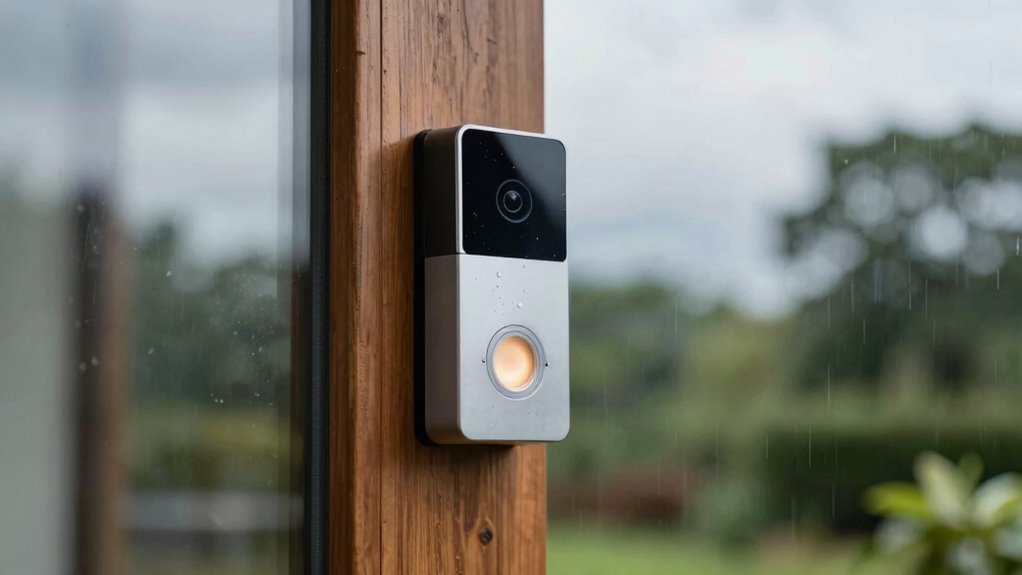
Weather and lighting conditions can considerably impact your smart doorbell’s accuracy, often triggering false alerts. Bright sunlight can cast shadows that make moving objects appear as intruders, while rain or snow can obscure the camera or cause reflections. To manage these issues:
- Adjust camera angles to minimize glare and shadows, preserving landscaping aesthetics.
- Use weather-resistant covers to protect the device during storms, reducing false triggers.
- Install lights thoughtfully to avoid backlighting or overly bright spots that confuse motion sensors.
- Position the doorbell to balance privacy concerns and visibility, ensuring it doesn’t pick up irrelevant movements like passing cars or wildlife.
- Consider sensor calibration options available on some models to fine-tune sensitivity based on your environment.
- Regularly review your smart home security settings to adapt to seasonal changes that affect detection accuracy.
Taking these steps helps your doorbell function accurately, regardless of weather or lighting, without compromising your privacy or landscaping appeal.
Update Firmware and Apps for Better Accuracy
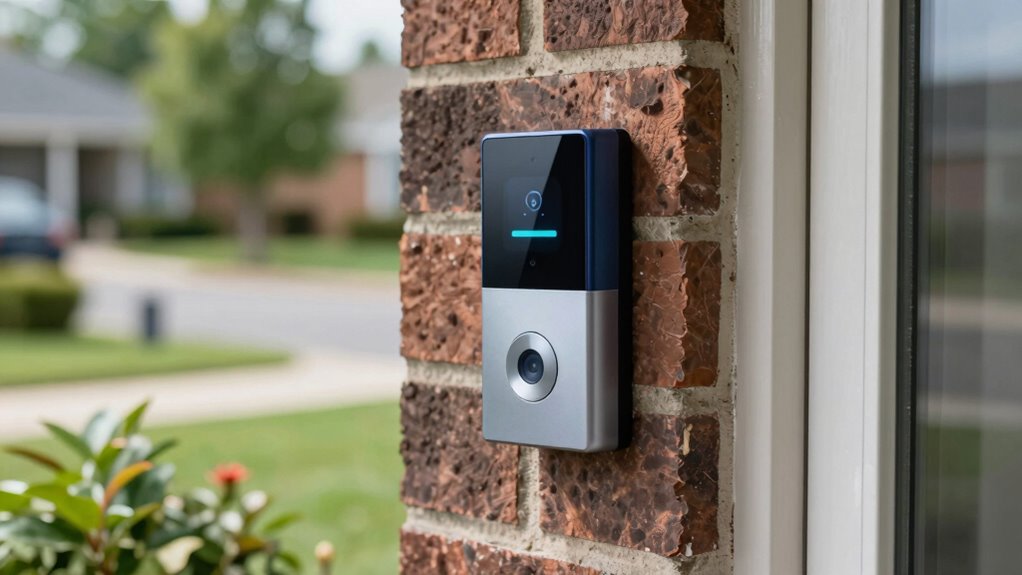
Keeping your smart doorbell’s firmware and apps up to date is essential for improving its accuracy and maintaining seamless smart home integration. Updates often include bug fixes, enhanced motion detection, and security improvements that protect user privacy. Regularly check for updates via the app or device settings. To visualize, think of the update process like this:
| Firmware Update | App Update |
|---|---|
| Improves accuracy | Adds new features |
| Fixes bugs | Enhances security |
| Supports privacy | Ensures compatibility |
Staying current guarantees your doorbell responds correctly, minimizes false alerts, and keeps your smart home secure. Updating also helps prevent conflicts, keeping your device functioning smoothly with other connected systems. Additionally, software updates play a crucial role in addressing emerging security threats to protect your privacy. Regular updates ensure your device benefits from the latest security enhancements, which are vital for safeguarding your personal information and maintaining optimal performance. Incorporating digital safety practices through timely updates is key to sustaining a reliable and secure smart home environment. Moreover, routine updates can improve motion detection accuracy, reducing unnecessary alerts and enhancing user experience. It’s also important to note that firmware updates can sometimes add compatibility with new devices or features, further enhancing your smart home ecosystem.
Troubleshooting Common Issues and When to Contact Support
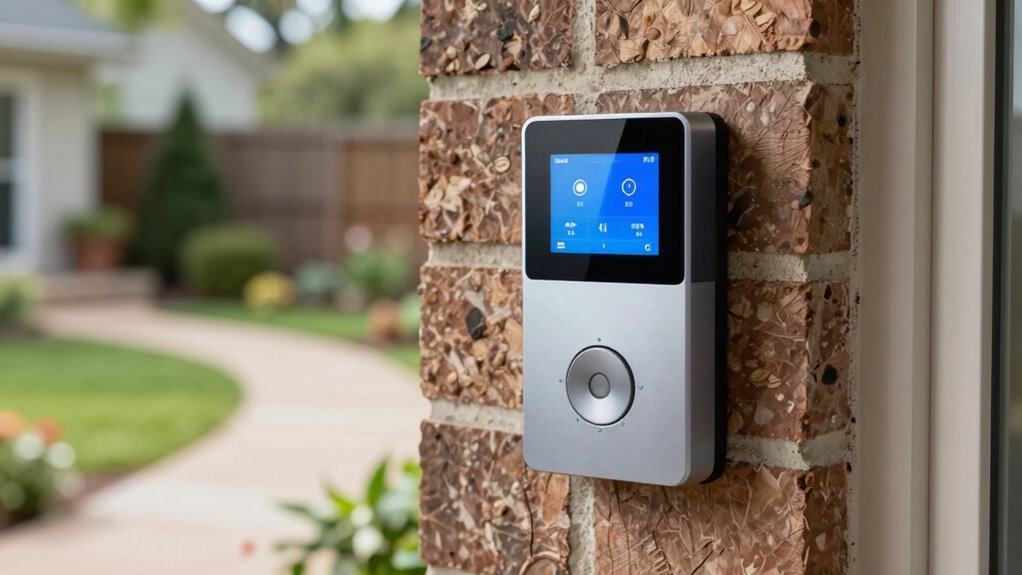
When your smart doorbell isn’t working as expected or continues to send false alerts despite troubleshooting efforts, it’s time to contemplate contacting support. Before doing so, check these key areas:
- Verify user privacy settings to ensure no privacy zones are inadvertently triggering alerts.
- Confirm device compatibility with your Wi-Fi network and smartphone system, avoiding false notifications caused by incompatible devices.
- Review motion detection zones to prevent false alerts from outside sources like passing cars or animals.
- Update firmware and app versions to ensure peak performance and security, reducing false alerts caused by outdated software.
- Additionally, consider the support breakfast options that some manufacturers offer, which may include helpful tutorials or live assistance to resolve technical issues more effectively.
- It’s also beneficial to consult manufacturer resources about common false alert scenarios and recommended adjustments, including device settings that can be fine-tuned for better accuracy.
- If issues persist after these steps, reaching out to support helps address specific problems, especially those related to device compatibility or privacy concerns that may require expert assistance.
Frequently Asked Questions
Can Changing the Doorbell’s Location Reduce False Alerts?
Yes, changing your doorbell’s location can reduce false alerts. Proper camera placement helps avoid areas prone to motion triggers, like trees or moving shadows. Also, choose a spot away from signal interference sources such as Wi-Fi routers or metal objects, to guarantee clear connectivity. By positioning your smart doorbell thoughtfully, you minimize false alerts caused by unnecessary motion detection and improve overall performance.
Do Pet-Specific Detection Settings Help Minimize False Alerts?
Did you know pet detection settings can markedly cut false alerts? When you enable pet detection, your smart doorbell recognizes animals, preventing it from triggering alerts every time your pet moves nearby. This coincidence of technology with your pet’s presence helps filter out unnecessary notifications. By customizing pet detection, you’ll stay informed about real visitors while reducing false alerts, making your doorbell smarter and more reliable.
How Do Different Weather Conditions Affect Alert Accuracy?
Weather impact can greatly affect alert accuracy on your smart doorbell. Rain, snow, fog, and strong winds may cause motion detection sensors to trigger false alerts or miss real ones. You should regularly check your device’s weather settings, confirm proper positioning, and consider weatherproofing options. Adjusting sensitivity levels during extreme weather conditions can help maintain alert accuracy and reduce unnecessary notifications, keeping your security reliable regardless of the weather.
Can Integrating Third-Party Sensors Improve False Alert Management?
Yes, integrating third-party sensors can improve false alert management. These sensors add extra layers of detection, helping your smart doorbell distinguish between real visitors and irrelevant movements like passing cars or animals. By combining data from third-party sensors with your doorbell’s alerts, you reduce false notifications and enhance accuracy. This integration guarantees you receive more relevant alerts, making your system more reliable and responsive to genuine activity around your door.
Are There Privacy Concerns With Advanced Motion Detection Features?
Yes, advanced motion detection features can raise privacy concerns because they often collect and analyze more data, increasing privacy risks. You should be aware of potential data security issues, as sensitive footage might be vulnerable to hacking. To protect yourself, review privacy policies, update firmware regularly, and choose devices with strong encryption. Being cautious helps guarantee your smart doorbell’s advanced features don’t compromise your privacy or data security.
Conclusion
By fine-tuning your smart doorbell’s settings, you can turn those annoying false alerts into reliable notifications. Imagine your doorbell’s camera as a vigilant guard, calmly distinguishing between a passing squirrel and an unwelcome visitor. With a few adjustments—setting motion zones, updating firmware, and managing weather impacts—you’ll enjoy peace of mind, knowing your doorbell’s alerts are accurate and trustworthy. Take control today and transform your smart doorbell into a vigilant, dependable sentinel for your home.
NFL season / tailgating Picks
team gear
As an affiliate, we earn on qualifying purchases.