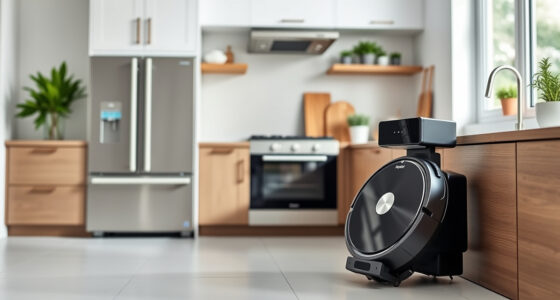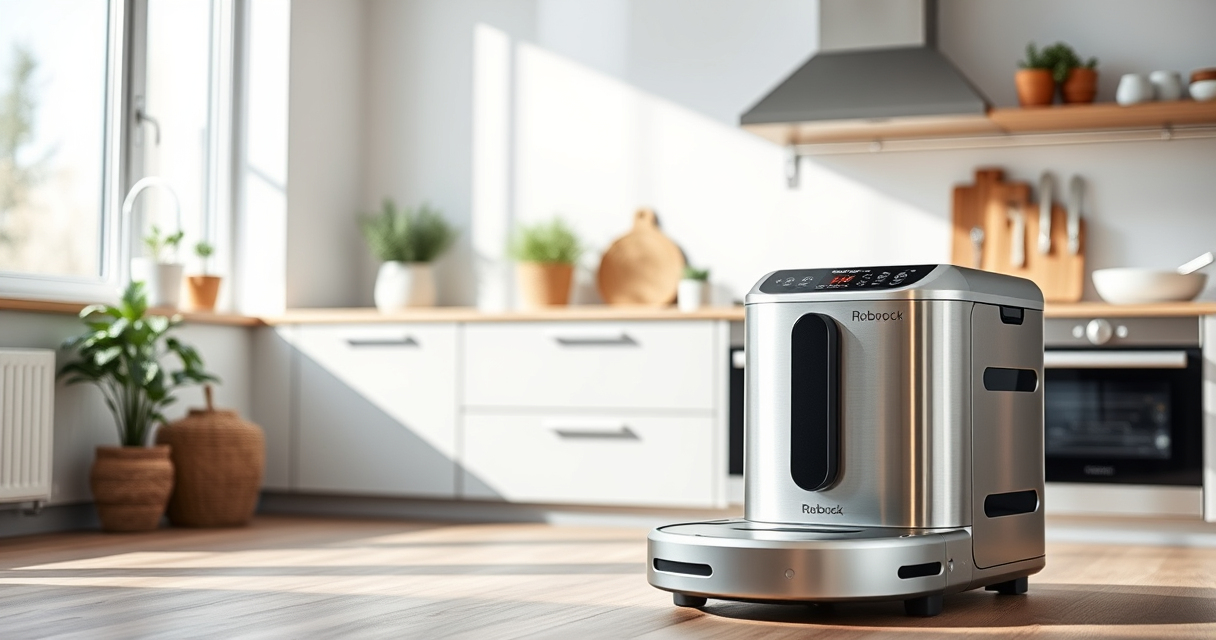
Setting up your new Roborock Q7 M5+ robot vacuum is straightforward, but following the correct steps ensures optimal performance and safety. This guide provides clear, practical instructions to get your device ready for its first clean, including initial setup, app pairing, and maintenance tips.

Get home appliances delivered free with Prime
- Fast, free delivery on millions of items
- Prime Video, Amazon Music and more included
- Member-only deals all year
Whether you’re new to robotic vacuums or upgrading from an older model, these steps will help you maximize your Roborock’s capabilities while avoiding common pitfalls.
Key Takeaways
| Easy setup | Follow simple step-by-step instructions to prepare your vacuum. |
| App control | Pair with the Roborock app for remote control and scheduling. |
| Maintenance tips | Learn how to empty, clean, and replace filters for best results. |
| Safety precautions | Ensure the area is clear of obstacles before starting. |
Unpack and Inspect Your Roborock Q7 M5+
- Carefully remove the vacuum and accessories from the packaging.
- Check that all parts, including the dust bag, main brush, and filters, are present and undamaged.
- Read the user manual for specific safety and handling instructions.
Charge Your Robot Vacuum
- Place the Roborock Q7 M5+ on its charging dock, ensuring contacts are aligned.
- Plug in the dock and wait until the indicator light shows full charge (usually 3-4 hours).
- Charge fully before initial use for best performance.
Download and Set Up the Roborock App
- Download the Roborock app from your device’s app store.
- Create an account or log in.
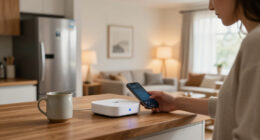
- Follow the in-app instructions to connect your robot to Wi-Fi, ensuring your phone is on 2.4GHz network for compatibility.
Pair and Configure Your Vacuum
- Ensure the robot is on the charging dock and powered on.
- Open the app and select ‘Add Device,’ then choose Roborock Q7 M5+.
- Follow prompts to connect via Bluetooth or Wi-Fi.
- Customize cleaning preferences, zones, and schedules within the app.
Initial Cleaning and Maintenance Tips
- Ensure the dust bag is properly installed in the RockDock Plus for self-emptying.
- Check that the main brush and side brushes are clean and free of hair or debris.
- Test the robot with a short cleaning cycle to confirm proper operation.
- Regularly empty the dust bag and clean filters for optimal suction.
The Products in This Guide

roborock Q7 M5+ Robot Vacuum and Mop
- ✔ Model: Q7 M5+
- ✔ Weight: Approx. 4.7 kg
- ✔ Dimensions: Approx. 35 x 35 x 9 cm

4 Pack Washable Filter
- ✔ Filter Type: HEPA
- ✔ Pack: 4
- ✔ Compatibility: Multiple Roborock models
roborock Q7 M5+ Robot Vacuum and Mop
The Roborock Q7 M5+ offers powerful suction up to 10,000Pa, a dual anti-tangle system, and up to 9 weeks of self-emptying. It’s ideal for pet owners and homes with deep carpet cleaning needs.
Pros:
- Powerful suction
- Self-emptying dust bag
- Dual anti-tangle design
- App control
Cons:
- Can be complex to initially set up
- Higher price point
- Requires regular filter cleaning
Best for: Pet owners, deep carpet cleaning, long-term maintenance
Not ideal for: Small homes or those preferring manual cleaning
Bottom line: A high-performance robot vacuum ideal for pet hair and deep cleaning with long-lasting features.
4 Pack Washable Filter
This 4-pack of washable filters ensures your Roborock Q7 M5+ maintains optimal suction and air quality, saving you money on replacements and improving cleaning results.
Pros:
- Reusable and washable
- Easy to install
- Maintains suction efficiency
- Compatible with multiple models
Cons:
- Needs regular cleaning
- Not OEM but high quality
- Limited to specific models
Best for: Long-term maintenance, allergy sufferers, cost savings
Not ideal for: Users seeking OEM parts only
Bottom line: A cost-effective, eco-friendly upgrade to keep your vacuum performing at its best.
Frequently Asked Questions
How do I reset my Roborock Q7 M5+ if it gets stuck?
Press and hold the power button for 3 seconds until the robot powers off, then restart it. You can also try removing and reinserting the main brush or clearing obstacles in its path.
Can I use the robot vacuum on all floor types?
Yes, the Roborock Q7 M5+ is designed to work on sealed floors like tile, hardwood, and stone, as well as carpets, thanks to its powerful suction and intelligent navigation.
How often should I empty the dust bag?
The self-emptying dock allows for up to 7-9 weeks of use before needing to empty the 2.7L sealed dust bag, depending on usage and pet hair levels.
Is the Roborock Q7 M5+ suitable for pet hair?
Absolutely, thanks to its 10,000Pa suction and dual anti-tangle system, it handles pet hair efficiently without clogging.
Getting Your Roborock Q7 M5+ Ready for Action
With these straightforward setup steps, your Roborock Q7 M5+ will be ready to tackle pet hair, dust, and dirt effortlessly. Remember to keep filters clean and the dust bag emptied regularly to maintain peak performance. Enjoy a cleaner, more comfortable home with your new robotic helper!
Affiliate disclosure: As an Amazon Associate we earn from qualifying purchases. Prices and availability are accurate as of the time of publishing.
Fall Picks
fall essentials
As an affiliate, we earn on qualifying purchases.