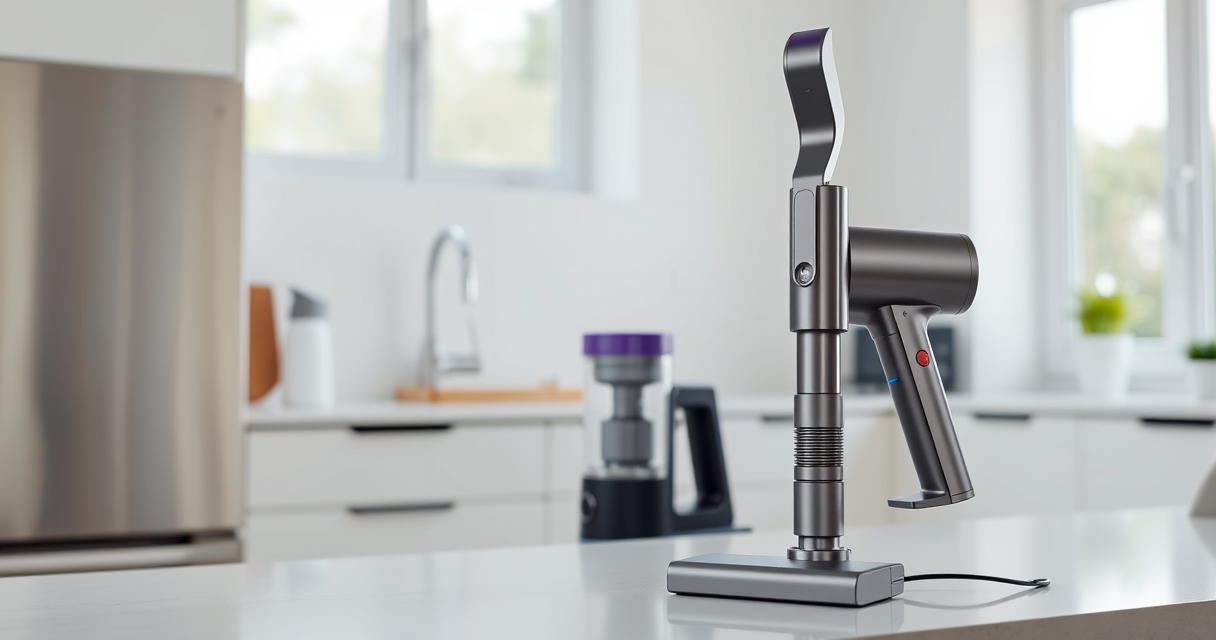

If your Dyson V15 Detect™ Origin cordless vacuum keeps losing battery power quickly, it can be frustrating. The good news is that many common issues causing rapid battery drain are fixable with simple maintenance and troubleshooting steps. This guide walks you through practical solutions to extend your vacuum’s run time and keep it performing at its best.

Get home appliances delivered free — and shop member deals
- Fast, free delivery on millions of items
- Access to Prime Big Deal Days deals on October 6–7
- Prime Video, Amazon Music and more included
Before diving into complex repairs, ensure your vacuum is properly maintained, filters are clean, and accessories are correctly attached. Regular upkeep can significantly improve battery performance and lifespan.
Key Takeaways
| Battery Health | Battery aging and wear can cause rapid drain; replacement may be needed. |
| Filter Maintenance | Dirty filters restrict airflow, forcing the motor to work harder and drain the battery faster. |
| Proper Usage | Using power modes unnecessarily or overloading the vacuum can reduce run time. |
| Accessory Checks | Clogged or incompatible attachments can impair suction and increase battery use. |
| Firmware & Software | Ensuring your vacuum’s software is up-to-date can optimize performance. |
Check and Replace the Battery if Necessary
- Turn off and unplug the vacuum, then remove the battery according to your model’s instructions.
- Inspect the battery for visible damage or swelling.
- If the battery is old or damaged, consider replacing it with a compatible replacement or contacting Dyson support.
Clean or Replace the Filters
- Remove the pre-filters and main filters from the vacuum.
- Rinse washable filters thoroughly with water, then let them air dry completely before reinstalling.
- If filters are worn out or damaged, replace them with compatible options like the 3Pack Pre Filters or Dyson V10 Filters.
Inspect and Clear Clogs or Blockages
- Check all attachments, hoses, and the cleaner head for blockages.
- Remove any debris or tangled hair that may restrict airflow.
- Ensure the filters are clean and properly seated.
Optimize Usage and Firmware
- Use the vacuum in appropriate power modes; avoid running on high power constantly if not necessary.
- Update the vacuum’s firmware via the Dyson app if applicable, to ensure optimal performance and battery management.
Additional Tips for Better Battery Life
- Avoid letting the battery fully discharge frequently; recharge before it hits very low levels.
- Store the vacuum in a cool, dry place to preserve battery health.
- Use compatible accessories like the LANMU Crevice Tool to prevent strain on the motor and battery.
The Products in This Guide

Dyson V15 Detect™ Origin Cordless Vacuum
- ✔ Product: Dyson V15 Detect
- ✔ Type: Cordless vacuum
- ✔ Color: Origin

LANMU Crevice Tool Vacuum Attachments Compatible
- ✔ Filter Type: Pre-filter
- ✔ Material: Silicone and foam
- ✔ Package Count: 3
Dyson V15 Detect™ Origin Cordless Vacuum
The Dyson V15 Detect™ Origin offers impressive cleaning power and intelligent features. However, battery performance can decline over time, requiring maintenance or replacement to keep it running efficiently.
Pros:
- Long 60-minute runtime
- Intelligent particle detection
- Powerful suction
- Multiple cleaning heads
Cons:
- Battery life declines with age
- Filters need regular cleaning
- Potentially costly replacements
Best for: Deep home cleaning and pet hair removal
Not ideal for: If battery health is poor or vacuum is frequently used at high power
Bottom line: Regular maintenance can significantly improve your Dyson V15’s battery longevity.
LANMU Crevice Tool Vacuum Attachments Compatible
Replacing filters regularly ensures your Dyson maintains peak suction and battery efficiency. The 3Pack Pre Filters are easy to clean and replace, helping your vacuum perform optimally.
Pros:
- Easy to clean
- Reusable
- Affordable
- Compatible with multiple Dyson models
Cons:
- Must be replaced every 2-3 months
- Additional filters needed over time
Best for: Maintaining filter efficiency and extending vacuum life
Not ideal for: If you prefer permanent filters or have older Dyson models
Bottom line: Keeping filters clean is key to optimal Dyson performance.
Frequently Asked Questions
How do I know if the battery needs replacing?
If your vacuum’s run time is significantly shorter than 60 minutes or it struggles to hold a charge, the battery may be worn out and require replacement.
Can I clean the filters without replacing them?
Yes, washable filters like the pre-filters can be rinsed with water, dried thoroughly, and reused to maintain suction and battery efficiency.
What should I do if my vacuum still drains quickly after cleaning filters?
Check for clogs in hoses or attachments, ensure the battery is not aged or damaged, and consider replacing the battery if it no longer holds a charge.
Is firmware update necessary?
Updating your Dyson vacuum via the Dyson app can optimize performance and improve battery management, especially if you experience issues.
Keep Your Dyson V15 in Peak Condition
Regular maintenance, including cleaning filters, inspecting the battery, and clearing blockages, can markedly prolong your Dyson V15 Detect™ Origin’s battery life. Addressing these aspects promptly ensures your vacuum remains powerful and efficient for all your cleaning needs.
Remember, if your battery continues to drain quickly despite troubleshooting, professional replacement or support from Dyson may be necessary to restore optimal performance.
Affiliate disclosure: As an Amazon Associate we earn from qualifying purchases. Prices and availability are accurate as of the time of publishing.
Fall yard work Picks
leaf blowers
As an affiliate, we earn on qualifying purchases.