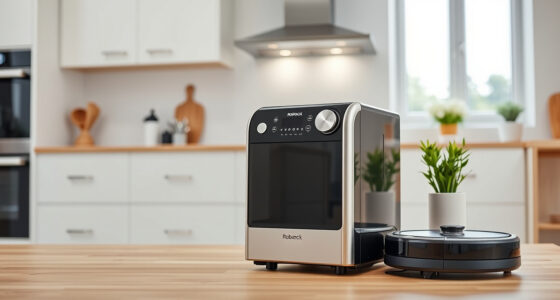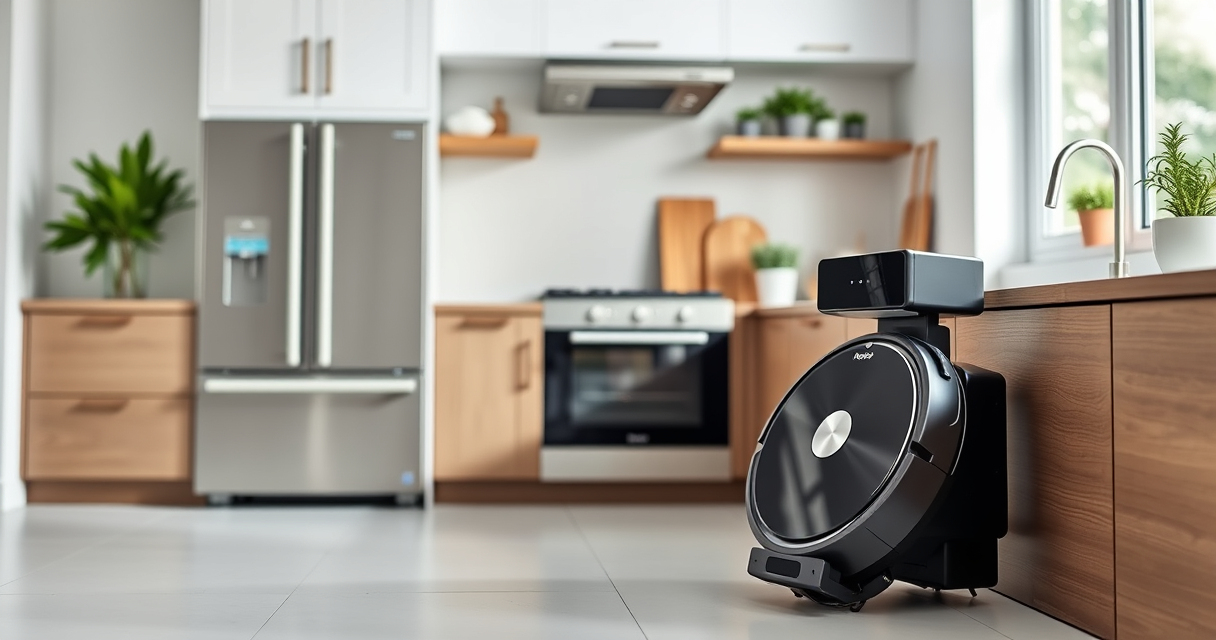
Roborock robotic vacuums, like the Q7 M5+ model, are powerful tools for maintaining a clean home. However, like any complex device, they may encounter issues over time. This guide provides clear, step-by-step troubleshooting and maintenance tips to help you keep your Roborock running smoothly. Regular care not only extends the lifespan of your device but also ensures it performs at peak efficiency, saving you time and frustration.

Get home appliances delivered free with Prime
- Fast, free delivery on millions of items
- Prime Video, Amazon Music and more included
- Member-only deals all year
Whether your robot is not charging, struggling with navigation, or missing spots, our practical advice will help you diagnose and resolve common problems safely and effectively. Additionally, we’ll cover routine maintenance routines, such as cleaning filters, brushes, and sensors, to keep your device in top condition.
Key Takeaways
| Battery & Charging | Ensure proper charging and troubleshoot power issues |
| Navigation & Sensors | Keep sensors clean for optimal navigation |
| Cleaning Components | Maintain brushes and filters regularly |
| Self-Empty & Maintenance | Check self-emptying system for blockages |
| Troubleshooting Common Issues | Follow step-by-step fixes for frequent problems |
Checking and Troubleshooting Battery & Charging
- Ensure the robot is properly aligned on the charging dock. Remove and reposition it if necessary, ensuring contacts are clean and free of debris.
- Inspect the charging cable and power outlet. Test with another device to confirm power supply is working.
- If the robot still won’t charge, reset the charging port by gently cleaning the contacts with a dry, soft cloth.
- Perform a soft reset of the robot via the app or manual reset button, then reconnect to the charger and observe if charging resumes.
- If issues persist, consider replacing the charging dock or contacting support for further diagnosis.
Maintaining Navigation and Sensors
- Regularly clean the PreciSense LiDAR sensor with a dry microfiber cloth to prevent dust buildup that can impair navigation.
- Inspect side and bumper sensors for dirt or obstructions. Use a soft brush or cloth to gently clean these areas.
- Ensure the robot’s underside is free of hair, string, or debris that could interfere with sensor operation or movement.
- Update the firmware via the app to ensure your robot has the latest navigation improvements and bug fixes.
- For best results, perform a calibration reset through the app if navigation issues persist after cleaning.
Cleaning and Replacing Brushes, Filters, and Mop Pads
- Remove the main brush and side brushes periodically. Clear tangled hair and debris, and wash the brushes with water if recommended by the manufacturer.
- Replace the washable filter every 1-3 months for optimal filtration, or if you notice reduced suction or visible dirt accumulation.
- Check the mop pads for wear and replace them as needed. Reusable microfiber mop pads are washable and should be cleaned after each use.
- Ensure all components are dry before reassembling to prevent mold or mildew growth.
- Use genuine replacement parts or compatible accessories to maintain performance and avoid damage.
Managing the Self-Emptying System and Blockages
The 2.7L sealed dust bag in the Roborock Q7 M5+ allows for up to 7-9 weeks of maintenance-free cleaning. However, occasional checks are essential:
- Open the RockDock Plus and remove the dust bag to inspect for fullness or blockages.
- Clear any debris from the dust port and vacuum inlet to prevent suction loss.
- Ensure the self-emptying system’s sensors are clean for proper operation.
- If the robot indicates a full dust bag but it isn’t, reset the system via the app or power cycle.
- Regularly replace or wash mop pads and filters to prevent dirt from entering the system and causing jams.
Common Troubleshooting Tips & Safety Warnings
- Always turn off and unplug the robot before performing maintenance to avoid injury or damage.
- If the robot stops mid-clean or reports errors, check for obstructions in wheels, brushes, or sensors.
- Do not use harsh chemicals or abrasive tools on sensors or components.
- For persistent issues, consult the user manual or contact Roborock support.
- Keep small parts away from children during maintenance.
The Products in This Guide

roborock Q7 M5+ Robot Vacuum and Mop
- ✔ Suction Power: 10000Pa
- ✔ Dust Capacity: 2.7L
- ✔ Battery Life: Extended

4 Pack Washable Filter
- ✔ Pack Size: 4 filters
- ✔ Material: HEPA
- ✔ Compatibility: Multiple Roborock models
roborock Q7 M5+ Robot Vacuum and Mop
The Roborock Q7 M5+ offers impressive suction power of 10000Pa, a self-emptying dust system, and advanced navigation, making it a top choice for pet hair and deep cleaning. Regular maintenance ensures it keeps performing at its best.
Pros:
- Up to 7-9 weeks of unattended cleaning
- Strong 10000Pa suction power
- Dual anti-tangle system for pet hair
- PreciSense LiDAR navigation
- App control for easy operation
Cons:
- Initial setup can be complex
- Self-emptying dock may require occasional cleaning
- Filter replacements needed over time
Best for: Pet owners and busy households seeking reliable, long-term cleaning
Not ideal for: Homes with very uneven flooring or multiple floor types requiring manual adjustments
Bottom line: A high-performance robot vacuum that combines power, convenience, and minimal maintenance for busy homes.
4 Pack Washable Filter
This 4-pack of washable HEPA filters ensures your Roborock maintains strong suction and air quality. Easy to install and clean, they are a cost-effective way to extend your device’s lifespan.
Pros:
- Compatible with multiple Roborock models
- Washable and reusable
- Maintains high filtration efficiency
- Simple to install
Cons:
- Filters need replacement every 1-3 months
- Not OEM, but compatible
- Cannot be used with older models like Q5 or S series
Best for: Users seeking affordable, effective filtration maintenance
Not ideal for: Owners of incompatible models or seeking OEM parts
Bottom line: A reliable, cost-effective upgrade for maintaining your Roborock’s filtration system.
Frequently Asked Questions
How often should I clean the sensors on my Roborock?
It’s best to clean the sensors weekly with a dry microfiber cloth to prevent dust buildup that can impair navigation and obstacle detection.
What should I do if my Roborock is not charging?
First, ensure the robot is properly positioned on the dock and contacts are clean. Check the power outlet and cable, and try resetting the robot. If the problem persists, inspect the charging contacts for damage or debris.
How do I replace the filter on my Roborock?
Remove the dustbin and take out the current filter. Clean it if washable, or replace it with a new one, ensuring it fits snugly back into place. Refer to your model’s manual for detailed instructions.
Can I use third-party mop pads with my Roborock?
Yes, compatible microfiber mop pads like the VIEWALL 6 Pack can be used, provided they fit your model. Always check compatibility before purchasing.
What should I do if my Roborock is making strange noises?
Turn off the robot and inspect the brushes, wheels, and sensors for tangles or debris. Clean thoroughly and reassemble. If noise persists, contact support for further diagnosis.
Keeping Your Roborock in Top Shape for Peak Performance
Regular maintenance and troubleshooting are key to ensuring your Roborock Q7 M5+ continues to deliver powerful cleaning. By following these step-by-step tips, you can resolve common issues safely and efficiently, extending your device’s lifespan and maintaining a clean home with minimal hassle. Remember, routine checks of filters, brushes, sensors, and the self-emptying system will help prevent major problems and keep your robotic vacuum running smoothly for years to come.
Affiliate disclosure: As an Amazon Associate we earn from qualifying purchases. Prices and availability are accurate as of the time of publishing.
NFL season / tailgating Picks
team gear
As an affiliate, we earn on qualifying purchases.