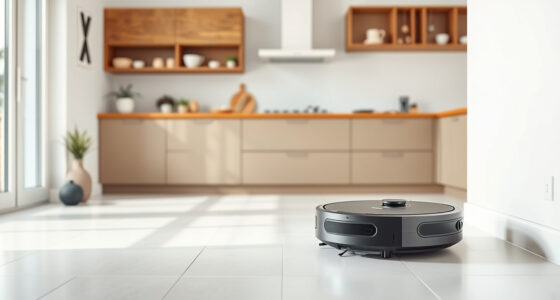
If your Roborock Q10 S5+ isn’t mopping as expected, it can be frustrating. This guide helps you identify common causes and provides clear, safe steps to restore your robot’s mopping function, ensuring your floors stay spotless.

Get home appliances delivered free with Prime
- Fast, free delivery on millions of items
- Prime Video, Amazon Music and more included
- Member-only deals all year
From checking water tanks to inspecting hardware, these practical fixes are based on the product’s features and verified troubleshooting tips.
Key Takeaways
| Common Issue | Mopping function not activating |
| Initial Check | Ensure water tank and mop pad are properly installed |
| Hardware Inspection | Check for blockages or damage in the mopping system |
| Settings Adjustment | Verify mopping mode is enabled in app |
| Regular Maintenance | Keep mop pads and water tanks clean for best performance |
Verify Water Tank and Mop Pad Installation
- Ensure the water tank is filled and securely inserted into the robot. The tank should click into place, indicating proper seating.
- Check that the mop pad is correctly attached to the robot’s bottom. It should be flat, snug, and not wrinkled or loose.
- Confirm there are no obstructions or dirt blocking the water outlet or mop area.
Check Mopping Settings in the App
- Open the Roborock app and navigate to your robot’s control panel.
- Ensure the mopping mode is activated and set to the desired level.
- Verify that no restrictions are set for mopping in specific zones or schedules.
- Update firmware if needed, as software glitches can disable mopping functions.
Inspect Hardware and Clean Components
- Remove the mop pad and water tank, then clean any debris or build-up that may block water flow.
- Check the water outlet and tube for clogs or damages.
- Inspect the brushes and wheels for tangles or dirt that might interfere with movement or water distribution.
Reset and Test the Mopping Function
- Perform a soft reset of the robot via the app or power button.
- Reinstall the water tank and mop pad, ensuring correct placement.
- Start a cleaning cycle with mopping enabled to see if the issue persists.
Replace or Upgrade Components if Needed
If problems continue, consider replacing worn parts such as the mop pads or water tank. Using high-quality accessories can improve performance and longevity.
The Products in This Guide

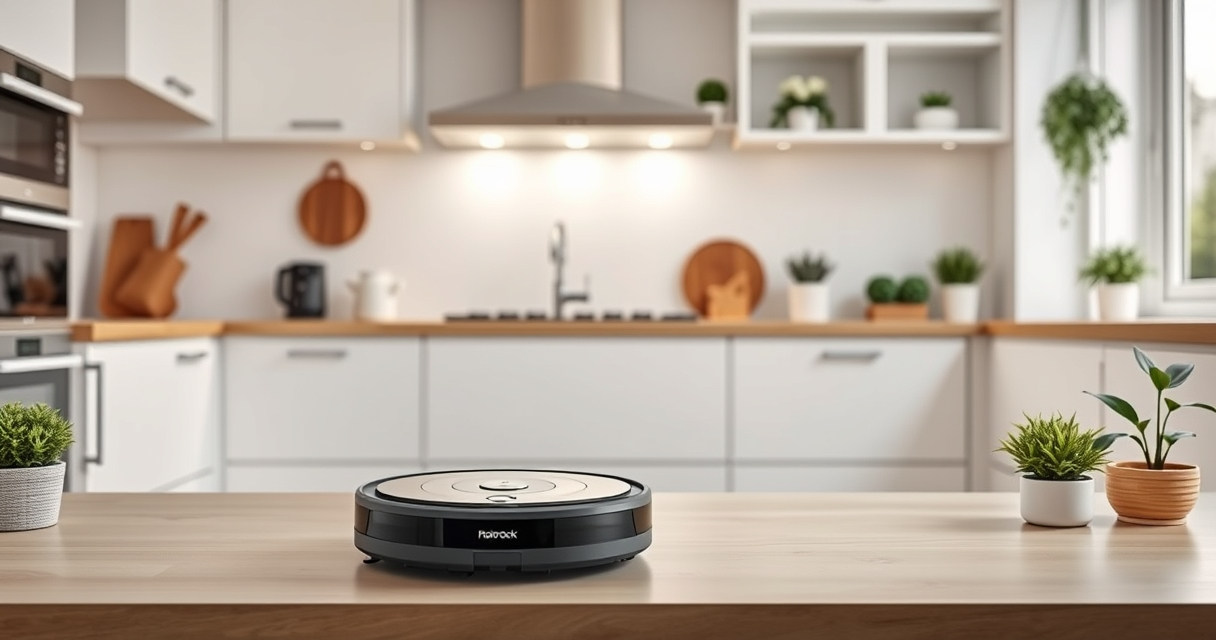
roborock Q10 S5+ Robot Vacuum and Mop
- ✔ Color: Black
- ✔ Weight: Approx 11 lbs
- ✔ Dimensions: 13.8 x 13.8 x 3.8 inches

4 Pack Washable Filter
- ✔ Material: HEPA
- ✔ Washable: Yes
- ✔ Pack: 4
roborock Q10 S5+ Robot Vacuum and Mop
<p>The Roborock Q10 S5+ offers impressive 10,000 Pa suction, obstacle avoidance, sonic mopping, and a self-emptying station. Its dual anti-tangle design and auto mop lifting make it a reliable choice for busy households.</p>
Pros:
- Powerful 10,000 Pa suction
- 70 days of maintenance-free cleaning
- Self-emptying station
- Obstacle avoidance
Cons:
- Higher price point
- Requires regular filter maintenance
- Mopping depends on proper setup
Best for: Pet owners and busy households seeking comprehensive cleaning
Not ideal for: Users seeking a budget-friendly vacuum without mopping
Bottom line: A powerful, high-tech robot ideal for comprehensive cleaning needs.
4 Pack Washable Filter
<p>This 4-pack washable HEPA filter set is compatible with various Roborock models, including the Q7 series and Q5 Pro. It ensures your vacuum maintains strong suction and air quality.</p>
Pros:
- Effective filtration
- Reusable and washable
- Compatible with multiple models
- Easy to install
Cons:
- Replacement needed every few months
- Not OEM but quality comparable
- Requires cleaning for optimal performance
Best for: Maintaining peak filtration efficiency and reducing ongoing costs
Not ideal for: Users seeking OEM parts or specific model compatibility outside listed ones
Bottom line: A cost-effective way to keep your vacuum’s filtration at its best.
Frequently Asked Questions
Why isn’t my Roborock mopping properly?
Check if the water tank and mop pad are correctly installed, the mopping mode is enabled in the app, and there are no blockages or damages in the mopping system.
How often should I replace the mop pads?
It’s recommended to replace the mop pads every 1 to 3 months, or sooner if they show signs of wear or reduced cleaning effectiveness.
Can I use third-party filters or accessories?
Yes, but ensure they are compatible and of good quality to avoid damaging your vacuum or reducing performance.
What maintenance does the water tank require?
Regularly clean the water tank and water outlet to prevent clogs, mold, or bacteria buildup, especially if you use the mopping feature frequently.
Keep Your Roborock Mopping Smooth and Efficient
By following these troubleshooting steps, you can resolve most issues with your Roborock Q10 S5+ not mopping. Regular maintenance, proper setup, and timely component replacements will ensure your robot continues to deliver spotless floors. Enjoy the convenience of automated cleaning with confidence!
Affiliate disclosure: As an Amazon Associate we earn from qualifying purchases. Prices and availability are accurate as of the time of publishing.
Cold & flu season Picks
humidifiers
As an affiliate, we earn on qualifying purchases.