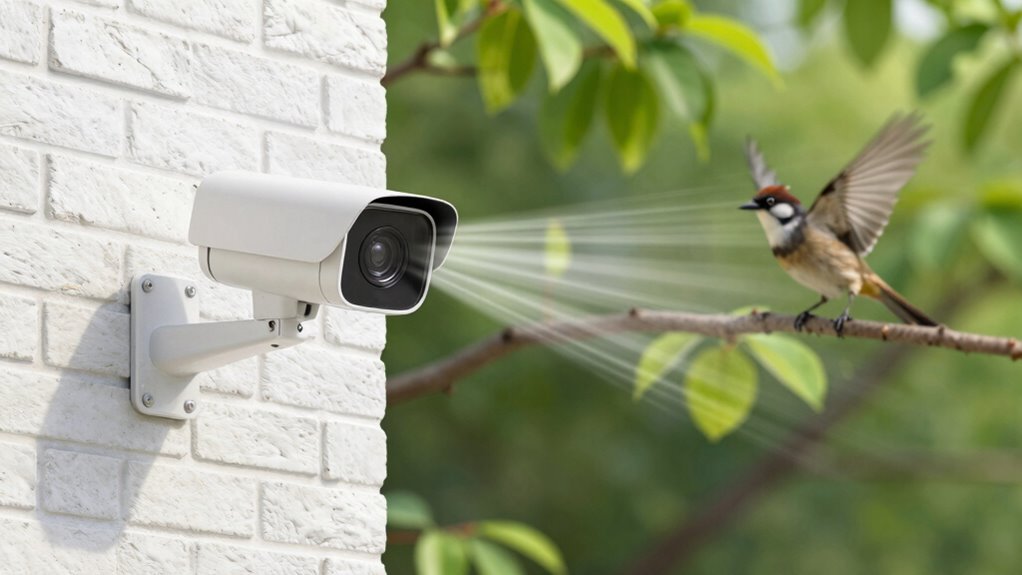
To add motion alerts without false alarms, start by placing your cameras carefully, avoiding areas with moving trees, shadows, or changing light sources. Adjust sensitivity settings to find a balance that detects genuine activity but ignores minor movements. Use motion zones to exclude irrelevant spots and enable pet-friendly modes if needed. Incorporate AI features for smarter detection. Regularly test and fine-tune your setup to guarantee reliable alerts—more tips can help you optimize your system further.

Get home appliances delivered free with Prime
- Fast, free delivery on millions of items
- Prime Video, Amazon Music and more included
- Member-only deals all year
Key Takeaways
- Adjust motion detection sensitivity and set specific detection zones to minimize triggers from irrelevant areas.
- Use advanced AI or smart filtering features to distinguish between genuine threats and environmental movements.
- Properly position cameras away from moving objects, reflective surfaces, or changing lighting to reduce false alerts.
- Regularly update firmware and calibrate sensors for optimal detection accuracy.
- Test and refine alert settings periodically based on environmental changes and activity patterns.
motion detection security camera
As an affiliate, we earn on qualifying purchases.
As an affiliate, we earn on qualifying purchases.
Why False Motion Alerts Can Compromise Your Home Security

False motion alerts can substantially weaken your home security system by creating unnecessary alarms and desensitizing you to genuine threats. When your security camera brands frequently send false alerts, you may start ignoring alerts altogether, leaving your home vulnerable. This issue is especially common in smart home automation setups where motion sensors are integrated with other devices, increasing the chances of false triggers. If you don’t address these false alarms, you risk missing real intrusions or emergencies. False alerts also undermine your trust in your security system, making you less likely to respond quickly when it matters most. Choosing reputable security camera brands and properly configuring your home automation can markedly reduce false motion alerts, ensuring your system works effectively and keeps your home safe. Additionally, understanding the technology behind motion detection can help you optimize your system settings and minimize false alarms. Being aware of sensor placement and environmental factors can further improve detection accuracy and reduce false triggers. Properly calibrating your system settings based on environmental conditions is essential for reliable alerts, especially when considering the sensor sensitivity and its impact on false positives.
home security camera with adjustable sensitivity
As an affiliate, we earn on qualifying purchases.
As an affiliate, we earn on qualifying purchases.
What Causes False Motion Alerts in Home Security Systems
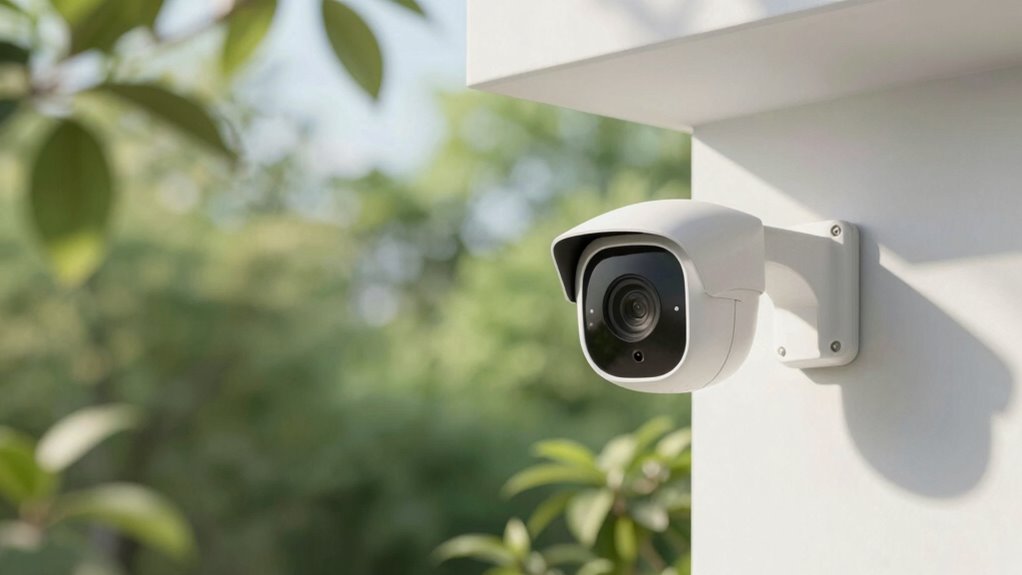
False motion alerts often happen because environmental factors like moving trees, shadows, or sunlight reflections set off your system. Camera placement also plays a role; if your cameras are too sensitive or positioned incorrectly, they may pick up harmless movement. Understanding these causes helps you reduce unnecessary alerts and improve your system’s accuracy. Additionally, living a faith-filled life encourages patience and trust as you work to fine-tune your security system. Being aware of precious metal investment options, like those offered by Noble Gold and other providers, can also remind you to stay patient and confident as you adjust your system for better performance. Recognizing environmental factors that influence motion detection, including watt-hours and capacity considerations in your system’s setup, can help you make smarter adjustments to your camera settings. Proper camera placement and understanding sensor sensitivity are critical for minimizing false alarms and ensuring reliable alerts.
Environmental Factors Triggering Alerts
Have you ever wondered why your home security system keeps triggering alerts even when nothing seems wrong? Environmental factors often cause false alarms. For example, outdoor lighting can flicker or change suddenly due to passing clouds or faulty bulbs, mimicking motion detection. Landscaping design also plays a role; plants swaying in the wind or trees moving can activate sensors unexpectedly. Shadows cast by trees or porch lights at different times of day can trick motion detectors into thinking there’s movement. To reduce false alerts, adjust your outdoor lighting to minimize flickering, and consider trimming or repositioning landscaping that causes unnecessary motion. Proper sensor placement can also significantly reduce false alerts caused by environmental triggers, especially when considering sensor sensitivity adjustments. Additionally, familiarizing yourself with environmental triggers can help you anticipate and mitigate potential false alarms before they occur. Being aware of lighting conditions, such as the angle and brightness of outdoor lights, helps in optimizing system settings to prevent misfires.
Camera Placement Issues
Proper camera placement plays a significant role in minimizing unnecessary motion alerts. If your camera is positioned near windows or in areas with changing lighting conditions, it can trigger false alarms due to shadows or reflections. Avoid mounting cameras where direct sunlight hits the lens or in spots with frequent lighting changes, such as near outdoor lights or moving curtains. Additionally, placing cameras too close to trees, moving objects, or areas with high foot traffic can cause constant alerts. Confirm your camera’s field of view is clear of obstructions and positioned at the right height to monitor key entry points. Proper camera positioning and lighting adjustments are essential for optimal performance. Being mindful of lighting conditions can greatly reduce false alarms and improve overall security system accuracy.
pet-friendly motion sensor camera
As an affiliate, we earn on qualifying purchases.
As an affiliate, we earn on qualifying purchases.
How to Choose Motion Detection Technology That Minimizes False Alarms
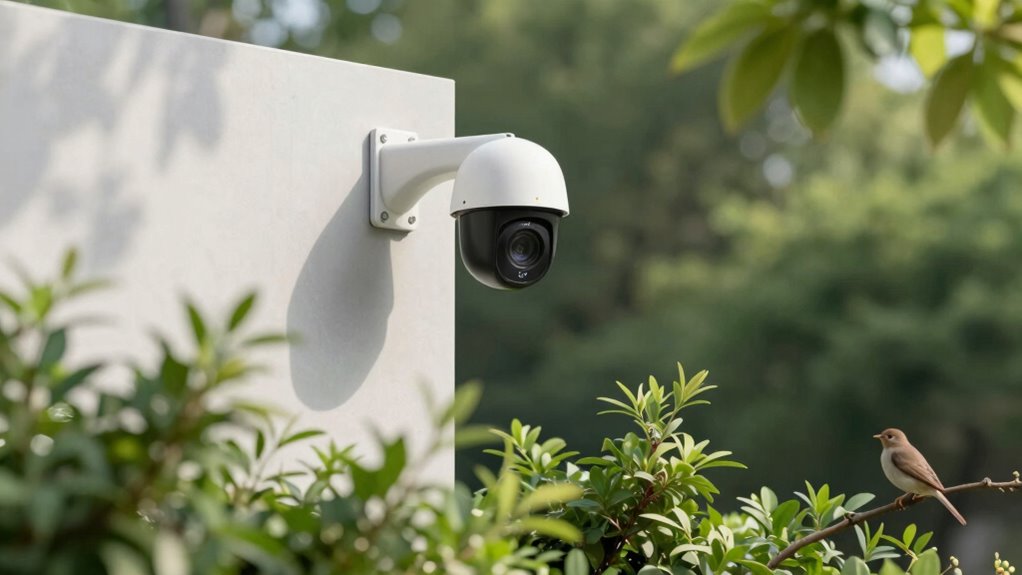
Choosing the right motion detection technology is essential if you want to reduce false alarms and guarantee your alerts are dependable. Your goal is to select a system that accurately detects genuine motion without triggering on pets, shadows, or passing cars. Focus on understanding different motion sensor types, such as passive infrared (PIR), microwave, and dual-technology sensors, which combine both methods for better accuracy. Additionally, pay attention to detection algorithm options—some systems use advanced AI to distinguish humans from other movement. Consider features like customizable sensitivity settings and smart filtering. These tools help you minimize false alarms by refining what triggers alerts, ensuring you only get notified about real threats. Properly choosing your technology makes all the difference in reliable, hassle-free monitoring.
security camera with customizable detection zones
As an affiliate, we earn on qualifying purchases.
As an affiliate, we earn on qualifying purchases.
How to Set Up Motion Zones to Reduce Unwanted Alerts
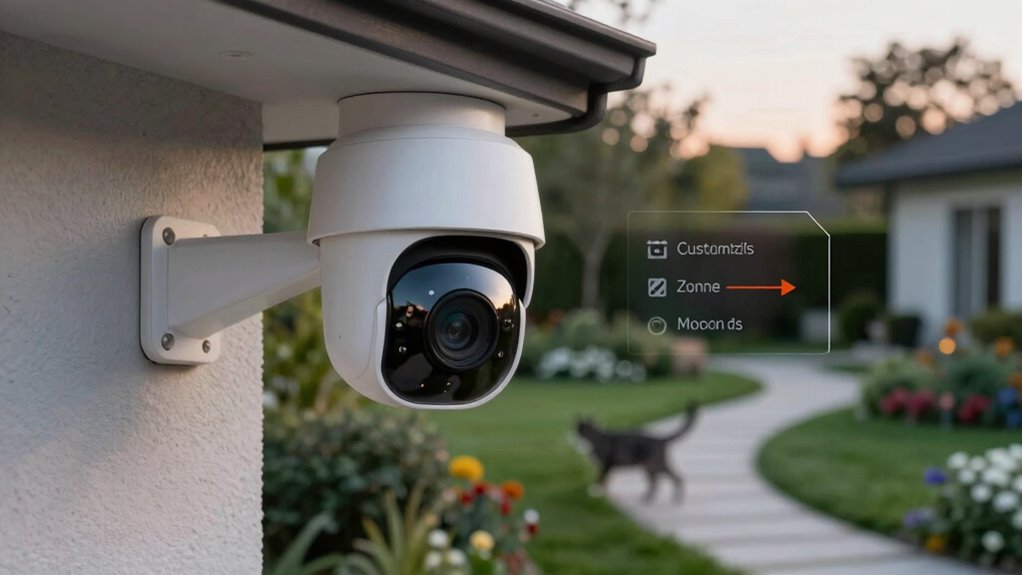
You can reduce false alarms by defining specific detection areas on your camera and excluding irrelevant zones. Adjust the sensitivity settings within those areas to fine-tune how much motion triggers alerts. This targeted approach helps guarantee you only get notified about what truly matters.
Define Specific Detection Areas
Setting up motion zones is essential for minimizing false alarms, especially in areas with frequent movement like trees or busy streets. Carefully define specific detection areas to focus your motion sensor calibration on critical zones, reducing unnecessary alerts. Use your camera’s app or software to draw precise boundaries that exclude irrelevant motion, such as passing cars or animals. This helps prevent triggering alarm notification settings unnecessarily. Remember, fine-tuning your zones can notably improve detection accuracy. Properly set zones also make it easier to distinguish real threats from false positives. By customizing these areas, you ensure your system responds only to genuine motion, saving you from constant false alarms and unnecessary alerts. Small adjustments here make a big difference in effective security. Proper zone calibration is a crucial step in optimizing your security system’s performance. Additionally, regularly reviewing and updating your detection zones can help adapt to changing environments and maintain reliable alerts.
Adjust Zone Sensitivity Settings
Have you noticed that even with well-defined zones, your camera still triggers false alarms? Adjusting zone sensitivity settings can help reduce this. Start with zone calibration to guarantee your detection area accurately covers what matters. Then, tweak sensitivity adjustment sliders; lower sensitivity for areas prone to movement like trees or shadows, and increase it for critical zones.
| Zone Type | Sensitivity Level | Notes |
|---|---|---|
| Entrance Area | High | Detects visitors effectively |
| Garden | Low | Avoids false triggers from wind |
| Driveway | Medium | Balances detection and false alarms |
Proper sensitivity adjustment fine-tunes motion detection, helping you minimize false alerts.
Adjusting Sensitivity Settings for Accurate Motion Detection
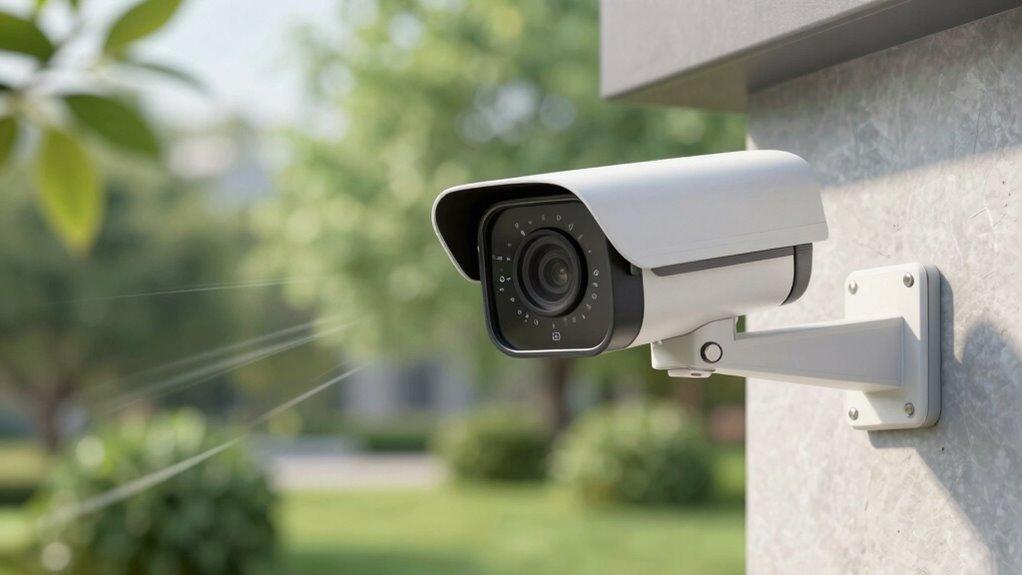
Adjusting sensitivity settings is essential for ensuring your motion alerts are accurate and reliable. Different motion sensor types and detection algorithms respond uniquely to movement, so fine-tuning sensitivity helps minimize false alarms. Start by testing various sensitivity levels until you find a balance that detects genuine motion without triggering on minor disturbances. Keep in mind that some sensors are more sensitive than others, influencing how you set thresholds. Adjusting these settings allows your system to better recognize real threats while ignoring irrelevant movements.
- Understand your motion sensor type for tailored sensitivity adjustments
- Experiment with detection algorithms’ settings for ideal results
- Use real-world tests to calibrate sensitivity levels
- Avoid setting sensitivity too high, which can cause false alarms
Setting Up Pet-Friendly Motion Detection
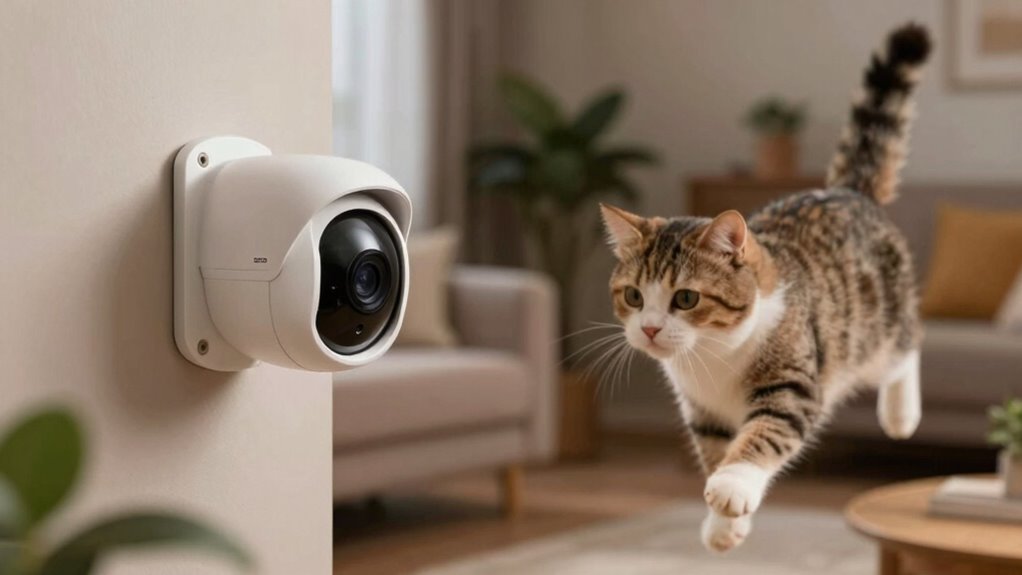
After fine-tuning your motion sensor’s sensitivity, it’s important to take into account how pets moving around your property can trigger false alarms. To address this, consider using pet friendly cameras with animal motion detection features. These cameras are designed to differentiate between human and animal movement, reducing unwanted alerts. Position your cameras at heights and angles that minimize pet activity in critical zones. Adjust the camera’s detection zones to exclude areas where pets frequently roam. Some pet friendly cameras allow you to set specific zones or activity filters, making it easier to ignore pet movement. Additionally, implementing leash etiquette and training your pet to stay within designated areas can further reduce false alarms caused by pet activity. Proper placement can significantly enhance the effectiveness of your pet-friendly motion detection setup. Incorporating animal behavior patterns into your camera placement can also help improve detection accuracy and reliability. Understanding animal motion detection technology enables you to fine-tune your system for better performance, ensuring fewer false alarms. By combining animal motion detection with strategic camera placement, you create a more reliable system that alerts you only when truly necessary, avoiding false alarms caused by your furry friends.
Using AI and Smart Detection Features to Improve Alert Accuracy
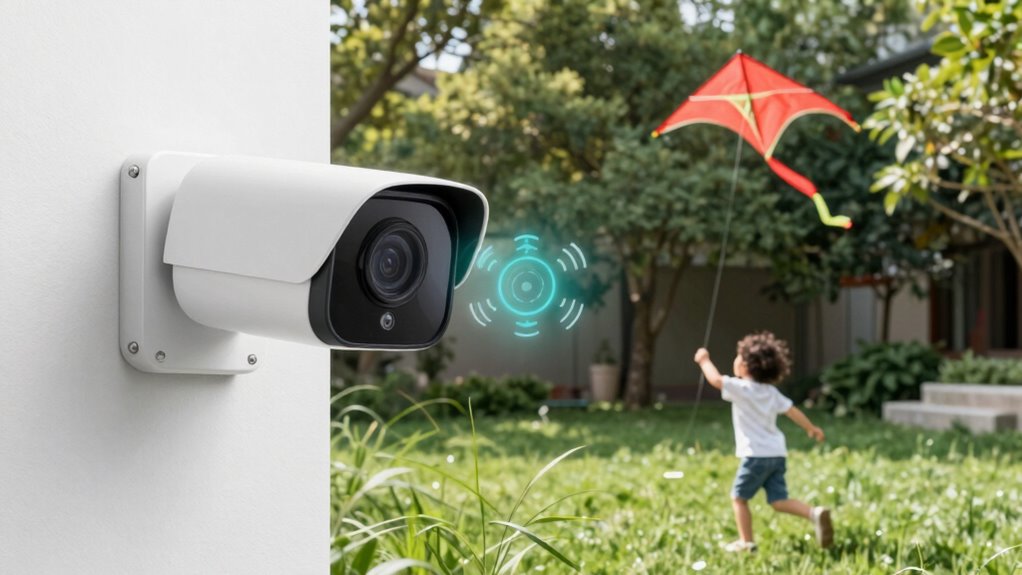
Leveraging AI and smart detection features can profoundly enhance the accuracy of your motion alerts. AI integration allows your system to distinguish between real threats and benign movements, reducing false alarms. Smart detection uses algorithms to analyze motion patterns, identifying humans, animals, or vehicles more reliably. Incorporating automotive performance parts knowledge can also help tailor detection settings for specific environments or vehicle-related activities. To maximize effectiveness, consider:
AI and smart detection improve motion alert accuracy by reducing false alarms and accurately identifying humans, animals, or vehicles.
- Customizing detection zones to focus on critical areas
- Enabling AI-based object recognition for precise alerts
- Adjusting sensitivity settings based on activity levels
- Using activity logs to review and refine detection parameters
Understanding regulatory and environmental considerations can also ensure your detection system complies with local standards and adapts to environmental factors that may affect accuracy. Additionally, considering water system efficiency principles can help optimize your setup for overall performance and sustainability.
Maintain and Test Your Security System Regularly
Regularly maintaining and testing your security system is essential to guarantee it functions properly when you need it most. Schedule routine checks to confirm all sensors, cameras, and alarms are working correctly. This is especially important for systems integrated with home automation, where seamless connectivity relies on stable Internet connectivity. Test your system’s response by triggering different sensors and confirming alerts are sent promptly. Keep firmware and app software updated to prevent glitches. Regular testing helps identify potential issues early, reducing false alarms caused by malfunctioning components. Also, verify that your home automation setup operates smoothly, ensuring smart devices communicate effectively with your security system. Consistent maintenance keeps your system reliable, providing peace of mind and ideal protection.
Troubleshoot Persistent False Alarms and Fine-Tune Your Setup
Even with proper maintenance and testing, false alarms can still occur, often caused by sensor misalignment, environmental factors, or software glitches. To troubleshoot persistent false alarms, start by reviewing your home automation setup and ensuring sensors are correctly positioned. Adjust the sensitivity settings to prevent minor movements from triggering alerts. Use video analysis features to better distinguish between real threats and harmless activity, reducing false triggers. Check for environmental causes like moving shadows, pets, or outdoor foliage that may set off alarms. Regularly update firmware and software to fix glitches that could cause false alerts. Consider integrating smart zones or motion zones to focus detection areas. Fine-tuning these elements helps create a reliable system that minimizes false alarms while maintaining security.
Frequently Asked Questions
Can Weather Conditions Affect Motion Sensor Accuracy?
Yes, weather interference can affect your motion sensor’s accuracy, especially during heavy rain, snow, or strong winds. These conditions may trigger false alarms or reduce sensitivity. To prevent this, guarantee proper sensor calibration, adjusting its placement and sensitivity settings. Regularly check for weather-related obstructions or damage, and consider weather-resistant models for better performance in harsh conditions, maintaining reliable alerts regardless of weather changes.
How Do I Prevent Alerts From Moving Shadows?
To prevent alerts from moving shadows, start by identifying shadow interference during different times of day. You can then make lighting adjustments, such as installing softer, indirect lights or repositioning your camera to avoid direct sunlight. Brightening dark areas or using motion detection zones helps focus alerts on genuine motion. These steps reduce shadow-related false alarms, ensuring your alerts are accurate and only notify you of real activity.
Are There Specific Devices Better for Detecting Small Pets?
Yes, some pet-friendly sensors and compact detection devices are better at detecting small pets. Look for sensors with adjustable sensitivity settings to prevent false alarms caused by tiny movements. Compact detection devices that use infrared or ultrasonic technology are often more effective for small pets, as they can distinguish between human and pet movement. Choosing the right device guarantees you get accurate alerts without constant false alarms.
How Does Camera Placement Impact False Alarm Frequency?
Did you know improper camera placement can reduce false alarms by up to 60%? Your camera angles and sensor sensitivity directly impact alarm accuracy. Position your camera to cover high-traffic areas without obstructing views or focusing on small pets. Adjust sensor sensitivity to prevent minor movements from triggering alerts. Proper placement guarantees that motion alerts are relevant, minimizing false alarms and keeping your notifications trustworthy and timely.
Can Software Updates Improve Motion Detection Reliability?
Yes, software updates can improve motion detection reliability. They often include software calibration, which fine-tunes camera sensitivity and reduces false alarms. Firmware enhancements also optimize the camera’s algorithms, making motion detection more accurate. Regularly updating your device guarantees you benefit from these improvements, helping you distinguish true motion from irrelevant movements. Keep your firmware current to maintain the best performance and minimize false alerts effectively.
Conclusion
To keep your home secure without false alarms, regularly fine-tune your system’s settings and use advanced detection features. Did you know that properly adjusted motion sensors can reduce false alerts by up to 90%? Staying proactive with maintenance and smart technology guarantees you’re alerted only when it truly matters. By following these tips, you’ll enjoy peace of mind and a more reliable security setup, keeping your home safe and your notifications accurate.
Halloween Picks
halloween
As an affiliate, we earn on qualifying purchases.