
To reduce false alerts from your motion sensors, start by properly placing them away from heat sources, vents, and reflective surfaces. Adjust the sensitivity settings so they’re neither too high nor too low, and regularly test and calibrate the sensors after environmental changes. Keep the area clear of obstructions like furniture or curtains, and control environmental factors like pets, sunlight, and drafts. If you want expert tips on fine-tuning your system, keep exploring.

Get home appliances delivered free with Prime
- Fast, free delivery on millions of items
- Prime Video, Amazon Music and more included
- Member-only deals all year
Key Takeaways
- Adjust sensor sensitivity settings to balance detection accuracy and minimize triggers from minor movements.
- Properly position sensors away from heat sources, drafts, reflective surfaces, and moving objects.
- Regularly calibrate sensors after environmental changes or power fluctuations to maintain optimal performance.
- Manage environmental factors like sunlight, pets, and indoor air quality to prevent false alarms.
- Conduct routine testing and firmware updates to ensure sensor reliability and reduce false alerts.
motion sensor alarm sensitivity adjustment
As an affiliate, we earn on qualifying purchases.
As an affiliate, we earn on qualifying purchases.
Why False Alarms Undermine Your Home Security
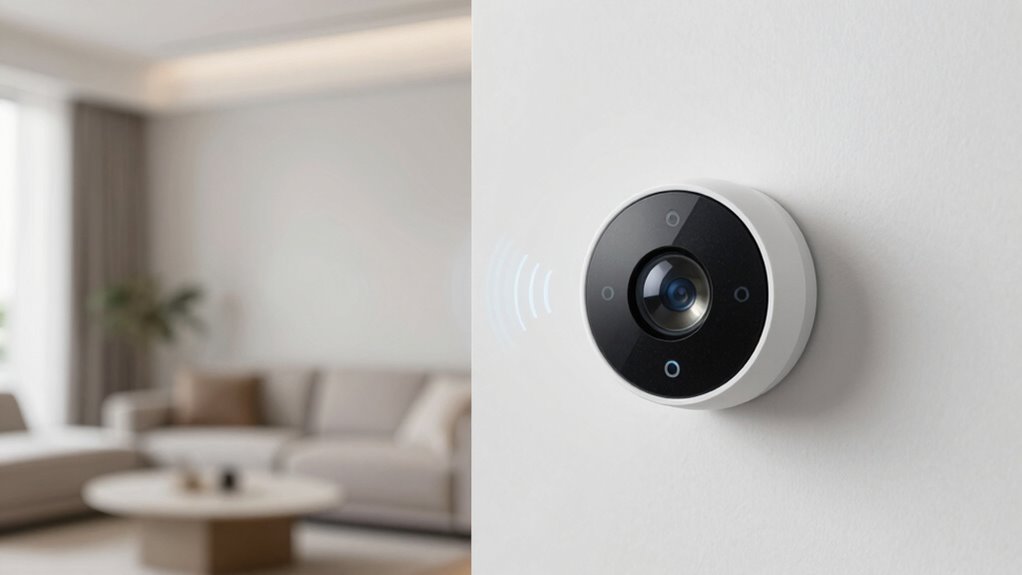
False alarms can profoundly weaken your home security system by causing unnecessary stress and reducing your trust in its reliability. When your system frequently alerts without real threats, you might start ignoring alerts altogether, leaving your home vulnerable. False alarms also diminish the effectiveness of smart home integration, as false triggers can disrupt automation routines and create confusion. Additionally, they often lead to costly security system upgrades or unnecessary service calls, which can be frustrating and inefficient. Over time, persistent false alarms make it harder to distinguish genuine threats, undermining your confidence in your security measures. To maintain an effective defense, it’s important to fine-tune your sensors and verify they’re properly calibrated, reducing false alarms and keeping your system dependable. Proper sensor calibration plays a crucial role in minimizing false triggers and ensuring your system responds accurately to real threats. Incorporating advanced detection technologies can further improve the accuracy of your security setup and reduce false alarms. Regular system maintenance can also help identify potential issues before they cause false alerts, maintaining overall system reliability. Additionally, understanding sensor placement can help optimize detection and prevent false triggers caused by environmental factors.
As an affiliate, we earn on qualifying purchases.
What Causes False Motion Sensor Alerts
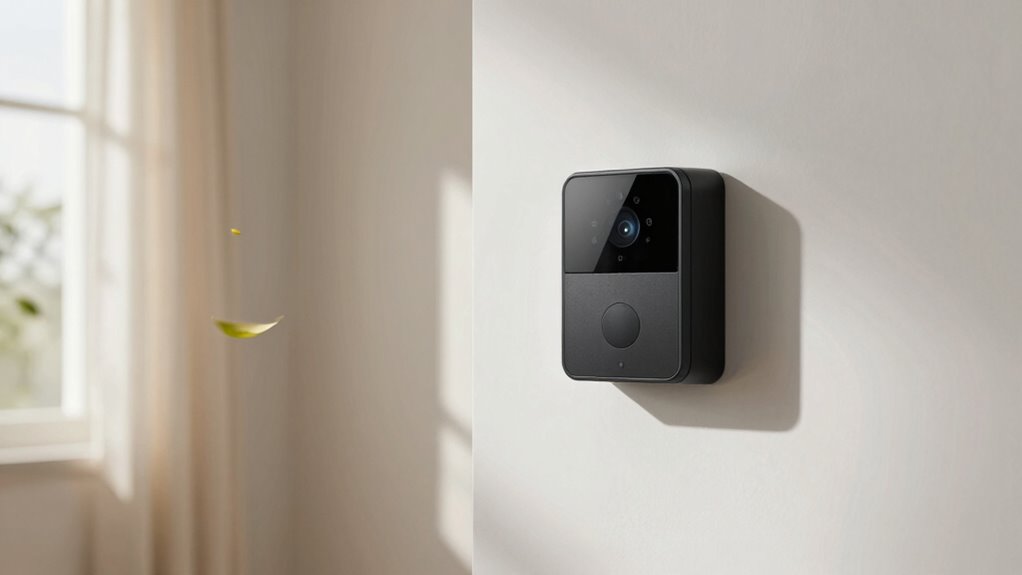
False alerts often happen when environmental changes, like moving shadows or pets, activate your sensor. Poor placement can also cause triggers from outside influences or obstructions. Additionally, an inconsistent power supply may make your sensor too sensitive or unresponsive. Choosing a reputable system provider, such as those reviewed in the Gold IRA Markets, can help ensure reliable and accurate motion detection. Being aware of ethical considerations in consumer choices can also guide you in selecting systems that prioritize privacy and responsible technology use. Proper system installation techniques can further minimize false triggers and improve overall performance, especially when understanding the importance of sensor sensitivity and calibration.
Environmental Changes Triggering Sensors
Have you ever wondered why your motion sensor alarm goes off unexpectedly? Environmental changes often trigger false alerts, and understanding these factors helps. Poor sensor calibration can cause the system to misinterpret harmless movements or shadows as threats. Signal interference from nearby electronics or wireless devices can disrupt sensor accuracy, leading to false alarms. Common environmental triggers include:
- Moving curtains or blinds caused by drafts
- Sunlight reflecting off shiny surfaces
- Wireless signals interfering with sensor communication
To reduce these issues, regularly calibrate your sensors and keep electronic devices away from the sensor’s line of sight. Minimizing reflective surfaces and controlling lighting conditions also helps. Additionally, understanding how sensor placement impacts detection accuracy can prevent many false alerts. Proper placement involves considering environmental factors such as lighting, obstructions, and sensor sensitivity, which directly affect sensor performance. Being aware of sensor calibration techniques can further enhance detection reliability. Addressing environmental factors guarantees your motion sensor functions accurately, reducing false alerts and improving security.
Faulty Sensor Placement
Proper sensor placement plays a crucial role in preventing unnecessary alarms. If your sensor is installed too close to heat sources, vents, or reflective surfaces, it might misinterpret environmental changes as motion, leading to false alarms. Faulty placement can also hinder proper sensor calibration, causing the alarm system to generate unwanted notifications. Make certain the sensor is positioned in a way that covers the desired area without being triggered by pets, passing cars, or trees swaying outside. Regularly check the sensor’s field of view and adjust its angle if needed. Proper placement minimizes false alerts and guarantees that when motion genuinely occurs, it triggers the alarm notification promptly. Understanding how environmental factors influence sensor behavior can help you optimize your sensor setup for more accurate detection. Factors like sensor sensitivity and environmental interference should also be considered to improve reliability. Additionally, consulting sensor specifications can provide guidance on ideal placement and settings for your specific model to further reduce false alerts. Being aware of environmental interference sources can help you identify potential causes of false alarms and adjust accordingly.
Inconsistent Power Supply
Ever wonder why your motion sensor keeps triggering unexpectedly? Inconsistent power supply can be the culprit. Fluctuations in power can cause false alerts by disrupting sensor calibration and reducing battery lifespan. When power isn’t steady, sensors may misinterpret electrical noise as motion. You might notice:
- Shortened battery lifespan due to frequent power surges
- Inaccurate sensor calibration, leading to false triggers
- Power fluctuations from loose connections or unstable outlets
- Environmental factors, such as dust or microplastics, can also interfere with sensor performance and accuracy.
- Ensuring proper cable management can help prevent electrical disturbances that contribute to power inconsistencies.
To fix this, guarantee your sensor is plugged into a stable power source, and replace batteries regularly. Confirm that the sensor calibration is accurate after power interruptions. Additionally, monitoring dust and microplastics in your environment can help identify other factors that may interfere with sensor performance. Addressing power stability issues helps maintain sensor reliability and reduces false alarms caused by inconsistent power supply. Proper installation and maintenance of your sensors also play a crucial role in preventing false alerts.
wireless motion detector calibration
As an affiliate, we earn on qualifying purchases.
As an affiliate, we earn on qualifying purchases.
How to Adjust Your Motion Sensors for Better Accuracy
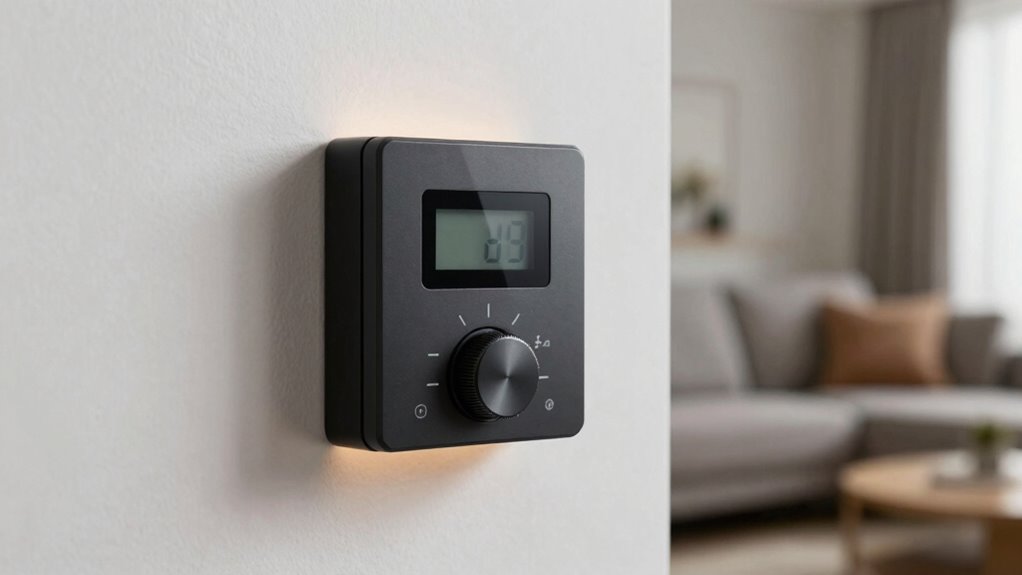
To guarantee your motion sensors respond accurately, start by positioning them correctly and adjusting their sensitivity settings. Proper sensor calibration ensures they detect movement efficiently without false alerts. Begin by testing the sensor’s response to typical activity, then tweak sensitivity levels accordingly—higher sensitivity detects small movements, while lower sensitivity reduces false alarms. Be mindful of signal interference from nearby electronic devices or reflective surfaces, which can disrupt sensor readings. If you notice inconsistent responses, recalibrate the sensor or relocate it to minimize interference. Regular calibration helps maintain peak performance, especially after changes in the environment. Additionally, selecting high-quality household products can enhance overall sensor performance and durability. Ensuring your sensors are well-maintained and free from environmental obstacles is also crucial for reliable operation. Paying attention to indoor air quality and humidity levels can also reduce environmental factors that might interfere with sensor accuracy. Monitoring environmental conditions and adjusting for air quality can significantly improve sensor responsiveness and reduce false alarms.
As an affiliate, we earn on qualifying purchases.
Placing Sensors Properly to Prevent False Alarms
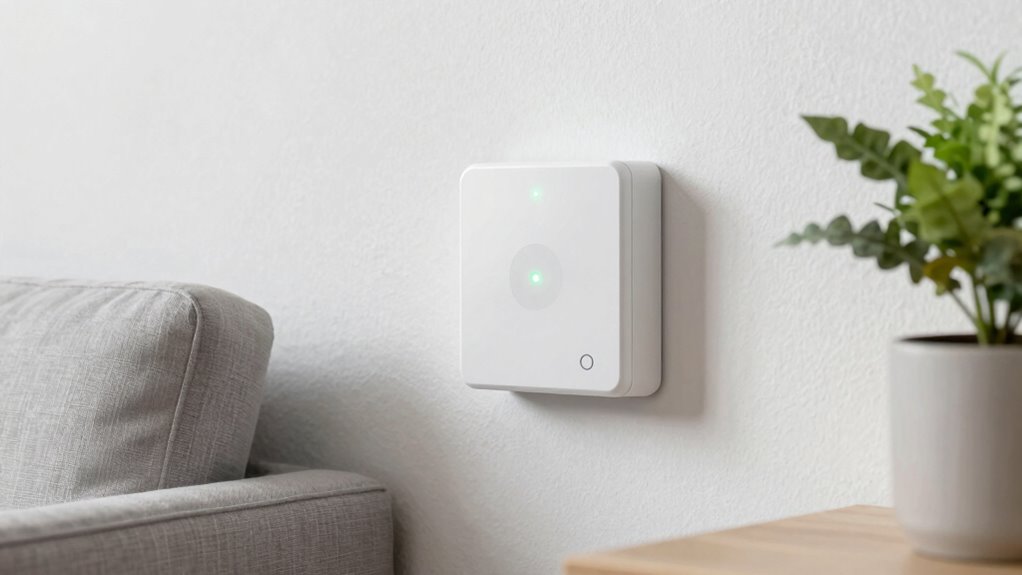
Placing sensors in the right locations is essential for preventing false alarms. Proper sensor placement reduces unwanted triggers and ensures reliable detection. Start by avoiding high-traffic areas or places with moving objects unrelated to security. Use calibration techniques to fine-tune sensitivity, preventing minor movements from triggering alerts. Consider these key points:
- Sensor placement: Position sensors at appropriate heights and angles to cover critical entry points without overlooking key areas.
- Avoid obstructions: Keep sensors clear of furniture, curtains, or objects that might block the sensor’s view.
- Test and adjust: Regularly test sensor responses and refine calibration settings to minimize false alerts.
Controlling Environmental Factors That Trigger False Alarms
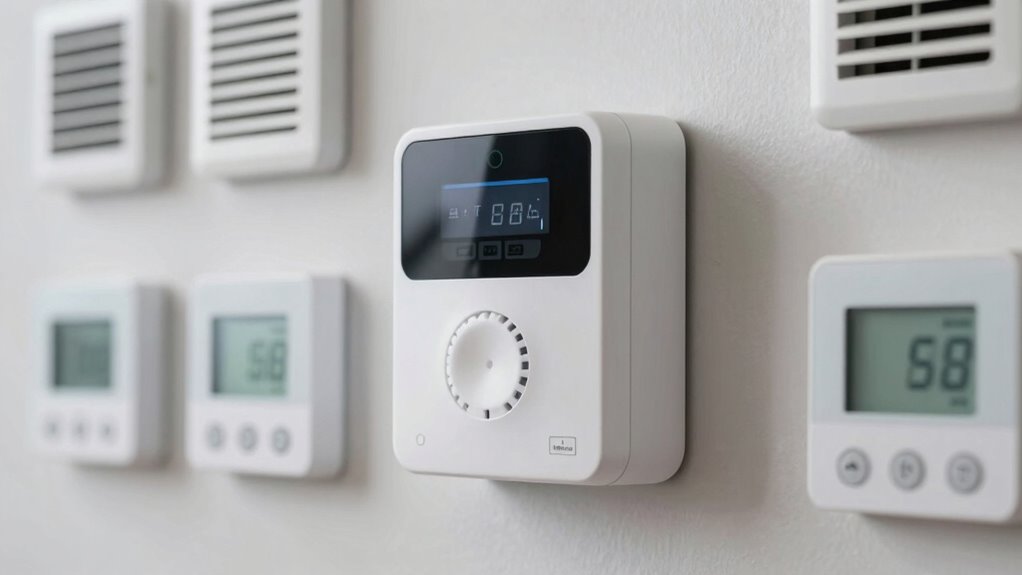
Environmental factors can profoundly impact sensor performance, often leading to false alarms if not properly managed. To reduce these issues, you should adjust sensor sensitivity levels based on your environment. If a sensor is too sensitive, it may pick up minor movements or heat changes caused by wind, sunlight, or pets, triggering false alerts. Proper alarm calibration helps fine-tune the sensor’s response, ensuring it only reacts to genuine activity. Cover or block sources of heat or drafts that can cause false triggers. Keep sensors away from direct sunlight or moving objects that can mimic motion. Regularly reviewing and adjusting sensitivity settings and alarm calibration helps maintain reliable performance and minimizes false alarms caused by environmental factors.
Maintaining and Testing Your Sensors for Optimal Performance
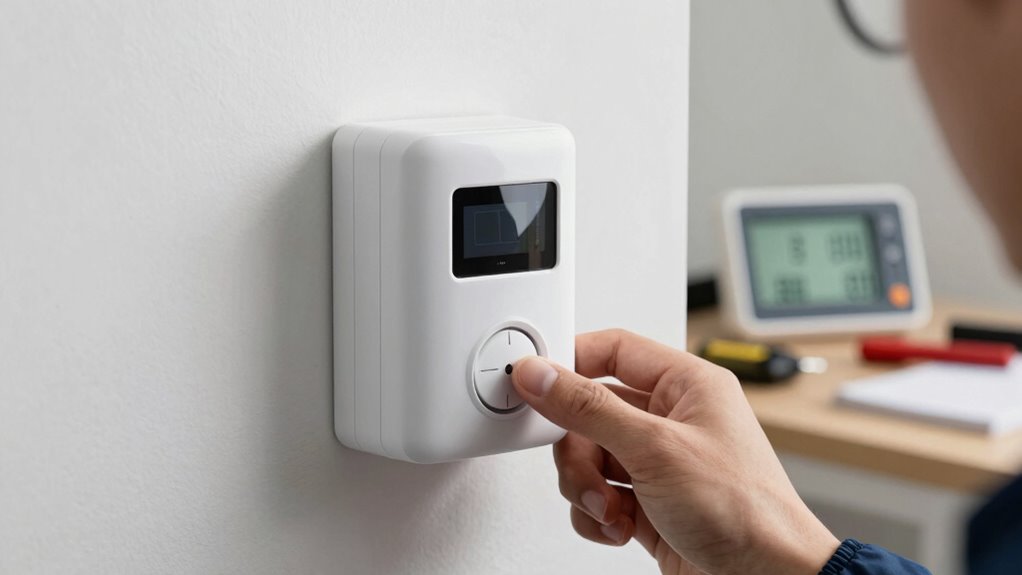
Regularly maintaining and testing your sensors is essential to guarantee they function correctly and provide reliable security. Start by checking sensor calibration to ensure detection zones are precise, reducing false alarms. Keep firmware updated to improve performance and fix bugs. Perform routine tests to verify sensors respond appropriately to motion, adjusting placement as needed.
Regularly test and calibrate sensors, update firmware, and adjust placement to ensure reliable security and optimal performance.
- Calibrate sensors periodically to maintain detection accuracy
- Install firmware updates to enhance features and security
- Test sensors regularly to confirm proper operation and identify issues early
Frequently Asked Questions
Can Weather Changes Affect My Motion Sensor’s Accuracy?
Yes, weather changes can affect your motion sensor’s accuracy. Cold, heat, rain, or snow may cause false alerts if the sensor sensitivity isn’t properly adjusted. Regular calibration frequency helps guarantee your sensor responds accurately despite weather shifts. You should check and adjust the sensitivity settings after significant weather changes to maintain reliable detection and minimize false alarms, keeping your alarm system effective and trustworthy.
Are There Specific Sensor Types Less Prone to False Alerts?
Some sensor types, like dual-technology sensors combining PIR and microwave, are less prone to false alerts because they require two detection methods to activate. You can improve accuracy by adjusting sensor sensitivity and employing strategic placement strategies, such as avoiding direct sunlight or heat sources. These sensors are ideal if you’re concerned about false alarms, as they minimize triggers caused by environmental factors or minor movements.
How Often Should I Recalibrate My Motion Sensors?
You should recalibrate your motion sensors every 6 to 12 months, depending on sensor placement and environmental changes. Regular calibration guarantees accurate detection and minimizes false alerts. If you notice inconsistent sensor responses or increased false alarms, it’s time for recalibration. Keep an eye on environmental factors, like new furniture or lighting changes, which can affect sensor performance. Consistent calibration maintains reliable security and reduces unnecessary alerts.
Do Pets Trigger False Alarms on All Sensor Types?
Pets can set off false alarms, especially if your sensors are overly sensitive like a nervous cat. To prevent this, tweak pet sensitivity settings and focus on strategic sensor placement—avoid pointing sensors at pet pathways or windows where they frequently pass. This way, your alarm system becomes a vigilant guardian, not a mischievous ghost, ensuring false alerts stay at bay while keeping your home secure.
What Is the Ideal Height to Install Motion Sensors?
The ideal height for installing motion sensors is typically 6 to 8 feet, following proper sensor placement and installation guidelines. This height guarantees maximum detection and minimizes false alarms caused by pets or moving objects. Position sensors in areas with clear lines of sight and avoid obstructions like furniture or curtains. Proper placement helps you get reliable alerts and enhances your security system’s effectiveness.
Conclusion
By tuning your motion sensors carefully, you can substantially reduce false alarms and strengthen your home security. Proper placement, environmental control, and regular maintenance are key. Some experts suggest that sensors calibrated to respond only to specific motion patterns may also help, aligning with the theory that targeted detection minimizes false triggers. Taking these steps not only improves accuracy but also gives you peace of mind, knowing your system is both reliable and efficient.
Halloween Picks
halloween
As an affiliate, we earn on qualifying purchases.