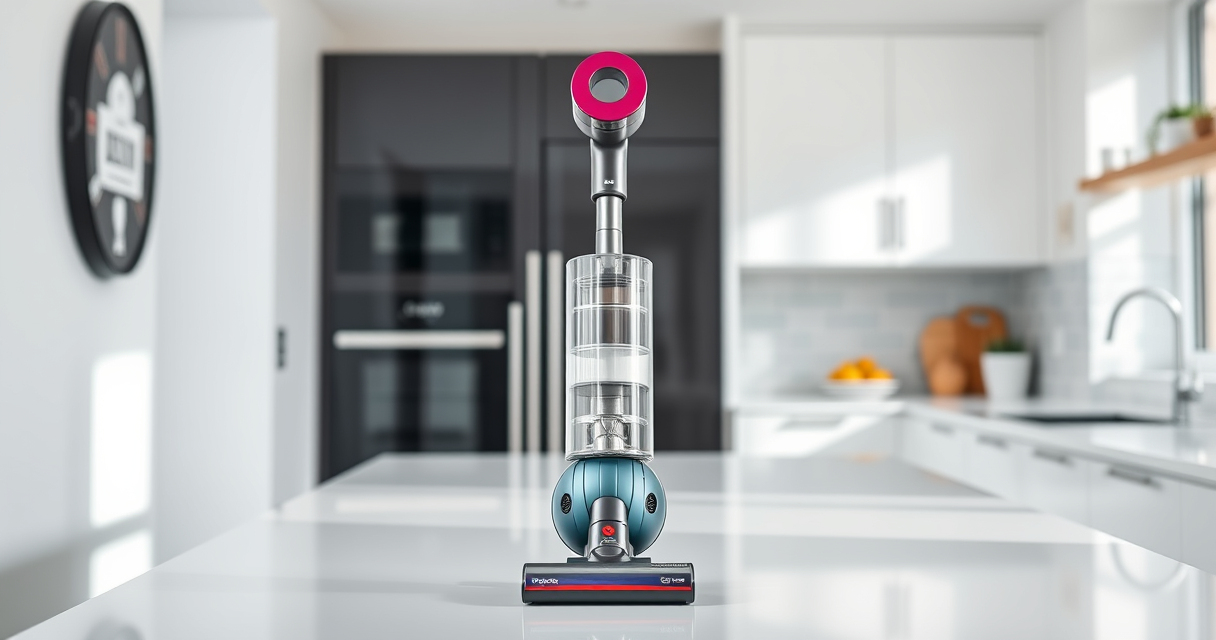
If your Dyson V15 Detect™ Origin Cordless Vacuum is losing battery life quickly, it can be frustrating. This guide walks you through common causes and step-by-step solutions to help restore optimal performance. Proper maintenance and understanding of your vacuum’s components are key to prolonging battery life and ensuring effective cleaning.

Get home appliances delivered free with Prime
- Fast, free delivery on millions of items
- Prime Video, Amazon Music and more included
- Member-only deals all year
Follow these practical troubleshooting steps safely, and consider replacing filters or accessories if needed to maximize run time and efficiency.
Key Takeaways
| Battery Age | Older batteries tend to lose capacity and may need replacement. |
| Filters & Clogs | Dirty filters or blockages reduce battery efficiency. |
| Charging Habits | Using incompatible chargers or improper charging can degrade the battery. |
| Usage Patterns | High power modes and continuous use drain the battery faster. |
| Maintenance Checks | Regularly clean filters and check for debris to maintain performance. |
Identify the Cause of Battery Deterioration
First, determine if the battery is aging or if a different issue is affecting run time. Check the LCD screen for maintenance alerts or low battery warnings. Consider how long you’ve been using the vacuum and whether the battery is from the original purchase or a replacement.
Ensure Proper Charging Practices
- Use the original Dyson charger and avoid third-party chargers that may not provide correct voltage.
- Charge the vacuum fully in a cool, dry place without interruptions.
- Allow the battery to discharge completely once every few months to maintain health, then recharge fully.
Replace or Clean Filters
Dirty filters can cause the vacuum to work harder, draining the battery faster. Remove the pre-filters and filters, rinse them with water, and let them dry completely before reinstalling. Consider replacing filters if they are worn out.
Check for Blockages and Debris
- Inspect the cleaner heads and wand for blockages.
- Remove debris from the brush bars and nozzles.
- Clear any obstructions that may impede airflow and reduce cleaning efficiency.
Replace the Battery if Necessary
If your vacuum is old or has undergone many charge cycles, the battery may need replacement. Consult Dyson’s official parts or authorized service centers for compatible batteries to ensure safety and performance.
The Products in This Guide

Dyson V15 Detect™ Origin Cordless Vacuum
- ✔ Model: V15 Detect™ Origin
- ✔ Filter Type: Pre-filter and HEPA
- ✔ Color: Nickel/Gold

LANMU Crevice Tool Vacuum Attachments Compatible
- ✔ Attachment Type: Crevice nozzle
- ✔ Use Case: Edges, car seats, corners
- ✔ Material: Plastic
Dyson V15 Detect™ Origin Cordless Vacuum
The Dyson V15 Detect™ Origin offers excellent cleaning performance with intelligent features like debris detection and real-time particle count. Its battery typically provides up to 60 minutes of run time, but aging can reduce this efficiency.
Pros:
- Powerful suction
- Intelligent debris detection
- Long battery life
- Multiple cleaning heads
Cons:
- Battery life may decline over time
- Filter maintenance required
- Higher price point
Best for: Whole-home deep cleaning, pet owners, hard floors
Not ideal for: Heavy use with no maintenance, older models without filter replacements
Bottom line: Regular maintenance and proper charging extend your Dyson V15 battery life.
LANMU Crevice Tool Vacuum Attachments Compatible
The LANMU Crevice Tool Vacuum Attachments are compatible with Dyson V15 and other models, making it easier to reach tight corners and narrow spaces. Its slim, flexible design enhances cleaning precision in difficult areas.
Pros:
- Narrow nozzle for tight spots
- Compatible with multiple Dyson models
- Easy to maneuver
- Durable construction
Cons:
- May not fit older Dyson models
- Additional attachment needed for full cleaning kit
Best for: Cleaning corners, car interiors, and tricky edges
Not ideal for: Large debris removal or heavy-duty cleaning
Bottom line: A versatile tool that enhances your Dyson’s cleaning reach.
Frequently Asked Questions
How often should I replace my Dyson filters?
It is recommended to replace filters every 2-3 months, or sooner if they appear damaged or excessively dirty, to maintain optimal suction and battery efficiency.
Can I upgrade my Dyson V15 battery?
Dyson recommends using only genuine replacement batteries from authorized sources to ensure safety and compatibility. Consult Dyson support for upgrade options.
What should I do if my vacuum still loses battery power after cleaning and maintenance?
If cleaning filters and checking for blockages doesn’t improve run time, the battery itself may be aging and require replacement. Contact Dyson service centers for assistance.
Is it safe to remove the battery for maintenance?
Yes, but only if your model allows it and you follow safety procedures. Always disconnect from power, wait for the battery to cool, and handle with care.
Maximize Your Dyson’s Battery Life with Proper Care
By understanding the common causes of battery decline and following proper maintenance practices, you can extend the life of your Dyson V15 Detect™ Origin Cordless Vacuum. Regularly cleaning filters, using correct chargers, and replacing aging batteries will keep your vacuum performing at its best for years to come.
Remember, if your battery is significantly degraded, investing in a genuine replacement can restore your vacuum’s full power and cleaning efficiency. Stay proactive with maintenance, and enjoy effortless cleaning every time.
Affiliate disclosure: As an Amazon Associate we earn from qualifying purchases. Prices and availability are accurate as of the time of publishing.
Halloween Picks
halloween
As an affiliate, we earn on qualifying purchases.