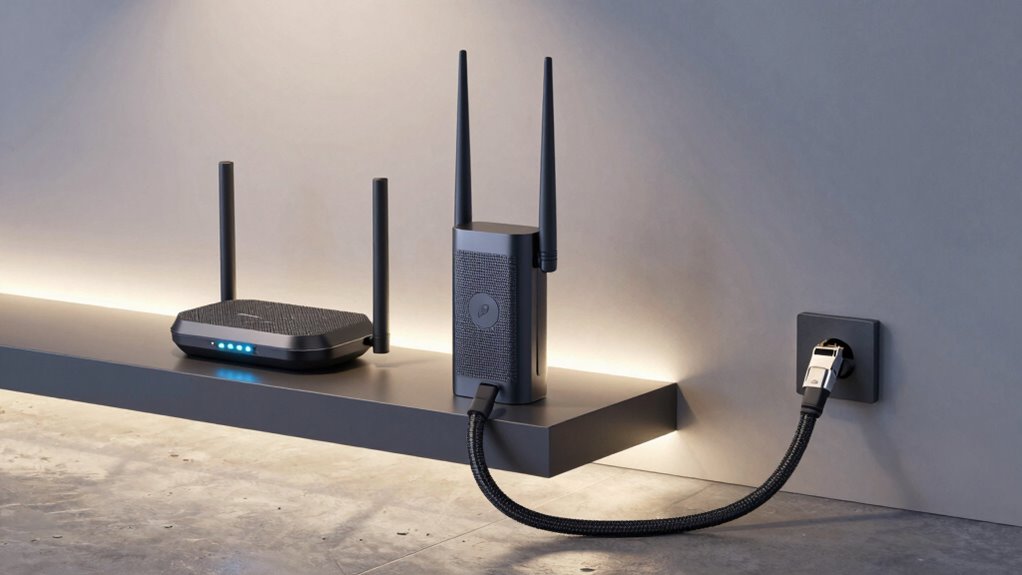

If you’re choosing between mesh systems, extenders, or Ethernet for your garage Wi-Fi, consider your coverage needs, construction materials, and budget. Mesh networks offer seamless, reliable coverage ideal for larger or tricky spaces, while extenders boost signals but may reduce speed. Ethernet provides the most stable, fastest connection but requires cable installation. To find the best fit and learn how to optimize your setup, keep exploring your options.

Get home appliances delivered free with Prime
- Fast, free delivery on millions of items
- Prime Video, Amazon Music and more included
- Member-only deals all year
Key Takeaways
- Ethernet cables provide the most reliable, high-speed connection with minimal dead zones, ideal for critical garage devices.
- Mesh networks offer seamless, extensive coverage, reducing dead zones and maintaining consistent Wi-Fi throughout large or obstructed garages.
- Wi-Fi extenders are cost-effective but may cause slower speeds and dead zones if not properly configured or incompatible with existing routers.
- The choice depends on garage size, construction materials, and device demands; larger or metal-backed garages benefit from mesh or wired solutions.
- Combining solutions—such as Ethernet for stationary devices and mesh for coverage expansion—optimizes Wi-Fi performance in the garage.
As an affiliate, we earn on qualifying purchases.
What Causes Wi-Fi Dead Spots in Your Garage?
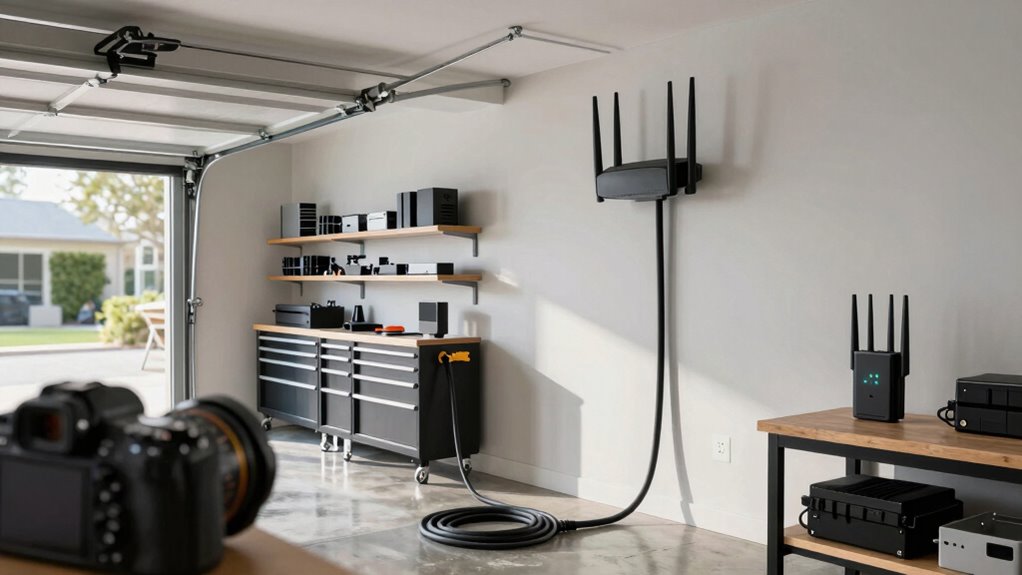
Wi-Fi dead spots in your garage usually happen because signals struggle to pass through thick concrete walls, metal objects, or large appliances. These barriers cause signal obstruction, weakening your connection. Wi-Fi interference from nearby devices like cordless phones, microwaves, or other routers can also disrupt the signal, making it harder for your garage’s Wi-Fi to reach reliably. Metal surfaces reflect signals, creating dead zones where the Wi-Fi can’t penetrate effectively. Large appliances, such as refrigerators or freezers, can further block signals, especially if they’re near the garage. When obstacles and interference combine, your Wi-Fi’s strength diminishes, resulting in dead spots. Understanding these causes helps you identify what’s disrupting your connection and plan how to improve coverage in your garage. Additionally, considering signal obstruction from various household objects can help you better address the root of the problem. Proper placement of your router and antenna orientation can significantly improve signal penetration and reduce dead zones. Ensuring that your Wi-Fi setup accounts for potential interference sources can further enhance connection stability. Recognizing how Wi-Fi barriers impact signal strength allows for more targeted solutions to improve coverage. Being aware of building materials can also help you choose the best location for your router to minimize dead spots.
As an affiliate, we earn on qualifying purchases.
What’s the Best Wi-Fi Mesh Network for Your Garage?
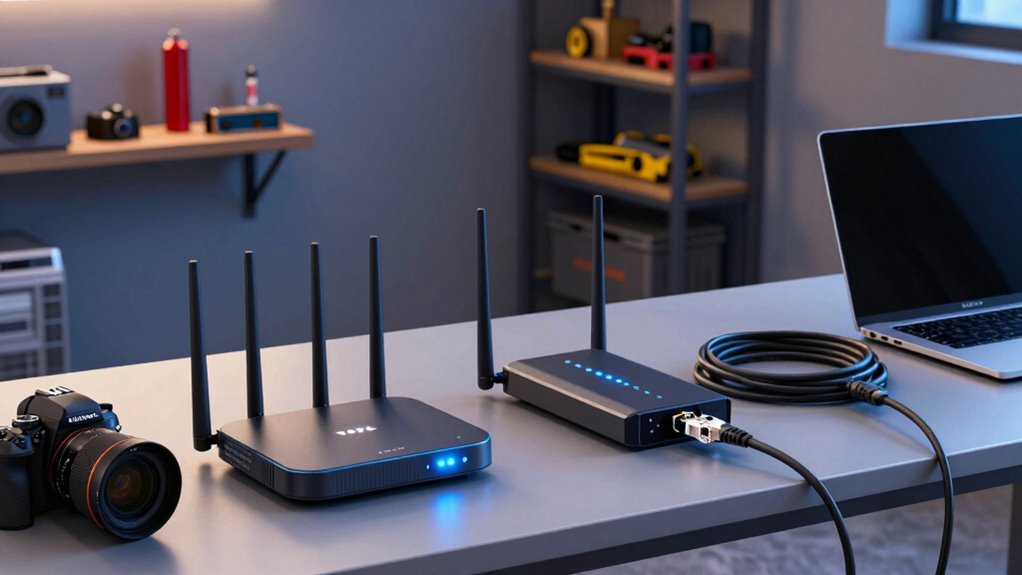
Are you wondering which Wi-Fi mesh network is best suited to eliminate dead spots in your garage? If you have a smart home or security cameras, a reliable mesh system is essential. The right network ensures seamless connectivity for devices, cameras, and smart appliances. Consider systems like Google Nest Wifi, Netgear Orbi, or Eero Pro for extensive coverage and easy management. Here’s a quick comparison:
| Feature | Google Nest Wifi | Netgear Orbi | Eero Pro |
|---|---|---|---|
| Coverage Area | Up to 4,400 sq ft | Up to 5,000 sq ft | Up to 6,000 sq ft |
| Smart Home Support | Yes | Yes | Yes |
| Security Cameras | Smooth streaming | Stable video | Reliable feeds |
| Setup & Management | User-friendly | Advanced controls | App-based |
| Price Range | Moderate | Higher | Moderate |
Choosing a system that meets your coverage needs and supports your smart home ecosystem can make all the difference in maintaining reliable internet in your garage.
As an affiliate, we earn on qualifying purchases.
Are Wi-Fi Extenders Right for Your Garage?
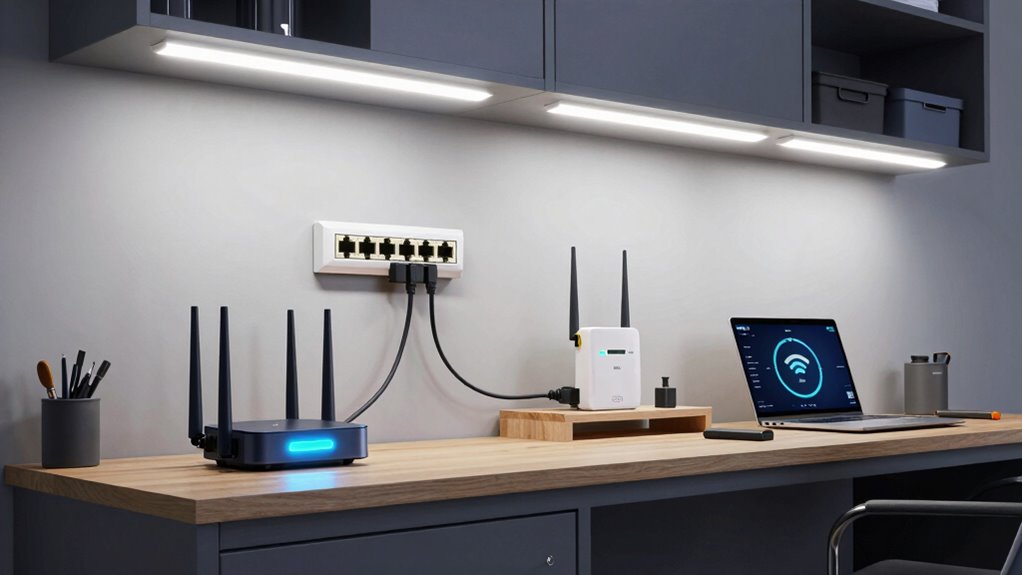
Thinking about improving your garage’s internet connection? Wi-Fi extenders can be a straightforward solution, but they aren’t always perfect. They boost your signal, making it easier to access the internet in distant corners of your garage. However, you need to consider wireless security; an extender can sometimes weaken your network’s defenses if not set up properly. Device compatibility is also essential—ensure your extender works seamlessly with your existing router and devices. Some extenders might cause slower speeds or introduce dead zones if they aren’t compatible. If you’re looking for a simple, cost-effective upgrade and don’t mind occasional adjustments, extenders can work. But for more reliable coverage and security, other options like mesh networks or wired connections might be better suited. Additionally, understanding early detection signs of network issues can help prevent connectivity problems before they arise. Being aware of potential security vulnerabilities in your setup can further protect your network from threats. Recognizing these network limitations early on can save you time and frustration. Moreover, understanding how to optimize wireless coverage can significantly improve your garage’s internet stability. Being proactive about network management can help maintain a strong and secure connection over time.
As an affiliate, we earn on qualifying purchases.
How to Set Up a Reliable Ethernet Connection in Your Garage
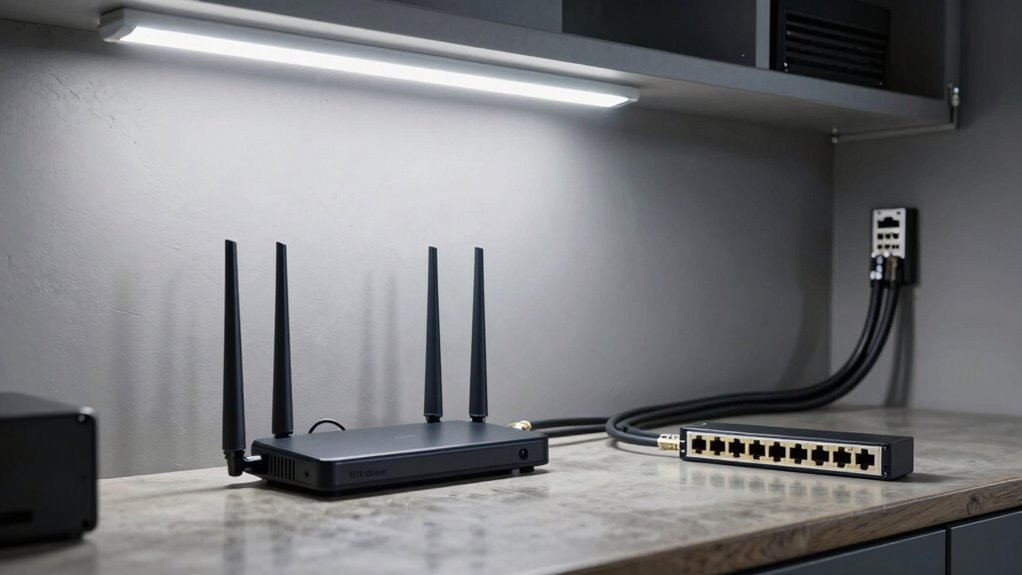
To establish a dependable Ethernet connection in your garage, you need to select the appropriate cable that fits your needs and budget. Planning your network layout carefully guarantees you avoid dead zones and keep everything connected smoothly. Additionally, understanding regional flavors and chicory/coffee insights can inspire creative ways to incorporate your network setup into a cozy workshop or home café space. Considering network setup tips can further optimize your connection quality and coverage. Exploring sound healing science concepts can also inspire innovative ways to enhance your workspace environment for relaxation and focus. Being aware of regional network standards can help ensure your setup complies with local regulations and best practices. Moreover, choosing the right Ethernet cable type ensures optimal performance and longevity for your installation.
Choosing the Right Ethernet Cable
Choosing the right Ethernet cable is crucial for guaranteeing a stable and fast connection in your garage. For high-speed needs, fiber optics offer the best performance, especially over long distances. If you’re connecting devices like wireless adapters, ensure the cable supports gigabit speeds. Outdoor-rated cables are essential for durability against weather and physical wear. Cat6 cables are a popular choice for home setups, providing reliable speeds up to 10 Gbps. For extra flexibility, consider shielded cables to reduce interference. Here’s a quick comparison:
| Cable Type | Best Use |
|---|---|
| Fiber Optics | Long-distance, high-speed needs |
| Cat6 | General home, moderate distances |
| Shielded | Interference-prone environments |
| Standard Ethernet | Short-range, budget-friendly |
Choose wisely to keep your garage connected seamlessly.
Planning the Network Layout
Ever wondered how to guarantee your garage’s Ethernet connection is both reliable and efficient? Start by planning your network layout carefully. Position your Ethernet port near the garage entry for easy access, and run the cable through protected pathways to prevent damage. Use high-quality cables for better signal amplification and to maintain strong connectivity. Consider the placement of your router and switches to optimize wireless security, preventing unauthorized access. Keep cables away from sources of interference like power tools or fluorescent lights. Label cables and ports for easy troubleshooting later. A well-planned setup minimizes disruptions and ensures consistent performance. Efficient planning not only provides a stable connection but also simplifies future upgrades or repairs, making your garage network both secure and dependable.
Ensuring Signal Integrity
How can you guarantee your Ethernet connection in the garage remains strong and reliable? First, use high-quality cables with proper shielding to minimize signal interference. Make sure your Ethernet ports are secure and well-maintained. To maintain security, enable robust Wi-Fi encryption if you’re connecting devices wirelessly nearby. Avoid running cables near power lines or metal objects that can cause interference. Use the table below to help optimize your setup:
| Factor | Solution | Impact |
|---|---|---|
| Signal interference | Keep cables away from electrical devices | Reduces connection drops |
| Wi-Fi encryption | Use WPA3 for secure, encrypted links | Prevents unauthorized access |
| Cable quality | Invest in shielded, CAT6 or higher cables | Ensures stable, high-speed data |
Additionally, consider proper network placement to further improve overall signal strength and reliability. Ensuring your network setup is optimized can make a significant difference in maintaining a consistent connection in your garage. Incorporating water-related considerations, such as avoiding moisture exposure, can also help preserve your equipment’s longevity and performance.
Comparing Garage Wi-Fi Solutions: Cost and Performance
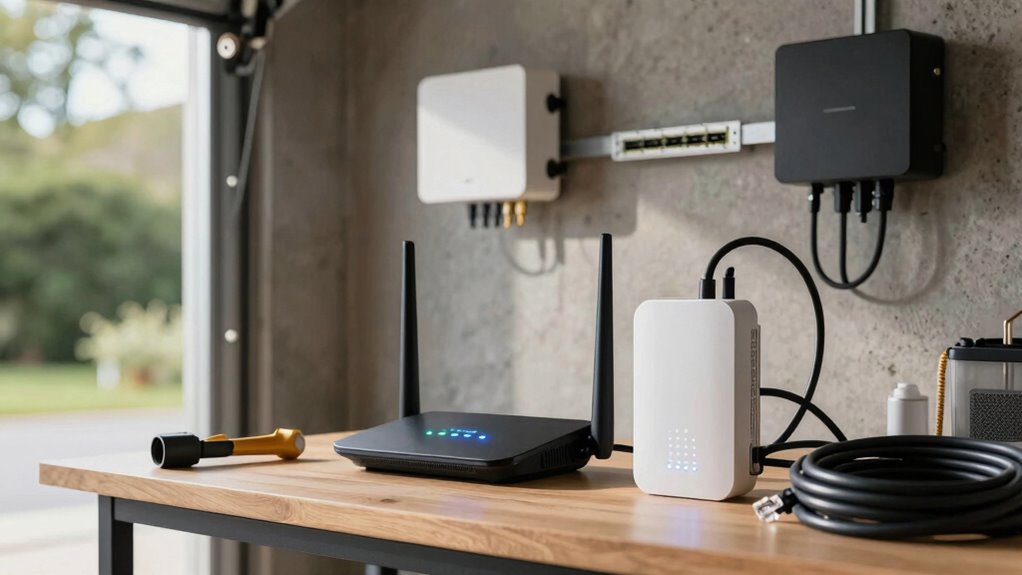
When evaluating garage Wi-Fi solutions, it’s essential to weigh both the cost and the performance to find the best fit for your needs. A thorough cost comparison helps you understand the initial investment, ongoing expenses, and potential upgrades for each option. Mesh systems tend to have higher upfront costs but offer seamless coverage and reliable performance metrics, making them ideal for larger or signal-challenged garages. Extenders are generally more affordable but may introduce latency and reduce speed, affecting performance. Ethernet connections, while often the most expensive to install, provide the highest performance metrics with stable, wired reliability. Balancing your budget with the desired performance outcomes will guide you toward the right solution, ensuring your garage Wi-Fi is both cost-effective and dependable.
Key Factors to Consider When Choosing Your Garage Wi-Fi
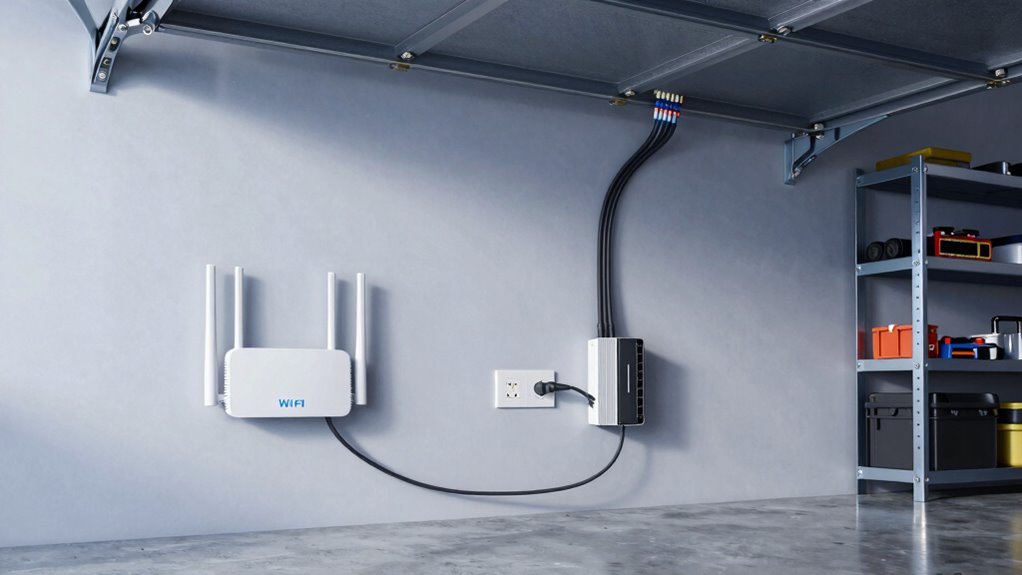
Choosing the right garage Wi-Fi depends on several key factors that directly impact your network’s reliability and performance. First, consider garage insulation, which can block signals and weaken Wi-Fi; thicker or metal-backed insulation may require stronger solutions like mesh networks or Ethernet. Second, Wi-Fi security is essential—look for routers with robust encryption and password protection to safeguard your devices. Third, evaluate your coverage needs: do you want seamless connectivity or just basic access? Fourth, think about the physical layout—large open spaces or cluttered areas might need more powerful extenders or wired setups. Additionally, observing instances of photobombs or unexpected disruptions during testing can help identify weak spots in your network. Understanding the impact of insulation materials on Wi-Fi signals can further assist in choosing the most effective setup. Recognizing the importance of Gold IRA Rollovers can also influence how you plan your investment strategies for long-term security. Incorporating knowledge about market trends and how different providers operate can help in making better-informed decisions for your setup. Being aware of how body jewelry measurements and materials can affect comfort if you plan to incorporate tech accessories into your space is also helpful. These factors help determine whether a mesh system, extender, or Ethernet connection best suits your garage, ensuring a stable, secure, and efficient Wi-Fi experience.
Tips to Optimize Your Garage Wi-Fi Setup
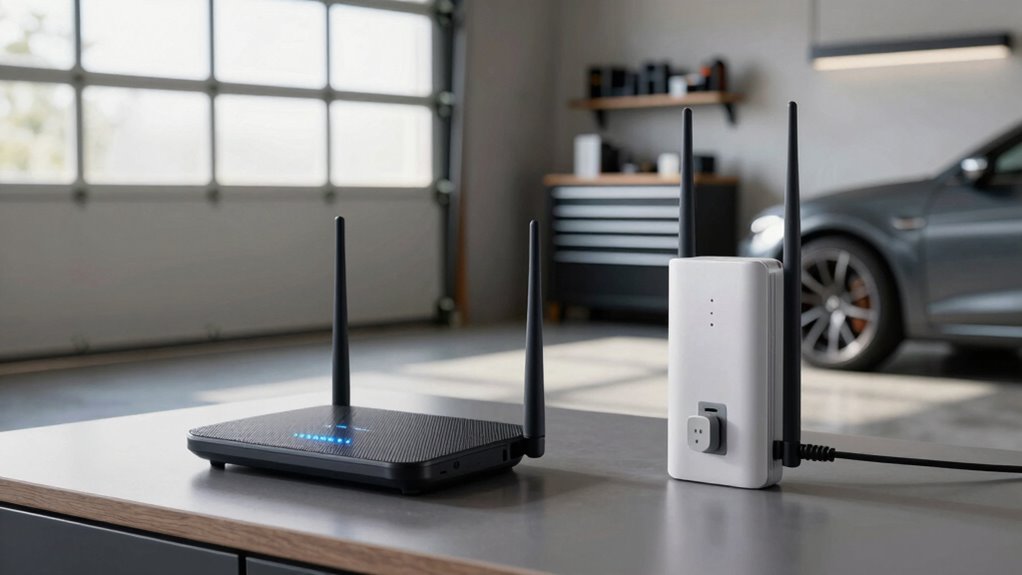
To get the best Wi-Fi performance in your garage, start by placing your router in an open, central location away from thick walls and metal objects. Keep interference sources like cordless phones and microwaves at bay, and invest in quality networking equipment to guarantee a strong, reliable connection. These simple steps can make a significant difference in your Wi-Fi speed and stability. Additionally, consider using mesh networking systems to expand coverage seamlessly throughout the space.
Optimal Router Placement
Ever wondered how to get the best Wi-Fi signal in your garage? Proper router placement is key to maximizing signal strength. To do this effectively, keep these tips in mind:
- Position your router high on a shelf or wall to avoid obstructions.
- Place it near the center of your garage for even coverage.
- Keep it away from metal objects or thick walls that can block signals.
- Avoid placing it near other electronics that might cause interference.
Minimize Interference Sources
Are nearby electronic devices causing your Wi-Fi signal to slow down or drop? Wireless interference from gadgets like cordless phones, microwaves, or Bluetooth devices can disrupt your garage Wi-Fi. Signal obstacles such as thick walls, metal shelves, or large appliances also weaken the connection. To minimize interference sources, keep your router away from these devices and obstacles. Place it in a central, open spot to reduce signal obstacles and improve coverage. Avoid positioning your router near dense metal objects or electronic devices that emit electromagnetic signals. Turning off unused devices that could cause wireless interference helps, too. By reducing sources of interference, you’ll enjoy a more stable, faster Wi-Fi connection in your garage.
Use Quality Networking Equipment
Investing in high-quality networking equipment can substantially boost your garage Wi-Fi performance. With better devices, you’ll experience stronger signal amplification and enhanced wireless security. To maximize results, consider these key upgrades:
- Use a modern router with dual-band or tri-band capabilities for faster, more reliable connections.
- Opt for mesh systems designed for seamless coverage and signal amplification across larger areas.
- Install a quality Wi-Fi extender to boost coverage without sacrificing security.
- Choose equipment with advanced wireless security features to protect your data from intruders.
These investments guarantee your garage Wi-Fi remains stable, secure, and capable of handling multiple devices, making your setup more efficient and reliable.
Common Garage Wi-Fi Problems and How to Fix Them
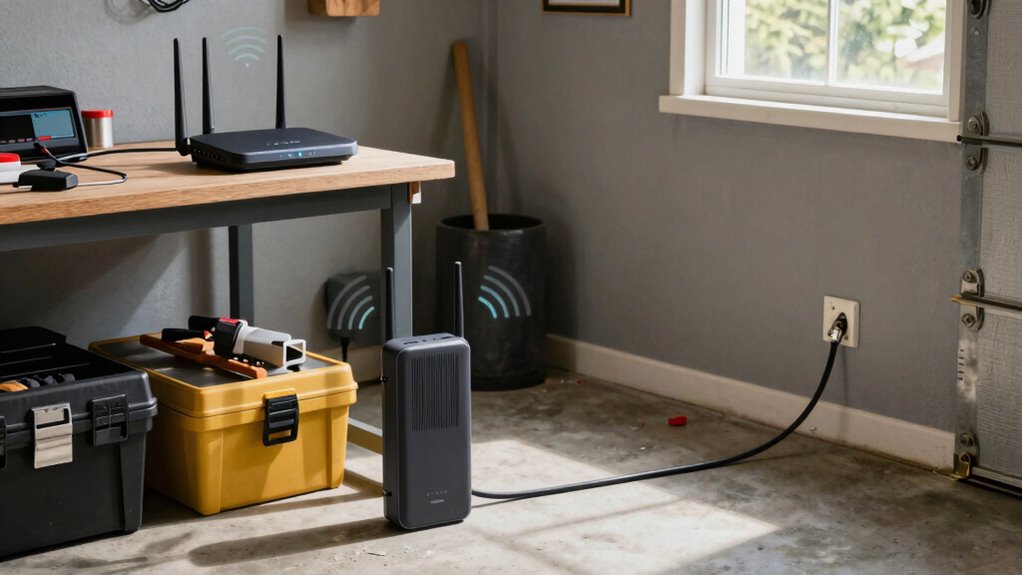
Many common Wi-Fi issues in your garage stem from signal interference, distance from the router, or obstacles like thick walls and metal surfaces. These barriers weaken your connection, causing slow speeds or dropped signals. To fix this, start by updating your router’s firmware, which can improve performance and security. Confirm your wireless security settings are strong, preventing unauthorized access that can slow down your network. Consider relocating your router closer to the garage or installing a Wi-Fi extender or mesh system to boost coverage. Also, minimize interference from other electronics and thick walls. Regular firmware updates help fix bugs and security flaws, maintaining a stable connection. By addressing these issues, you can greatly improve your garage Wi-Fi experience.
Which Garage Wi-Fi Solution Is Right for You? A Quick Decision Guide
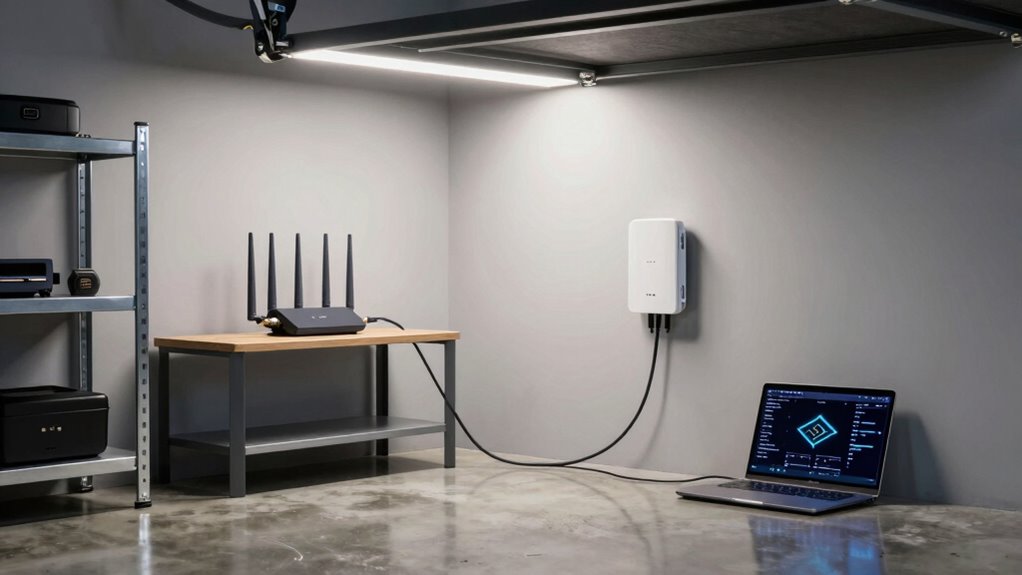
Choosing the right Wi-Fi solution for your garage depends on your specific needs and the layout of your space. To improve Wi-Fi coverage and signal strength, consider these options:
Selecting the best Wi-Fi setup for your garage depends on your space and coverage needs.
- Mesh network: Imagine seamless Wi-Fi everywhere, with multiple nodes working together to blanket your garage in strong signal coverage.
- Wi-Fi extender: Visualize a device boosting your existing signal, bridging gaps and extending coverage to hard-to-reach corners.
- Ethernet cable: Think of a direct, wired connection offering the most reliable signal strength, perfect for consistent, high-speed internet.
- Powerline adapters: Picture using your electrical wiring as a pathway, delivering stable Wi-Fi to your garage without running new cables.
Your choice depends on your garage size, construction, and how much you need reliable Wi-Fi coverage.
Frequently Asked Questions
Can Weather Conditions Affect Wi-Fi Performance in My Garage?
Yes, weather conditions can affect your Wi-Fi performance in the garage. Severe weather, like rain or snow, can reduce signal strength and cause signal interference, impacting connectivity. To guarantee better weather resilience, consider using Ethernet connections or weatherproofing your Wi-Fi equipment. Mesh systems often handle interference better, but outdoor-rated devices are the best for maintaining a stable connection regardless of weather.
How Does Garage Insulation Impact Wi-Fi Signal Strength?
Garage insulation can markedly impact your Wi-Fi signal strength by causing insulation interference, which leads to signal attenuation. Thick or metal-backed insulation reflects or absorbs Wi-Fi signals, weakening their reach. As a result, you might experience slower speeds or dead zones. To improve performance, consider repositioning your router, using a mesh system, or running an Ethernet cable directly into the garage. These solutions help bypass insulation interference and strengthen your connection.
Are There Specific Wi-Fi Routers Designed for Garage Use?
Yes, there are Wi-Fi routers designed specifically for garage use that can handle the rough conditions and long ranges. These rugged, high-power routers are built for smart homes and offer exceptional device compatibility, ensuring your garage stays connected no matter how far or tough the environment. Imagine a fortress of Wi-Fi, blasting signals through insulation and walls—these routers keep your smart home running seamlessly, even in the most challenging garage setups.
What Security Measures Should I Consider for Garage Wi-Fi Networks?
You should prioritize strong network encryption, like WPA3, to keep your garage Wi-Fi secure from intruders. Set up access control by creating a unique password and limiting device access to trusted users. Regularly update your router firmware, disable remote management, and turn off WPS. These measures help protect your network from unauthorized access, ensuring your garage Wi-Fi remains safe and private.
How Often Should I Upgrade My Garage Wi-Fi Equipment?
You should upgrade your garage Wi-Fi equipment every 3 to 5 years, especially if you notice slower Wi-Fi speed or a shrinking signal range. Coincidentally, technology advances rapidly, and newer devices can handle faster speeds and broader coverage. Upgrading guarantees your network stays reliable for streaming, working, or smart garage tools, avoiding frustration caused by outdated hardware. Staying current keeps your connection strong and secure, matching your evolving needs.
Conclusion
So, whether you’re battling dead spots with a fancy mesh system, a trusty extender, or plugging straight into Ethernet, remember: your garage Wi-Fi woes are just a setup away from greatness. Choose wisely, or continue wandering in the digital dark. After all, nothing screams “productivity” like trying to find your tools with a buffering buffer in the way. Happy surfing—your garage deserves better, and now you know how to give it the best shot!
NFL season / tailgating Picks
team gear
As an affiliate, we earn on qualifying purchases.