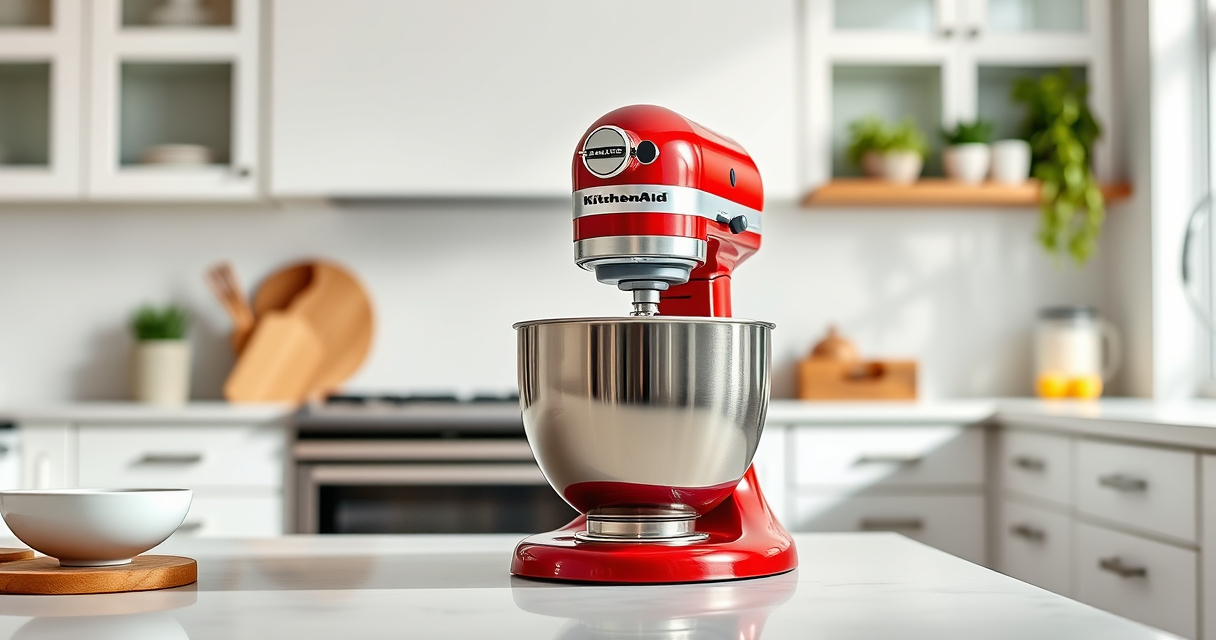

If your KitchenAid Artisan Series 5 Quart Tilt Head Stand Mixer isn’t tilting back as it should, it can hinder your baking and mixing tasks. This issue often stems from mechanical or user-related problems, but most are fixable with simple steps. In this guide, we’ll walk you through the common causes and safe solutions to get your mixer working smoothly again.

Get home appliances delivered free with Prime
- Fast, free delivery on millions of items
- Prime Video, Amazon Music and more included
- Member-only deals all year
Before attempting any repairs, ensure your mixer is unplugged to prevent injury. Follow these steps carefully to troubleshoot and fix the tilt-back problem.
Key Takeaways
| Common causes | Mechanical jam, locked head, or debris can prevent tilting. |
| Safety first | Always unplug before inspecting or fixing your mixer. |
| Regular maintenance | Cleaning and lubrication can prevent tilting issues. |
| When to seek help | Persistent problems may require professional repair. |
Check for Obstructions
- Unplug your mixer and remove the pouring shield and attachments.
- Inspect the tilt head hinge and surrounding area for any debris, dried dough, or buildup that could block movement.
- Gently clean the hinge with a damp cloth or soft brush, ensuring no residue remains that could cause jamming.
Ensure the Head Lock is Fully Released
- Locate the tilt lock lever, usually on the side of the mixer head.
- Pull or lift the lever to unlock the head, confirming it is fully disengaged.
- If the lever feels stuck, gently wiggle it while pulling to release any stiffness.
Manually Assist the Tilt Head
- With the mixer unplugged, gently try to tilt the head back by hand.
- If it resists, do not force it; check for hidden obstructions or damage.
- Apply a small amount of food-safe lubricant (such as a silicone spray) to the hinge pin if the movement is stiff, avoiding over-application.
Inspect and Repair the Hinge Mechanism
- Carefully examine the hinge for signs of damage, rust, or misalignment.
- If parts are bent or broken, consider contacting a professional repair service or KitchenAid support.
- Replace any worn or damaged hinge components if you have the technical skill or seek professional help.
Test the Tilt Function
- Reassemble any removed parts and ensure the lock lever is fully engaged in the unlocked position.
- Plug in the mixer and gently tilt the head back, applying minimal force.
- If the mixer tilts smoothly, your issue is resolved; if not, further inspection or professional repair may be necessary.
The Products in This Guide

KitchenAid Artisan Series 5 Quart Tilt Head Stand Mixer
- ✔ Weight: 26 pounds
- ✔ Power: 300 watts
- ✔ Dimensions: 14 x 8 x 14 inches

KitchenAid Stand Mixer Attachment
- ✔ Power: N/A
- ✔ Weight: 5 pounds
- ✔ Dimensions: 10 x 8 x 5 inches
KitchenAid Artisan Series 5 Quart Tilt Head Stand Mixer
<p>The KitchenAid Artisan Series 5 Quart Tilt Head Stand Mixer is built to last with durable metal construction. It offers excellent mixing results with 59 touchpoints around the bowl and a tilt-head feature for easy access. If your mixer’s tilt back is stuck or not functioning, these troubleshooting steps can help restore smooth operation.</p>
Pros:
- Sturdy metal build
- Easy to clean
- Generous 5-quart bowl
- Multiple speed settings
Cons:
- Possible hinge stiffness over time
- Requires careful cleaning to prevent jams
Best for: Home bakers needing a reliable, versatile mixer
Not ideal for: Heavy or damaged hinge components may need replacement
Bottom line: Regular maintenance and gentle handling can prevent tilt back issues.
KitchenAid Stand Mixer Attachment
The KitchenAid Metal Food Grinder attachment expands your mixer’s capabilities, making it easy to process meats, vegetables, and more with fresh results. Compatible with the same stand mixer, it’s a great addition for home cooks.
Pros:
- Multiple grinding plates
- Sturdy metal construction
- Large food tray
- Easy to clean
Cons:
- Requires separate purchase
- May need pre-chilling ingredients
Best for: Creating fresh ground foods at home
Not ideal for: For users not interested in grinding or processing foods
Bottom line: Enhance your kitchen prep with this durable, versatile attachment.
Frequently Asked Questions
Can I manually tilt the mixer head if it’s stuck?
No, do not force the tilt head. Check for obstructions, clean the hinge, and ensure the lock is fully released before trying again.
What lubricant is safe to use on the hinge?
Use a food-safe silicone spray or a similar lubricant designed for kitchen appliances. Avoid WD-40 or petroleum-based lubricants.
When should I seek professional repair?
If cleaning and lubrication don’t resolve the issue, or if parts appear damaged or bent, contact a professional or KitchenAid support for repairs.
Is it safe to continue using the mixer if it won’t tilt back?
It’s safest to address the problem before use to prevent further damage or injury. Follow troubleshooting steps carefully.
Getting Your Mixer Back in Action
With proper inspection, cleaning, and gentle assistance, you can often resolve tilt back issues on your KitchenAid Artisan Stand Mixer. Regular maintenance and careful handling will keep your mixer functioning smoothly for years to come. If problems persist, professional repair is recommended to ensure safety and longevity.
Affiliate disclosure: As an Amazon Associate we earn from qualifying purchases. Prices and availability are accurate as of the time of publishing.
NFL season / tailgating Picks
team gear
As an affiliate, we earn on qualifying purchases.