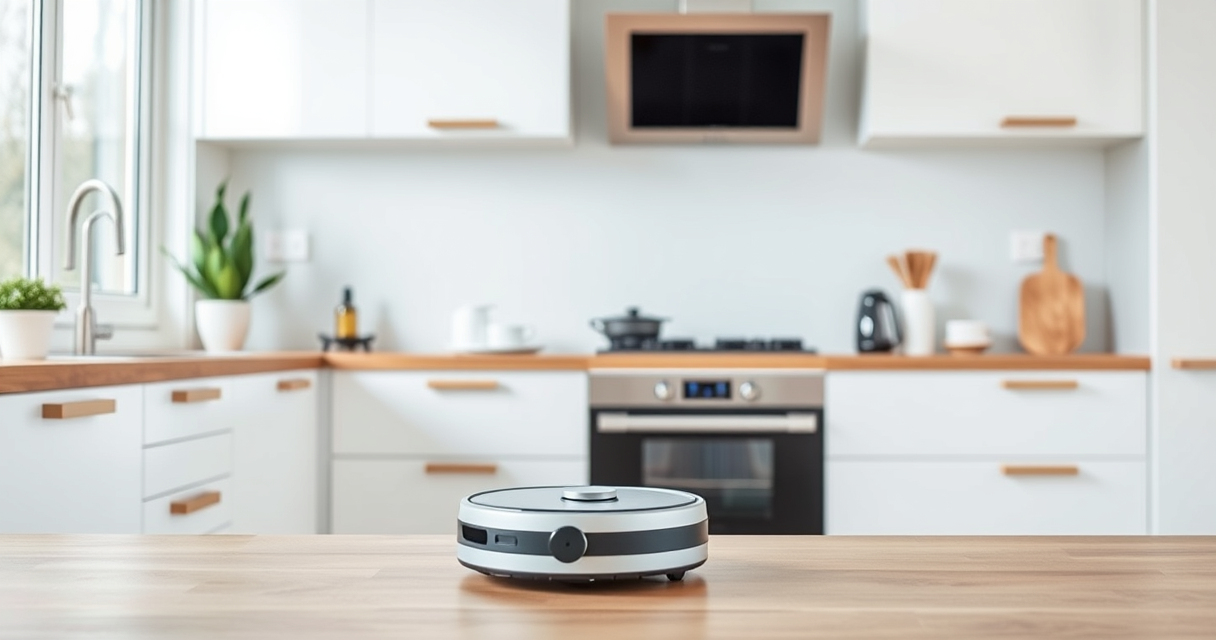
Roborock robot vacuums are excellent for maintaining a clean home, but occasional getting stuck can disrupt your cleaning routine. Understanding common causes and applying simple fixes can help ensure your device runs smoothly and efficiently.

Get home appliances delivered free with Prime
- Fast, free delivery on millions of items
- Prime Video, Amazon Music and more included
- Member-only deals all year
This guide provides step-by-step troubleshooting tips specifically for the Roborock Q7 M5+ Robot Vacuum and Mop, helping you resolve common obstacles and keep your floors spotless.
Key Takeaways
| Common Causes | Obstacles, clutter, and navigation errors are typical reasons for getting stuck. |
| Initial Checks | Inspect for obvious obstacles and clear debris from sensors and wheels. |
| Navigation Settings | Update maps and recalibrate navigation if needed. |
| Physical Fixes | Adjust furniture height or move objects to prevent blockages. |
| Maintenance | Regular cleaning of wheels and sensors improves performance. |
Identify the Cause of Getting Stuck
- Observe when and where your Roborock gets stuck—on carpets, under furniture, or in tight corners.
- Check for visible obstacles like cords, shoes, or clutter blocking its path.
- Review the navigation map in the app for areas where the robot repeatedly stops or circles.
Clear Physical Obstructions
- Power off the robot and remove it from the charging dock.
- Inspect the wheels and brushes for tangled hair or debris and clean them thoroughly.
- Remove any objects or cords from the robot’s path and under furniture.
Adjust and Optimize Navigation
- Open the Roborock app and check for firmware updates to ensure optimal navigation algorithms.
- Re-map your space if furniture has been moved or if the map is outdated.
- Enable no-go zones in the app to prevent the robot from entering problematic areas.
Physical Environment Tips
- Raise rugs or carpets with thick edges that might trap the robot.
- Ensure furniture legs are at least 4cm high to allow clearance.
- Remove small objects from the floor that could cause the robot to halt or get tangled.
Regular Maintenance and Monitoring
- Clean the sensors and cliff detectors monthly with a soft, dry cloth.
- Check and clean the side brushes and main brush for hair tangles.
- Run a test cleaning cycle after maintenance to verify smooth operation.
The Products in This Guide

roborock Q7 M5+ Robot Vacuum and Mop
- ✔ Max Suction: 10000Pa
- ✔ Self-Emptying: Yes
- ✔ App Control: Yes

4 Pack Washable Filter
- ✔ Pack: 4 filters
- ✔ Material: HEPA
- ✔ Washable: Yes
roborock Q7 M5+ Robot Vacuum and Mop
<p>The Roborock Q7 M5+ Robot Vacuum and Mop offers powerful 10000Pa suction, advanced PreciSense LiDAR navigation, and a dual anti-tangle system, making it highly effective at avoiding obstacles and cleaning efficiently. Its self-emptying dock and long-lasting battery make it a top choice for busy households.</p>
Pros:
- Powerful suction
- Self-emptying dust bag
- Precise navigation
- Anti-tangle system
Cons:
- Premium price
- Requires app setup
- Limited in very cluttered spaces
Best for: Pet households, large homes, deep cleaning needs
Not ideal for: Very tight spaces, homes with frequent furniture rearrangement
Bottom line: A high-performance vacuum ideal for pet owners and large homes, with smart navigation and long-lasting cleaning capacity.
4 Pack Washable Filter
<p>This 4-pack of washable HEPA filters ensures your Roborock maintains optimal suction and filtration, reducing the need for frequent replacements and keeping your home healthier.</p>
Pros:
- Cost-effective
- Easy to install
- Effective filtration
- Compatible with multiple models
Cons:
- Not OEM quality
- Requires regular washing
- Limited lifespan if not maintained
Best for: Ongoing filtration needs, pet owners, allergy sufferers
Not ideal for: Models outside listed compatibility, heavy-duty cleaning
Bottom line: A practical, cost-effective upgrade to maintain your vacuum’s filtration system.
Frequently Asked Questions
What should I do if my Roborock gets stuck in the same spot repeatedly?
Check for nearby obstacles or clutter, update the map in the app, and consider adjusting the no-go zones or raising rugs to prevent the robot from entering problematic areas.
How often should I clean the sensors and brushes?
Clean the sensors and brushes at least once a month to ensure optimal navigation and cleaning performance.
Can I prevent my Roborock from getting stuck under furniture?
Yes, increase the height of furniture legs or create virtual barriers via the app to keep the robot away from tight spaces.
What maintenance is recommended for long-term operation?
Regularly clean the wheels, brushes, and sensors; update firmware; and replace filters as needed to keep your vacuum operating smoothly.
Keep Your Roborock Running Smoothly
By understanding the common causes of getting stuck and following these simple troubleshooting steps, you can significantly improve your Roborock vacuum’s efficiency. Regular maintenance, environment adjustments, and smart navigation management will help ensure your device provides consistent, thorough cleaning for years to come.
Affiliate disclosure: As an Amazon Associate we earn from qualifying purchases. Prices and availability are accurate as of the time of publishing.
NFL season / tailgating Picks
team gear
As an affiliate, we earn on qualifying purchases.