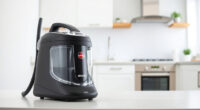
Getting started with your new Dyson V15 Detect™ Origin cordless vacuum can seem daunting at first, but with the right steps, you’ll be deep cleaning your home efficiently in no time. This guide provides clear, practical instructions to set up, maintain, and troubleshoot your vacuum, ensuring you get the most out of its powerful features.
Whether you’re a first-time Dyson user or upgrading from an older model, these steps will help you handle the initial setup safely and correctly, so you can enjoy deep, versatile cleaning with confidence.
Key Takeaways
| Powerful Cleaning | The V15 Detect offers 100% more power and intelligent debris detection. |
| Long Battery Life | Up to 60 minutes of runtime with optimized energy use. |
| Easy Maintenance | Replace filters and pre-filters regularly for peak performance. |
| Versatile Attachments | Includes advanced cleaner heads and crevice tools for various surfaces. |
Amazon Product B0GTC14BFW
As an affiliate, we earn on qualifying purchases.
Unboxing and Initial Inspection
- Carefully open the Dyson V15 Detect™ Origin box and verify all components are present: the vacuum unit, two cleaner heads, crevice tool, charging dock, and any included accessories.
- Inspect each part for any shipping damage or defects. Ensure the cleaner heads and accessories are free of obstructions or packaging debris.
Amazon Product B099RHWXJK
As an affiliate, we earn on qualifying purchases.
Charging Your Dyson V15 Detect
- Place the vacuum on its charging dock, ensuring it clicks into place securely.
- Plug the dock into a standard power outlet. The LCD screen will light up, indicating charging status.
- Allow the vacuum to fully charge before first use; this typically takes around 4-5 hours.
- During charging, the LCD will display the remaining charge time and status.
Assembling the Vacuum and Attachments
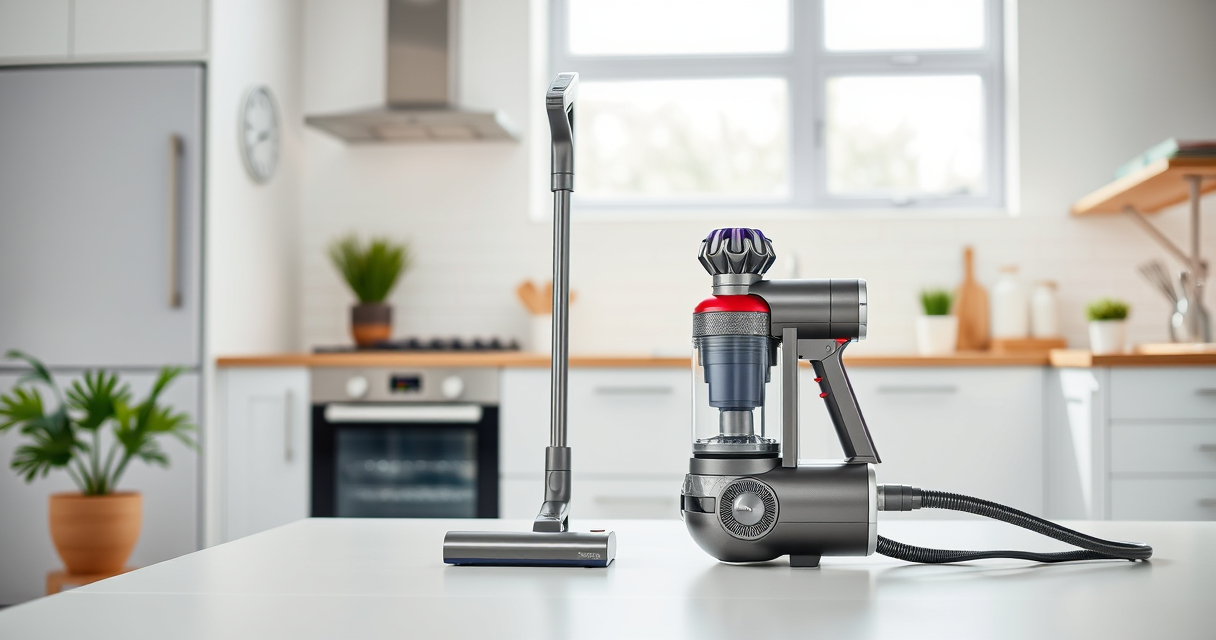
- Attach the desired cleaner head—either the Fluffy Optic for hard floors or the Digital Motorbar for carpets—by aligning the connector with the wand and clicking into place.
- Insert the crevice tool or other accessories into the wand or cleaner head as needed for targeted cleaning.
- Ensure all attachments are securely connected before use to prevent disconnection during cleaning.
Powering On and Adjusting Settings
- Press the power trigger to activate the vacuum. Release to turn off, helping conserve battery life.
- Use the LCD screen to monitor debris pickup, select the appropriate power mode, and check runtime or maintenance alerts.
- Adjust power settings via the LCD to suit different surfaces and debris types, maximizing efficiency and battery life.
Routine Maintenance and Troubleshooting
- Regularly check and replace the pre-filters and main filters to maintain suction and performance. Use the 3Pack Pre Filters Replacement or V10 filters as applicable.
- Clean the cleaner heads and attachments to remove hair, dust, and debris. Use a damp cloth or wash filters as instructed.
- If the vacuum isn’t charging or operating correctly, ensure the docking station is plugged in, and the connections are secure.
- Consult the LCD display for maintenance alerts and follow prompts for filter replacement or other issues.
The Products in This Guide

Dyson V15 Detect™ Origin Cordless Vacuum
- ✔ Battery Life: Up to 60 minutes
- ✔ Weight: Approx. 6.8 lbs
- ✔ Filtration: Whole-machine filtration

LANMU Crevice Tool Vacuum Attachments Compatible
- ✔ Compatibility: Multiple Dyson models
- ✔ Length: 15 inches
- ✔ Material: Plastic
Dyson V15 Detect™ Origin Cordless Vacuum
The Dyson V15 Detect™ Origin offers a powerful cleaning experience with advanced features like debris detection and real-time particle count. Its versatile design and long-lasting battery make it ideal for thorough whole-home cleaning.
Pros:
- Powerful suction with 100% more power
- Intelligent debris detection and LCD display
- Long battery life of 60 minutes
- Includes two advanced cleaner heads
Cons:
- Higher price point compared to basic models
- Requires regular filter maintenance
- Heavier than some handheld vacuums
Best for: Deep cleaning of all floor types, pet hair removal, car and upholstery cleaning
Not ideal for: Light, quick cleanups or for users seeking a lightweight, easy-to-carry vacuum
Bottom line: The Dyson V15 Detect™ Origin offers exceptional cleaning power with smart features for a thorough home clean.
LANMU Crevice Tool Vacuum Attachments Compatible
The LANMU Crevice Tool Vacuum Attachments are perfect for reaching tight spots around your home or car. Its narrow, flexible design makes it easy to clean corners, edges, and hard-to-access spaces efficiently.
Pros:
- Narrow nozzle for tight spaces
- Compatible with multiple Dyson models
- Flexible and slim design
- Good for both home and car cleaning
Cons:
- Not suitable for large surface cleaning
- Attachment only, not a full vacuum
Best for: Cleaning corners, edges, car interiors, and narrow gaps
Not ideal for: Large surface cleaning or heavy debris removal
Bottom line: A versatile tool that enhances your Dyson’s reach for detailed cleaning tasks.
Frequently Asked Questions
How long does it take to fully charge the Dyson V15 Detect?
It typically takes about 4-5 hours to fully charge the vacuum from empty.
Can I use the vacuum while it’s charging?
Yes, you can use it while plugged in, but the battery will not charge during use.
How often should I replace the filters?
It’s recommended to replace or clean the filters every 2-3 months for optimal performance.
Is the crevice tool compatible with my Dyson model?
The LANMU crevice tool is compatible with Dyson V15, V12, V11, V10, V9, V8, V7, and Outsize models.
What should I do if the vacuum’s suction decreases?
Check and clean or replace the filters, ensure the dustbin is emptied, and inspect the cleaner heads for blockages.
Getting the Most from Your Dyson V15 Detect™ Origin
With proper setup and regular maintenance, your Dyson V15 Detect™ Origin will deliver powerful, intelligent cleaning for years to come. Take the time to assemble it correctly, keep filters clean, and utilize the versatile attachments for different surfaces. Enjoy a cleaner, healthier home with this advanced cordless vacuum.
Affiliate disclosure: As an Amazon Associate we earn from qualifying purchases. Prices and availability are accurate as of the time of publishing.