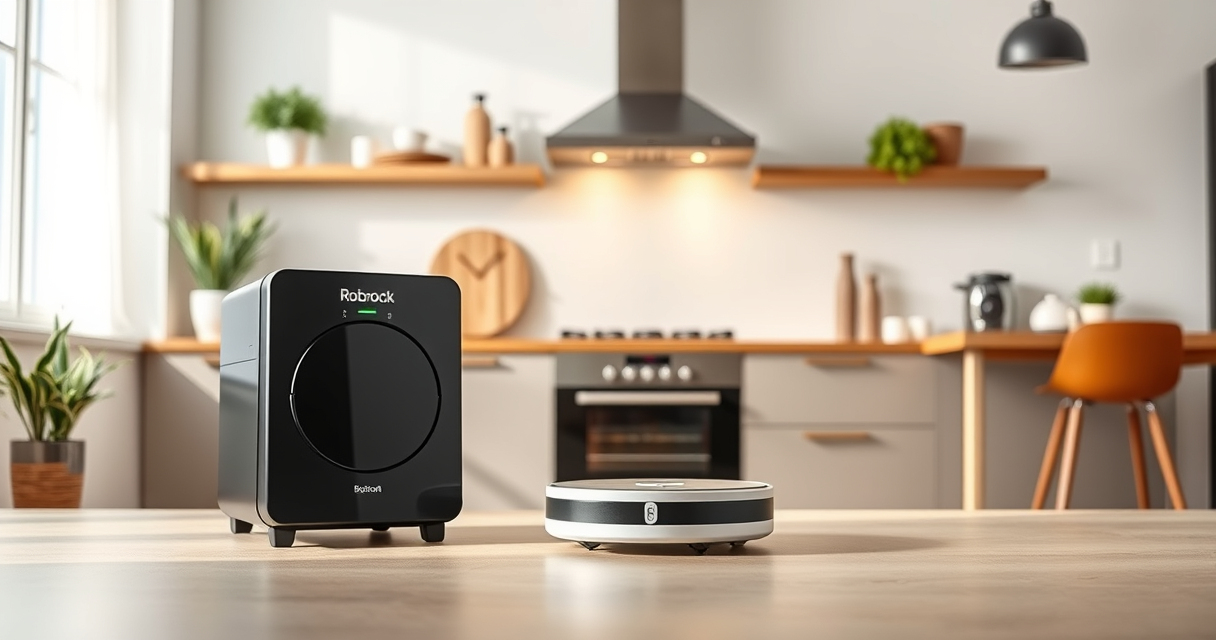
If your Roborock Q10 S5+ robot vacuum isn’t mopping as it should, it can be frustrating, especially when you rely on its sonic mopping system for clean floors. Several common issues can cause poor mopping performance, from clogged mops to software glitches. This guide provides clear, step-by-step instructions to diagnose and fix the problem safely and effectively, restoring your robot’s mopping power.

Get home appliances delivered free with Prime
- Fast, free delivery on millions of items
- Prime Video, Amazon Music and more included
- Member-only deals all year
Before diving into troubleshooting, ensure your robot is updated with the latest firmware, and that you have some basic tools like a microfiber mop cloth, cleaning supplies, and possibly replacement filters or mop pads if needed.
Key Takeaways
| Check water and mop conditions | Ensure the mop cloth and water tank are clean and properly installed. |
| Inspect for blockages | Clear any clogs in the water inlet or spray system. |
| Update firmware | Make sure the robot’s software is current for optimal mopping. |
| Verify settings | Confirm the mopping mode is enabled and configured correctly. |
| Perform maintenance | Replace filters or mop pads if they are dirty or worn. |
Step 1: Confirm Settings and Mopping Mode
- Open the Roborock app and navigate to your device controls.
- Ensure that the mopping function is enabled. Sometimes, it’s accidentally turned off or set to vacuum-only mode.
- Check the cleaning schedule or manual start options to verify that mopping is selected.
- Adjust the water flow if your model allows, ensuring there’s enough water for effective mopping.
Step 2: Check the Mop Cloth and Water Tank
- Remove the microfiber mop cloth and inspect it for dirt, debris, or wear. Wash or replace if necessary.
- Ensure the mop cloth is correctly attached to the mop head and lying flat.
- Refill the water tank with clean, cold water. Make sure it’s securely installed and that the water inlet is free of blockages.
Step 3: Clean the Water Inlet and Spray System
- Locate the water inlet and spray nozzles on your robot. Consult your user manual if needed.
- Use a small brush or a toothpick to gently clear any clogs or debris in the water inlet and spray holes.
- Wipe the water inlet area with a damp cloth to remove any residue or buildup.
Step 4: Update Firmware and Reset Mopping Settings
- Open the Roborock app and check for firmware updates. Download and install if available.
- If the problem persists, perform a factory reset of your device’s network settings or app preferences.
- Reconfigure the mopping settings after reset, ensuring everything is set correctly.
Step 5: Perform Routine Maintenance and Test
- Replace the filter with a high-quality washable filter if it’s dirty or clogged, especially if your model supports it.
- Reattach the mop cloth and water tank.
- Start a cleaning cycle and observe if the robot mops effectively. Check for water spray and mop movement.
The Products in This Guide

roborock Q10 S5+ Robot Vacuum and Mop
- ✔ Model: Roborock Q10 S5+
- ✔ Water Capacity: Integrated in mopping system
- ✔ Battery Life: Extended for large areas

4 Pack Washable Filter
- ✔ Pack: 4 washable filters
- ✔ Compatibility: Multiple Roborock models
- ✔ Material: HEPA filtration
roborock Q10 S5+ Robot Vacuum and Mop
The Roborock Q10 S5+ Robot Vacuum and Mop is a powerful cleaning device equipped with 10,000 Pa suction and sonic mopping, making it suitable for pet owners and busy households. Its self-emptying station and obstacle avoidance features ensure minimal maintenance, while its dual anti-tangle system keeps performance smooth. Regular checks and cleaning will help prevent mopping issues.
Pros:
- Powerful 10,000 Pa suction
- Sonic mopping system
- Self-emptying station
- Obstacle avoidance
Cons:
- Requires regular filter cleaning
- Mop pads need replacement every few months
- Firmware updates occasionally needed
Best for: Deep cleaning and pet hair removal in busy homes
Not ideal for: Light cleaning or infrequent use
Bottom line: Reliable and powerful, but regular maintenance ensures optimal mopping performance.
4 Pack Washable Filter
The 4 Pack Washable Filter ensures your Roborock maintains strong suction and hygienic operation. Easy to clean and replace, it’s a cost-effective way to keep your vacuum performing at its best, especially during heavy pet hair seasons.
Pros:
- Effective HEPA filtration
- Reusable and washable
- Easy to install
- Long-lasting performance
Cons:
- Requires regular washing
- Not OEM, but compatible
- Limited to specific models
Best for: Maintaining optimal airflow and filtration
Not ideal for: If you prefer OEM parts or specific model compatibility
Bottom line: A practical, cost-effective way to keep your vacuum’s filtration system clean.
Frequently Asked Questions
Why isn’t my Roborock Q10 S5+ mopping properly?
Common causes include clogged spray nozzles, dirty mop cloth, or incorrect settings. Follow the troubleshooting steps to resolve these issues.
How often should I replace or wash the mop cloth?
It’s best to wash the microfiber pad after every few uses, and replace it every 1-3 months depending on usage and dirt buildup.
What should I do if the water isn’t spraying during mopping?
Check for blockages in the water inlet and spray nozzles, clean them gently, and ensure the water tank is filled and properly installed.
Can I update the firmware myself?
Yes, use the Roborock app to check for updates. Keeping firmware current helps fix bugs and improves mopping performance.
Is it safe to perform maintenance myself?
Absolutely, just ensure the robot is powered off and handle parts with care. Follow manufacturer instructions to avoid damage.
Restore Your Roborock’s Mopping Power with Simple Fixes
Keeping your Roborock Q10 S5+ performing its best requires regular maintenance and troubleshooting. By checking settings, cleaning components, updating firmware, and replacing worn parts, you can resolve most mopping issues safely and effectively. Routine care not only enhances cleaning performance but also prolongs your robot’s lifespan, ensuring it continues to keep your floors spotless.
Affiliate disclosure: As an Amazon Associate we earn from qualifying purchases. Prices and availability are accurate as of the time of publishing.
NFL season / tailgating Picks
team gear
As an affiliate, we earn on qualifying purchases.