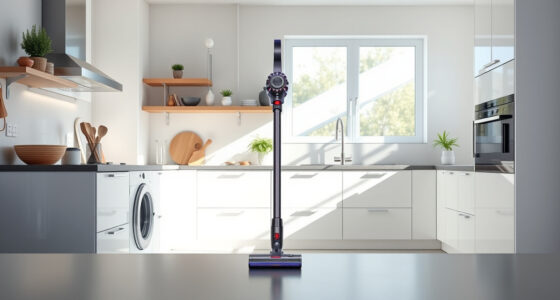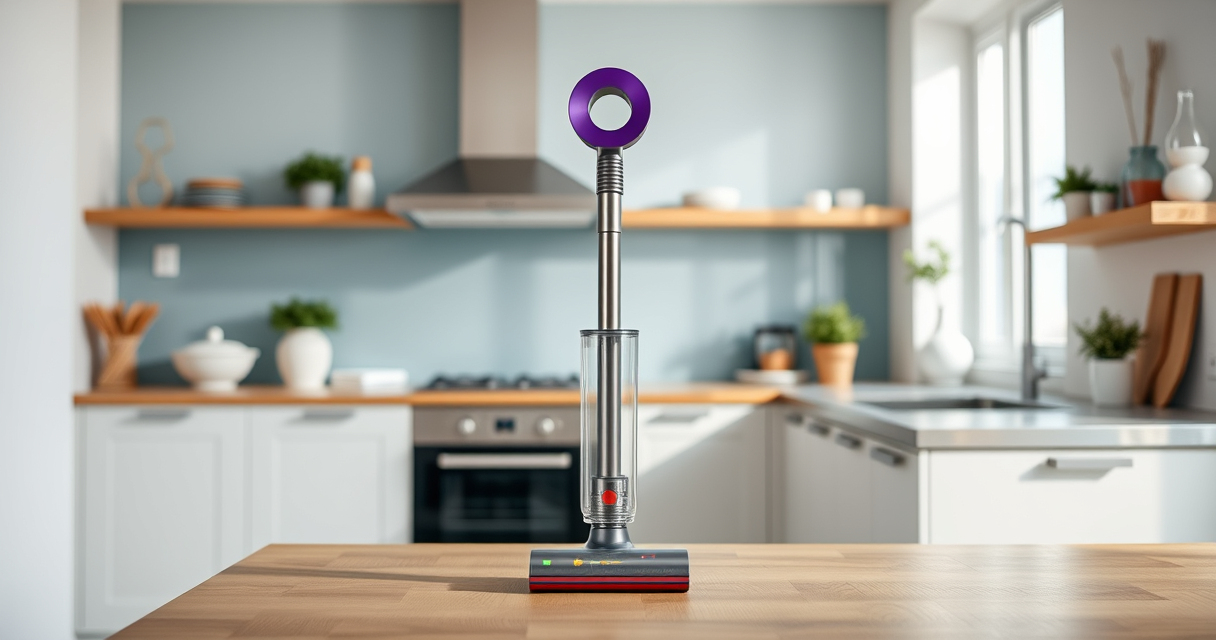
If your Dyson V15 Detect™ Origin Cordless Vacuum is pulsing on and off during use, it can disrupt your cleaning routine. This issue often indicates a problem that can be fixed with some simple troubleshooting steps. Understanding the common causes and how to address them will help you restore optimal performance quickly and safely.

Get home appliances delivered free with Prime
- Fast, free delivery on millions of items
- Prime Video, Amazon Music and more included
- Member-only deals all year
Below, you’ll find practical, step-by-step instructions to diagnose and fix the pulsing issue, along with tips to maintain your vacuum’s health and performance.
Key Takeaways
| Cause Identification | Pulsing often caused by clogged filters, blockages, or battery issues. |
| Filter Maintenance | Clean or replace filters regularly to prevent airflow restrictions. |
| Clear Blockages | Check for obstructions in the wand, cleaner heads, or hose. |
| Battery & Power Check | Ensure the battery is charged and there are no power connection issues. |
| Regular Upkeep | Routine maintenance extends your vacuum’s lifespan and performance. |
Step 1: Turn Off and Unplug Your Vacuum
- Power off the Dyson vacuum by pressing the power trigger.
- Remove the battery if possible, or unplug if it’s a corded model.
- Wait for a few minutes before proceeding to prevent electrical issues.
Step 2: Check and Clean the Filters
Filters can cause pulsing if clogged or dirty. Remove the pre-filter and other filters as per your model’s instructions.
- Rinse filters under water and let them air dry completely for at least 24 hours.
- Reinstall filters only when fully dry to avoid damage.
Step 3: Inspect for Blockages
Blockages in the wand, cleaner head, or hose can restrict airflow, causing pulsing.
- Detach the cleaner head and check for debris or hair entanglement.
- Use a flexible brush or vacuum attachment to clear any obstructions.
Step 4: Check Battery and Power Connection
Ensure the battery is properly connected if removable, and fully charged. For corded models, inspect the power cord for damage.
- Charge the battery for at least 3.5 hours.
- Reconnect securely before testing again.
Step 5: Test and Perform Maintenance
Reassemble your vacuum and turn it on to see if the pulsing persists. If it does, repeat the above steps or contact Dyson support.
Regularly clean filters, check for blockages, and keep your vacuum well-maintained to avoid recurrence.
The Products in This Guide

Dyson V15 Detect™ Origin Cordless Vacuum
- ✔ Weight: 6.8 lbs
- ✔ Charge time: 3.5 hours
- ✔ Run time: Up to 60 mins

LANMU Crevice Tool Vacuum Attachments Compatible
- ✔ Weight: 0.5 lbs
- ✔ Dimensions: 12 x 2 x 2 inches
- ✔ Material: Plastic
Dyson V15 Detect™ Origin Cordless Vacuum
The Dyson V15 Detect™ Origin offers powerful suction and intelligent cleaning, revealing invisible dust and adapting power based on debris. Its LCD screen provides real-time updates on performance and maintenance needs.
Pros:
- Powerful suction with 100% more power
- Intelligent debris detection
- Long 60-minute runtime
- Advanced cleaner heads for versatile cleaning
Cons:
- Premium price point
- Battery may need replacement after years
- Heavy for some users
Best for: Deep, thorough cleaning of entire home and pet hair removal
Not ideal for: For users seeking a lightweight or budget-friendly option
Bottom line: A powerful, intelligent vacuum ideal for comprehensive home cleaning.
LANMU Crevice Tool Vacuum Attachments Compatible
The LANMU Crevice Tool Vacuum Attachments are compatible with Dyson V15 and other models, helping you reach into small or tricky areas with ease and precision.
Pros:
- Narrow nozzle and flexible design
- Easy to maneuver into tight spaces
- Suitable for cars, corners, and high shelves
- Durable construction
Cons:
- Not compatible with V6 or canister models
- Additional attachments needed for other tasks
Best for: Cleaning corners, car interiors, and hard-to-reach spots
Not ideal for: For general large-area cleaning
Bottom line: Enhances your Dyson’s reach into small, tricky spaces.
Frequently Asked Questions
Why is my Dyson pulsing on and off?
This can happen due to clogged filters, blockages in the wand or cleaner head, or battery issues. Following the troubleshooting steps can often resolve the problem.
How often should I clean or replace filters?
Filters should be rinsed and dried thoroughly every 1-3 months, depending on usage, to maintain optimal airflow and suction.
Can I fix this issue myself?
Yes, most causes like filters, blockages, and battery checks can be handled at home with proper care. For persistent issues, contacting Dyson support is recommended.
Is pulsing normal during use?
Some pulsing may occur if the vacuum adjusts power based on debris or floor type, but consistent pulsing or sudden stops indicate a problem that needs troubleshooting.
Keeping Your Dyson Performing at Its Best
Regular maintenance and prompt troubleshooting can prevent pulsing issues and ensure your Dyson V15 Detect™ Origin continues to deliver powerful, efficient cleaning. Follow the steps above to diagnose and fix common causes, and consider upgrading attachments for hard-to-reach spots. Proper care extends your vacuum’s lifespan and keeps your home spotless.
Affiliate disclosure: As an Amazon Associate we earn from qualifying purchases. Prices and availability are accurate as of the time of publishing.
Fall Picks
fall essentials
As an affiliate, we earn on qualifying purchases.