TL;DR

Get home appliances delivered free with Prime
- Fast, free delivery on millions of items
- Prime Video, Amazon Music and more included
- Member-only deals all year
Software strings found in a HomeView software build suggest the device’s built-in camera could also work with HomeKit Secure Video. The strings describe motion detection, live streaming, recording controls and visible and audible indicators, but Apple has not confirmed the feature or how it will work.
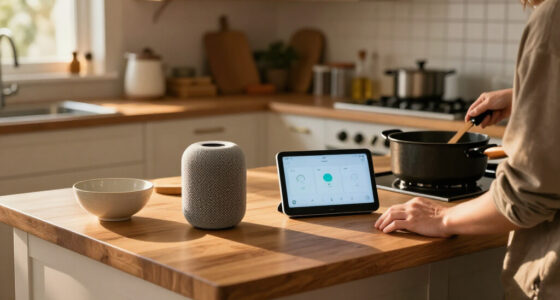
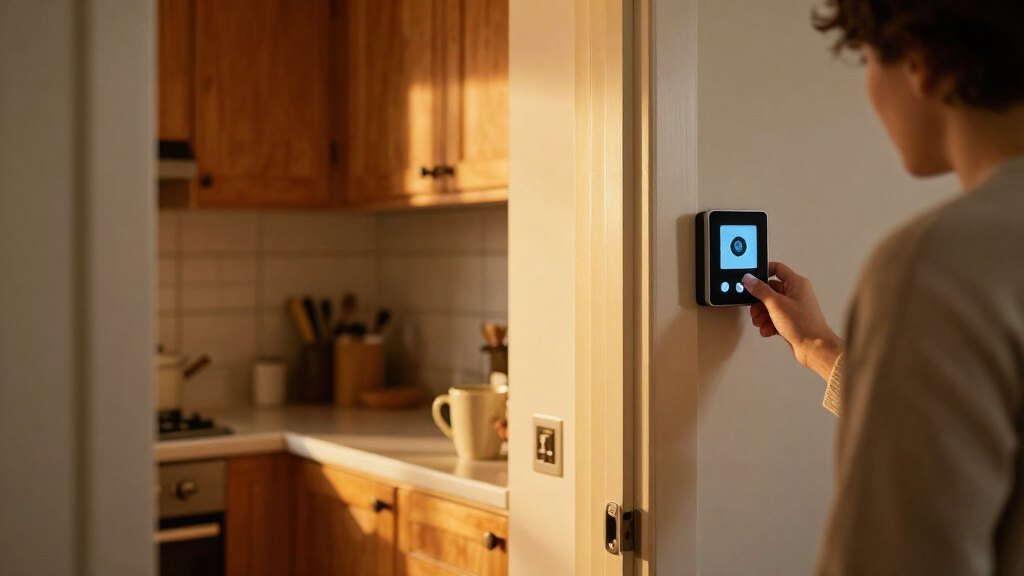
Software strings in a build identified as HomeView Software 27.2 suggest Apple’s forthcoming smart-home display could use its built-in camera as a HomeKit Secure Video camera, adding motion detection, live viewing and recording to the device’s expected video-call features. Apple has not confirmed the capability; the report is based on text found in software settings, not a public product announcement or a demonstrated feature.
HomeKit News and Reviews reported on November 1 that the strings were first spotted by Reddit user u/pdfu. The report says setup text describes an option to enable the security-camera function directly on HomeView, including the wording: “Your HomeView can be used as a security camera with HomeKit Secure Video.” The device has previously been described as having a 12-megapixel Center Stage camera for FaceTime calls and facial recognition.
The discovered settings outline four possible operating choices: turn off the camera’s security functions, use motion detection without streaming, allow live viewing without recording, or permit both streaming and recording. They also refer to different household states: When Home, When Away and When Asleep. The report says Apple Home already supports different camera behaviour based on whether people are home or away; the strings do not explain how HomeView would determine that someone is asleep.
The reported privacy controls include a green on-screen indicator and an audible sound when someone accesses a live stream or recording begins. The strings also describe notifications when HomeKit Secure Video settings change, using the phrase “No Silent Changes.” According to the report, enabling streaming and recording while people are home would require action on the HomeView itself. These descriptions come from software text; the final controls and their operation have not been demonstrated publicly.
If the feature ships, HomeView could combine a household display and video-call device with a security camera in the same hardware. That may reduce the need for a separate camera for some households and place camera controls within Apple’s existing smart-home system. The practical value would depend on which settings reach the finished product and how they work with existing HomeKit cameras and household permissions.
The design also puts privacy choices in sharper focus. A display may sit in a living room, kitchen or bedroom, where its camera could capture people who did not set up the device. Indicators and alerts can make activity more visible, but they do not settle questions about consent, access to footage or who can change settings. The software strings, as reported, do not establish how much control each household member would have.
Products Worth Considering

eufy Security E30 4K Indoor Camera, 2-Pack

eufy Security Video Doorbell E340 Kit with Chime, 2K Resolution and 8GB Local Storage

Arlo Pro Wireless Security Camera, 2K HDR, 6th Generation, 4-Camera Kit
As an affiliate, we earn on qualifying purchases.
From Video Calls to Home Monitoring
The report describes HomeView as an upcoming Apple smart-home display, with a built-in camera already associated with FaceTime and facial recognition. The newly found strings point to a possible additional role for that camera, rather than a feature Apple has formally announced. The discovery was reported by HomeKit News and Reviews after strings were found in the device’s Settings app bundles.
The reported controls resemble features available in HomeKit Secure Video, including motion-related options and different recording behaviour depending on household presence. The Home app on an iPhone is reportedly where users would manage options such as facial recognition and Activity Zones. Separately, references tied to the HomeView identifier J490 suggest the Home app might refresh a camera preview with a still image when a household member opens the app. The strings reportedly call for a green indicator during that activity, but its exact behaviour is not confirmed.
“Your HomeView can be used as a security camera with HomeKit Secure Video.”
— HomeView setup text quoted in the HomeKit News and Reviews report
Unconfirmed Features and Consent
Apple has not confirmed that HomeView will launch with HomeKit Secure Video, and software strings can describe features that change or do not appear in a released product. The report does not establish when HomeView will be announced or released, which markets or software versions might receive the feature, or whether every described camera mode will be available.
Several operating details remain unknown. The strings do not explain how the device would identify the When Asleep state, how preview-image refreshes would work in practice, or how easy it would be for people across a room to notice the indicator and hear the alert. Nor do they clarify whether all household members would have equal rights to view recordings or alter settings. The report says only home members can access streams and recordings, but does not establish how existing Apple Home permissions would apply to this device. Encryption, if used as part of HomeKit Secure Video, would not by itself answer questions about household consent.
Awaiting Apple’s Product Details
The next firm update would need to come from Apple or from a public demonstration of HomeView’s final software. Until then, the reported strings offer a possible feature outline, not a confirmed product specification. If Apple announces the device, relevant details will include its release timing, camera settings, notification behaviour, household permissions and how it handles streaming or recording when residents are home.
For now, readers should treat the security-camera capability as reported but unconfirmed. The available material does not identify a launch date or confirm whether the preview-refresh behaviour will be included.
Key Questions
Has Apple confirmed that HomeView can be a security camera?
No. The possibility comes from software strings reported by HomeKit News and Reviews. Apple has not publicly confirmed the feature.
What camera functions do the strings describe?
They describe motion detection, live streaming and recording, with options to disable security functions, detect motion without streaming, stream without recording, or enable both streaming and recording.
What privacy indicators might HomeView use?
The reported strings describe a green on-screen indicator and an audible sound when someone accesses a live stream or recording begins. They also mention notifications when camera settings change.
What does “When Asleep” mean?
The strings refer to a When Asleep household condition alongside When Home and When Away, but do not explain how the device would determine that occupants are asleep.
When will HomeView be available?
The source report does not give a confirmed announcement or release date. Apple has not confirmed the product details described in the software strings.
Source: homekitnews.com