Choosing between local storage and cloud cameras for your garage depends on your priorities. Local storage offers more control, better security, and no ongoing fees but requires upfront hardware costs and may be less flexible. Cloud cameras provide easy remote access, scalability, and simpler installation with subscription plans. Consider your budget, security needs, and convenience. Keep exploring to discover more about the pros and cons of each option and how to make the best choice.

Get home appliances delivered free — and shop member deals
- Fast, free delivery on millions of items
- Access to Prime Big Deal Days deals on October 6–7
- Prime Video, Amazon Music and more included
Key Takeaways
- Local storage offers on-site footage control with higher security but limited scalability and potential vulnerability to physical access.
- Cloud cameras provide remote access, scalable storage plans, and easy installation, but involve ongoing subscription costs.
- Local storage ensures data privacy and control over encryption, while cloud storage depends on provider security measures and policies.
- Cloud cameras require a stable internet connection for continuous recording and remote management; local systems depend on power stability.
- Both options can be secured with encryption and authentication, but local storage reduces online exposure, whereas cloud offers flexible access.
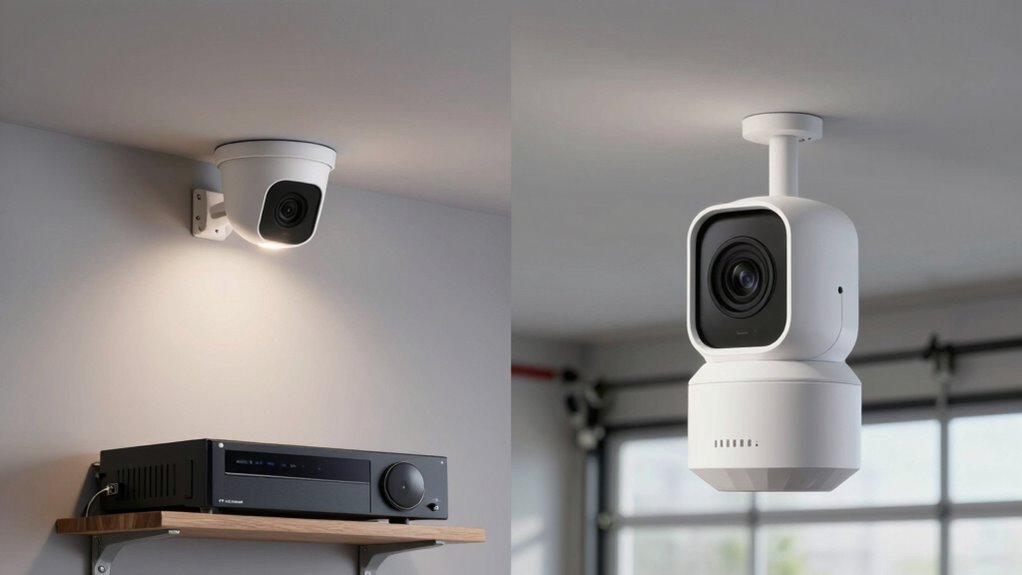
garage security camera with local storage
As an affiliate, we earn on qualifying purchases.
As an affiliate, we earn on qualifying purchases.
What Are Local Storage and Cloud Cameras for Garage Security?
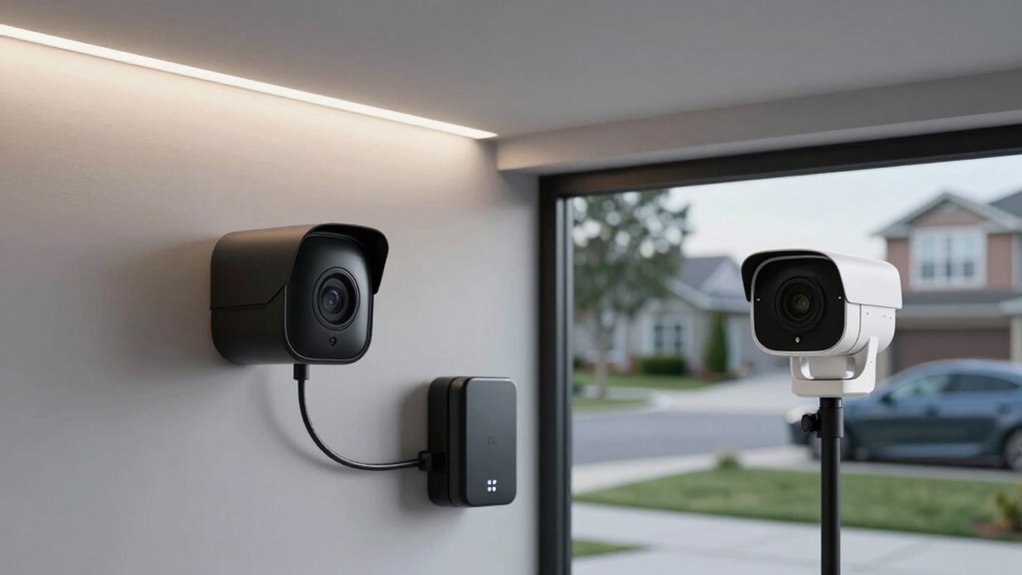
Have you ever wondered how garage security cameras store footage? Local storage cameras save video directly on a hard drive or SD card inside the camera or a connected device. These cameras often offer high video resolution, providing clear footage for identification. Proper camera placement is essential; positioning cameras at key points guarantees comprehensive coverage and reduces blind spots. Storage options also influence the overall security and accessibility of your footage. In addition, understanding the video resolution capabilities helps ensure you capture detailed images necessary for identification. Selecting the right video quality settings can impact both storage requirements and footage clarity. Cloud cameras, on the other hand, transmit footage over the internet to remote servers, allowing easy access from anywhere. They usually support high-definition video and adaptive camera placement, making it simple to cover multiple angles without physical storage limits. Both types serve different needs—local storage offers control and privacy, while cloud options provide flexibility and remote access.
HD garage security camera with SD card
As an affiliate, we earn on qualifying purchases.
As an affiliate, we earn on qualifying purchases.
How Do Security and Privacy Differ Between Local and Cloud Garage Cameras?
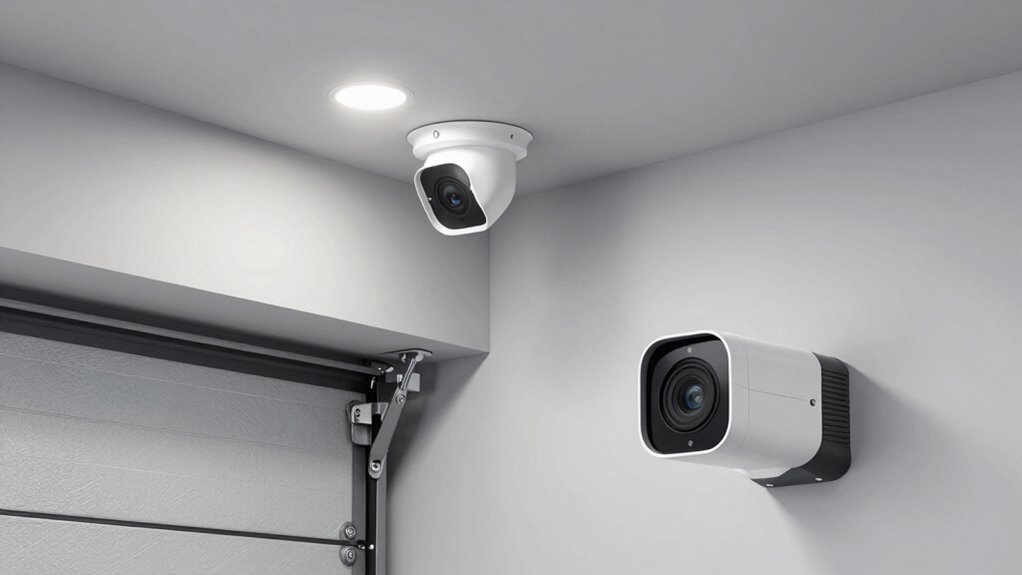
While both local and cloud garage cameras aim to keep your property secure, their security and privacy features differ markedly. Local cameras store footage directly on a hard drive or SD card, reducing exposure to online threats but requiring physical access for data retrieval. Cloud cameras, on the other hand, transmit footage over the internet, relying on encryption protocols to protect your data during transfer and storage. This setup can enhance security but also introduces privacy concerns if the service provider experiences a data breach. User access controls are critical in both systems; local cameras often limit access physically, while cloud cameras allow remote login, making it essential to use strong, unique passwords. Additionally, understanding halal traditions and how they relate to privacy practices can help you make informed security choices. Implementing physical security measures can further enhance the safety of local storage solutions, preventing unauthorized access. Moreover, understanding data security practices is vital for ensuring your footage remains protected from unauthorized access, especially in an increasingly connected world. Being aware of the privacy policies of cloud providers can help you assess the level of data protection they offer. Ultimately, understanding these differences helps you choose a system that aligns with your privacy comfort and security needs.
wireless cloud garage camera with subscription
As an affiliate, we earn on qualifying purchases.
As an affiliate, we earn on qualifying purchases.
Cost and Installation: Which Garage Camera System Is More Affordable?
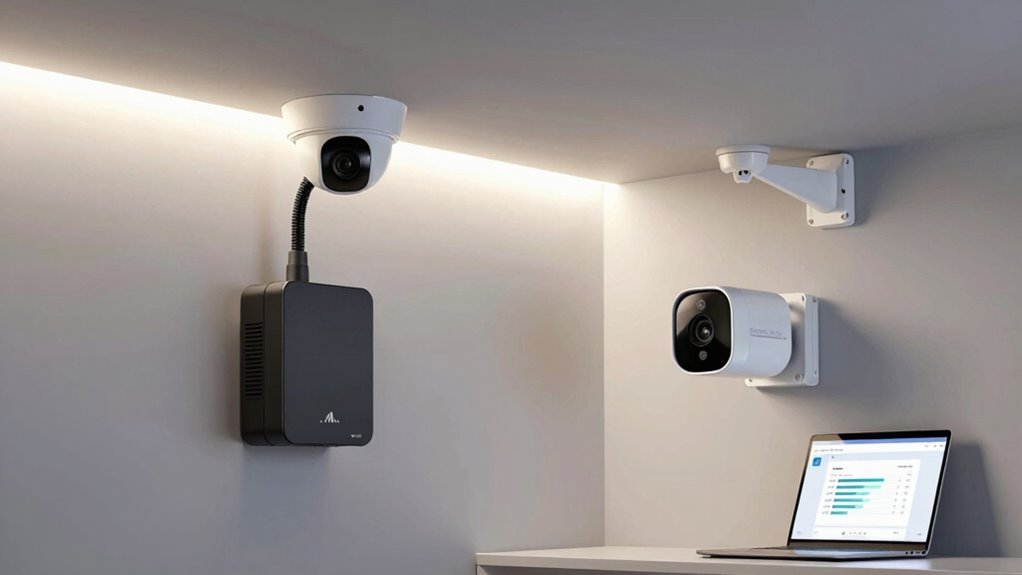
Choosing between local and cloud garage cameras largely depends on your budget and installation preferences. In regarding price comparison, local storage systems typically have higher upfront costs due to purchasing a dedicated recorder or hard drive, but they don’t incur ongoing fees. Cloud cameras usually have lower initial costs but require monthly subscription plans for storage, which can add up over time. The installation process also differs: local storage setups often involve more complex wiring and setup, which might require professional help. In contrast, cloud cameras tend to be easier and quicker to install, often just requiring Wi-Fi connection and minimal wiring. Your choice hinges on whether you prefer a one-time investment or ongoing payments, and how much effort you’re willing to put into setup. Additionally, security features in local storage systems can vary, impacting your overall privacy and data handling preferences. Furthermore, understanding the role of AI in security can help you make more informed decisions about the type of system that best suits your needs. Considering data privacy is also crucial when selecting between these options, as different systems offer varying levels of control over stored footage. Recognizing the importance of hermetic storage can also influence your decision, especially if you prioritize data integrity and protection.
garage security camera system with remote access
As an affiliate, we earn on qualifying purchases.
As an affiliate, we earn on qualifying purchases.
Reliability and Accessibility: Which Camera Type Is Better?
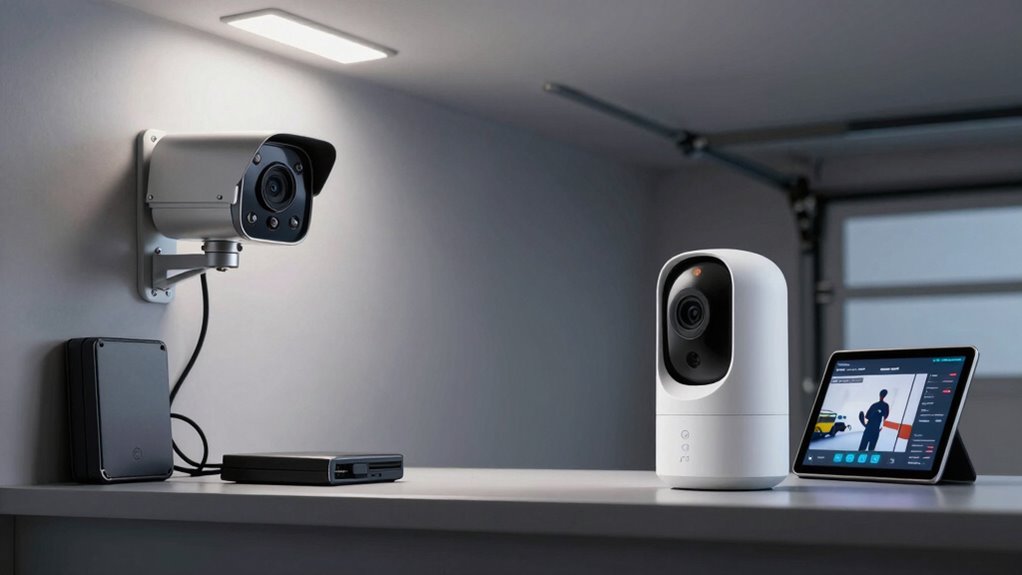
When considering reliability and accessibility, you need to think about how easily you can access your footage and how dependent the system is on power. Cloud cameras often offer flexible data access from anywhere, but they rely on a stable internet connection. Local storage systems may be more dependable during internet outages but depend heavily on a steady power supply. Incorporating Indonesian decor masks into your space can also serve as a cultural touchstone, adding aesthetic value even when technology fails. Additionally, understanding the power dependency of each system can help you choose the most dependable option for your needs, especially since internet stability is a crucial factor for cloud camera reliability. Recognizing potential hardware failure risks can further inform your decision-making process.
Data Accessibility Flexibility
Cloud cameras generally offer superior data accessibility because they store footage remotely, allowing you to view live feeds or recordings from any device with an internet connection. This makes remote monitoring effortless and enhances user convenience. With cloud storage, you can access your garage footage anytime, anywhere, without needing physical access to the camera or storage device.
Consider these advantages:
- Instant remote access from multiple devices
- No need to carry physical storage or visit the site
- Easy sharing of footage for quick troubleshooting
This flexibility guarantees that you stay connected and informed at all times, making cloud cameras ideal for those who value convenience and quick access to their security footage.
Dependence on Power Supply
While cloud cameras excel in remote access and convenience, their reliance on a stable power supply can pose challenges. A power outage can disrupt recording and live feeds, leaving you vulnerable during outages. To mitigate this, many cloud cameras support backup power sources like batteries or uninterruptible power supplies (UPS). These backups guarantee continuous operation during outages, maintaining security coverage. Additionally, the power dependency is a key factor to consider when choosing the right surveillance system for your needs. Understanding the backup power options can help you make an informed decision based on your specific security needs. Since some cameras are designed with power management features to optimize energy use, evaluating these can enhance reliability during power fluctuations. Furthermore, assessing power consumption can help determine the overall energy efficiency and potential operating costs of your camera system. Ultimately, your choice depends on how critical continuous surveillance is during power failures.
Managing Footage: Storage Options and Data Retrieval Tips
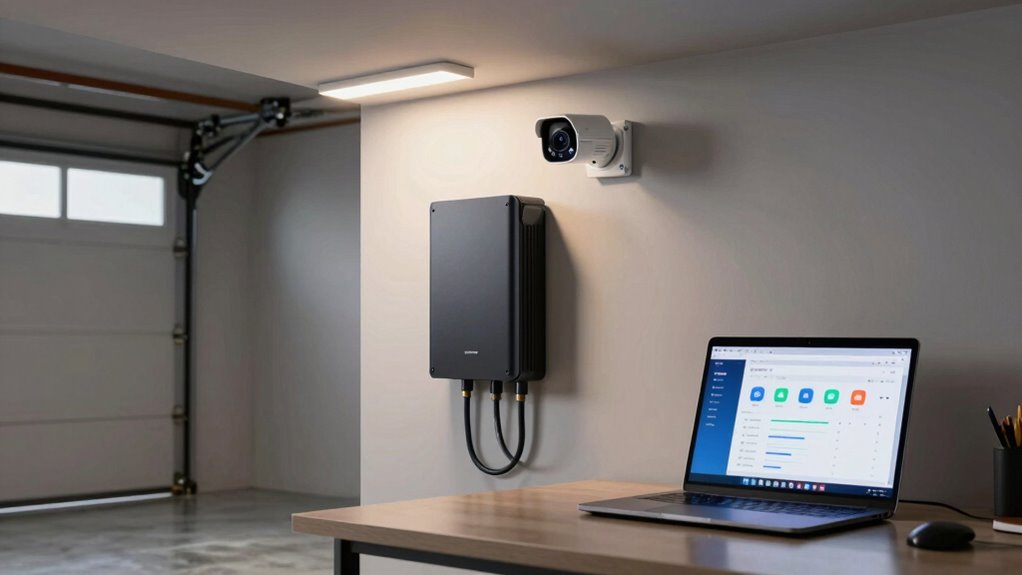
Managing footage effectively requires understanding your storage options and knowing how to retrieve data efficiently. To optimize storage, focus on video compression techniques that reduce file size without sacrificing quality, making retrieval faster. Footage encryption guarantees your data stays secure during storage and transfer. Here are three tips to help you manage your footage:
- Use organized folders and clear labeling for quick access.
- Regularly back up footage, especially if using cloud storage, to prevent data loss.
- Choose a storage solution that supports easy search functions, so you can locate specific clips swiftly.
- Consider incorporating secure storage methods like encrypted drives or cloud services that prioritize data protection, especially if your footage contains sensitive information. Additionally, understanding storage management strategies can help you optimize your setup for both performance and security. Implementing efficient data retrieval techniques ensures that you can access footage promptly when needed.
Whether you opt for local storage or cloud options, understanding these strategies helps you manage footage effectively and keeps your garage security reliable.
Pros and Cons of Local vs. Cloud Storage for Garage Cameras
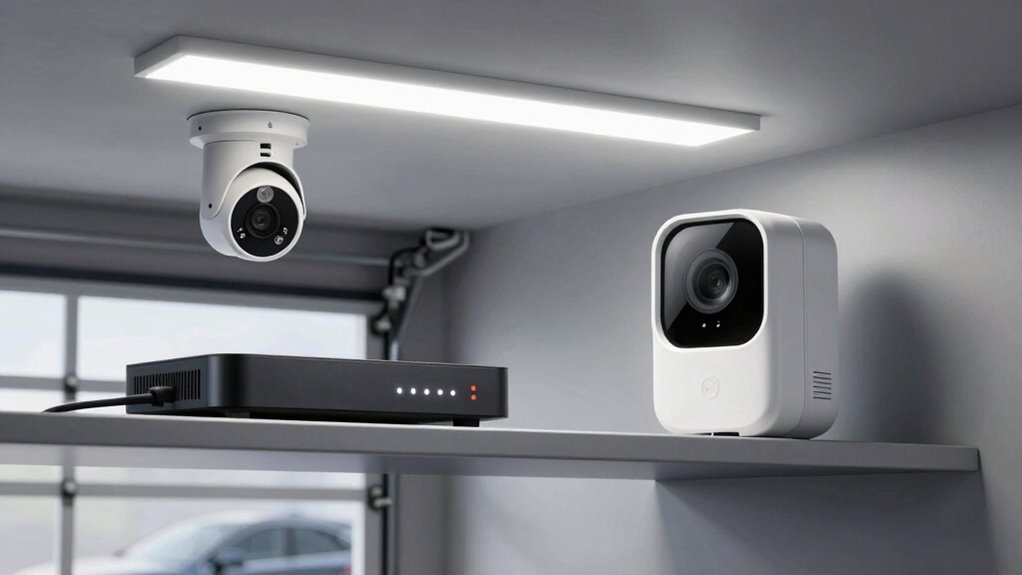
When choosing between local and cloud storage for your garage cameras, you need to think about how easily you can access and control your footage, along with the costs and capacity limitations of each option. Security and privacy concerns also play a big role, especially if sensitive footage is involved. Understanding these factors helps you decide which storage method best fits your needs.
Data Accessibility and Control
Choosing between local and cloud storage for your garage cameras directly impacts how easily you can access and control your footage. With local storage, you often have a straightforward user interface, giving you quick access without relying on internet connection. You also have full control over user permissions, deciding who can view or manage the footage. Conversely, cloud storage offers remote access from any device, but sometimes with a more complex interface. It’s easier to grant or restrict user permissions online, but your access depends on internet stability.
- Local storage provides quick, on-site control with simple interfaces.
- Cloud storage enables remote access but may involve more complex user permissions management.
- Your choice affects how freely you can access and modify footage at any time.
Storage Cost and Capacity
Local storage often involves a one-time purchase of a physical device, such as a hard drive or DVR, which can be more cost-effective over time but limits capacity based on the device’s size. You’ll need to upgrade hardware for more storage, impacting scalability. Cloud storage, however, offers flexible storage plans that grow with your needs, improving storage scalability without hardware upgrades. It also provides data redundancy, safeguarding footage through backups across multiple servers. However, cloud storage incurs ongoing subscription costs, which can add up over time. Here’s a quick comparison:
| Aspect | Local Storage | Cloud Storage |
|---|---|---|
| Cost | One-time purchase | Recurring subscription |
| Capacity | Fixed, upgrade hardware needed | Scalable, flexible plans |
| Data redundancy | Limited, reliant on hardware | High, across multiple servers |
| Storage scalability | Low, hardware-dependent | High, flexible plans |
| Maintenance | User responsible | Managed by provider |
Security and Privacy Concerns
Security and privacy are key factors to contemplate when selecting between local and cloud storage for your garage cameras. With local storage, you control encryption protocols and user authentication, reducing external threats. However, physical access to your device can pose risks if not secured properly. Cloud storage offers automatic updates to security measures but depends on the provider’s protocols, which may vary. Consider these points:
- Local storage gives you full control over encryption and user authentication, but requires diligent security practices.
- Cloud storage relies on the provider’s encryption protocols, but a breach could expose your footage.
- Both options demand strong user authentication to prevent unauthorized access, especially if sensitive footage is involved.
Ultimately, balancing convenience and control determines the best choice for your garage security.
Frequently Asked Questions
How Secure Are Cloud Cameras Against Hacking?
Cloud cameras are generally secure against hacking thanks to data encryption and strong hacking prevention measures. They use advanced encryption protocols to protect your footage during transmission and storage. However, no system is completely immune. You should regularly update passwords, enable two-factor authentication, and keep firmware current to enhance security. While hacking risks exist, proper security practices considerably reduce the chances of unauthorized access to your cloud camera footage.
Can Local Storage Cameras Operate Without Internet?
Yes, local storage cameras can operate without internet. They rely on offline recording, meaning they store footage directly on a connected device like an SD card or hard drive. You’ll need to evaluate storage capacity, as it determines how much footage you can save before it gets overwritten. This setup allows you to monitor your garage securely, even during internet outages, providing reliable, continuous surveillance without relying on cloud services.
What Is the Typical Lifespan of Local Storage Devices?
Local storage devices typically last between 3 to 5 years, but their lifespan depends on factors like data durability and device longevity. You should regularly back up footage and monitor the device’s health, as wear and tear from continuous use can cause failures over time. Proper maintenance guarantees you maximize the device’s lifespan, safeguarding your garage security footage without relying on internet connectivity.
Are Cloud Subscriptions Necessary for Basic Garage Security?
You might think cloud subscriptions are optional, but without them, your garage door sensors and motion detection could leave you blind. Basic security often doesn’t need constant cloud access, yet a subscription guarantees continuous recording and remote alerts. Ironically, by skipping the fee, you risk losing essential footage if a break-in occurs. So, while not strictly necessary, a cloud plan offers peace of mind that local storage alone can’t always guarantee.
How Does Weather Affect Outdoor Garage Camera Performance?
Weather impacts outdoor garage camera performance by affecting both image quality and functionality. Harsh conditions like rain, snow, or extreme heat can reduce camera durability and cause malfunctions. To guarantee reliable security, choose cameras with weather-proof ratings, such as IP66 or higher. Regular maintenance helps, but investing in durable, weather-resistant cameras guarantees consistent performance regardless of weather impact, keeping your garage protected year-round.
Conclusion
Choosing between local and cloud garage cameras is like balancing between a sturdy, private vault and a vast, accessible cloud. While local storage offers security and control, cloud cameras provide convenience and remote access. Think of it as guarding your home with a safe versus having your footage floating effortlessly in the sky. Weigh your needs carefully—whether you prefer tangible security or effortless accessibility—to find the perfect fit for your garage.
Cold & flu season Picks
humidifiers
As an affiliate, we earn on qualifying purchases.