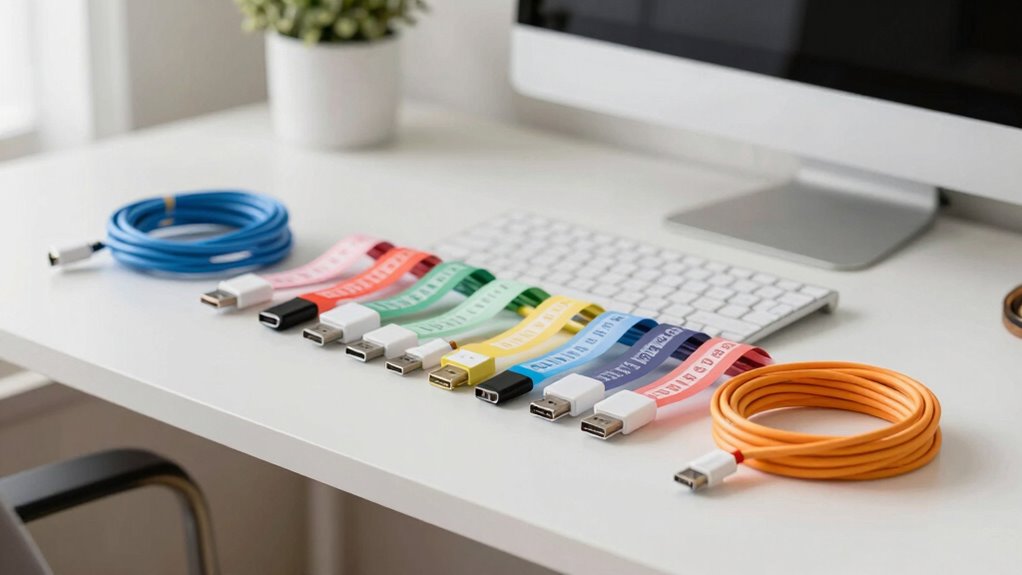

Creating a home office cable labeling system helps keep cords organized, saves time, and prevents damage. Use durable, clearly visible labels with simple fonts and consider color coding for quick identification of power, data, or peripheral cables. Proper placement and regular updates guarantee labels stay legible and effective. Incorporating tools like label apps or cable clips can streamline the process. Keep exploring to learn more ways to improve your cable management system.

Get home appliances delivered free — and shop member deals
- Fast, free delivery on millions of items
- Access to Prime Big Deal Days deals on October 6–7
- Prime Video, Amazon Music and more included
Key Takeaways
- Categorize cables by function (power, data, audio) and assign distinct color codes or labels for quick identification.
- Use durable, weather-resistant labels with clear fonts and proper adhesive to ensure longevity and readability.
- Implement consistent labeling styles and placement strategies, such as near connectors or along the cable length.
- Utilize tools like labeling apps or QR codes to streamline tracking and update labels easily.
- Regularly inspect and replace labels to maintain organization and prevent confusion in the workspace.
As an affiliate, we earn on qualifying purchases.
Why Cable Labeling Is Key to a Tidy Home Office
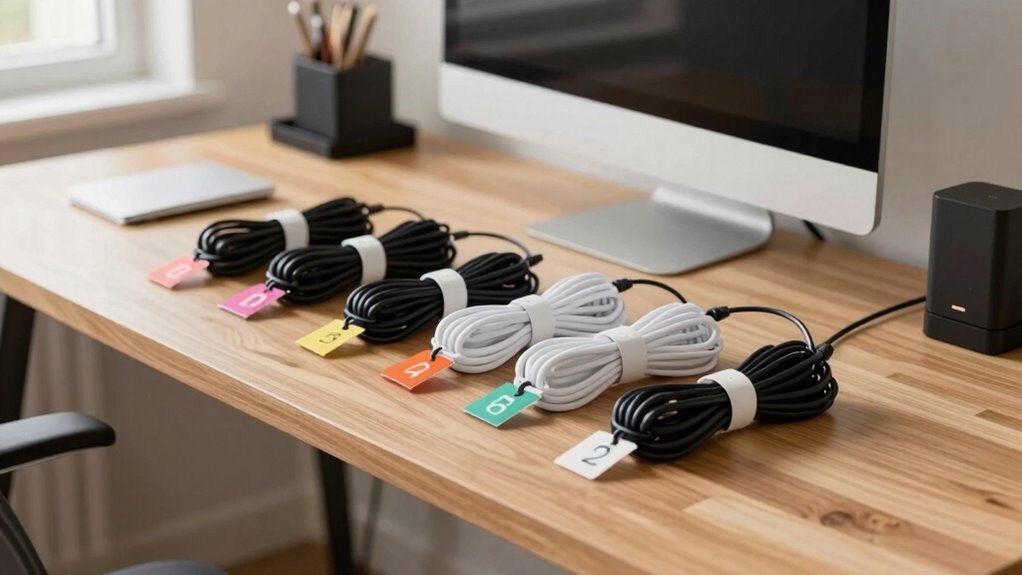
Keeping your home office organized can be a challenge, especially when tangled cables clutter your space and slow you down. Cable labeling aesthetics matter because neat labels make your setup look clean and professional. When you choose ergonomic labeling techniques, you guarantee labels are easy to read and apply, reducing frustration. Clear, consistent labels help you quickly identify which cable belongs to which device, saving time and preventing accidental disconnections. Additionally, well-designed labels keep your workspace tidy and visually appealing. By integrating both cable labeling aesthetics and ergonomic labeling techniques, you create a system that’s functional and attractive. This simple step transforms chaos into order, making your home office more efficient and enjoyable to work in every day. Proper cable organization strategies can also help you maintain a safe workspace by minimizing tripping hazards and damage to equipment. Paying attention to cable organization strategies, including proper label placement, ensures that your setup remains durable and long-lasting, reducing the need for frequent reorganization.
As an affiliate, we earn on qualifying purchases.
How to Choose the Right Labels for Your Cables
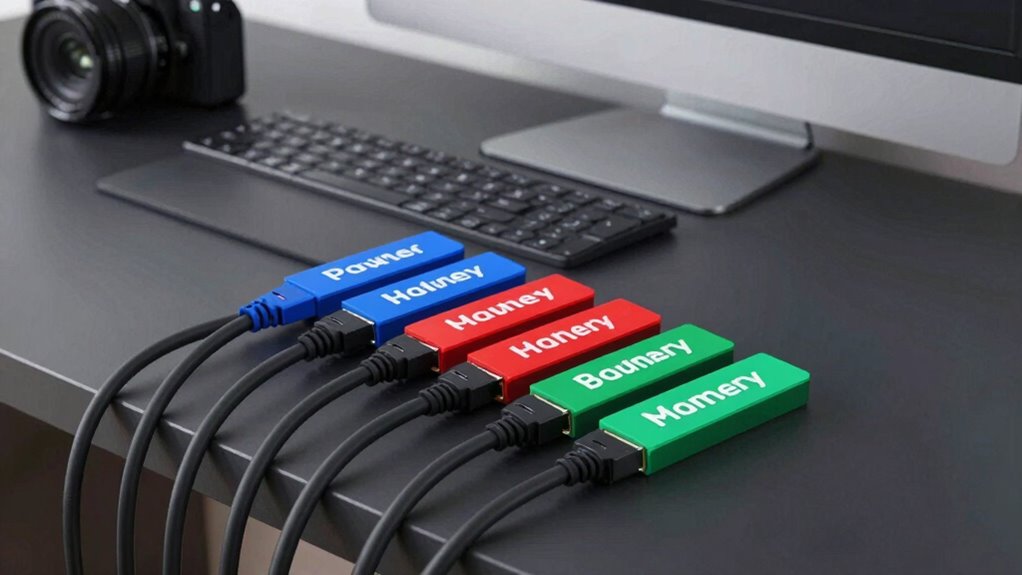
Choosing the right labels depends on their durability and how well they hold up over time, especially in a busy home office. You also want labels that are easy to see and read quickly, so you can identify cables at a glance. Incorporating labels that are resistant to environmental factors like humidity and temperature fluctuations can further enhance your home safety and ensure long-lasting organization. Selecting labels made from appropriate materials can help prevent peeling or fading, maintaining clarity even in fluctuating conditions. Using labels that are compatible with cable material can improve adhesion and prevent damage, ensuring the labels stay secure and legible without damaging your cables. Additionally, considering electric power generation features can help you understand how your cables might be used in various setups, ensuring you choose labels suited for diverse applications.
Material Durability and Quality
When selecting labels for your cables, prioritizing material durability and quality guarantees they withstand daily wear and tear. Proper material testing ensures the labels can endure frequent handling, friction, and environmental factors. High-quality labels provide peace of mind, knowing your organization remains intact over time. Consider these key factors:
- Resilience to abrasion — so labels won’t fade or peel with constant contact.
- Water and chemical resistance — protecting labels from spills and cleaning agents.
- UV stability — preventing fading when exposed to sunlight.
- Compatibility with fitness environments ensures labels perform well even in active, physically demanding spaces.
Choosing labels with proven durability ensures your labeling system remains reliable, reducing replacement costs and effort. Focus on products that meet strict quality assurance standards—your cables deserve labels that last as long as your workspace.
Visibility and Readability
Are your cable labels easy to read at a glance? If not, it’s time to focus on visibility and readability. Choose labels with clear, bold fonts and high contrast colors to improve cable aesthetics while ensuring they stand out. Label customization allows you to select sizes and styles that suit your setup, making each label more legible and tailored to your needs. Avoid overly busy designs or tiny text, which can hinder quick identification. Consider materials with matte finishes to reduce glare, and opt for labels that resist smudging or fading over time. Prioritizing these elements helps you quickly locate and identify cables, keeping your workspace organized and efficient. Good visibility is key to maintaining a clean, professional home office. Incorporating visual clarity techniques can further enhance your ability to distinguish cables effortlessly.
Compatibility With Cables
To guarantee your labels stay securely attached and legible, it’s essential to select those compatible with your cables’ materials and sizes. Different cables, especially those supporting wireless connectivity or ergonomic accessories, require specific label types.
Consider these tips:
- Match labels to cable material—plastic, rubber, or fabric—to prevent peeling.
- Choose flexible labels for curved or thick cables, ensuring durability.
- Opt for waterproof or weatherproof labels if your setup involves cords outdoors or near moisture.
Proper labeling helps you quickly identify cables supporting wireless connectivity and ergonomic accessories, reducing frustration. When selecting labels, prioritize those that won’t damage delicate cables or interfere with signal transmission. The right choice makes your home office safer, more organized, and easier to manage.
As an affiliate, we earn on qualifying purchases.
Organizing Your Cables by Function and Usage

Organizing your cables by function and usage helps you quickly identify what each cord is for, saving time and reducing frustration. This approach improves cable management and supports an ergonomic setup, preventing clutter that can cause discomfort. This organized method also encourages a tidy workspace, which is essential for maintaining a productive environment. Categorize cables based on their purpose, such as power, data, or peripherals. Use clear labels or color codes to distinguish them easily. Here’s a simple example:
| Function | Usage |
|---|---|
| Power | Laptop charger, monitor power |
| Data | Ethernet, USB devices |
| Audio/Video | Speakers, webcam |
| Charging | Cell phone, tablet chargers |
| Peripherals | Keyboard, mouse |
This method keeps your workspace tidy, enhances efficiency, and makes troubleshooting simpler. Additionally, understanding cable management principles can help you develop a more effective organization system.
As an affiliate, we earn on qualifying purchases.
How to Label Different Types of Home Office Cables
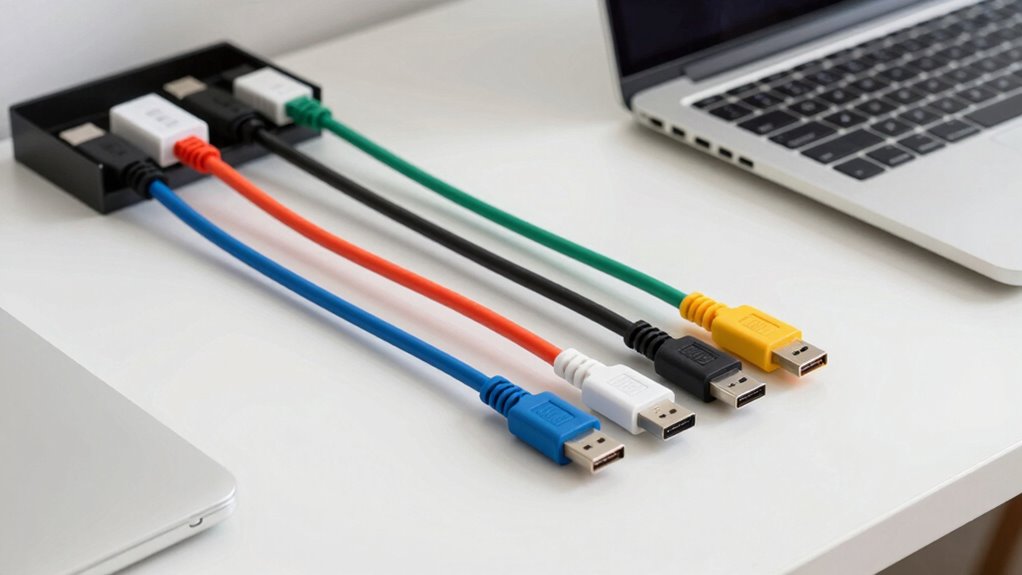
To keep your home office organized, you need to clearly identify power cables and differentiate data cables. Label power cords so you instantly recognize which one supplies electricity, and mark data cables to distinguish between your internet, printer, or device connections. Proper labeling saves time and prevents accidental disconnections or damage. Incorporating effective labeling strategies can further enhance your system’s clarity. Using wall art trends, such as color-coded labels or themed labels, can also make your labeling system more visually appealing and easier to navigate.
Identifying Power Cables
Ever wonder how to easily tell your power cables apart in a cluttered home office? The key is clear labeling combined with effective strategies. First, focus on cable label aesthetics—use color-coded labels or icons to make identification quick and visually appealing. Next, develop labeling frequency strategies: label cables at both ends for easy recognition, especially if you switch devices often. Finally, keep labels consistent; for example, use the same font and size for all power cables to avoid confusion. Prioritize durability so labels don’t peel or fade. Additionally, cable management techniques can further enhance organization and prevent tangling. Incorporating labeling best practices ensures your system remains clear and easy to maintain over time. By applying these techniques, you’ll reduce frustration and save time hunting for the right cable. Properly labeled power cords streamline your workspace, making it safer and more organized every day.
Differentiating Data Cables
Differentiating data cables in a busy home office can be challenging, but clear labeling makes it much easier. Staying updated on cable labeling trends helps you choose the most effective methods, such as color-coded tags or printed labels. Use ergonomic labeling solutions that are easy to apply and read, ensuring labels don’t slip or wear out quickly. Assign specific labels for HDMI, Ethernet, USB, and auxiliary cables, so you can quickly identify each one without confusion. Incorporating essential DIY tools and safety tips can help you create durable and secure labels that withstand regular use. Consistent labeling saves time when reconnecting devices and prevents accidental disconnections. Keep labels clear, durable, and positioned where you can easily see them. By adopting these simple strategies, you’ll streamline your workspace and maintain an organized, efficient home office environment.
Tips for Creating Clear and Durable Cable Labels
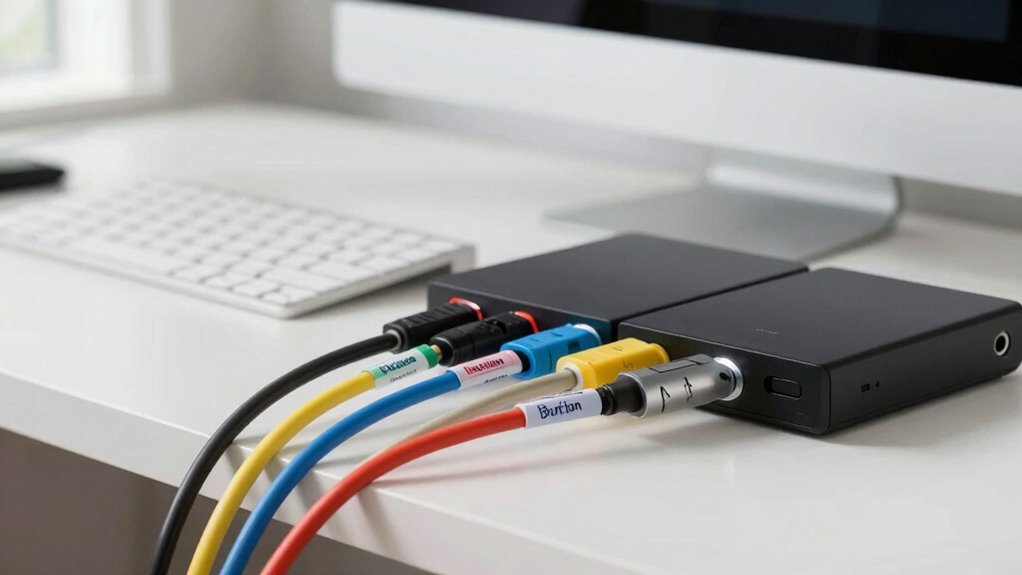
Creating clear and durable cable labels starts with choosing the right materials. Focus on cable labeling aesthetics to guarantee labels are easy to read and professional-looking. To maximize longevity, prioritize label adhesive strength so labels stay put over time, even with frequent handling. Here is a new tip to help you succeed: consider using labels with weatherproof and oil-resistant coatings, ensuring they withstand various environmental conditions. Use a permanent adhesive that offers strong adhesion without damaging cables or leaving residue. Opt for clear, bold fonts and simple wording, making labels easily recognizable at a glance.
Using Color Coding to Simplify Cable Identification

Using color coding is one of the most efficient ways to quickly identify and organize cables in a busy home office. Choose clear color schemes that correspond to different devices or functions—like blue for audio, red for power, or green for data. Consistent color schemes make it easy to find cables at a glance. When applying labels, consider label placement carefully; place labels near the plug end or along the cable’s length for quick visibility. Use contrasting colors for labels and cables to enhance readability. Keep your color system simple but distinct enough to prevent confusion. Regularly review and update your color codes as your setup evolves, ensuring your system remains effective and easy to maintain. Incorporating color-coded labeling can further streamline your organization process, making it even easier to manage your cables efficiently. Additionally, understanding cable identification principles can help you develop a more intuitive and durable system.
Tech Tools and Methods to Streamline Cable Labeling
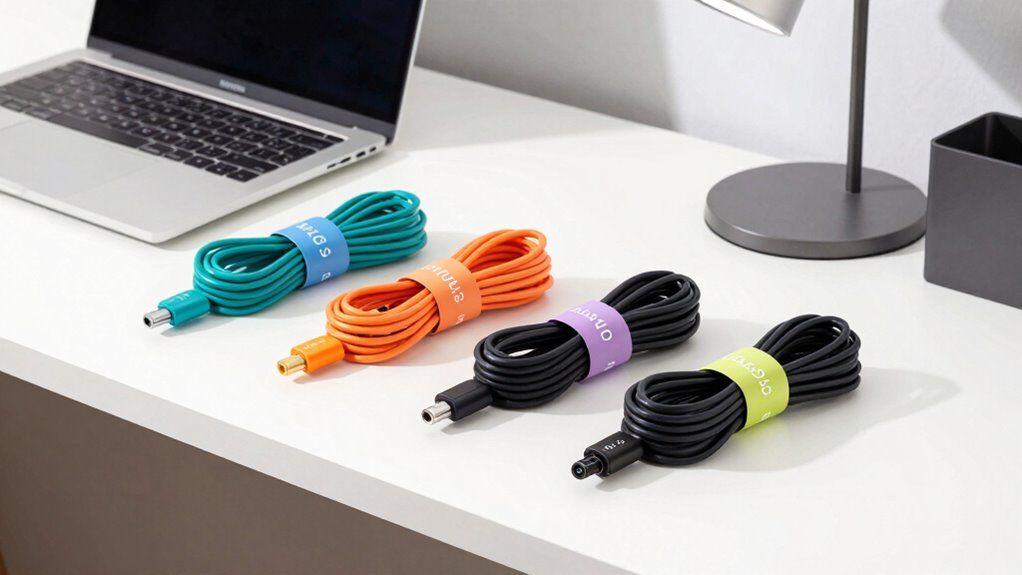
To make cable labeling more efficient, leverage modern tech tools designed specifically for organization. Digital labels and apps can help you track cables effortlessly, reducing confusion during setup or troubleshooting. Consider these tools:
- Use wireless charging stations to keep your devices powered without cluttering your workspace with cords.
- Invest in ergonomic accessories like cable clips and adjustable sleeves to keep cables tidy and accessible.
- Employ labeling apps that generate scannable QR codes, linking directly to device info, streamlining identification.
- Utilize cookie management to ensure your online tools and apps function smoothly while respecting your privacy preferences.
These tech solutions make your workspace more organized and less stressful. By embracing wireless charging and ergonomic accessories, you create a seamless environment where cables are easy to manage. Simplify your home office with tools that save time and boost productivity.
Troubleshooting Common Cable Labeling Problems
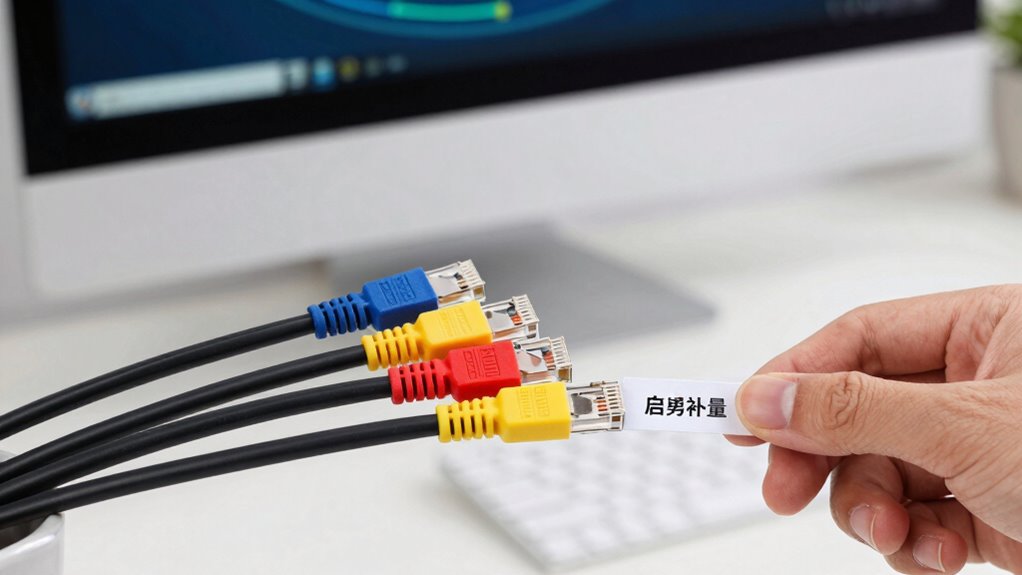
Even with careful labeling, you might encounter common issues like faded labels, mismatched codes, or misplaced cables. Faded labels can happen over time, making it hard to identify cables quickly, especially when wireless connectivity fluctuates. To fix this, replace worn labels and verify new ones are durable and clearly visible. Mismatched codes often occur due to human error; double-check your labels against your inventory list to correct discrepancies. Misplaced cables can cause confusion and disrupt your setup. Use color-coded labels or ergonomic accessories, like cable clips, to keep everything organized. Regularly review your labels and organize cables logically to prevent these issues. Additionally, proper labeling techniques can help maintain clarity and prevent common mistakes. Implementing consistent labeling practices ensures all cables are easily identifiable and reduces the likelihood of errors. Clear, consistent labeling paired with ergonomic accessories minimizes confusion and streamlines troubleshooting in your home office.
Maintaining and Updating Your Cable Labels Over Time

Over time, your cable labels can become worn, faded, or outdated, making it harder to identify and troubleshoot connections quickly. To keep your system reliable, regularly review and update your labels using effective cable labeling techniques. Here are three key steps to maintain clarity:
Regularly review and refresh cable labels to ensure easy identification and reliable troubleshooting.
- Inspect labels frequently — look for wear, smudges, or peeling.
- Replace or refresh labels — use durable materials and clear printing.
- Implement routine label maintenance routines — schedule quarterly checks to avoid confusion.
Frequently Asked Questions
What Are the Best Materials for Long-Lasting Cable Labels?
For long-lasting cable labels, you should choose durable materials like vinyl or polyester, which excel in cable label durability. These label material options resist water, fading, and tearing, ensuring your labels stay clear and intact over time. You might also consider laminated labels for extra protection. By selecting high-quality materials, you keep your cable labels legible and reliable, even in demanding environments or with frequent handling.
How Often Should I Update or Replace My Cable Labels?
You should replace or update your cable labels when they start losing their labeling durability or if your labeling consistency becomes inconsistent. Ironically, those labels often last longer than you think, but exposure to heat, moisture, or wear can fade or peel them. Regular checks, perhaps every six months, guarantee your labels remain legible and functional, maintaining clear organization and avoiding confusion in your home office setup.
Can Cable Labels Be Removed Without Damaging Cables?
You can remove cable labels without damaging cables if you understand the label adhesive types. For labels with removable adhesive, gently peel them off, starting at one corner to minimize damage. If the labels use strong or permanent adhesive, apply heat with a hairdryer to loosen the glue before carefully peeling. Always proceed slowly and avoid pulling too hard to prevent any damage to the cables.
Are There Eco-Friendly Options for Cable Labeling?
Did you know that over 300 million tons of plastic waste are produced annually? You can opt for eco-friendly cable labeling options like biodegradable markers or recycled label tape. These alternatives help reduce plastic waste and are safe for the environment. Using biodegradable markers, you can easily remove or update labels without harming cables, while recycled label tape supports sustainability efforts and minimizes your carbon footprint.
How Can I Label Cables That Are Difficult to Access or See?
To label difficult-to-access or see cables, you can use color coding techniques for quick identification, ensuring each cable has a distinct color. Additionally, opt for custom labeling solutions like slim, adhesive labels or cable tags that can be attached securely even in tight spots. These methods make it easier to locate and manage cables without needing to access hard-to-reach areas constantly, saving you time and frustration.
Conclusion
A well-organized cable labeling system is like a trusty map guiding you through your home office clutter. It keeps everything neat, easy to find, and ready to go when you need it. By choosing the right labels, using color coding, and staying consistent, you’ll turn chaos into harmony. Keep your labels updated, just like a good GPS, and enjoy a smoother, stress-free work environment every day.
NFL season / tailgating Picks
team gear
As an affiliate, we earn on qualifying purchases.