TL;DR
Smart home security cameras let you check on your home remotely, receive activity alerts, and review footage, but their usefulness depends on placement, connection quality, storage, and power. Before buying, decide what you need to monitor, compare the full cost of subscriptions and accessories, and check privacy settings and local recording options.
A crisp camera feed can show you a delivery at the door, but a weak Wi-Fi signal can leave you staring at a spinning loading icon. That gap between what a camera promises and what it can reliably do is why smart home security cameras deserve a closer look before you buy.

Get home appliances delivered free with Prime
- Fast, free delivery on millions of items
- Prime Video, Amazon Music and more included
- Member-only deals all year
These cameras let you check on your home remotely, receive alerts about activity, and review recorded footage. In this guide, you’ll learn which features affect everyday use, how to compare power and storage options, and what to check before mounting a camera near an entrance or shared space.
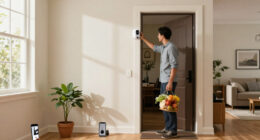
The practical goal is simple: pick a setup that suits the place you want to watch, your internet connection, and your comfort with recording. A camera over a front door, for example, has different needs from one you use to check on a cat curled beside a sunny window.
Choose a camera for the view and task you need; higher resolution also uses more storage and bandwidth.
Compare cloud plans, local storage, accessories, and hardware price across the period you expect to use the camera.
Test Wi-Fi, lighting, field of view, and power at the mounting spot before installation.
Use a unique password, multifactor authentication, current software, and limited account sharing.
Check local privacy rules and aim cameras away from areas where neighbors or household members expect privacy.
What smart home security cameras can actually do for you
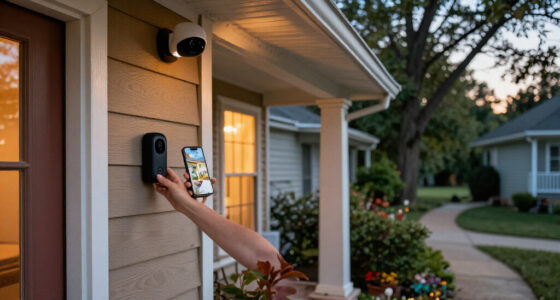
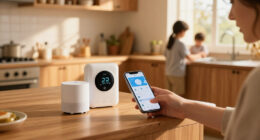
Smart home security cameras let you view a live feed, get alerts when something moves, and review footage through a phone app or connected hub. Some models record short clips when they detect activity; others can support continuous recording with suitable power and storage. The features vary, so read the specifications for the exact model you’re considering.
That flexibility can help with ordinary routines. You might check whether a parcel arrived while you’re on the bus, or see if your dog is still snoozing after a loud delivery truck rolls past. Some cameras add two-way audio, letting you speak through the app, though a delay can make conversation feel like a walkie-talkie exchange.
Detection can also make alerts more useful. A camera with person or package detection may help you distinguish a visitor from a tree branch shifting in the wind, but accuracy varies, and advanced features can require a subscription. A camera that pings your phone for every passing headlight quickly becomes background noise.
Think first about the job you need done. If you mainly want to see who’s at the front door, a clear view of the entrance and timely alerts may matter more than advanced controls. For a driveway, night vision, weather resistance, and a reliable connection may matter more.
Products Worth Considering

Levoit Vital 200S-P Smart Air Purifier for Large Rooms (Up to 1875 sq ft)

Levoit Vital 100S-P Air Purifier with Washable Pre-Filter

eufy Security Essential 7-Piece Alarm System with HomeBase Mini
As an affiliate, we earn on qualifying purchases.
Choose resolution, night vision, and alerts for the view you need
Smart home security cameras capture a useful picture when their resolution, field of view, lighting, and detection settings match the area you want to monitor. Many consumer models offer HD or higher resolution, but extra pixels alone don’t guarantee you’ll recognize a face from far away. Lens angle, distance, glare, and recording quality all affect the picture.
A wide field of view can cover more of a porch, while digital zoom may make the image look softer as you enlarge it. If your camera sits above a garage, test whether it can show both the driveway and the side gate without turning distant details into blur. More resolution also uses more bandwidth and storage, especially if the camera uploads frequent clips.
At night, infrared LEDs produce black-and-white footage. A model with a spotlight may record color video, which can reveal details such as a red jacket, but the bright beam can attract attention or shine into a neighbor’s bedroom. Picture a narrow walkway: infrared may be enough if you only need to see movement, while color night video may help identify objects near the door.
Detection features bring their own tradeoffs. Person, vehicle, pet, or package labels can help you sort activity, but they aren’t flawless and may be tied to paid plans. Spend a few days adjusting sensitivity and activity zones so passing cars don’t trigger alerts for a camera aimed at your driveway.
Compare storage, Wi-Fi, and the real cost over time
Smart home security cameras need a dependable way to send or store footage, and each storage option shifts the balance between convenience, cost, and control. Cloud plans can keep recordings available if a camera is stolen, while a memory card or local hub can reduce recurring fees. Local storage can still be lost if the device or hub is damaged.
Consider the full price, not just the sticker on the box. A camera that costs less up front may require a monthly plan for video history, advanced detection, or sharing tools. Over two years, compare the hardware price plus subscriptions, memory cards, mounting parts, and any hub you need. That total can change which option looks like a bargain.
Wi-Fi matters just as much. A camera at the far end of a long house may have weak signal, which can mean delayed alerts, missed uploads, or offline periods. Before drilling a bracket into brick, test the app at the planned spot or check signal strength there. Some systems use a hub, which may coordinate cameras or keep local recordings, but capabilities differ by model.
| Option | What it can offer | What to check |
|---|---|---|
| Cloud storage | Remote access and backup if a device disappears | Plan price, clip history, retention, and account security |
| Memory card | Local recording without a cloud plan | Card capacity, recording limits, and risk of device loss |
| Home hub | Central control or local recording on supported systems | Camera compatibility and what keeps working offline |
For example, if your front-door camera records only motion clips, a modest storage plan may work well. If you want long continuous recordings, check whether the model supports them and whether your internet connection and power supply can handle the load.
Pick power and placement that fit your home
Smart home security cameras work best when you can power them reliably and aim them at a useful, appropriate view. Wired models avoid charging, but they need a suitable power connection. Battery cameras can be easier to mount, though activity, cold weather, weak signal, and frequent live viewing can drain them faster.
There is no single battery-life figure that fits every household. A quiet back gate may trigger few clips, while a busy porch facing a sidewalk may wake the camera dozens of times a day. Solar panels can reduce charging where sunlight is sufficient, but a shaded wall in a northern courtyard may not get enough direct sun to make a noticeable difference.
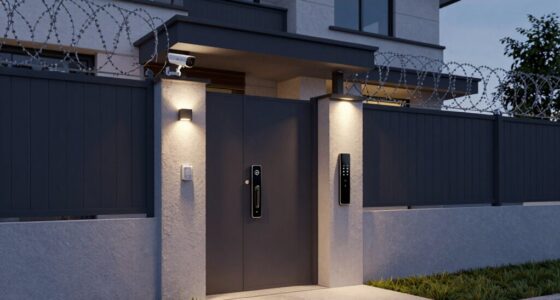
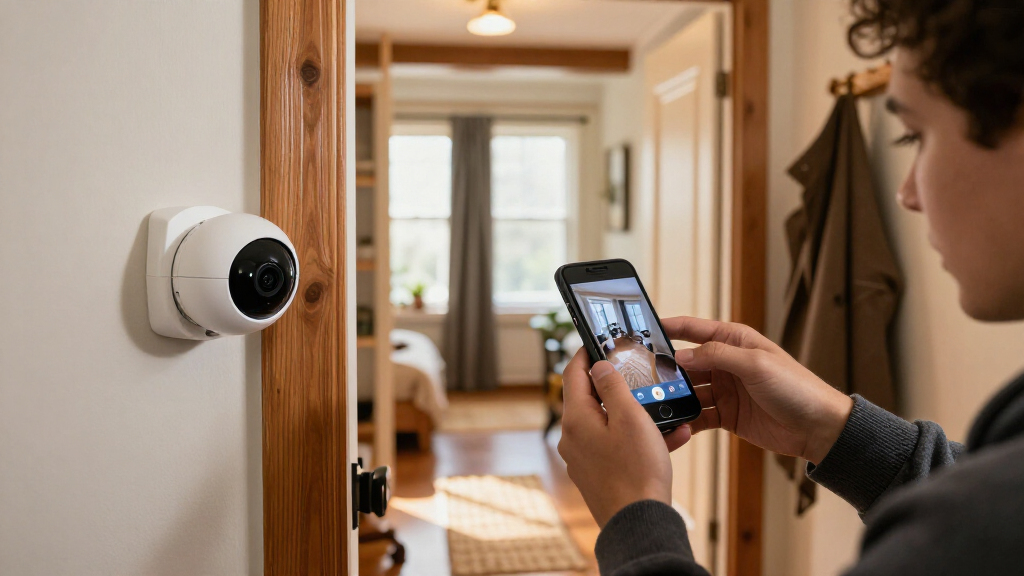
Start with the view. For a front entrance, frame the doorstep and approach without pointing into a neighbor’s windows or a private area. Check the field of view, night lighting, Wi-Fi strength, and power requirements before you mount anything. A quick phone test at the intended position can save you from moving a drilled bracket later.
Outdoor cameras should have a rating suited to exposure to weather. For electrical or structural work, use a licensed professional and follow applicable code and permit requirements. If installation involves wiring, turn off power at the correct circuit and use appropriate protective equipment; never assume a cable is safe because the switch is off.
Protect privacy without losing the camera’s useful features
Smart home security cameras can record household members, visitors, neighbors, and passersby, so privacy depends on more than the camera’s brand. Check where the lens points, whether audio is recorded, who can view clips, and how footage is stored or shared. Rules for audio recording and surveillance vary by location, so check the local requirements before installing a camera or sharing recordings.
Account security matters because remote viewing depends on access to your account and network. Use a unique password, enable multifactor authentication when available, keep camera and router software updated, and limit access to trusted household members. If a guest or former housemate no longer needs access, remove their account rather than relying on them to sign out.
On-device processing has gained attention because a camera may analyze some events locally instead of sending every detail to the cloud. That can reduce some cloud traffic, but it does not automatically mean the device collects no data or is fully private. Check what gets analyzed on the camera, what is uploaded, how long recordings remain available, and what happens when you delete them.
A camera’s privacy depends on where it points, who can sign in, and where its recordings go.
Imagine a living-room camera that faces a couch used by the whole family. You may prefer a physical shutter or a schedule that pauses recording when people are home. For an outdoor entrance, an activity zone can limit alerts to your own path instead of every passerby on the pavement.
Follow five steps to choose a camera you’ll keep using
Smart home security cameras are easier to compare when you start with the task, then check the features that affect daily use and long-term cost. A doorway camera and a pet camera may share an app, but they don’t need the same field of view, power, or night settings. Use this five-step check before buying.
- Name the job. Write down what you want to see: a package drop, a driveway, a pet’s room, or an alarm-system event.
- Check the spot. Look at lighting, field of view, Wi-Fi strength, mounting surface, and access to power.
- Compare recording options. Confirm whether you need cloud history, local storage, motion clips, or continuous recording.
- Calculate the ongoing cost. Add subscriptions, accessories, replacement batteries, or a hub to the hardware price.
- Review privacy and compatibility. Check account protections, retention controls, software support, and the exact smart-home features you plan to use.
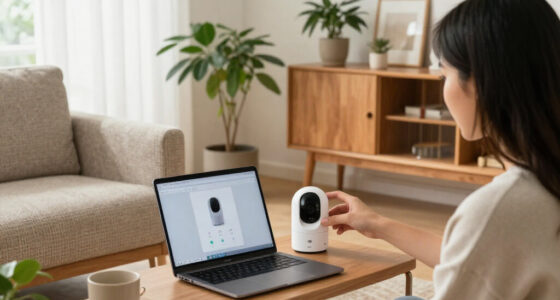
For example, if you want to check on a pet, a plug-in indoor camera with live viewing may be enough. If you need coverage over a detached garage, you may care more about weather resistance, signal reach, and a local hub. Standards such as Matter aim to improve smart-home interoperability, but camera support and features have been uneven; confirm compatibility for the exact device and function you want.
Before committing to a system, read the current subscription terms and update policy. Product features can change, and a camera that supports display viewing may not support every automation or recording feature in your chosen ecosystem.
Frequently Asked Questions
Do smart home security cameras need a subscription?
Not always. Live viewing may be included, while cloud recording, longer video history, or advanced detection can require a paid plan. Check the current terms for the exact model before you buy.
Can a camera work without Wi-Fi or internet?
Many cameras rely on internet access for remote viewing and app alerts. Some can keep recording locally during an outage, but the behavior depends on the model and storage setup. Check which functions work offline.
Is local storage safer than cloud storage?
Local storage gives you more control over where footage is kept, but it can disappear if the camera or hub is stolen or damaged. Cloud recordings may remain available after device loss, though the account needs strong access protection. Neither option is automatically safer in every situation.
How long does a battery-powered camera last between charges?
There is no single answer: activity, temperature, signal strength, settings, and live viewing all affect battery life. A quiet side gate may use less power than a busy porch that detects every passing car. Review the maker’s estimate and expect real use to vary.
Where should I place an indoor or outdoor camera?
Aim it at an entrance or other useful view, and check lighting, Wi-Fi, field of view, and power before mounting it. Avoid pointing into neighbors’ private spaces, and review local rules that apply to audio or surveillance. For wiring or structural work, use a licensed professional and follow applicable code and permit requirements.
Are smart home security cameras safe from hackers?
No internet-connected device is risk-free. A unique password, multifactor authentication, software updates, secure home Wi-Fi, and careful account sharing can reduce exposure. Also review account recovery options and how the maker handles stored footage.
Conclusion
Start with the spot you want to monitor and the specific question you want the camera to answer. Then check its view, connection, power, recording cost, and privacy controls before you buy. A dependable camera is the one that gives you a useful alert and a clear clip when you need it.
Set it up carefully, test it after dark, and make sure it watches your doorway without turning the neighbor’s window into part of the scene.