
TL;DR
An XDA Developers article published Oct. 26 describes the ESP32-C6 as a practical choice for DIY smart-home sensors and automation nodes. Its Wi-Fi, Bluetooth Low Energy and 802.15.4 radios support projects involving Zigbee and Thread without a separate radio board, though compatibility depends on firmware and setup, and the chip is not suited to every demanding task.
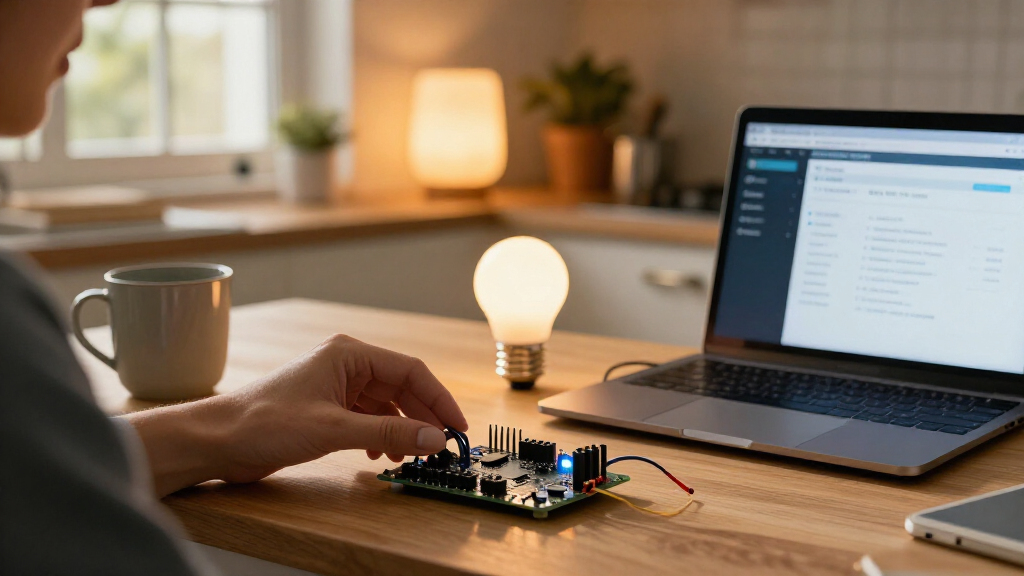
The ESP32-C6 is drawing attention as a flexible board for DIY smart-home projects because it combines Wi-Fi, Bluetooth Low Energy and an 802.15.4 radio on one chip. In a report published Oct. 26, XDA Developers’ Samir Makwana says that combination can support projects involving Zigbee and Thread without the separate radio hardware he previously used, though the board’s usefulness depends on the project and its software.

Get home appliances delivered free with Prime
- Fast, free delivery on millions of items
- Prime Video, Amazon Music and more included
- Member-only deals all year
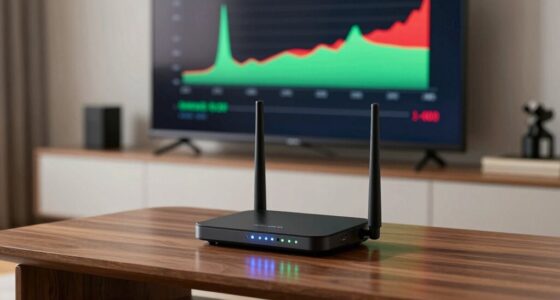
The C6’s radios serve different roles: its 2.4GHz Wi-Fi connects to a wireless network, Bluetooth Low Energy supports nearby communication, and its 802.15.4 radio can be used for Zigbee or Thread. Makwana says this lets a project use the same board for sensing and communication with a mesh network, rather than adding a separate Zigbee coordinator or Thread-capable board. The radio hardware does not, by itself, determine which protocol a finished device will use; that also depends on firmware and configuration.
Makwana describes moving from Wi-Fi-only ESP32 and ESP32-S3 boards to the C6 for projects where a device might later need to join a mesh. In one earlier project, he used an ESP32-S3 running ESPHome to map Wi-Fi dead spots and send data to Home Assistant. He says that setup worked over Wi-Fi but would need different hardware to take on a Zigbee or Thread role.
The report says the ESP32-C6 is supported by ESPHome and Zigbee2MQTT, which Makwana uses in his smart-home work. He also describes the basic development boards as costing about the same as several Wi-Fi-only boards he already owns, and cites a price of roughly $6. That figure is an approximate price from the article, not a guarantee of current pricing across sellers or board models.
Could the ESP32-C6 Be Your Next Smart Home Board?
One compact board combines Wi-Fi, Bluetooth Low Energy and 802.15.4 radios—giving makers a flexible starting point for sensors and automation nodes.
Based on an XDA Developers report · October 26, 2026
Useful when a project may move from Wi-Fi to a Zigbee or Thread build, if its firmware and network setup support the change.
Three radios, distinct jobs
The ESP32-C6 puts multiple wireless options on one chip. The radio hardware provides possibilities; firmware and configuration determine what a finished device actually does.
Wi-Fi
Connects a project to a wireless network, often through the home router.
Bluetooth LE
Supports low-energy communication with nearby devices and accessories.
802.15.4
Enables Zigbee or Thread projects when compatible software and setup are in place.
A simpler path for prototypes
Sensor, switch or small automation node.
Wi-Fi, Zigbee or Thread as the project needs.
Confirm board, software version and configuration support it.
Verify the home network has the needed coordinator or border router.
Potentially fewer components in the build
The report’s appeal is convenience and component cost. A separate radio board may be unnecessary for some prototypes.
Flexible does not mean universal
The C6 is presented as a versatile starting point, not a replacement for every ESP32 board or every piece of smart-home infrastructure.
Consider the C6 when…
You are building a small sensor or automation node and want to explore Wi-Fi alongside Zigbee or Thread, with suitable firmware and setup.
Keep the ESP32-S3 in mind when…
Your project needs more processing headroom. The report cites a Tailscale node as an example where the author would favor an ESP32-S3.
A mesh device is not its infrastructure
A Thread end device joining a network does not automatically replace the border router that connects Thread to other networks. Zigbee and Thread roles also depend on software and configuration.
Check support before buying
The report mentions ESPHome and Zigbee2MQTT support. Confirm documentation for your specific board, firmware version and intended role.
Make the project decision concrete
- Define whether the device is for Wi-Fi, Zigbee, Thread or a processing-heavy task.
- Verify the chosen ESP32-C6 board and firmware support that role.
- Check whether your home setup has the required Zigbee coordinator or Thread border-router support.
- Compare current prices by board model, seller, shipping and availability; the article’s roughly $6 figure is not a guaranteed price.
Fewer Parts for Smart-Home Builds
For hobbyists building sensors, switches and small automation nodes, having multiple radio options on one board can reduce the number of components to buy, connect and configure. It may also let a builder start with a Wi-Fi project and later explore Zigbee or Thread without replacing the development board, provided the chosen firmware and project support that change.
That flexibility is relevant to smart homes that use more than one kind of network. Wi-Fi is common for devices that connect directly to a home router, while Zigbee and Thread are used for low-power mesh devices. A board that supports those radio standards gives a maker more room to test different designs. It does not automatically make the board a complete smart-home hub, coordinator or Thread border router: those roles still require suitable software, network configuration and, in some cases, additional infrastructure.
The report’s case is primarily about convenience and component cost, not a performance breakthrough. For a small battery-powered sensor or a prototype, avoiding an extra radio board can simplify a build. For computationally demanding tasks, the C6 may not be the right choice.
Products Worth Considering

Bose Home Speaker 500 Smart Bluetooth Speaker with Alexa, Black

Ring Alarm 5-Piece Home Security Kit

Ring Alarm 8-Piece Home Security System Kit
As an affiliate, we earn on qualifying purchases.
From Wi-Fi Boards to Mesh Radios
Makwana says he previously picked standard ESP32 boards or an ESP32-S3 when a project only needed Wi-Fi. For mesh-network projects, he would separately use a Zigbee coordinator or a Thread border router. That approach worked, but meant checking parts and planning for separate hardware before starting.
He also describes building a Thread border router using a spare Raspberry Pi 4 after finding that a DIY sensor needed separate equipment to join a Thread network. The C6, he says, can put the sensor and the 802.15.4 radio on the same board, reducing that particular hardware step. A border router and an end device are different network roles, however; a C6 sensor joining Thread does not necessarily replace the infrastructure needed to connect a Thread network to other networks.
The article presents the C6 as a general-purpose starting point for projects that may change direction, rather than a replacement for every ESP32. Makwana says he would favor an ESP32-S3 when a project calls for more processing, citing a Tailscale node as an example. He also points to the compact XIAO ESP32-C6 as an option for smaller builds.
Firmware and Network Roles Matter
The report describes the C6’s radio capabilities and Makwana’s own builds, but it does not provide independent testing, a full device-compatibility list or measurements of range, battery life, reliability or performance. Its approximate $6 price may vary by seller, board format, shipping and availability.
It is also not clear from the article which specific firmware versions and configurations were used for every Zigbee and Thread example. Support from platforms such as ESPHome and Zigbee2MQTT does not mean every C6 board or project will work without setup. Builders should check the documentation for their selected development board, firmware and intended network role before buying parts.
The distinction between joining a mesh and operating its infrastructure remains important. The C6 can be used in projects that communicate over Thread, but a smart-home installation may still need a Thread border router to connect the Thread network with other devices and networks. The article does not establish that the C6 replaces such equipment in all configurations.
Choose the Board for the Build
For readers considering a project, the next step is to identify its main job: a Wi-Fi sensor, a Zigbee device, a Thread device or a more processing-intensive application. Then check that the intended firmware supports the ESP32-C6 for that role and that the rest of the home network has the required coordinator or border-router support.
Makwana’s report does not announce a new product or a scheduled update. It offers a practical recommendation based on his own project experience. The relevant follow-up for buyers is whether their chosen board model, software version and home-automation setup support the features they plan to use; prices and software support can change over time.
Key Questions
What makes the ESP32-C6 useful for smart-home projects?
It combines Wi-Fi, Bluetooth Low Energy and an 802.15.4 radio on one chip. The 802.15.4 radio supports projects using Zigbee or Thread, subject to compatible firmware and configuration.
Does the ESP32-C6 automatically work as a Zigbee or Thread hub?
No. A board’s radio support does not automatically make it a hub, coordinator or Thread border router. Those roles require appropriate software and network configuration, and a setup may still need separate infrastructure.
Can the ESP32-C6 connect to Home Assistant?
The XDA report says the C6 is supported by ESPHome and Zigbee2MQTT, tools used in Home Assistant setups. The exact method depends on the board, firmware and role of the device.
Is the ESP32-C6 more powerful than the ESP32-S3?
The source does not provide a benchmark comparison. Makwana says the C6 is not among the most powerful boards and prefers an ESP32-S3 for some processing-heavy tasks, such as running a Tailscale node.
How much does an ESP32-C6 development board cost?
Makwana cites a basic board at about $6 and says it costs roughly as much as several Wi-Fi-only boards he owns. Actual prices vary by model, seller and availability.
Source: XDA Developers