
Wi-Fi 6 and Wi-Fi 7 are the latest standards to boost your wireless experience. Wi-Fi 6 offers faster speeds, better device handling, and improved stability in crowded spaces, making it perfect for current needs. Wi-Fi 7 goes further with speeds up to 30 Gbps, wider spectrum, and advanced features like multi-link operation, making it ideal for future-ready setups. Want to understand how these differences can impact your connections? Keep exploring to find out more.
Key Takeaways
- Wi-Fi 7 offers significantly higher maximum speeds (up to 30 Gbps) compared to Wi-Fi 6’s 9.6 Gbps.
- Wi-Fi 7 adds the 6 GHz band for expanded spectrum, enhancing bandwidth and device capacity over Wi-Fi 6.
- Wi-Fi 7 features advanced technologies like multi-link operation (MLO) and improved MU-MIMO for better multi-device handling.
- Wi-Fi 7 provides stronger security protocols and lower latency, ideal for high-performance and security-sensitive applications.
- Wi-Fi 6 is more compatible with existing devices, while Wi-Fi 7 is future-proof but may have limited early support.

TP-Link AX1800 WiFi 6 Router (Archer AX21 V5) – Dual Band Wireless Internet, Gigabit, Easy Mesh, Works with Alexa – A Certified for Humans Device, Free Expert Support
DUAL-BAND WIFI 6 ROUTER: Wi-Fi 6(802.11ax) technology achieves faster speeds, greater capacity and reduced network congestion compared to…
As an affiliate, we earn on qualifying purchases.
As an affiliate, we earn on qualifying purchases.
What Are Wi-Fi 6 and Wi-Fi 7? An Overview
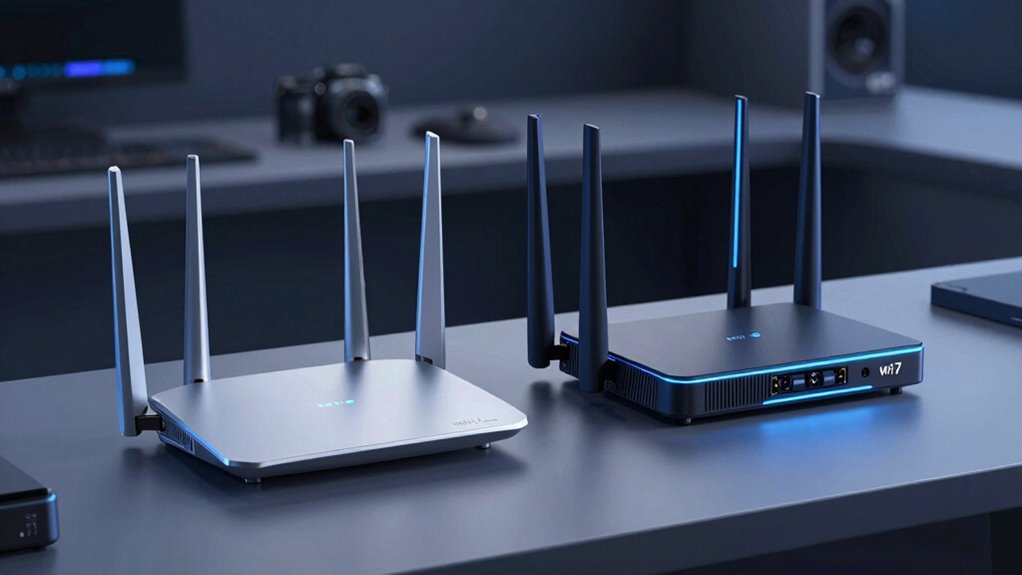
Wi-Fi 6 and Wi-Fi 7 are the latest generations of wireless technology designed to deliver faster speeds, lower latency, and better network efficiency. They’re built to handle more devices simultaneously while reducing issues like wireless interference, which can slow your connection. Wi-Fi 6 is compatible with many existing devices, but it also introduces new features to improve network stability. Wi-Fi 7 takes this further, offering even higher speeds and enhanced device compatibility, including support for more advanced devices and applications. As you upgrade, you’ll notice smoother streaming, quicker downloads, and fewer dropped connections. Both standards are designed to optimize your experience by managing wireless interference more effectively and supporting a broader range of connected devices seamlessly. Understanding wireless interference is key to appreciating how these new standards improve overall network performance.

TP-Link BE6500 Dual-Band WiFi 7 Router (BE400) – Dual 2.5Gbps Ports, USB 3.0, Covers up to 2,400 sq. ft., 90 Devices, Quad-Core CPU, HomeShield, Private IoT, Free Expert Support
𝐅𝐮𝐭𝐮𝐫𝐞-𝐑𝐞𝐚𝐝𝐲 𝐖𝐢-𝐅𝐢 𝟕 – Designed with the latest Wi-Fi 7 technology, featuring Multi-Link Operation (MLO), Multi-RUs, and 4K-QAM….
As an affiliate, we earn on qualifying purchases.
As an affiliate, we earn on qualifying purchases.
How Do Wi-Fi 6 and Wi-Fi 7 Differ in Speed and Bandwidth?
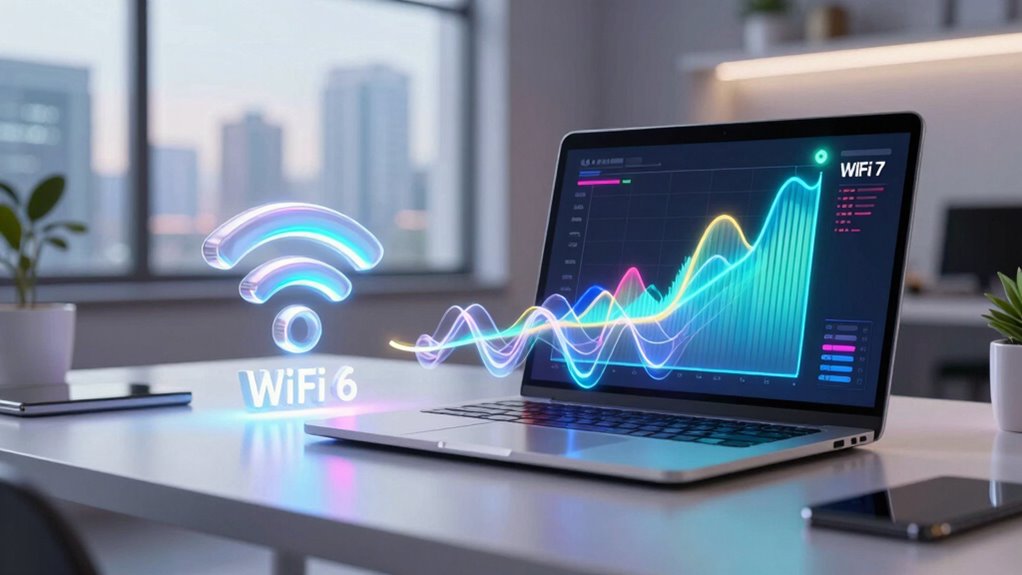
Wi-Fi 6 offers faster speeds than previous standards, but Wi-Fi 7 promises even greater improvements in both speed and bandwidth. With Wi-Fi 7, you can expect markedly higher data transfer rates and expanded capacity for multiple devices. This means your network will handle demanding tasks more smoothly and efficiently. Additionally, Wi-Fi 7 incorporates advanced technologies that improve overall network stability and bandwidth management, ensuring a more reliable connection. Understanding these wireless standards can help you choose the best option for your needs.
Speed Capabilities Comparison
Although Wi-Fi 6 has considerably improved wireless speeds, Wi-Fi 7 takes it a step further by offering even higher bandwidth and faster data transfer rates. Wi-Fi 7 operates on broader frequency bands, enhancing overall speed and reducing latency. Its advanced modulation techniques improve signal strength, allowing for more stable connections even in crowded environments.
| Feature | Wi-Fi 6 | Wi-Fi 7 |
|---|---|---|
| Max Speed | Up to 9.6 Gbps | Up to 30 Gbps |
| Frequency Bands | 2.4 GHz, 5 GHz | 2.4 GHz, 5 GHz, 6 GHz |
| Signal Strength Optimization | Good | Enhanced |
| Bandwidth | Limited | Significantly expanded |
| Latency | Moderate | Reduced |
You’ll notice Wi-Fi 7’s increased bandwidth and frequency options deliver faster, more reliable connections.
Bandwidth Expansion Potential
Have you wondered how the expansion of bandwidth impacts wireless performance? With Wi-Fi 6, you’re primarily limited to 2.4 GHz and 5 GHz frequency bands, which offer decent speed but can get crowded, reducing signal range and performance. Wi-Fi 7, however, aims to expand bandwidth by utilizing additional frequency bands, including the 6 GHz band, increasing overall capacity. This expansion allows for higher data throughput and better handling of multiple devices simultaneously. As a result, your wireless network can support faster speeds and improved signal range, especially in dense environments. By leveraging wider channels and more spectrum, Wi-Fi 7 enhances bandwidth capacity, giving you a future-proof network capable of meeting increasing data demands.

TP-Link Deco 7 Pro BE63 Tri-Band WiFi 7 BE10000 Whole Home Mesh System – 6-Stream 10 Gbps, 4×2.5G Ports Wired Backhaul, 4X Smart Internal Antennas, VPN, HomeShield, Free Expert Support (3-Pack)
𝗦𝘂𝗽𝗲𝗿𝗰𝗵𝗮𝗿𝗴𝗲𝗱 𝐃𝐞𝐜𝐨 𝟕 𝐏𝐫𝐨 𝗕𝗘𝟭𝟬𝟬𝟬𝟬 𝗧𝗿𝗶-𝗕𝗮𝗻𝗱 𝗪𝗶-𝗙𝗶 𝟳 𝗦𝗽𝗲𝗲𝗱𝘀: Features cutting-edge Wi-Fi 7 technology, including Multi-Link Operation, Multi-RUs,…
As an affiliate, we earn on qualifying purchases.
As an affiliate, we earn on qualifying purchases.
How Well Do Wi-Fi 6 and Wi-Fi 7 Handle Multiple Devices?
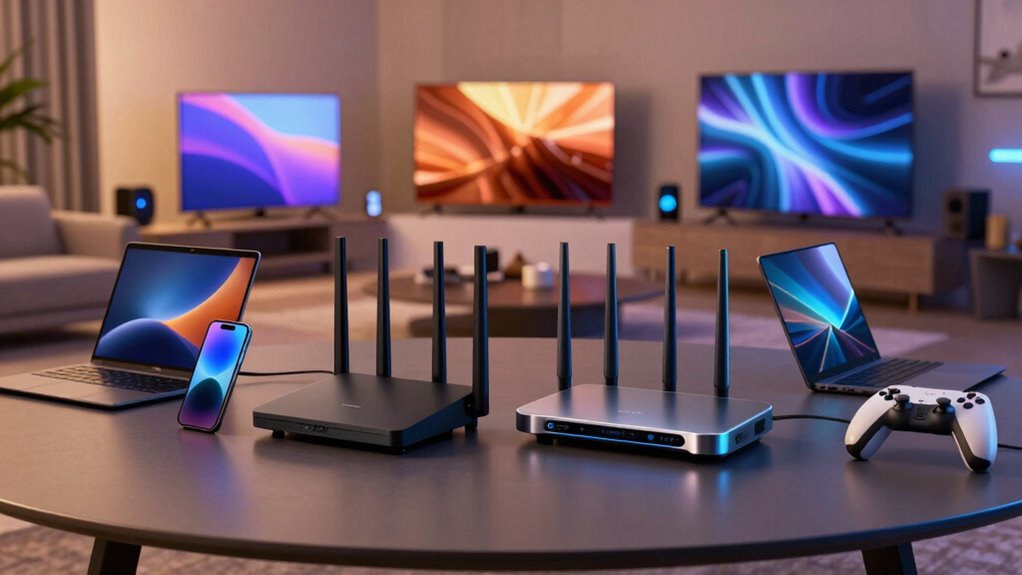
Ever wonder how well Wi-Fi 6 and Wi-Fi 7 can support multiple devices simultaneously? Both standards are designed to improve device congestion management and signal stability. Wi-Fi 6 introduces OFDMA, allowing multiple devices to communicate efficiently at once, reducing lag. Wi-Fi 7 builds on this with even better multi-user capabilities and higher bandwidth, making it easier to handle many devices without slowdown. You’ll notice smoother streaming and faster downloads when many gadgets are connected. To maximize performance, consider:
- Using routers with advanced MU-MIMO
- Prioritizing critical devices
- Keeping firmware updated
- Reducing interference sources
- Positioning your router centrally for better coverage
Understanding internet culture & trends can also help optimize your network setup in a connected world. Both Wi-Fi 6 and Wi-Fi 7 are well-equipped to support your growing device network with minimal congestion and stable signals.
TP-Link AX1800 WiFi 6 Router (Archer AX21) – Dual Band Wireless Internet, Gigabit, Easy Mesh, Works with Alexa – A Certified for Humans Device, Free Expert Support
DUAL-BAND WIFI 6 ROUTER: Wi-Fi 6(802.11ax) technology achieves faster speeds, greater capacity and reduced network congestion compared to…
As an affiliate, we earn on qualifying purchases.
As an affiliate, we earn on qualifying purchases.
Are Your Devices Compatible With Wi-Fi 6 and Wi-Fi 7?
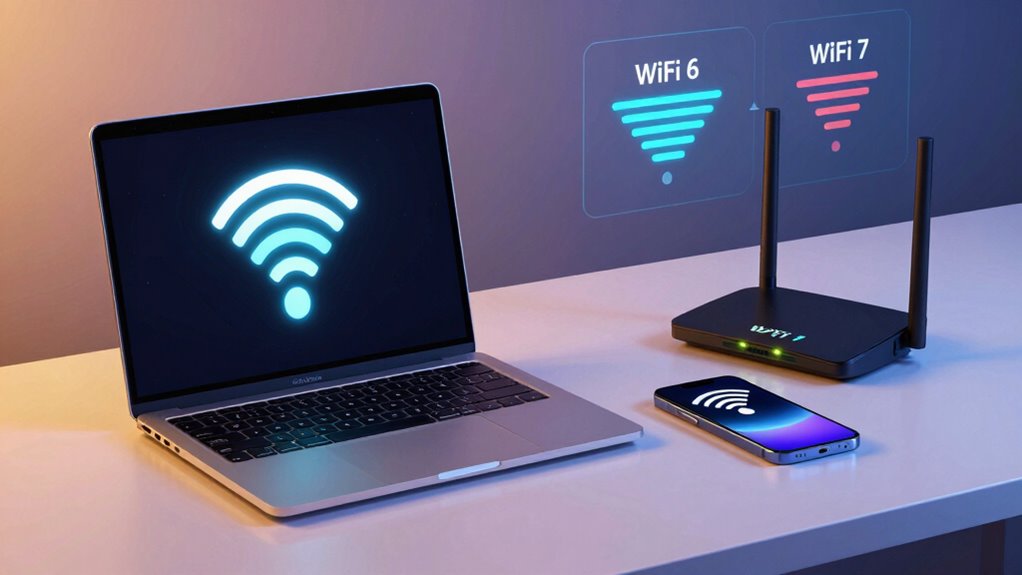
As Wi-Fi 6 and Wi-Fi 7 continue to improve how your devices connect and perform, it’s important to check if your current gadgets are compatible with these newer standards. Device compatibility varies, so not all devices can immediately take advantage of the latest Wi-Fi technology. Typically, newer smartphones, laptops, and smart home gadgets are designed for Wi-Fi 6, and some early models support Wi-Fi 7. If your devices are outdated, you’ll need to upgrade or add compatible network hardware to benefit from faster speeds and lower latency. Embracing technology adoption is key to maximizing your network’s potential. Before upgrading your internet setup, verify your device specifications to ensure they support Wi-Fi 6 or Wi-Fi 7, helping you avoid unnecessary expenses and maximize performance.
What New Technologies Make Wi-Fi 7 Faster and More Efficient?
Wi-Fi 7 introduces several cutting-edge technologies that considerably boost speed and efficiency. These innovations are designed to handle the growing demands of smart home devices and IoT integration seamlessly. Key advancements include:
- 320 MHz channels for faster data transfer
- 4K QAM modulation to increase throughput
- Multi-link operation (MLO), allowing simultaneous connections across bands
- Enhanced OFDMA for more efficient spectrum use
- Target Wake Time (TWT) improvements, reducing power consumption
These technologies make Wi-Fi 7 ideal for smart home setups, where multiple devices need reliable, high-speed connections. They also prepare your network for the future of IoT integration, ensuring that your connected devices operate smoothly, with less interference and lag. Additionally, smart device compatibility is enhanced through these innovations, supporting a wider range of IoT products. The integration of advanced spectrum management further optimizes network performance, especially in densely populated environments. This suite of next-generation features positions Wi-Fi 7 as a significant upgrade over previous standards, promising a more robust and scalable network infrastructure.
Is Upgrading to Wi-Fi 7 Worth It? Costs and Benefits
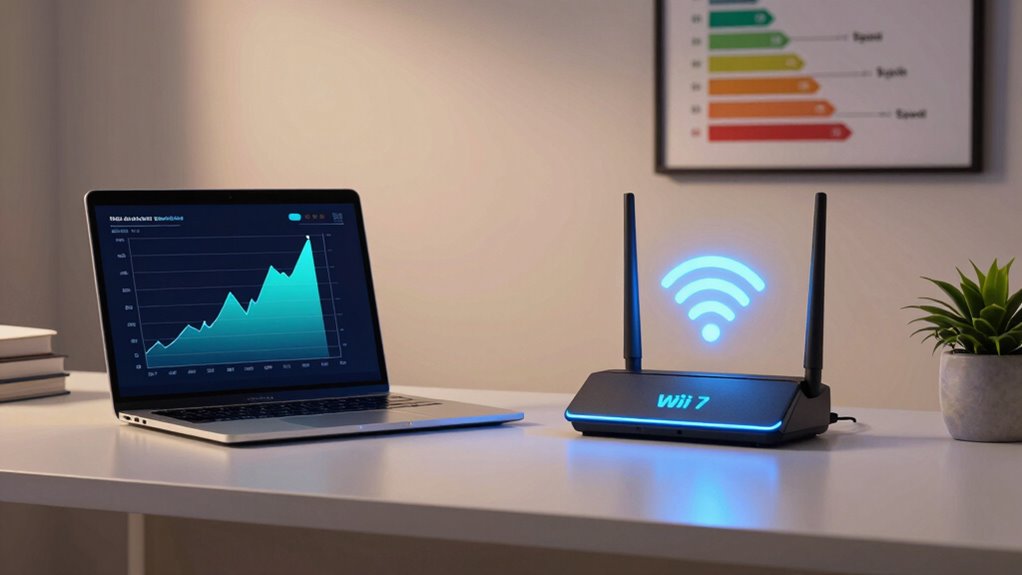
Upgrading to Wi-Fi 7 can offer significant benefits, but whether it’s worth the investment depends on your specific needs and budget. A proper cost analysis shows that newer routers and compatible devices often come at a higher price. If you have an older setup, the upgrade may seem costly, but it can future-proof your network with faster speeds and lower latency. Device compatibility is a key factor—many current devices won’t support Wi-Fi 7 yet, which means you might need to replace multiple gadgets. If you prioritize advanced performance for gaming, streaming, or smart home integration, the benefits could justify the cost. However, if your current Wi-Fi setup meets your needs, waiting might be a smarter financial decision. Understanding Wi-Fi standards can help you decide whether the upgrade aligns with your long-term connectivity goals.
How Do Wi-Fi 6 and Wi-Fi 7 Compare in Security?
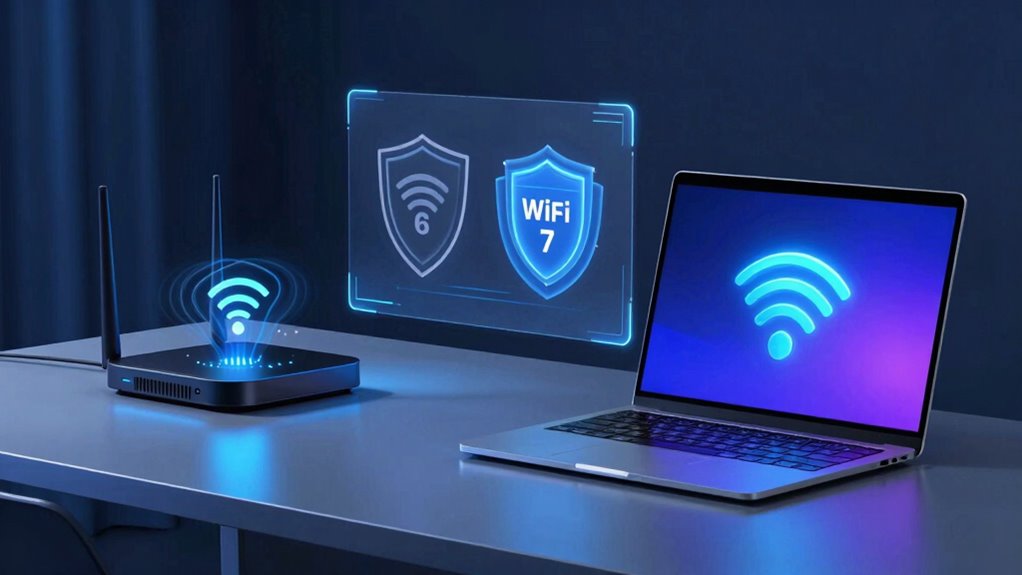
While the decision to upgrade to Wi-Fi 7 often focuses on speed and performance, security features are equally important. Wi-Fi 6 and Wi-Fi 7 both use advanced encryption protocols to protect your data, but Wi-Fi 7 introduces stronger standards for threat mitigation. It offers enhanced security measures to prevent hacking and unauthorized access. Additionally, Wi-Fi 7 incorporates enhanced security protocols designed to address emerging cyber threats more effectively, similar to how understanding drone bee roles can help maintain hive safety. The adoption of encryption standards can significantly strengthen your network’s defenses against sophisticated cyber threats. Moreover, Wi-Fi 7’s improvements in authentication methods help ensure only authorized users can connect to your network, adding an extra layer of protection, much like side-channel attacks highlight vulnerabilities in wireless systems.
Which Wi-Fi Standard Is Right for You? A Quick Guide
Choosing the right Wi-Fi standard depends on your specific needs and how you use your devices. If you have older gadgets, device compatibility might be a concern, making Wi-Fi 6 a better choice since it’s widely supported. For faster speeds and lower latency, especially with new devices and streaming, Wi-Fi 7 offers significant improvements. Consider your environment too; Wi-Fi 6 manages network interference better in crowded areas, ensuring stable connections. If your setup involves multiple devices or smart home gadgets, choosing a standard with better interference management helps maintain performance. Additionally, interference management capabilities in Wi-Fi 6 can be particularly beneficial in densely populated environments. As technology advances, Wi-Fi 7 also introduces improvements in bandwidth and efficiency, making it more suitable for future needs. The evolution of Wi-Fi standards demonstrates ongoing efforts to enhance network reliability and speed. Moreover, advancements in security protocols in Wi-Fi 7 provide added protection for your network. Ultimately, if you’re upgrading now and want future-proofing, Wi-Fi 7 is ideal. But if you just need reliable internet for basic tasks, Wi-Fi 6 remains a solid, compatible option.
Frequently Asked Questions
Will Wi-Fi 7 Work With Existing Wi-Fi 6 Routers?
Wi-Fi 7 won’t work with existing Wi-Fi 6 routers due to compatibility challenges. Wi-Fi 7 introduces new features and spectrum allocation that older devices can’t support. You’ll need a new router to access Wi-Fi 7’s faster speeds and improved performance. Upgrading guarantees you benefit from the latest technology, but keep in mind that compatibility challenges mean your current Wi-Fi 6 devices won’t automatically connect to Wi-Fi 7 networks.
How Does Wi-Fi 7 Impact Battery Life of Connected Devices?
Wi-Fi 7 improves battery efficiency in connected devices by optimizing data transmission and reducing unnecessary power consumption. It introduces smarter power management features, allowing your devices to use less power during idle or low activity periods. As a result, connected devices can operate longer on a single charge, making Wi-Fi 7 more energy-efficient overall. This advancement benefits smartphones, laptops, and IoT gadgets by extending their battery life during wireless use.
Are There Any Health Concerns With Wi-Fi 7 Signals?
There are no significant health concerns with Wi-Fi 7 signals. Current research shows that electromagnetic exposure from Wi-Fi devices, including Wi-Fi 7, stays well within safety limits set by health authorities. While some worry about long-term health safety, experts agree that Wi-Fi signals are non-ionizing and pose minimal risk. You can feel confident that using Wi-Fi 7 doesn’t increase health safety risks related to electromagnetic exposure.
Can Wi-Fi 7 Improve Gaming Latency and Performance?
Yes, Wi-Fi 7 can considerably improve your gaming experience by reducing latency and boosting performance. It tackles network congestion more effectively and offers enhanced signal stability, ensuring smoother gameplay even during intense online sessions. With faster data transfer rates and better handling of multiple devices, Wi-Fi 7 minimizes lag and disconnects, giving you a competitive edge and a more reliable connection every time you play.
What Is the Expected Lifespan of Wi-Fi 7 Technology?
Wi-Fi 7 is expected to last around 5 to 10 years, thanks to ongoing technological advancements and future adoption. As new devices and applications emerge, the technology will evolve, but your Wi-Fi 7 setup should stay relevant through that period. Staying updated with firmware upgrades and supporting standards will help maximize its lifespan, ensuring you benefit from the latest innovations in wireless connectivity.
Conclusion
Upgrading from Wi-Fi 6 to Wi-Fi 7 is like trading in a bicycle for a sports car—you’ll get faster speeds, better efficiency, and smoother connections. Imagine streaming your favorite show or gaming without lag, even with multiple devices in your home. While the upgrade costs are worth it if you crave top-tier performance, consider your needs first. Just like choosing the right vehicle, pick the Wi-Fi standard that best fits your lifestyle and tech habits.