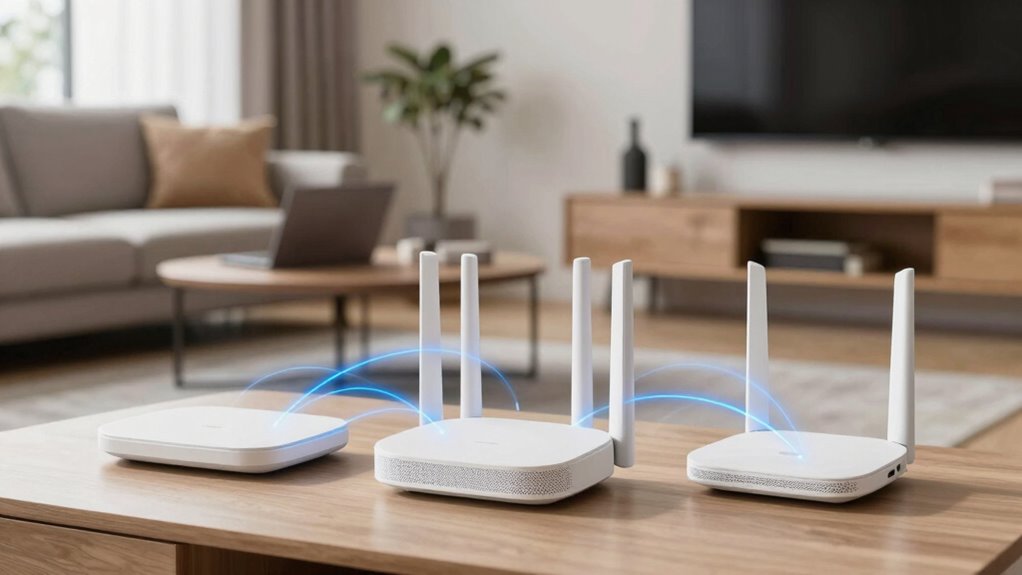

Mesh WiFi is a simple way to improve your home’s internet. It uses multiple devices, called nodes, that work together to create one seamless network. These nodes communicate to eliminate dead zones, boost coverage, and guarantee a strong connection everywhere. They route data through the fastest paths and automatically manage traffic to prevent slowdowns. If you want to learn more about how Mesh WiFi can make your internet more reliable, keep exploring the details below.
Key Takeaways
- Mesh WiFi uses multiple connected devices called nodes to create one seamless, strong WiFi network throughout your home.
- It automatically finds the best path for data, reducing dead zones and improving connection reliability.
- Unlike traditional routers, mesh systems eliminate the need for extenders by covering large or multi-story spaces.
- Easy to set up and manage through simple apps, with features for security, device prioritization, and network control.
- They are typically more expensive but provide better coverage, especially in larger homes with obstacles like walls.

TP-Link Deco X55 AX3000 WiFi 6 Mesh System – Covers up to 6500 Sq.Ft, Replaces Wireless Router and Extender, 3 Gigabit Ports per Unit, Supports Ethernet Backhaul, Deco X55(3-Pack)
Wi-Fi 6 Mesh Wi-Fi – Next-gen Wi-Fi 6 AX3000 whole home mesh system to eliminate weak Wi-Fi for…
As an affiliate, we earn on qualifying purchases.
As an affiliate, we earn on qualifying purchases.
Struggling With Wifi Dead Zones? Here’s How Mesh Wifi Can Help
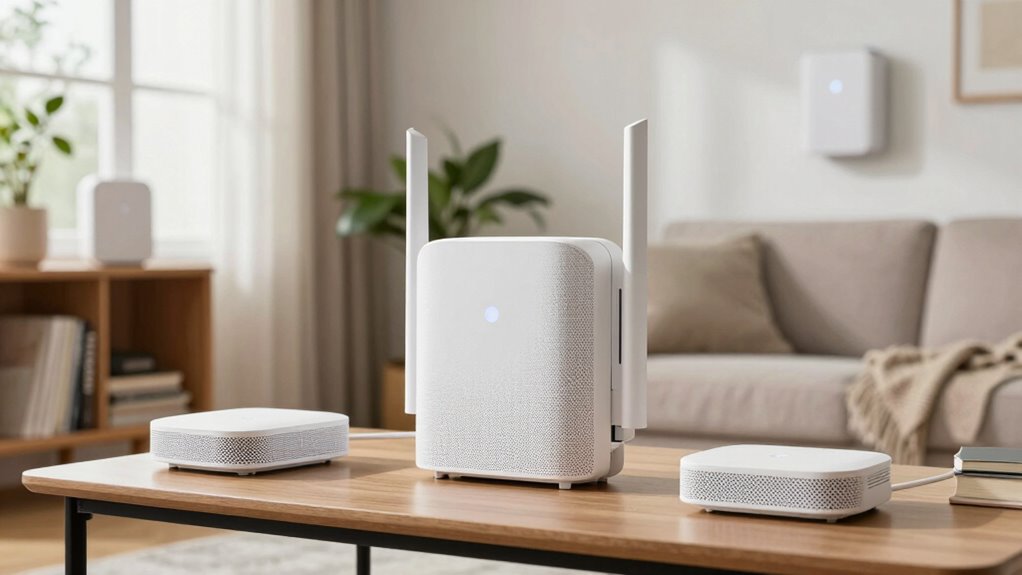
If you’ve been frustrated by dead zones in your home WiFi, you’re not alone. WiFi interference from other devices or thick walls can weaken your signal, creating frustrating dead spots. One simple fix is paying attention to router placement. Position your router in a central, open area away from metal objects, cordless phones, or microwaves that can cause WiFi interference. Elevate it off the floor for better coverage. Avoid placing it near walls or furniture that block signals. Proper router placement guarantees your WiFi signal spreads evenly throughout your home, reducing dead zones. If you notice persistent issues despite these adjustments, upgrading to a mesh WiFi system can further eliminate dead spots by using multiple nodes to blanket your space with reliable coverage. Mesh WiFi technology uses multiple devices to create a unified network, providing a more consistent connection across your entire home. Additionally, understanding WiFi signal strength can help you optimize your setup for better coverage. Being aware of how interference sources impact WiFi performance enables you to make more informed decisions to enhance your network stability. Monitoring your network performance regularly can help detect issues early and ensure your WiFi remains reliable.
TP-Link Deco X55 AX3000 WiFi 6 Mesh System – Covers up to 6500 Sq.Ft, Replaces Wireless Router and Extender, 3 Gigabit Ports per Unit, Supports Ethernet Backhaul, Deco X55(3-Pack)
Wi-Fi 6 Mesh Wi-Fi – Next-gen Wi-Fi 6 AX3000 whole home mesh system to eliminate weak Wi-Fi for…
As an affiliate, we earn on qualifying purchases.
As an affiliate, we earn on qualifying purchases.
What Is Mesh WiFi and How Does It Work?

Mesh WiFi is a modern solution designed to provide seamless internet coverage throughout your home. It works by connecting multiple devices, called nodes, that communicate with each other to create a unified network. Instead of relying on a single router, these nodes spread across your space, eliminating dead zones and ensuring consistent connection. Mesh systems automatically manage bandwidth, so your devices get the speed they need without congestion. They also enhance wireless security by offering features like encrypted connections and network segmentation, protecting your data from intruders. The system intelligently routes data through the fastest path, optimizing performance. Additionally, understanding the setup process can help you get your mesh system up and running smoothly. Recognizing how security features operate within these systems can further safeguard your network from potential threats. Properly configured mesh networks can also improve overall performance and reliability, making your internet experience more robust and stable. Incorporating robust wireless security protocols can prevent unauthorized access and ensure your network remains protected. To maximize these benefits, selecting a mesh system with automatic channel switching can further enhance your network’s stability.

2026 WiFi Extender Signal Booster – 2.4GHz 300Mbps WiFi Booster for Home, Covers Up to 9999 Sq. Ft, Easy Setup, Ethernet Port & Access Point, Stable Internet Performance with 60+ Devices
STABLE & FAST 300Mbps WiFi EXTENDER: Advanced central processing unit and powerful new-generation chips,High-speed up to 300Mbps in…
As an affiliate, we earn on qualifying purchases.
As an affiliate, we earn on qualifying purchases.
Why Do You Need Mesh WiFi in Your Home?
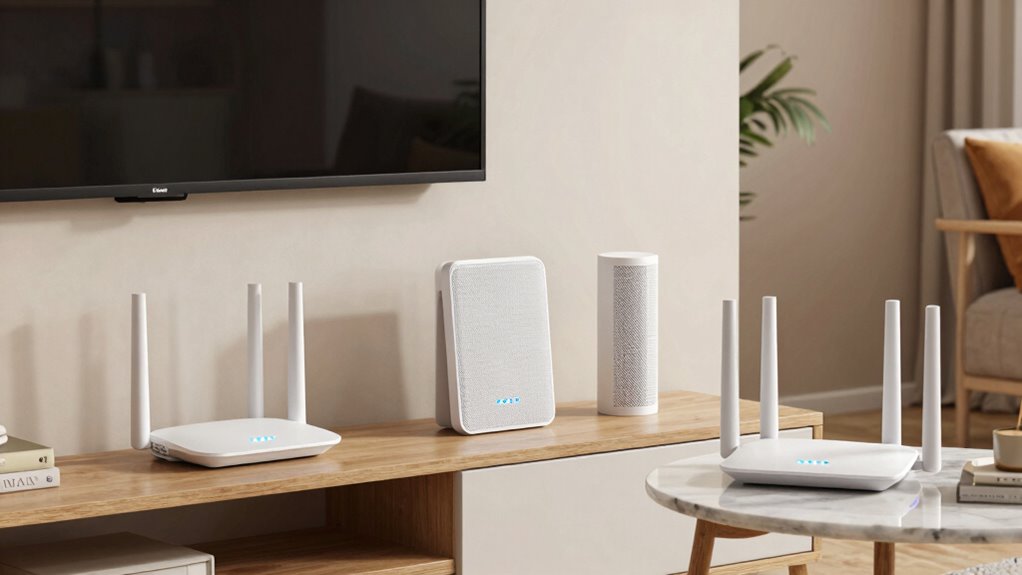
If your WiFi struggles to reach every corner of your home, mesh WiFi can improve signal coverage throughout. It also makes managing your network easier, so you spend less time troubleshooting. These benefits make mesh WiFi a smart choice for a seamless online experience. Additionally, mesh systems often feature easy setup and management, making it accessible for users of all skill levels. Proper placement of mesh nodes can also help reduce noise interference, ensuring a more reliable connection. In environments with multiple devices or smart home gadgets, mesh WiFi can optimize network performance and support multi-device setups more effectively. Incorporating home automation features with mesh WiFi can further enhance your overall home safety and convenience. Understanding media literacy can also help you better assess the security features of different mesh systems, protecting your network from potential threats.
Enhanced Signal Coverage
Ever wonder why your WiFi signal struggles to reach every corner of your home? Traditional routers often create dead zones because they can’t evenly distribute coverage. A mesh WiFi system solves this by using multiple nodes that work together to blanket your entire space with a strong signal. This setup improves enhanced signal coverage, so you no longer have to worry about weak spots or dropped connections. Plus, mesh networks reduce interference from walls, furniture, and other devices, ensuring a clearer signal. They also boost power efficiency by smartly routing data through the fastest paths, reducing unnecessary energy use. As a result, your devices stay connected with fewer interruptions, and your WiFi performance becomes more reliable and consistent throughout your home.
Simplified Network Management
Managing a home WiFi network can quickly become confusing, especially as more devices connect and your network setup grows complex. Mesh WiFi simplifies this by creating a unified network, making it easier to manage. With a single network name, you don’t have to switch between different signals, and setup is straightforward. It also enhances network security by providing regular updates and easier control over who accesses your WiFi. Parental controls are simpler to implement across all devices, allowing you to restrict content or set time limits effortlessly. Mesh systems often come with user-friendly apps that let you monitor activity, prioritize devices, and customize settings on the fly. Overall, mesh WiFi offers a smarter, more manageable home network that keeps your digital life secure and organized. Additionally, mesh WiFi can help prevent network congestion, ensuring smoother streaming and browsing experiences throughout your home. Incorporating features like automatic updates can further improve performance and security over time.

TP-Link Deco 7 BE25 Dual-Band BE5000 WiFi 7 Mesh Wi-Fi System | 4-Stream 5 Gbps, 240 Mhz | Covers up to 6,600 Sq.Ft | 2X 2.5G Ports Wired Backhaul | VPN,MLO, AI-Roaming, HomeShield, 3-Pack
𝐃𝐞𝐜𝐨 𝟕 𝐒𝐮𝐩𝐞𝐫𝐜𝐡𝐚𝐫𝐠𝐞𝐝 𝐰𝐢𝐭𝐡 𝟒-𝐒𝐭𝐫𝐞𝐚𝐦 𝐁𝐄𝟓𝟎𝟎𝟎 𝐃𝐮𝐚𝐥-𝐁𝐚𝐧𝐝 𝐖𝐢𝐅𝐢 𝟕 – Achieve full speeds of up to 4324 Mbps…
As an affiliate, we earn on qualifying purchases.
As an affiliate, we earn on qualifying purchases.
How Do You Set Up Mesh WiFi in Your House?

Setting up mesh WiFi in your house is straightforward and can greatly improve your internet coverage. Start by placing the main router near your modem, connecting it with an Ethernet cable. Then, position the satellite nodes throughout your home, ideally in central locations away from interference sources like thick walls or electronic devices. Use the system’s app or web interface to connect each node to your main router, following the setup prompts. This setup helps reduce interference, ensuring a stronger, more reliable connection across your space. Keep privacy concerns in mind by changing default passwords and enabling network encryption. Once all nodes are connected, test your coverage and adjust node placement if needed. Proper placement of your mesh system can also contribute to network efficiency, saving you time and frustration. Additionally, considering household safety when setting up equipment can help prevent accidents or damage. Proper placement can also help prevent potential electrical hazards in your home. Ensuring your WiFi system is installed correctly can further enhance overall security and performance.
What Features Should You Look for in a Mesh WiFi System?

When choosing a mesh WiFi system, focusing on key features can guarantee you get the best performance and value. Prioritize systems offering dual or tri-band frequency bands, which help manage network traffic efficiently and reduce congestion. Look for robust parental controls to keep your family safe online and manage screen time. Consider the system’s ease of setup and management, so you can quickly troubleshoot or adjust settings. Additionally, check for features like seamless roaming, so your device stays connected as you move around your home. These features ensure a reliable, secure, and user-friendly experience. Ultimately, selecting a system with the right frequency bands, parental controls, and smart management options will provide the best connection and peace of mind. Understanding troubleshooting common connectivity issues can help you maintain optimal performance over time. Staying informed about network performance can also help you identify when upgrades or adjustments are necessary. Being aware of mesh network architecture can further optimize your setup for consistent coverage throughout your home.
Mesh WiFi vs. Traditional Routers: Which Is Better for You?
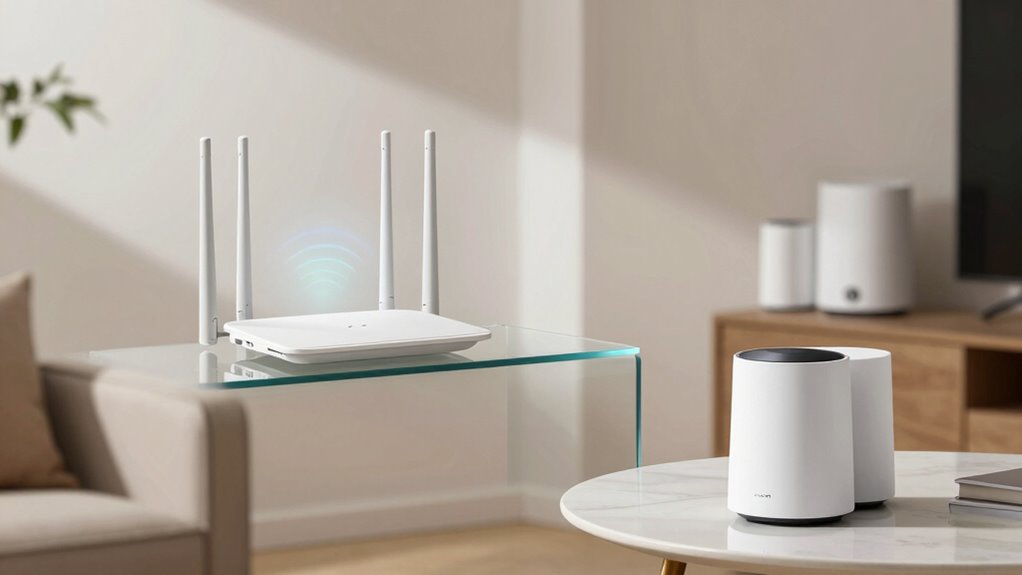
Choosing between mesh WiFi and traditional routers depends on your home’s size, layout, and internet needs. If you have a large or multi-story house, mesh WiFi provides seamless coverage and eliminates dead zones. Traditional routers may struggle with signal strength and require extenders, which can reduce Internet speed and compromise wireless security. Mesh systems use multiple nodes to create a unified network, improving overall Internet speed and making it easier to manage wireless security. If your home is small or you don’t need extensive coverage, a traditional router could be sufficient and more cost-effective. Consider your priorities—if consistent, fast Internet and secure wireless connections matter most, mesh WiFi is likely the better choice. Additionally, understanding how wireless security is managed can help you make an informed decision. Incorporating security features into your network setup can further enhance protection against cyber threats.
Troubleshooting Mesh WiFi: Common Issues and Fixes

If your mesh WiFi keeps dropping signals, try repositioning the nodes to reduce interference and improve coverage. Make sure your devices are compatible with your mesh system to avoid connectivity issues. Addressing these common problems can help you restore a reliable and fast network.
Signal Drop Solutions
Are you experiencing frequent signal drops with your mesh WiFi system? Don’t worry—there are solutions to restore stability. First, try interference mitigation by relocating your nodes away from cordless phones, microwaves, or thick walls that cause signal interference. Second, optimize your bandwidth by prioritizing essential devices and limiting background usage, ensuring your network isn’t overwhelmed. Third, consider adjusting your router’s channel settings to find a less congested frequency, reducing interference and improving coverage. These steps can make a big difference in preventing signal drops. Remember, a well-placed node and balanced bandwidth are key to a reliable mesh network. With these fixes, you’ll enjoy seamless connectivity and fewer frustrating interruptions.
Device Compatibility Tips
Ensuring your devices work smoothly with your mesh WiFi system can be a common challenge, especially when encountering connectivity issues. To improve device compatibility, start by checking if your devices support the latest WiFi standards, such as WiFi 5 or WiFi 6. Updating firmware on your mesh router and connected devices is vital, as manufacturers often release patches that fix bugs and enhance compatibility. Make certain your device’s firmware is current by visiting the manufacturer’s website or using the app provided. Some older devices might struggle with newer mesh systems, so consider upgrading devices if needed. Additionally, keep your mesh network’s firmware up to date for maximum performance. Regular updates ensure your system remains compatible with new devices and features, reducing connection problems.
How Much Does a Mesh WiFi System Cost?
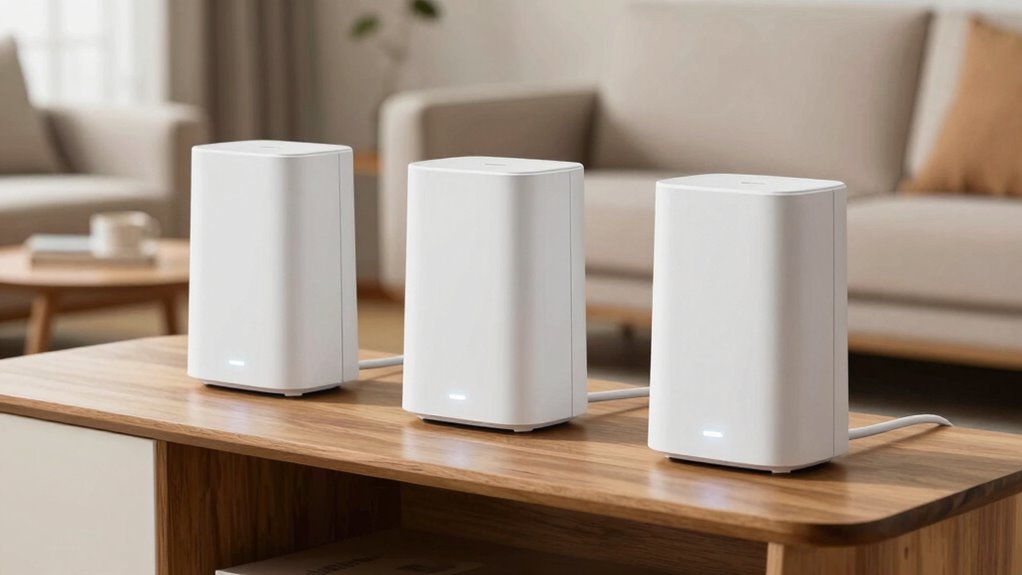
The cost of a Mesh WiFi system varies depending on factors like the number of nodes, brand, and features you choose. Your pricing strategies can range from budget-friendly options to premium setups. Market availability influences prices too, with popular brands often priced higher due to demand. Here are some things to take into account:
- Affordable options can start at around $100, ideal for small spaces or basic needs.
- Mid-range systems typically cost between $200-$300, offering better coverage and more features.
- Premium setups with multiple nodes and advanced features can go over $400, perfect for large homes or heavy users.
Knowing your needs and budget helps you find the right balance in market availability and pricing strategies.
Frequently Asked Questions
Can Mesh Wifi Improve Streaming and Gaming Performance?
Yes, mesh WiFi can improve your streaming and gaming performance. It smartly manages bandwidth allocation, ensuring your devices get sufficient speed, reducing buffering or lag. Plus, with signal redundancy, your connection stays stable even if one node encounters issues. This seamless coverage minimizes dead zones, so you experience smoother streams and quicker game responses, making your online activities more enjoyable and reliable.
How Secure Is Mesh Wifi Compared to Traditional Routers?
Think of your network as a fortress—mesh WiFi adds extra layers of security. It offers robust protection through strong network encryption and regular firmware updates, making it harder for intruders to breach. Compared to traditional routers, mesh systems often have better security features built-in and easier updates, ensuring your home network stays safe. So, with mesh WiFi, you get a more resilient and secure digital fortress protecting your devices.
Do Mesh Wifi Systems Require a Subscription or Ongoing Fees?
Mesh WiFi systems typically don’t require ongoing subscription fees, making them cost-effective over time. Your main cost considerations involve the initial purchase and setup complexity, which varies by model. Some systems include features like security subscriptions or premium support, but these are optional. Overall, once you buy the hardware, you usually don’t face recurring charges, simplifying your budget and setup process.
Can Mesh Wifi Work With Smart Home Devices?
Imagine your smart home devices dancing seamlessly on a well-orchestrated stage. Yes, mesh WiFi works smoothly with smart home integration, ensuring all your gadgets stay connected. Its device compatibility spans popular smart devices, from lights to thermostats, creating a unified network. With mesh WiFi, you get reliable coverage and effortless control, transforming your home into a harmonious smart sanctuary where every device responds instantly, making life smarter and simpler.
How Does Mesh Wifi Handle Multiple Users Simultaneously?
Mesh WiFi handles multiple users by intelligently managing bandwidth and prioritizing devices. It dynamically allocates bandwidth based on each device’s needs, ensuring smooth performance even when many users are online. With device prioritization, you can give faster connections to essential devices like your work laptop or streaming device. This system minimizes congestion and buffering, providing a seamless experience for everyone connected to your network.
Conclusion
Just as Odysseus relied on his cunning to navigate treacherous waters, a mesh WiFi system guides your home’s signals smoothly through every corner. It’s more than just a tech upgrade—it’s your map to seamless connectivity. Embrace this modern voyage, avoid dead zones, and keep your digital world flowing effortlessly. With mesh WiFi, you’re not just surviving the WiFi maze—you’re mastering it, steering confidently toward a connected future.