To set up a guest WiFi network, log into your router’s admin panel using its IP address, then enable the guest network feature. Create a unique network name and strong password, ensuring it uses encryption like WPA2 or WPA3. You can also limit access to specific devices and control bandwidth to prevent overloads. Regularly update your firmware and change passwords for added security. Keep exploring to discover detailed steps for a safe, reliable guest WiFi setup.

Get home appliances delivered free with Prime
- Fast, free delivery on millions of items
- Prime Video, Amazon Music and more included
- Member-only deals all year
Key Takeaways
- Access your router’s admin panel via its IP address in a web browser.
- Enable the guest network feature within the wireless or network settings.
- Assign a unique network name (SSID) and a strong, secure password for the guest network.
- Configure security settings, such as WPA3 or WPA2 encryption, to protect guest traffic.
- Save changes and test the guest network to ensure proper access and isolation from the main network.
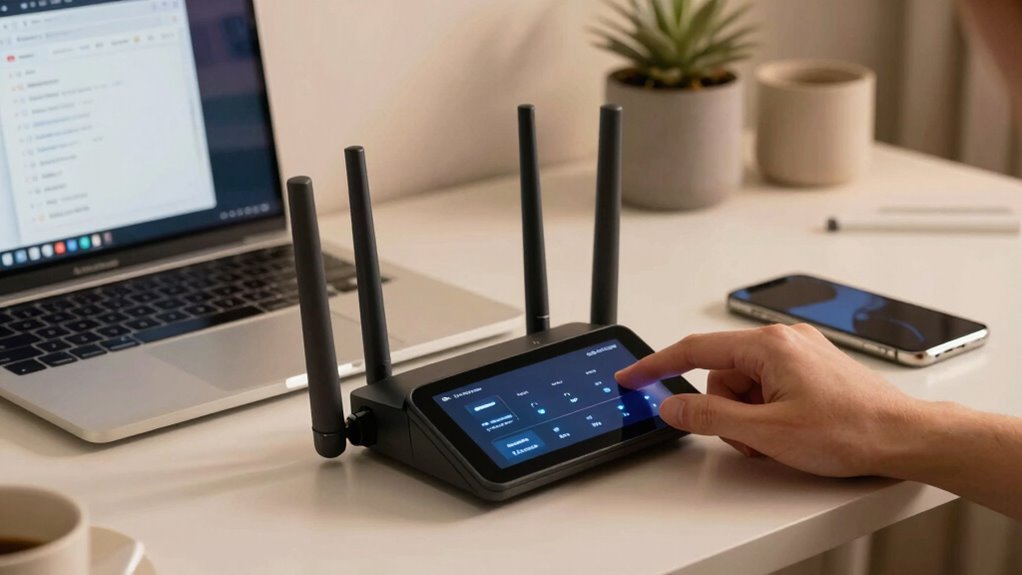
wireless router with guest network support
As an affiliate, we earn on qualifying purchases.
As an affiliate, we earn on qualifying purchases.
What Is a Guest WiFi Network and Why Use It?
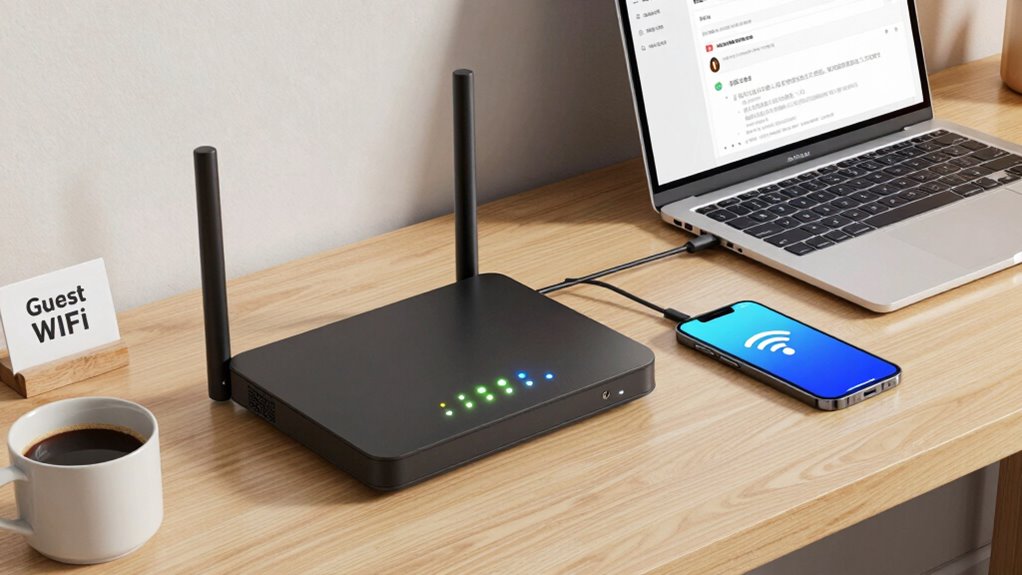
Ever wondered what a guest WiFi network is and why you should set one up? A guest access network lets visitors connect to the internet without accessing your main devices or private data. It creates a separate network segment, known as network segmentation, which isolates guest traffic from your primary network. This setup helps protect your personal information and keeps your devices safe from potential threats. By establishing a dedicated guest network, you guarantee visitors can browse freely without compromising your security. It’s especially useful if you frequently have friends, family, or clients needing internet access. Understanding network segmentation is key to maintaining your network’s security. For those interested in modern technology, knowing about the capabilities of electric bikes and other innovative devices can also inspire smarter, more efficient setups. Additionally, integrating security features such as firewalls and encryption further enhances your network’s protection. Exploring network security best practices can help you optimize your setup for maximum safety. Overall, a guest WiFi network provides a secure, convenient way to offer internet access while maintaining control over your main network’s safety. Additionally, adopting digital tools can enhance how you manage your network and keep it protected.
As an affiliate, we earn on qualifying purchases.
Choosing the Best Router for Your Guest WiFi
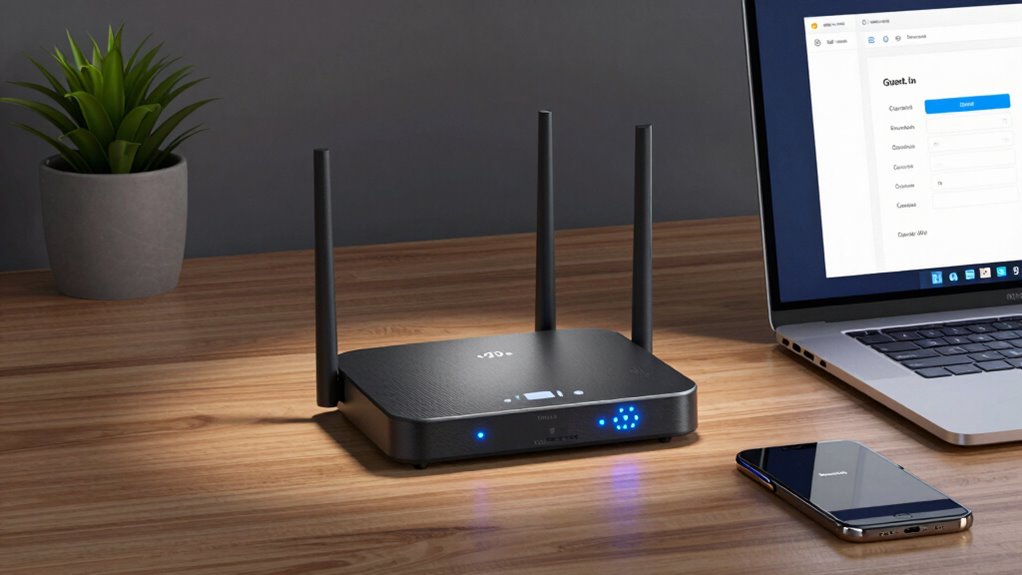
Choosing the right router is essential for setting up a secure and reliable guest WiFi network. Your router’s compatibility with your internet service and devices guarantees smooth connectivity without frustrations. Pay attention to the signal range— a strong, wide coverage area keeps your guests connected without dead zones. Additionally, understanding the environmental factors, such as interference and building layout, can help optimize your WiFi performance for your specific space. Consider these factors:
- Confidence in router compatibility with your current setup
- Signal range that covers your entire space comfortably
- Advanced security features to protect your network
- Ability to prioritize guest traffic without slowing down your main network
- Incorporating network management tools can help monitor and control bandwidth usage, ensuring a seamless experience for all users. Being aware of digital concepts related to network security can further enhance your setup. It’s also beneficial to choose a router that supports essential oils for overall device and network health, as they promote a calm and protected environment. A well-chosen router boosts your peace of mind, knowing your guests enjoy fast, secure WiFi, and your main network stays protected. Understanding the importance of cryptid mysteries can inspire you to choose a router that offers robust security features to keep your network safe from threats. Your choice makes all the difference in creating a seamless guest experience.
As an affiliate, we earn on qualifying purchases.
How to Set Up Guest WiFi on Your Router
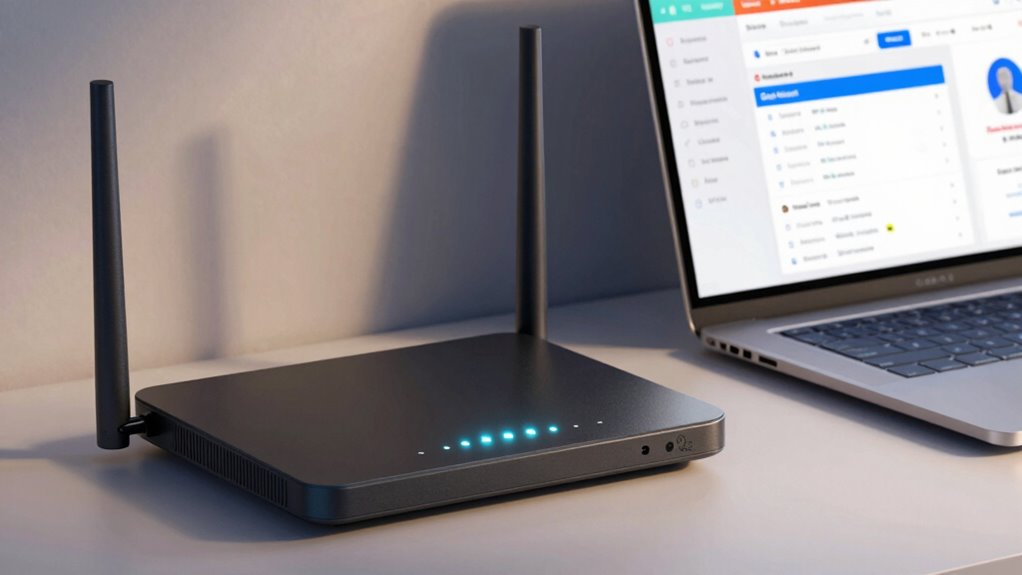
Setting up a guest WiFi on your router is a straightforward process that enhances your network’s security and convenience. First, access your router’s admin panel through a web browser, usually by entering its IP address. Navigate to the wireless or guest network settings, then activate the guest network feature. Assign a unique name and password distinct from your main network to keep guest traffic isolated. If your router supports smart home integration, confirm the guest network is configured to allow device communication without compromising security. Use parental controls to restrict guest access to certain devices or websites if needed. This setup keeps your primary devices protected while offering visitors reliable internet access, making your home smarter and safer. Additionally, understanding smart home privacy practices can help you ensure that your guest network does not inadvertently expose your smart devices to security risks. Knowing how to properly manage network security can further safeguard your smart home environment. Implementing regular firmware updates for your router can also improve security and performance. Proper network configuration and cabling solutions can help ensure your network remains stable and secure.
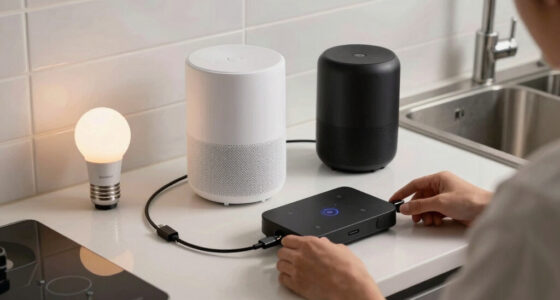
network bandwidth management device
As an affiliate, we earn on qualifying purchases.
As an affiliate, we earn on qualifying purchases.
Personalizing Your Guest Network Name and Password
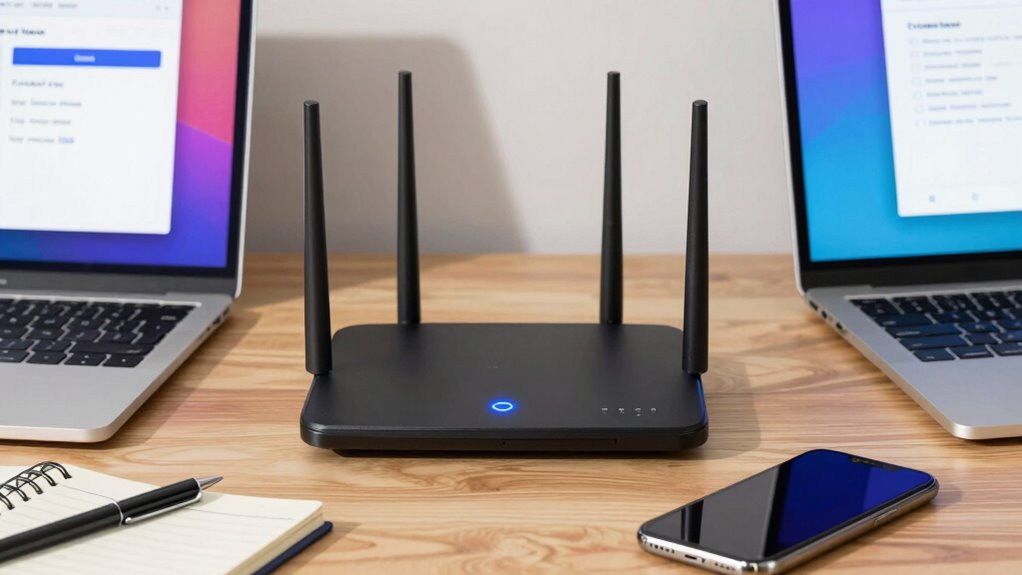
Choosing a unique network name helps distinguish your guest WiFi from others nearby, making it easier for visitors to connect. You should also create a strong password to keep your network secure and update it regularly to protect against potential threats. By personalizing your credentials, you guarantee your guest network remains safe and easy to manage. Additionally, understanding the importance of user privacy can help ensure your network settings comply with best practices for data protection. Incorporating simple recovery routines, such as resetting your network or updating firmware, can further enhance your network’s security and performance. Being aware of security best practices can help you prevent unauthorized access and safeguard your network effectively. Recognizing the role of network security can help you implement comprehensive measures to protect your connection.
Choosing Unique Network Names
Personalizing your guest network name and password is vital for easy identification and security. Choosing a unique network name helps you stand out and reinforces your network branding. A creative naming approach makes your WiFi memorable and fun, impressing your guests. It also prevents confusion with neighboring networks, reducing accidental connections. When selecting your network name, consider these emotions:
- Feel confident knowing your network is easily recognizable
- Impress visitors with a clever, themed name
- Reinforce your personal style through creative branding
- Avoid frustration by clearly distinguishing your guest network
- Incorporate necessary cookies information to ensure your network setup supports essential functions and security measures. Recognizing the importance of Twin Flame connections can also inspire you to create a meaningful and memorable network name that reflects your personality and interests. Additionally, choosing a backyard transformation inspired name can evoke a sense of personalization and creativity, making your network truly unique. Understanding WiFi security best practices ensures your network remains protected from unauthorized access. Being aware of network interference helps you select the optimal location for your router to maintain strong signal strength.
Remember, a distinct, creative naming strategy ensures your network is both inviting and secure, leaving a lasting impression.
Creating Strong Passwords
To keep your guest network secure, creating a strong password is essential. Focus on password complexity by including a mix of uppercase and lowercase letters, numbers, and special characters. Avoid common words or easily guessable information like birthdays or pet names. A complex password makes it harder for unauthorized users to access your network. Additionally, verify your network uses modern encryption standards, such as WPA3 or WPA2, to protect data transmission. Strong encryption standards reinforce your password’s effectiveness, preventing potential breaches. Regularly updating your password adds an extra layer of security, but the initial creation should prioritize complexity and encryption compatibility. Remember, a robust password is your first line of defense against intruders, so invest time in crafting one that’s both strong and memorable. Silly tantrums that happen during family photoshoots serve as humorous reminders to be prepared for unexpected moments.
Updating Credentials Regularly
Once you’ve established a strong, complex password and verified your network uses modern encryption, it’s important to update your credentials regularly. Regular password rotation keeps your network secure, preventing unauthorized access if credentials are compromised. Personalize your guest network name to make it memorable yet distinct from your main network, reinforcing network segmentation. Changing passwords periodically minimizes risks and reassures guests that their data remains protected. Consider these key points:
- Rotate passwords frequently to stay ahead of potential threats
- Personalize network names for clarity and security
- Implement network segmentation to keep guest activity separate
- Stay vigilant to ensure your network remains safe and trustworthy
Should You Limit Guest Access to Specific Devices?
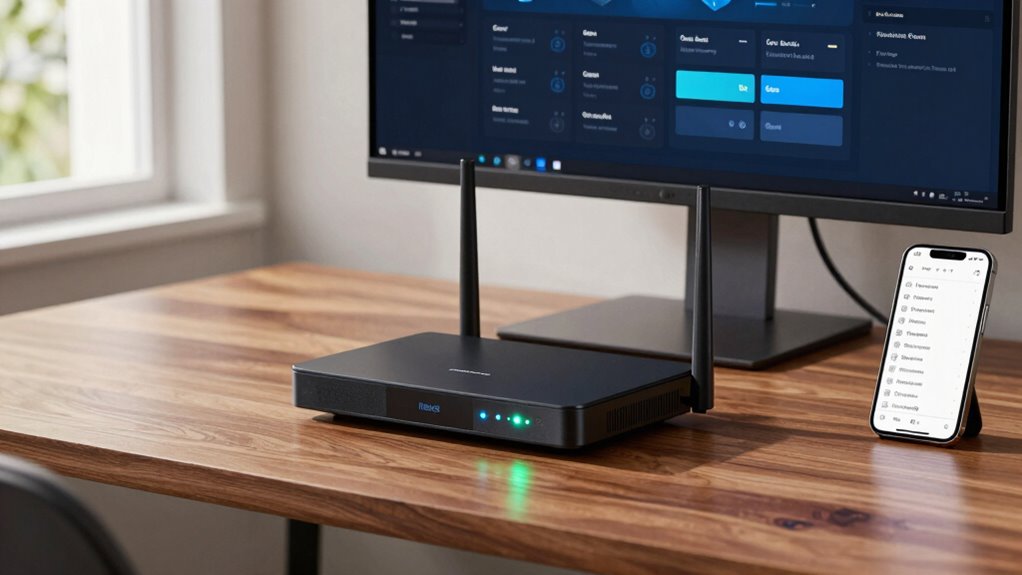
Have you considered whether limiting guest access to specific devices is necessary? Implementing device restrictions can improve your access control. This way, you decide which devices guests can connect to your network, enhancing security. For example, you might allow smartphones but block IoT devices. Use your router’s settings to set these limits efficiently. Here’s a quick overview:
| Device Type | Allowed | Restricted |
|---|---|---|
| Smartphones | Yes | No |
| Laptops | Yes | No |
| IoT Devices | No | Yes |
| Tablets | Yes | No |
| Printers | No | Yes |
Limiting access helps prevent unauthorized use and keeps your network secure without sacrificing convenience.
Controlling Bandwidth and Connection Limits for Guests
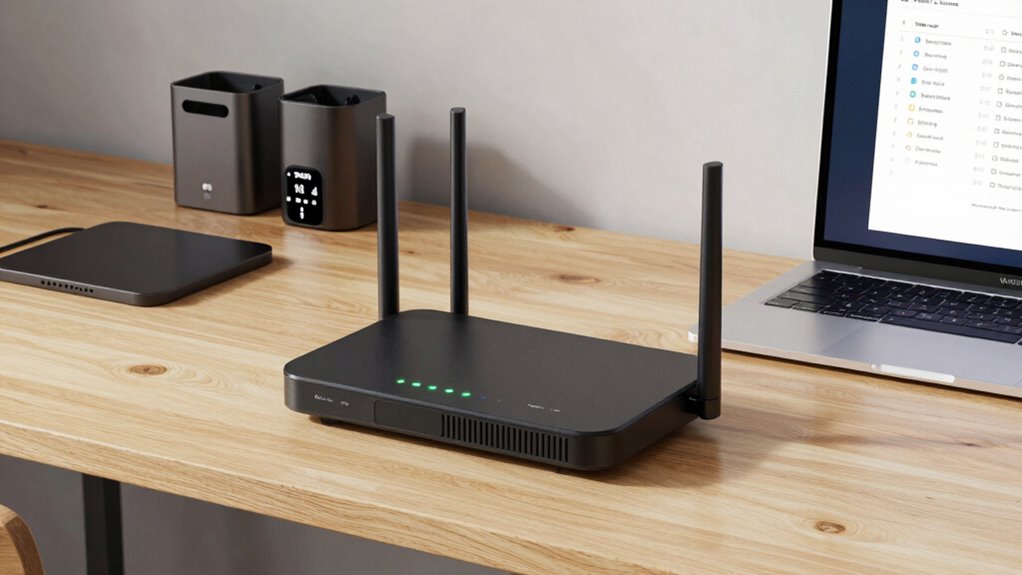
Controlling bandwidth and connection limits for guests guarantees your network stays fast and secure, even when multiple devices are connected. By implementing bandwidth management and connection restrictions, you prevent guests from hogging your internet, guaranteeing smooth performance for everyone. You can set limits on data usage or restrict the number of simultaneous connections to safeguard your network’s stability. This control keeps your WiFi secure from potential overloads and malicious activities.
- Feel confident knowing your network remains fast and reliable
- Protect your personal information from potential threats
- Ensure all devices enjoy consistent internet speeds
- Create a safer, more controlled online environment for everyone
Troubleshooting Common Guest WiFi Setup Issues
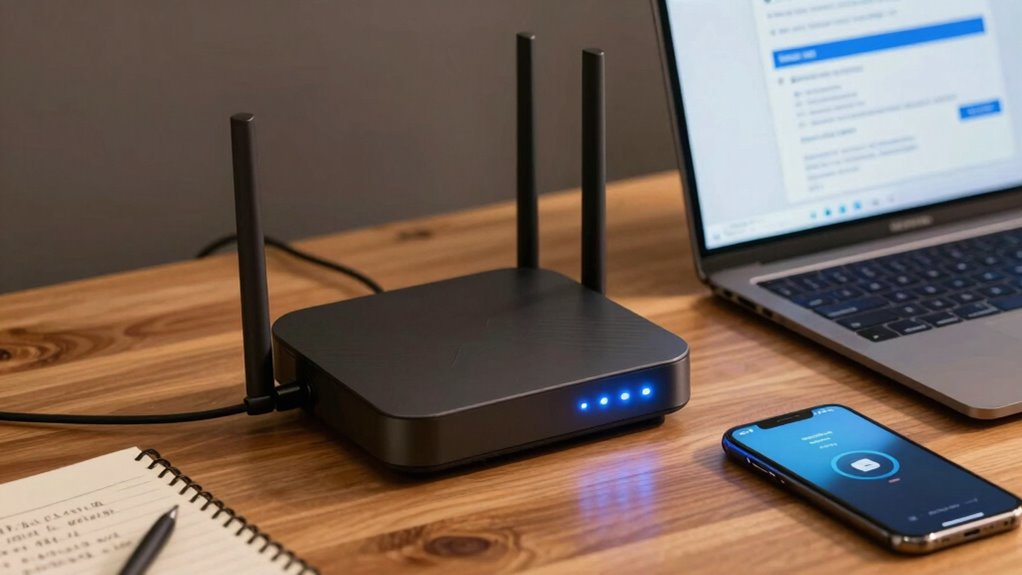
Setting up a guest WiFi network can sometimes run into common issues that disrupt connectivity or access. One frequent problem is poor router placement; if your router is tucked away or obstructed, signals weaken, making it hard for guests to connect reliably. Ensuring your router is centrally located and elevated improves coverage. Another issue is device compatibility—some older devices or those with outdated software may struggle to connect to your guest network. Make sure your router’s firmware is up-to-date and verify that your guest network settings are compatible with different device types. Restarting your router can also resolve temporary glitches. If issues persist, check the network name and password for typos, and confirm that your guest network isn’t accidentally disabled or limited by security settings.
Best Practices to Keep Your Guest Network Secure
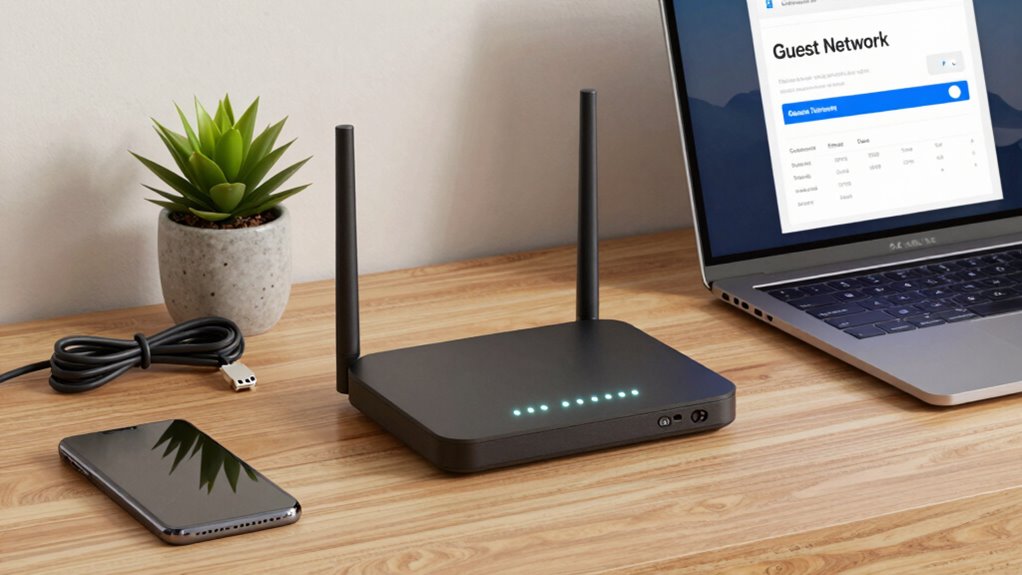
Once you’ve successfully set up your guest WiFi network, the next step is to keep it secure from unauthorized access. Protecting guest privacy is essential, so implement strong encryption and unique passwords. Use network segmentation to isolate your main network from guest traffic, preventing potential threats from spreading. Regularly update your router firmware to patch vulnerabilities. Disable WPS and guest network sharing features that could be exploited.
- Feel confident knowing your main network stays safe while guests enjoy browsing freely
- Guarantee guest data remains private amid a secure, segmented network
- Avoid heartbreak from data breaches by maintaining up-to-date security measures
- Empower your guests with safe, worry-free internet access, knowing their privacy is protected
Monitoring and Maintaining Your Guest WiFi Over Time
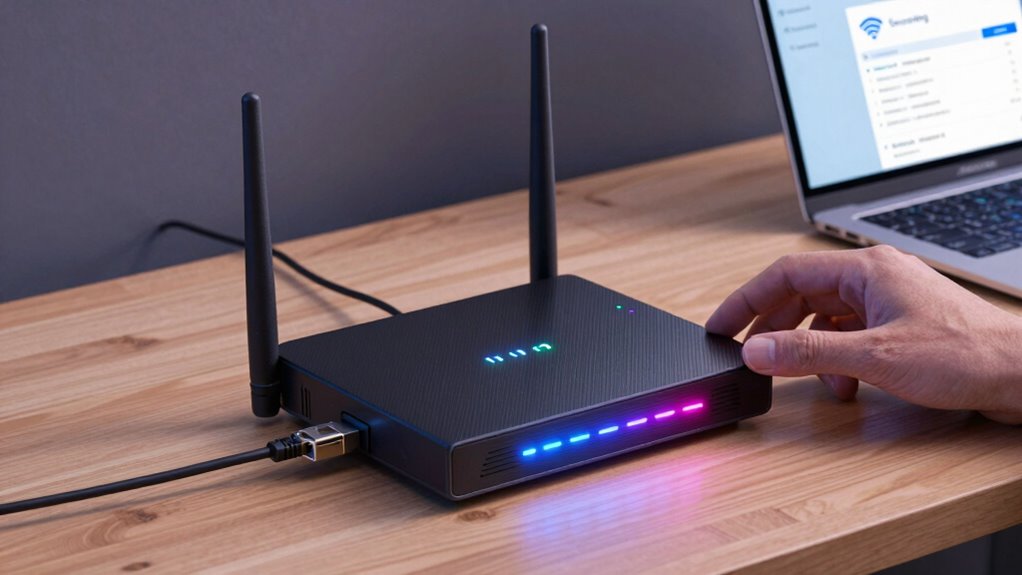
To guarantee your guest WiFi remains secure and functional over time, you need to actively monitor its performance and usage. Keep an eye on guest behavior by reviewing network analytics regularly, which helps identify unusual activity or potential security threats. Use your router’s management tools to track bandwidth consumption, connected devices, and access times. This data reveals if your network is being overwhelmed or misused. Regularly update your firmware and security settings to patch vulnerabilities. Additionally, set up alerts for suspicious activity, so you can respond quickly. Consistent monitoring ensures your guest WiFi stays reliable, secure, and optimized for visitors without compromising your primary network’s security.
Frequently Asked Questions
Can I Set Different Access Rules for Various Guest Groups?
Yes, you can set different access rules for various guest groups by implementing network segmentation and access control. This way, you can assign specific permissions to each group, restricting their access to certain resources or networks. Most modern routers and WiFi management tools allow you to create multiple guest networks or VLANs, giving you control over each group’s capabilities and enhancing your network’s security by isolating guests from sensitive data.
How Do I Update My Guest Wifi Password Securely?
Updating your guest WiFi password is like changing the locks on your digital door. To do it securely, access your router’s admin panel and navigate to the wireless settings. Use password encryption, such as WPA3, for added safety, and update the password regularly. Remember, network segmentation keeps your main network separate, so your guests can connect without risking your personal data. Always save changes and store passwords safely.
Is It Possible to Limit Guest Access During Specific Times?
Yes, you can limit guest access during specific times using time restrictions. Most modern routers allow you to set schedules for guest access, so you can enable or disable it based on your preferred times. Check your router’s settings under guest WiFi or access control options. By applying time restrictions, you control when your guest network is active, enhancing security and managing bandwidth efficiently.
What Are the Risks of Sharing My Main Wifi Password?
You risk exposing your main network by sharing your WiFi password, especially if it’s simple or easy to guess. When you share it, you compromise network encryption, making it easier for hackers to access sensitive information. To stay safe, keep your password complex, unique, and private. Remember, even a coincidence like a neighbor needing internet shouldn’t lead you to compromise your network’s security—protect your data by never sharing your main WiFi password.
How Can I Monitor Guest Network Activity Legally?
You can monitor guest network activity legally by implementing network segmentation, which isolates guest traffic from your main network, and using traffic encryption to protect data. Regularly review network logs and utilize your router’s monitoring tools to track data usage and connection patterns. Be transparent with your guests about monitoring practices, and guarantee your actions comply with local privacy laws and regulations. This way, you balance security and privacy effectively.
Conclusion
Setting up a guest WiFi is like opening your digital door to visitors—warm, welcoming, and secure. By choosing the right router, personalizing your network, and implementing security measures, you create a safe space for guests to connect without compromising your main network. Keep an eye on your setup, troubleshoot when needed, and enjoy the peace of mind that comes with a well-managed guest WiFi. After all, a secure network is the key to a truly open door.
Columbus Day / Indigenous Peoples' Day Picks
long weekend sales
As an affiliate, we earn on qualifying purchases.