Smart doorbell technology combines cameras, microphones, and sensors with Wi-Fi to give you real-time security and remote access. They detect motion, capture high-quality video, and allow two-way communication with visitors. Many models connect seamlessly with other smart home devices, offering alerts and easy control. To get the most out of your smart doorbell, you’ll want to understand its features, performance, and troubleshooting tips. If you keep exploring, you’ll discover ways to optimize your smart home security.
Key Takeaways
- Smart doorbells connect wirelessly to Wi-Fi, enabling remote access, live video, and two-way communication via smartphone apps.
- They feature cameras, microphones, and motion sensors to detect activity, record footage, and send alerts.
- Video quality, night vision, and privacy controls are crucial for effective security and user protection.
- Integration with other smart home devices and security systems improves functionality and overall home security.
- Future AI advancements will enhance facial recognition, visitor behavior analysis, and personalized interactions.

Orbitell 1080p Wireless Wi-Fi Video Doorbell Camera with Two Way Audio, Night Vision, Cloud Storage, Smart AI Motion Detection, Support 2.4GHz Wi-Fi only
AI-Powered Smart Detection: Advanced AI technology accurately identifies people while filtering out vehicles and animals, so you only…
As an affiliate, we earn on qualifying purchases.
As an affiliate, we earn on qualifying purchases.
What Are Smart Doorbells and How Do They Work?
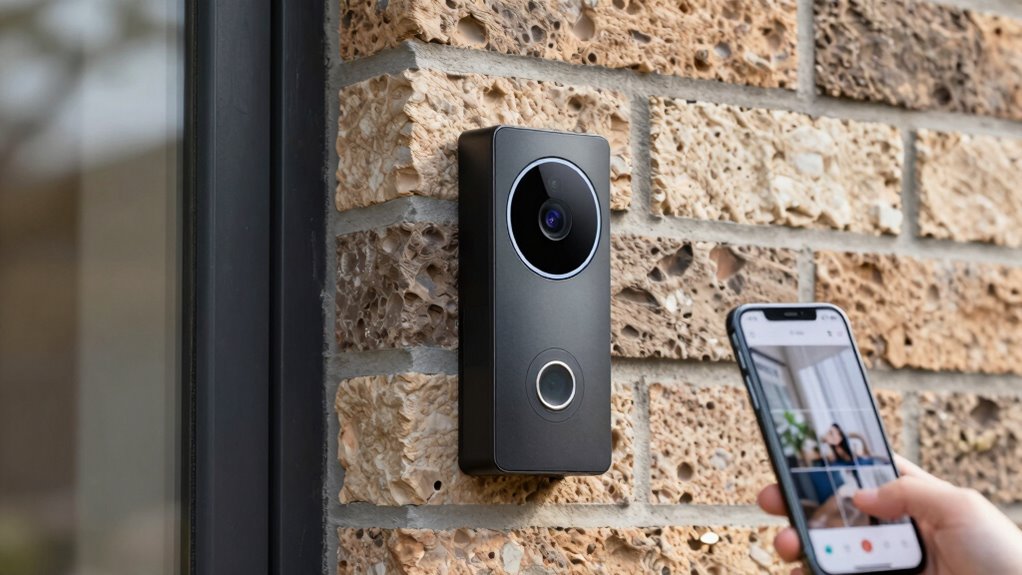
Have you ever wondered how smart doorbells differ from traditional ones? The key lies in their innovative design and enhanced user experience. Unlike traditional doorbells, smart versions connect wirelessly to your Wi-Fi, allowing remote access through a smartphone app. Their doorbell design often includes a camera, microphone, and speaker, enabling live video and two-way communication. This creates a more interactive experience, so you can see who’s at your door and talk to them from anywhere. The user experience is seamless, with alerts sent directly to your device whenever someone presses the doorbell or triggers motion detection. Additionally, many smart doorbells incorporate wireless connectivity for easy installation and integration with other smart home devices. This technology often utilizes internet connectivity for real-time updates and remote operation, enhancing both security and convenience. The incorporation of advanced camera technology ensures clearer images and better security coverage, making smart doorbells a valuable addition to modern homes. Furthermore, security enhancements provided by these devices help deter intruders and provide peace of mind. Overall, smart doorbells combine modern technology with user-friendly features, transforming a simple device into a powerful tool for security and convenience.
Orbitell 1080p Wireless Wi-Fi Video Doorbell Camera with Two Way Audio, Night Vision, Cloud Storage, Smart AI Motion Detection, Support 2.4GHz Wi-Fi only
AI-Powered Smart Detection: Advanced AI technology accurately identifies people while filtering out vehicles and animals, so you only…
As an affiliate, we earn on qualifying purchases.
As an affiliate, we earn on qualifying purchases.
What Are the Main Hardware Components of Smart Doorbells?
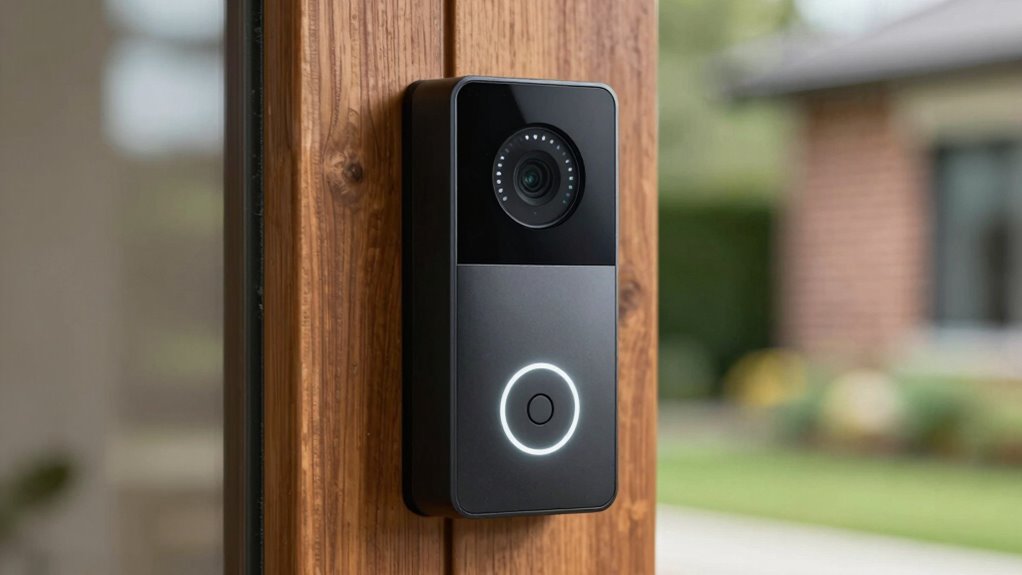
Smart doorbells are built with several key hardware components that work together to provide their advanced features. These components determine how well your doorbell performs and how easy it is to install. First, the camera captures video footage, allowing you to see visitors clearly. Second, the motion sensors detect movement, triggering alerts and recording activity. Third, the power source—either a rechargeable battery or wired connection—affects battery life and influences installation methods. Battery-powered models offer flexible installation options but require regular charging or battery replacement. Wired options provide constant power but may need professional installation. Knowing these components helps you choose a smart doorbell that fits your needs, ensuring reliable performance and convenient setup. Additionally, understanding the testing accuracy of these components can help ensure your smart doorbell operates reliably under various conditions, especially considering the importance of support networks for maintenance and troubleshooting. Being aware of the hardware design can also assist in assessing durability and longevity, which is crucial for long-term performance of your device. Furthermore, hardware reliability plays a vital role in maintaining consistent operation over time.

Ring Battery Doorbell, Home or business security with Head-to-Toe video, Live View with Two-Way Talk, and Motion Detection & Alerts, Satin Nickel
See more at your home or business — Get 66% more vertical coverage with the latest version of…
As an affiliate, we earn on qualifying purchases.
As an affiliate, we earn on qualifying purchases.
How Does Wi-Fi Connectivity Power Smart Doorbells?
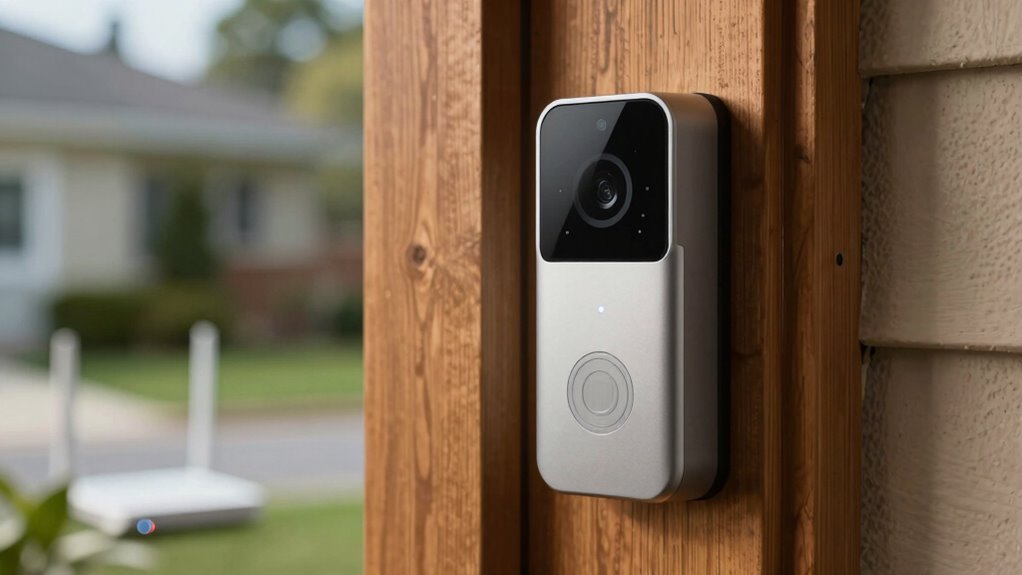
Wi-Fi connectivity is what enables smart doorbells to deliver real-time video streaming, instant alerts, and remote access. Without a strong Wi-Fi connection, these features can become unreliable or slow. Your doorbell relies on Wi-Fi to transmit data to your smartphone or other devices, making installation tips vital for peak performance. Poor signal strength can drain battery life faster, so placing your router close to the doorbell or using Wi-Fi extenders helps. Additionally, a stable connection ensures smooth video feeds and quick notifications. Keep in mind that frequent data transmission can impact battery life, so managing Wi-Fi usage and choosing energy-efficient models are smart choices. Reliable Wi-Fi connection is essential for optimal performance, especially when using trusted brands like Noble Gold or Augusta Precious Metals, which emphasize quality and security. Ensuring proper network setup can significantly improve overall smart doorbell performance and longevity. Proper placement of your router and understanding Wi-Fi bandwidth needs help maintain consistent, high-quality connections. Regularly updating your router firmware and choosing a high-speed internet plan are also important for maintaining a robust connection. Being aware of smart device compatibility ensures your doorbell functions seamlessly within your existing network.

Ring Alarm 14-Piece Kit (newest model), Wireless smart home or business security system, expandable, easy setup, Mobile App Control, 24/7 Professional Monitoring, Alexa Compatible
A great fit for 2-4 bedroom homes, this Alarm Kit includes one Base Station, two Keypads, eight Contact…
As an affiliate, we earn on qualifying purchases.
As an affiliate, we earn on qualifying purchases.
How Good Is the Video Quality? Camera Features to Consider
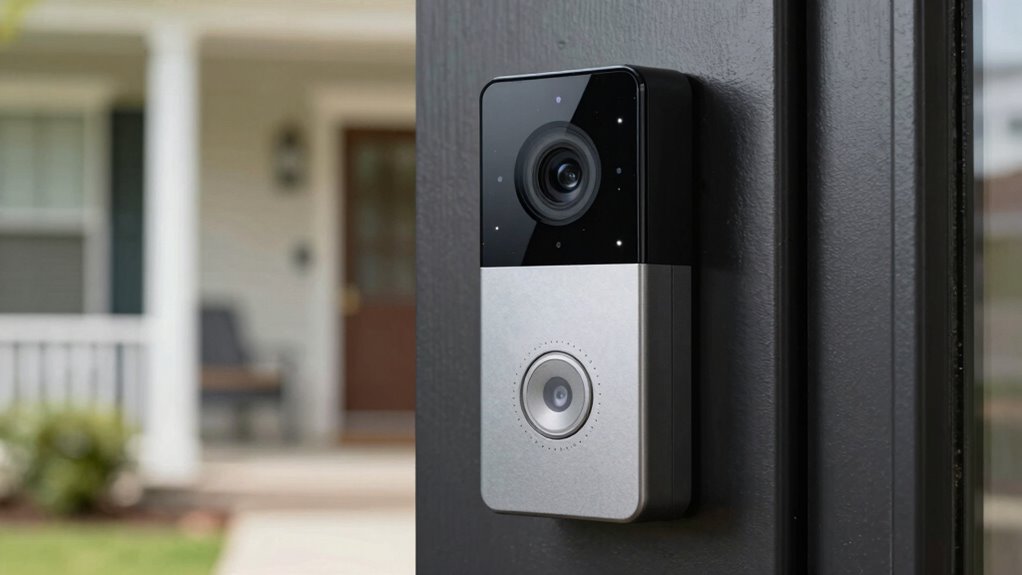
When evaluating a smart doorbell’s video quality, it’s essential to take into account the camera’s resolution and clarity. High video clarity ensures you can identify visitors and details clearly. Consider these key camera features:
- Camera resolution: Look for at least 1080p for sharp, detailed images.
- Field of view: A wider angle captures more of your doorstep, reducing blind spots.
- Night vision: Confirm the camera provides clear footage in low-light or nighttime conditions.
- Ethical considerations: Think about how privacy implications of high-quality surveillance might affect your neighbors and community. Additionally, understanding the camera resolution capabilities can help you select a device that balances video quality with data storage needs. Being aware of landscape enhancement features can also improve overall visibility and aesthetics around your entryway.
These features directly impact how well you can see and recognize visitors, making your smart doorbell more effective. Remember, better camera resolution and video clarity lead to more reliable security footage and peace of mind.
How Does Two-Way Audio Work in Smart Doorbells?
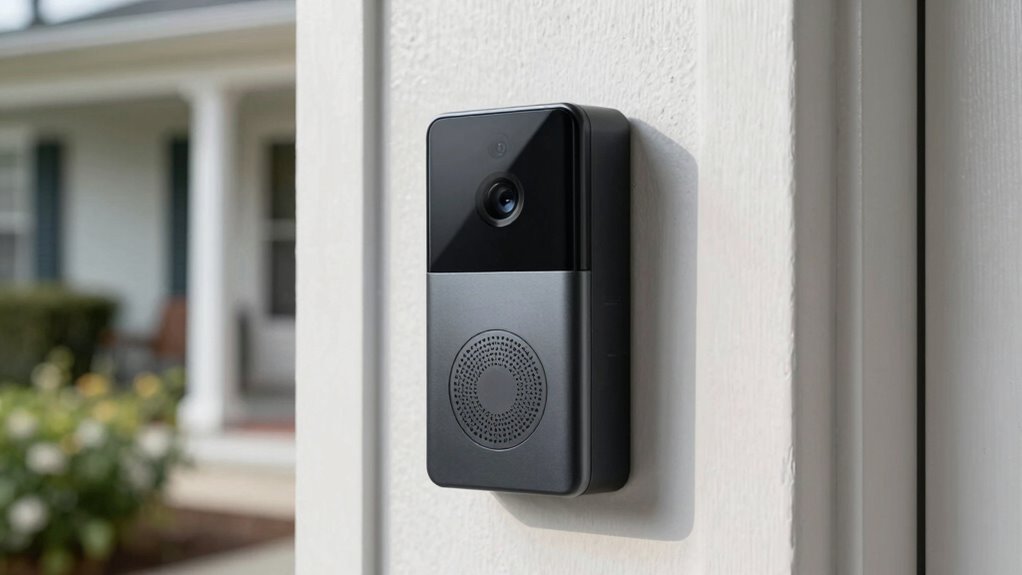
Clear video quality is essential for recognizing visitors and ensuring security, but it’s only part of the smart doorbell experience. Two-way audio allows you to communicate directly with visitors through built-in microphones and speakers. Voice integration plays a key role here, enabling you to speak and listen hands-free via smart home assistants or mobile apps. This seamless communication depends on effective power management, ensuring the audio components operate smoothly without draining your doorbell’s battery or power supply. When someone rings your doorbell or approaches, you can respond instantly, making interactions more personal and secure. Good two-way audio not only enhances visitor engagement but also helps deter unwanted guests, all while maintaining a reliable connection through optimized power usage and smart voice features. Additionally, understanding smart doorbell technology can help you choose the right device to meet your security needs. Incorporating privacy safeguards can further protect your conversations and data from potential breaches. Understanding effective power management is crucial for ensuring your device functions reliably over time without frequent recharging or power issues. Properly managing energy consumption is especially important when using features like Two-way audio that require consistent power. Moreover, a deeper knowledge of visitor detection can improve your device’s responsiveness and overall security performance.
How Do Motion Alerts and Detection Work?
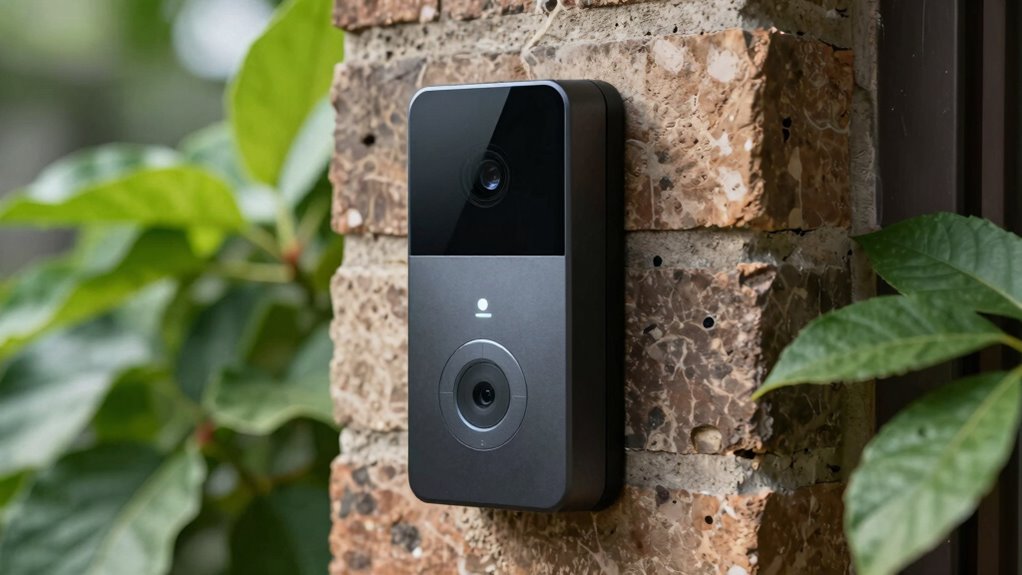
When your smart doorbell detects motion, it uses sensors or video analysis to identify movement within its field of view. Different alert triggers, like people or animals, can set off notifications, and you can often customize these settings for better security. These detection features are designed to keep you informed and enhance your home’s safety. Incorporating quick recovery routines, like foam rolling, can also help reduce muscle tension after physical activity. Understanding the cabling solutions involved in smart device installations can ensure reliable performance and proper placement.
How Motion Detection Works
Ever wondered how your smart doorbell recognizes movement and sends alerts? It uses advanced sensors and algorithms to detect motion efficiently. When you perform a smart doorbell installation, the device continuously analyzes visual or infrared data to spot movement. Here’s how it works:
- Sensors monitor the area for changes in heat or light.
- The device’s software filters out minor movements, reducing false alarms.
- When significant movement is detected, it triggers a notification to alert you.
This process helps conserve battery life by avoiding constant recording. Proper placement during installation ensures accurate detection, which also supports battery life management. As a result, your smart doorbell stays responsive without draining power unnecessarily, keeping you informed while maintaining peak performance.
Types of Alert Triggers
Have you ever wondered what induces the alerts on your smart doorbell? These triggers depend on the doorbell’s design and the detection technology it uses. Most systems rely on motion sensors or video analysis to identify movement or visitors. Placement is key; proper installation tips guarantee accurate alerts and minimize false alarms.
| Trigger Type | How It Works | Best Placement Tips |
|---|---|---|
| Motion Detection | Detects movement in the frame | Mount at eye level, clear view |
| Video Analysis | Recognizes faces or objects | Avoid glare, keep lens clean |
| Sound Detection | Picks up specific sounds | Install in quiet areas |
Enhancing Security Features
How do motion alerts and detection truly enhance the security of your smart doorbell? They allow your device to identify movement and notify you instantly, so you can respond quickly. This feature is built into the smart doorbell design to detect motion accurately without false alarms. To maximize security, consider these points:
- Motion detection uses advanced sensors to distinguish between people, animals, or objects.
- Alerts can be customized to reduce unnecessary notifications, easing user privacy concerns.
- Video recordings triggered by motion help you review activity even when you’re away.
This proactive approach ensures you’re immediately aware of any activity at your doorstep. Smart doorbell technology combines security with user privacy, making sure your home stays safe without compromising your privacy.
How Can I Connect My Smart Doorbell to Other Security Devices?
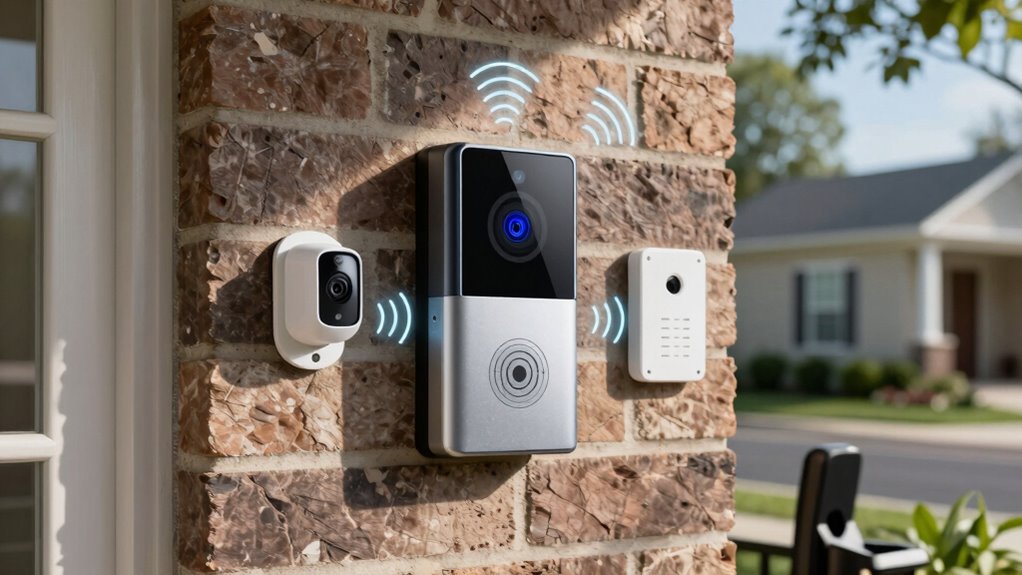
Connecting your smart doorbell to other security devices depends on choosing compatible systems and following specific integration steps. You’ll need to identify which security options work best and guarantee your devices communicate properly. If you encounter connectivity issues, troubleshooting can help resolve common problems quickly.
Compatible Security System Options
Wondering how to integrate your smart doorbell with your existing security system? Many options are compatible, making setup straightforward. To connect effectively, consider these:
- Video storage: Choose systems that support cloud storage or local recording, ensuring you can review footage anytime.
- Power options: Confirm your security system provides sufficient power—whether via wired connections or compatible battery backups—to keep your doorbell operational.
- Integration compatibility: Look for security systems that support your doorbell’s brand or use open standards like Z-Wave or Zigbee for seamless connectivity.
These options help you create a cohesive security setup, maximizing your smart doorbell’s capabilities and ensuring consistent video recording and reliable power supply.
Integration Process Steps
Integrating your smart doorbell with existing security devices involves a clear, step-by-step process to guarantee everything works smoothly. First, verify your smart doorbell is compatible with your security system or hub. Next, open the app associated with your doorbell and follow the prompts to connect it via Wi-Fi or Bluetooth. During setup, you may enable voice control features, linking your device to a voice assistant for hands-free operation. It’s also important to check the battery life; some models have rechargeable batteries, so keep them charged to maintain connectivity. Once connected, test the system to confirm alerts and live feeds work seamlessly with other devices like cameras or alarms. Proper integration ensures your smart doorbell enhances your home’s security effortlessly.
Troubleshooting Connectivity Issues
When your smart doorbell isn’t syncing properly with other security devices, it can be frustrating, but troubleshooting the connection can often resolve the issue quickly. First, ensure your doorbell’s Wi-Fi is stable, as a weak signal can disrupt connectivity. Next, check that your devices are compatible and updated to the latest firmware, which helps maintain user privacy and security. Finally, consider your doorbell’s battery lifespan; a low battery can affect connectivity and performance. To troubleshoot:
- Restart your doorbell and security devices to refresh the connection.
- Confirm your Wi-Fi network supports the necessary bandwidth and security protocols.
- Replace or recharge the battery if the lifespan is nearing its end.
These steps help ensure seamless integration with your security system while protecting user privacy.
What Features Matter Most When Choosing a Smart Doorbell?

Choosing the right smart doorbell depends on the features that matter most to you, as these will enhance your home security and convenience. Key considerations include video resolution, motion detection, and smart integration. You’ll also want to think about the doorbell material for durability and how installation height affects visibility.
| Feature | Why it matters |
|---|---|
| Video resolution | Clear footage for identification |
| Motion detection | Alerts you to activity |
| Smart integration | Compatibility with other devices |
Pay attention to installation height to ensure your camera captures the best view. Selecting features aligned with your needs guarantees a seamless upgrade to your home security system.
Troubleshooting Common Smart Doorbell Issues
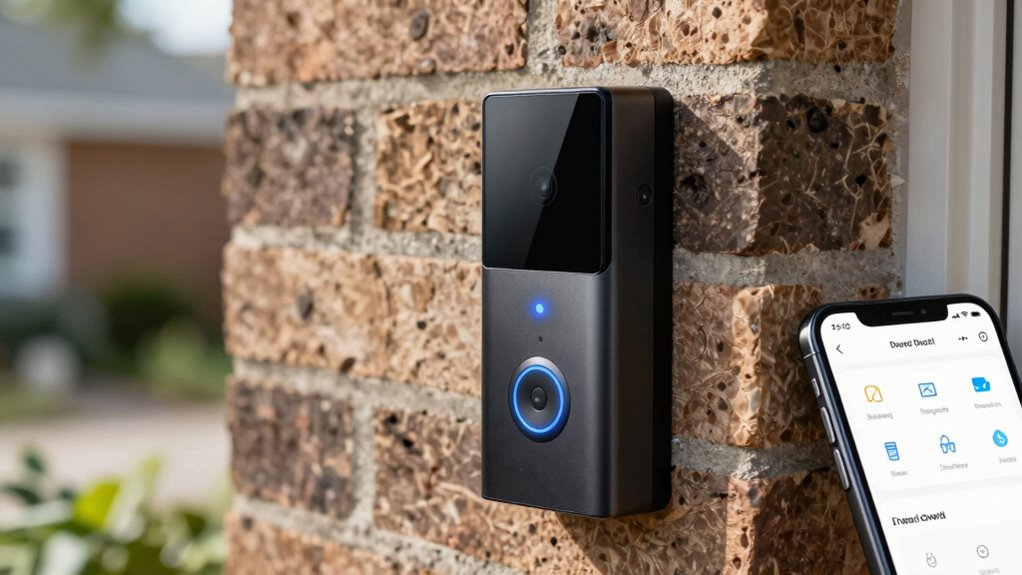
Troubleshooting common smart doorbell issues can help you quickly resolve problems and guarantee your device functions properly. If your doorbell isn’t ringing or capturing video, start by checking the doorbell installation—verify it’s properly connected and powered. Next, check your Wi-Fi connection, as weak signals can cause delays or disconnects. For privacy concerns, review your app settings to confirm user privacy features are enabled and data is secure.
Troubleshoot smart doorbells by checking installation, Wi-Fi signal, and privacy settings for optimal performance and security.
Here are three quick steps to troubleshoot:
- Reinstall or reposition the doorbell to improve Wi-Fi signal strength.
- Update the doorbell firmware and app to the latest version.
- Reset the device and reconfigure user privacy settings to guarantee security.
Applying these tips helps maintain peak performance and protects your privacy.
What Are the Future Trends in Smart Doorbell Technology?
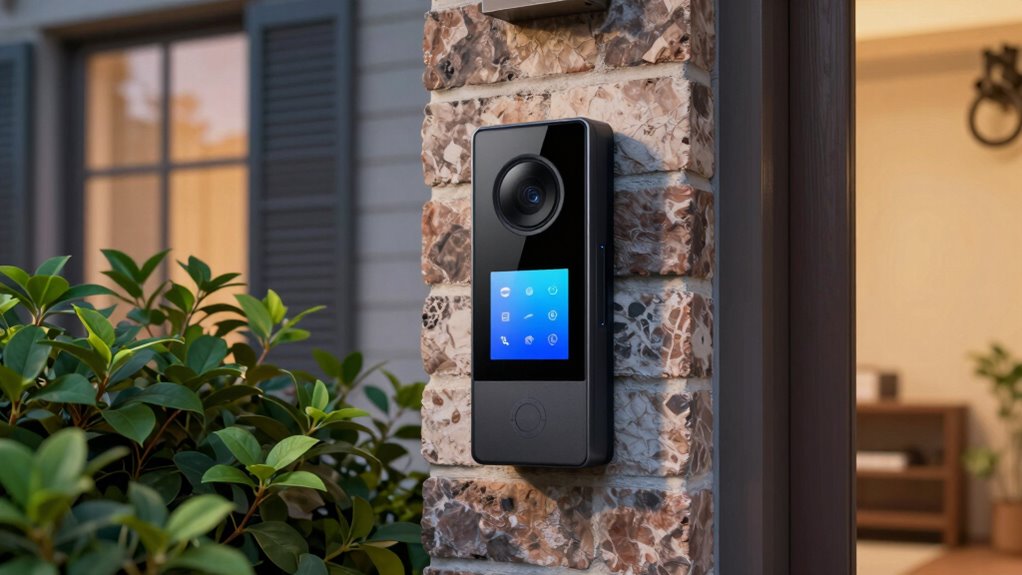
Future smart doorbells will likely feature smarter AI that can recognize faces and interpret visitor intentions more accurately. They’ll also seamlessly connect with your entire smart home system, creating a more integrated experience. As technology advances, expect your doorbell to become an even more essential part of your home automation.
Enhanced AI Capabilities
As smart doorbell technology evolves, enhanced AI capabilities are set to revolutionize how these devices operate. You’ll notice smarter interactions, faster responses, and improved security. Here are some future trends to expect:
- Voice recognition – doorbells will better understand you, allowing for personalized greetings and commands without manual input.
- Facial authentication – advanced AI will accurately identify familiar faces, alerting you when someone you know arrives or detecting unknown visitors.
- Behavioral analysis – AI will interpret visitor patterns and movements, providing smarter notifications and security alerts.
These enhancements mean your doorbell will become more intuitive, secure, and responsive, making your home safer and more convenient.
Integration With Smart Homes
How will smart doorbells seamlessly blend into your existing home ecosystem? Future trends point to better integration with smart home devices through advanced voice recognition. You’ll be able to give commands or ask questions, and your doorbell will respond naturally, enhancing convenience. Manufacturers are also focusing on improving battery life, so your doorbell stays powered longer, reducing maintenance. As smart home systems become more interconnected, your doorbell will automatically sync with security cameras, lighting, and door locks for a cohesive experience. This integration means you won’t need separate apps or devices; everything will work together smoothly. Expect smarter, more responsive features that adapt to your routines, making your home more secure and easier to manage.
Frequently Asked Questions
How Secure Is the Data Transmitted by Smart Doorbells?
The data transmitted by smart doorbells is generally secure thanks to data encryption, which protects your footage and personal info from unauthorized access. However, privacy concerns remain if companies don’t implement strong security measures or if there’s a data breach. You should regularly update your device’s software and use strong, unique passwords to enhance security and reduce risks. Being proactive helps protect your privacy effectively.
Can Smart Doorbells Operate During Power Outages?
During a power outage, your smart doorbell can still function if it has a battery backup, making it a fortress of readiness. Without this backup, it’s as useless as a screen door on a submarine. Battery backup guarantees power outage readiness, allowing your doorbell to record, alert, and connect even when the main power is down. Always check if your device has this feature for uninterrupted security.
Are Smart Doorbells Compatible With All Smartphone Brands?
Smart doorbells aren’t compatible with all smartphone brands. Their device compatibility depends on the app and operating system, often favoring iOS and Android devices. You should check the specific smart doorbell features and app requirements before purchasing. If your smartphone meets these criteria, you’ll enjoy seamless alerts and video access. However, some models may have limited compatibility, so verify compatibility details to guarantee smooth operation with your device.
What Is the Typical Lifespan of a Smart Doorbell Device?
A typical smart doorbell lasts about 3 to 5 years, depending on your usage and battery life. You might find it surprising how often the installation process is straightforward, especially when you follow the manufacturer’s instructions. Regularly charging or replacing the batteries can extend its lifespan. Keep an eye on software updates too, as they can improve device performance and longevity, ensuring your smart doorbell stays functional for years.
How Do Smart Doorbells Impact Home Insurance Premiums?
Smart doorbells can lower your home insurance premiums by offering insurance discounts, as they enhance security and deter intruders. Insurance providers see them as reducing risk, which positively affects their risk assessment. When you install a smart doorbell, you may qualify for discounts, making your home safer and more affordable to insure. Keep in mind, discounts vary by insurer, so check with your provider to maximize benefits.
Conclusion
In the world of home security, understanding smart doorbell technology is your key to a safer, smarter home. By choosing the right features and staying informed about the latest trends, you can turn your doorstep into a fortress—more impenetrable than Fort Knox. Embrace these innovations, troubleshoot confidently, and watch your home become a digital fortress that’s practically invincible against any threat. Your smart doorbell isn’t just a gadget; it’s your home’s first line of defense.