If your Wi-Fi is slow, devices disconnect frequently, or streaming and calls buffer often, you likely need a network upgrade. Outdated hardware, interference, or weak coverage can also cause issues. Sometimes, simple fixes like repositioning your router or updating firmware work wonders. If problems persist, you may need a plan or hardware upgrade. To make sure, check your equipment first—more tips to optimize your home network follow from here.
Key Takeaways
- Persistent slow speeds, buffering, or frequent disconnections indicate it’s time to consider upgrading equipment or plans.
- Outdated hardware or firmware can bottleneck your network, reducing performance and security.
- Devices struggling to connect or maintain stability suggest your current setup no longer meets your needs.
- Poor Wi-Fi coverage or dead zones highlight the need for better placement or mesh system upgrades.
- Security vulnerabilities from outdated devices or firmware warrant an upgrade for protection and improved performance.

TP-Link AX1800 WiFi 6 Router (Archer AX21 V5) – Dual Band Wireless Internet, Gigabit, Easy Mesh, Works with Alexa – A Certified for Humans Device, Free Expert Support
DUAL-BAND WIFI 6 ROUTER: Wi-Fi 6(802.11ax) technology achieves faster speeds, greater capacity and reduced network congestion compared to…
As an affiliate, we earn on qualifying purchases.
As an affiliate, we earn on qualifying purchases.
How Do I Know If My Home Wi-Fi Is Too Slow?
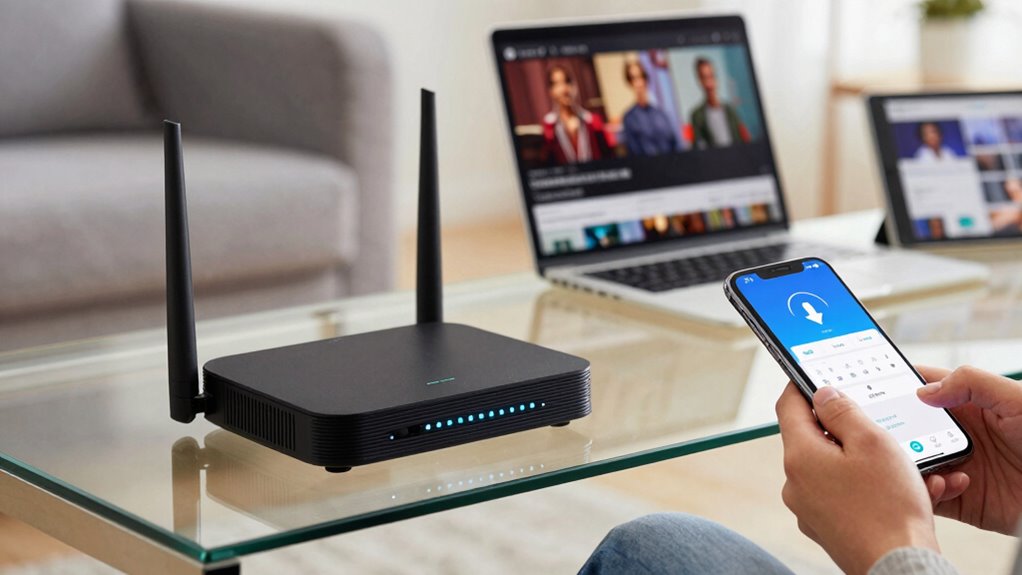
If your internet feels sluggish or your devices keep buffering, it’s a good sign that your Wi-Fi might be too slow. Slow speeds can hinder your wireless security, making your smart home vulnerable to cyber threats. Additionally, poor performance affects smart home integration, causing delays in controlling devices or accessing security cameras. You might notice issues when streaming videos, gaming, or working remotely. Running a speed test can help determine if your connection meets your needs. If your speeds are consistently low or inconsistent, it’s time to think about an upgrade. A faster, more reliable Wi-Fi network enhances security, improves smart home functionality, and ensures your devices work seamlessly together. Understanding the importance of network reliability can guide you in choosing the right upgrade options. Recognizing these signs is the first step toward a more efficient home network. Regularly monitoring your network performance can help identify ongoing issues before they become major problems.

TP-Link Deco X55 AX3000 WiFi 6 Mesh System – Covers up to 6500 Sq.Ft, Replaces Wireless Router and Extender, 3 Gigabit Ports per Unit, Supports Ethernet Backhaul, Deco X55(3-Pack)
Wi-Fi 6 Mesh Wi-Fi – Next-gen Wi-Fi 6 AX3000 whole home mesh system to eliminate weak Wi-Fi for…
As an affiliate, we earn on qualifying purchases.
As an affiliate, we earn on qualifying purchases.
Signs That You Need a Network Upgrade
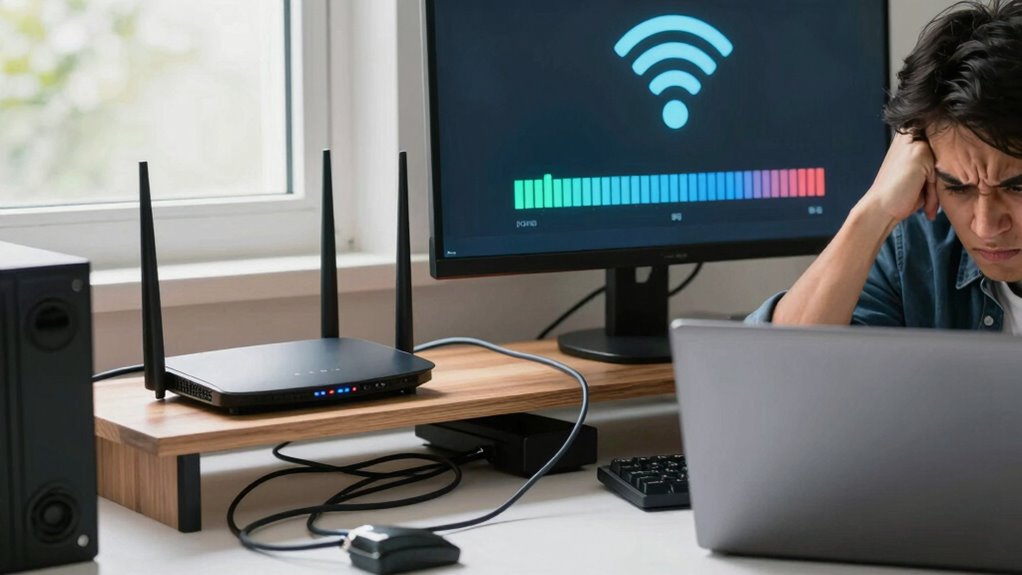
As your household’s internet needs grow, certain signs become clear that it’s time for a network upgrade. If your smart home devices frequently disconnect or lag, it’s a strong indicator your current network can’t handle the load. Slow streaming, frequent buffering, or dropped connections during video calls also signal the need for an upgrade. Additionally, outdated hardware may compromise network security, leaving your devices vulnerable. If you notice sluggish performance or suspect weak security, upgrading your router or network setup is essential. A modern, robust network not only improves speed but also enhances protection for your smart home ecosystem. Understanding high refresh rates and other technical specifications can help ensure your network is capable of supporting demanding devices and applications. Recognizing these signs helps you stay connected smoothly and keeps your network safe from potential threats. Regularly updating your network hardware also ensures compatibility with the latest wireless standards, providing faster and more reliable connections. Moreover, paying attention to network security protocols can significantly bolster your home’s cybersecurity. Staying informed about network capacity can also guide you in choosing hardware that meets your household’s evolving needs.

TP-Link AC1200 WiFi Extender, 2023 Engadget Best Budget Pick, 1.2Gbps Signal Booster for Home, Dual Band 5GHz/2.4GHz, Covers Up to 1500 Sq.ft and 30 Devices,Support Onemesh, One Ethernet Port (RE315)
𝐒𝐭𝐫𝐨𝐧𝐠𝐞𝐫 𝐖𝐢-𝐅𝐢 𝐢𝐧 𝐄𝐯𝐞𝐫𝐲 𝐂𝐨𝐫𝐧𝐞𝐫 – Enjoy extended coverage with strong performance powered by Adaptive Path Selection and…
As an affiliate, we earn on qualifying purchases.
As an affiliate, we earn on qualifying purchases.
Are My Devices Causing Slowdowns?
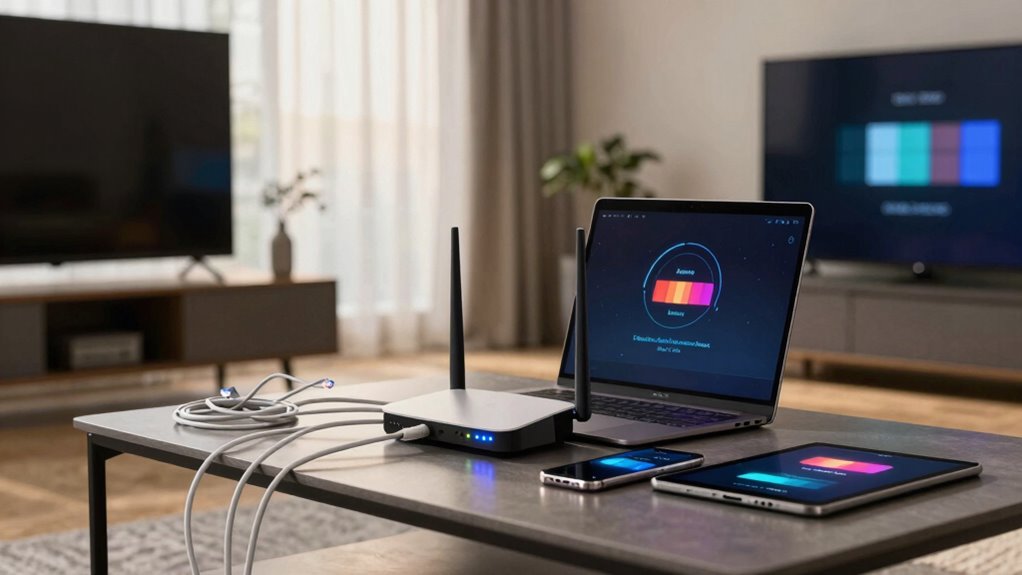
Devices can often be the culprits behind slow internet speeds, especially when multiple gadgets compete for bandwidth simultaneously. You might notice buffering videos, laggy gaming, or sluggish downloads. Device interference from cordless phones, microwaves, or neighboring Wi-Fi networks can disrupt signal quality. Outdated firmware updates on your devices may also cause compatibility issues or slowdowns. Check if your gadgets are running the latest software to improve performance. Incorporating the latest wall art trends, such as digital frames and interactive murals, can also enhance your home environment and reduce device overload. Imagine:
- Your smart TV constantly buffering during streaming
- Laptops struggling to connect to Wi-Fi
- Wireless printers dropping connections
- Smart home devices disconnecting frequently
- Older gadgets lagging behind newer ones
Addressing wireless signal interference by positioning your router properly and minimizing physical obstructions can significantly improve your network’s stability and speed, helping your network run smoothly without needing an upgrade. Additionally, understanding home network basics can empower you to troubleshoot and optimize your setup more effectively.

Klein Tools VDV526-200 Cable Tester, LAN Scout Jr. 2 Ethernet Tester for CAT 5e, CAT 6/6A Cables with RJ45 Connections
VERSATILE CABLE TESTING: Cable tester for data (RJ45) terminated cables and patch cords, ensuring comprehensive testing capabilities
As an affiliate, we earn on qualifying purchases.
As an affiliate, we earn on qualifying purchases.
How Can I Check If My Router and Modem Are Working Properly?
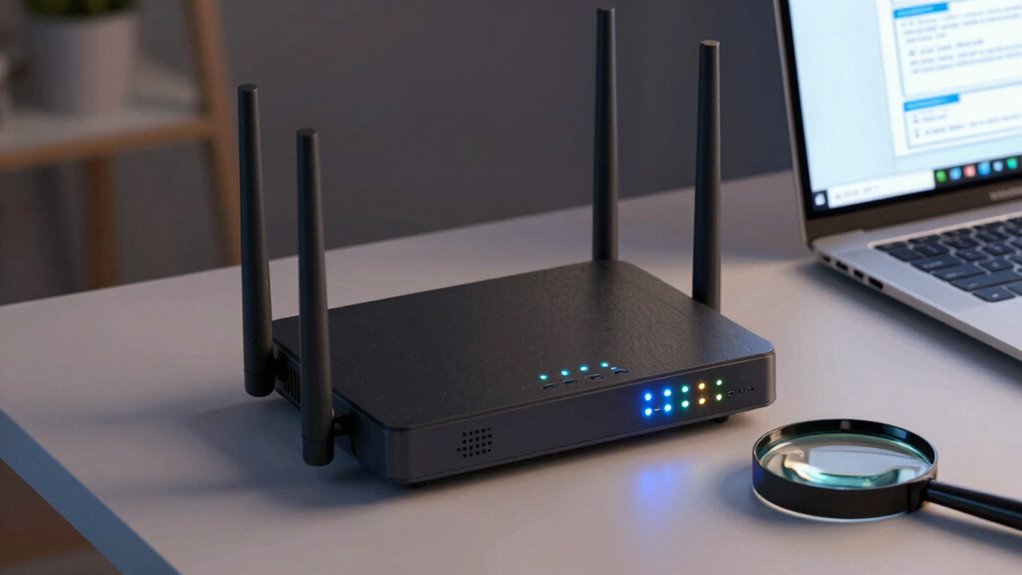
To guarantee your router and modem are working properly, start by checking their connection stability and looking for frequent drops or interruptions. Next, test the speed to see if it matches your internet plan’s expectations, and finally, inspect the physical equipment for loose cables or signs of damage. Addressing these points can help identify any issues that might be slowing down your network. Additionally, reviewing home theater fundamentals can ensure your setup supports optimal streaming quality. Considering regional flavors and chicory/coffee insights can also inspire you to customize your network environment with personalized themes or decor. Regularly reviewing indoor air quality can further enhance your living space by reducing pollutants that may affect your overall health and comfort. Ensuring your environment is ergonomically optimized can also reduce strain while managing your devices, contributing to a more comfortable and efficient setup. Remember, maintaining network security is crucial to protect your personal information from potential threats.
Verify Connection Stability
Wondering if your router and modem are working properly? To verify connection stability, perform simple tests to see if your devices maintain a consistent connection. Imagine:
- Streaming videos smoothly without buffering
- Downloading files without interruptions
- Running multiple devices without lag
- Maintaining strong signal strength across your home
- Ensuring devices stay connected during peak hours
Check your network security settings to prevent unauthorized access, which can cause instability. Also, confirm device compatibility, ensuring your modem and router work well with your current internet plan and hardware. Use built-in diagnostic tools or third-party apps to monitor connection consistency. If you notice frequent drops or slowdowns, it might be time for an upgrade. Stable connections protect your network security and improve overall performance, confirming whether your current setup meets your needs.
Check Speed Consistency
How can you tell if your internet speed is consistent across your network? Start by running speed tests on different devices and locations. If speeds fluctuate considerably, wireless interference might be disrupting your connection, or your router may struggle to handle multiple devices. Check if your devices are compatible with your current equipment, as outdated hardware can cause slowdowns. Make sure your router is positioned centrally, away from electronic devices that cause wireless interference. Use tools like speed test apps to compare results across devices and times of day. Consistent speeds across tests indicate your modem and router are functioning properly. If you notice persistent discrepancies, it could signal compatibility issues or interference that require further troubleshooting or an upgrade.
Inspect Physical Equipment
Checking your physical equipment is a key step in diagnosing internet issues. Start by inspecting your modem and router for signs of damage or loose connections. Verify cables are securely plugged in and free from fraying. Good cable management keeps cords organized and prevents accidental disconnections. Pay attention to device placement—place your router in a central, open spot away from walls and metal objects to improve signal strength. Look for indicator lights; blinking or unlit lights could signal problems. Avoid stacking devices or placing them on the floor, which can hinder airflow and performance. Regularly check for dust buildup and keep vents clear. Properly maintained, well-placed equipment ensures your network runs smoothly and reduces the need for upgrades.
Easy Fixes to Improve Your Wi-Fi Before Upgrading
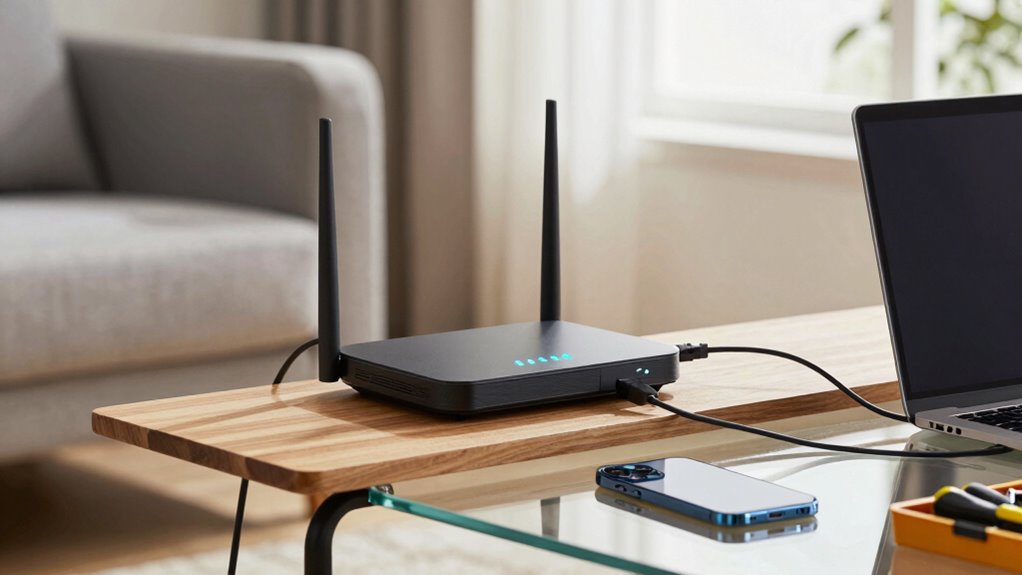
Before rushing into a costly upgrade, it’s worth trying some simple fixes to boost your Wi-Fi performance. Start by repositioning your router to a central, open spot away from walls and electronics that may cause interference. Updating your router’s firmware can also improve speed and stability. If you have a smart home setup, ensure your devices aren’t overloading the network, which can slow everything down. Changing your Wi-Fi channel to avoid congestion can make a noticeable difference. Additionally, strengthen your network security by changing default passwords and enabling encryption to prevent unauthorized access, which can bog down your connection. Being aware of how whole-home water systems operate can inspire similar efficiency adjustments for your Wi-Fi setup. These small adjustments can considerably improve your Wi-Fi’s reach and reliability, often eliminating the need for an immediate upgrade. Regularly reviewing your network’s protocols can further optimize performance and security.
Should I Upgrade My Internet Plan or Hardware?
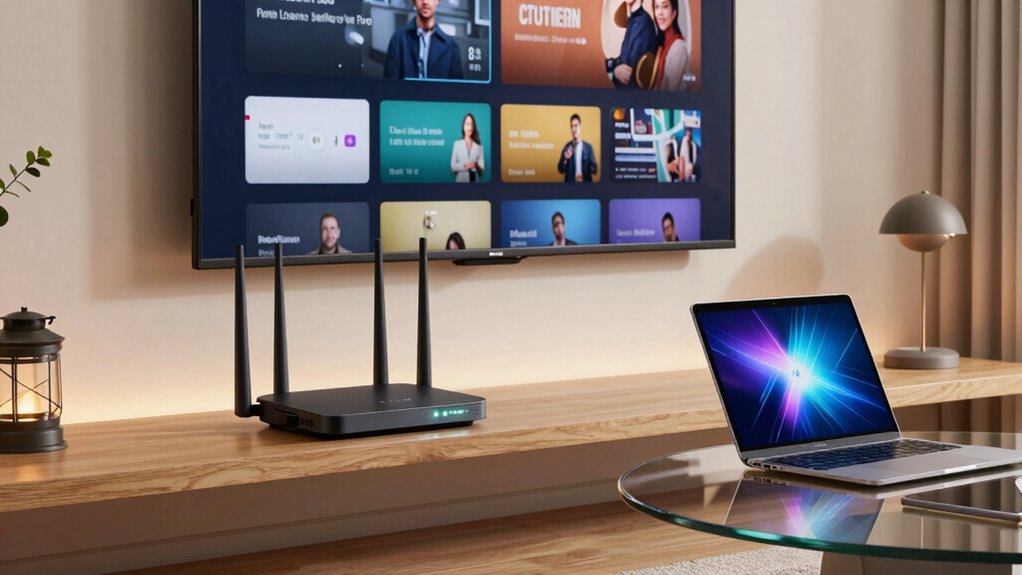
Deciding whether to upgrade your internet plan or hardware depends on your needs and budget. If your current speed is insufficient, a plan upgrade might be the best choice; but if your hardware can’t keep up, new equipment could make a bigger difference. Consider your future needs and costs to determine which option offers the most value for your home network. Additionally, caring for kitchen gear and properly disposing of eco-friendly waste can help reduce your overall environmental impact, aligning with sustainable technology choices. Understanding your network’s electrical basics can also help you troubleshoot issues more effectively and ensure safe, reliable operation. Being aware of growth mindset principles can empower you to adapt and improve your tech setup over time, fostering a more resilient home environment.
Speed vs. Hardware Capabilities
When your internet feels sluggish, it’s tempting to ask whether upgrading your plan or hardware will make the biggest difference. Speed and hardware capabilities are closely linked, but upgrading one doesn’t guarantee better performance if the other isn’t aligned. Outdated hardware can bottleneck fast internet plans, causing buffering or slow downloads. Confirming hardware compatibility with newer routers and modems is essential. Also, consider wireless security; outdated hardware may expose vulnerabilities, affecting overall network performance.
Imagine:
- Streaming high-definition videos smoothly
- Multiple devices working without lag
- Seamless online gaming sessions
- Secure connections preventing hacking
- Faster file uploads and downloads
Balancing speed with hardware capabilities ensures you get the most from your internet plan without sacrificing security or performance.
Cost and Future Needs
Choosing whether to upgrade your internet plan or hardware depends on your current needs and budget, but it’s essential to weigh long-term costs. A strategic approach to budget planning helps determine if investing in faster plans or better hardware aligns with your future needs. Consider technology trends like increased bandwidth demands or smart home devices, which may justify upgrades now. Additionally, assessing technology adoption trends can help predict when future upgrades might be necessary. Staying informed about network capacity can help you anticipate when your current setup may no longer meet your needs.
Tips to Boost Your Home Wi-Fi Signal and Coverage
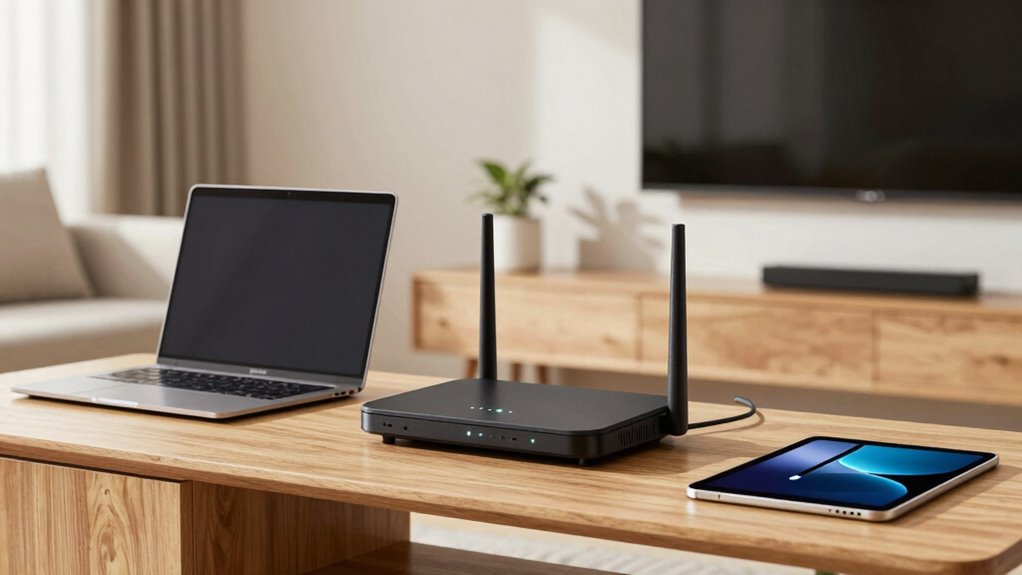
Improving your home Wi-Fi signal and coverage starts with simple, effective strategies that can make a noticeable difference. To boost your network, start by placing your router in a central, open spot away from thick walls and appliances. Upgrade to a mesh Wi-Fi system to eliminate dead zones and support your smart home devices seamlessly. Keep your firmware updated to enhance security and performance. Avoid interference from other electronics, such as cordless phones or microwaves, which can weaken signals. Consider network security by changing default passwords and enabling encryption. You might also add range extenders to reach distant rooms. Additionally, understanding the capacity of your Wi-Fi system can help you choose the right equipment for your household needs. Ensuring you select a device with adequate security features can protect your network from unauthorized access. Properly assessing your home’s size and layout can help you determine the most effective setup for comprehensive coverage and connectivity. Imagine a house where every corner is connected smoothly, supporting your smart home and keeping your network secure.
What Features Should I Look for in a New Home Network System?
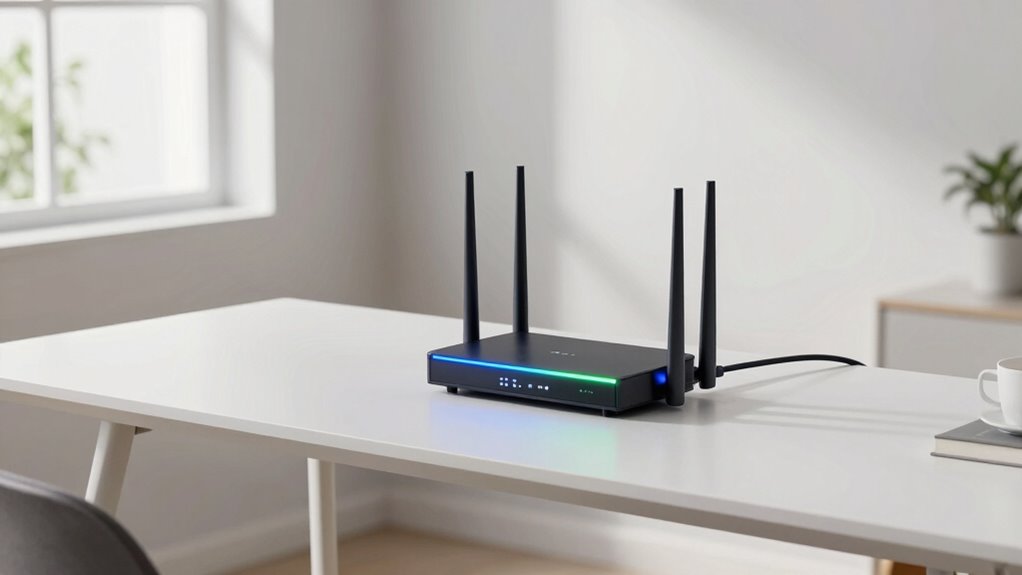
Selecting the right home network system involves prioritizing features that enhance performance, security, and ease of use. Look for a system that supports the latest Wi-Fi standards, such as Wi-Fi 6, for faster speeds and better coverage. If you have a smart home, make certain the system can handle multiple connected devices without lag. Network security is vital, so choose a router with robust encryption, automatic updates, and built-in firewalls to protect your data and privacy. Easy setup and management through user-friendly apps are also important, especially if you’re not tech-savvy. Consider mesh networking options for seamless coverage across large or multi-story homes. By focusing on these features, you’ll guarantee your home network is reliable, secure, and ready for your smart home needs.
Frequently Asked Questions
How Often Should I Consider Upgrading My Home Network Equipment?
You should consider upgrading your home network equipment every 3-5 years, especially if you notice slow speeds or network congestion. Keep an eye on home device compatibility; outdated hardware may not support newer devices or features. Upgrading helps improve performance, reduce congestion, and guarantee your devices work smoothly. Regular updates also protect your network from security vulnerabilities, providing a faster, more reliable, and secure internet experience for everyone in your home.
What Are the Latest Technologies in Home Networking?
Imagine your home as a bustling city, where the latest technologies act as vigilant guardians. Today’s home networking innovations include Wi-Fi 6, offering faster speeds and better coverage, and mesh systems that blanket your space with seamless connectivity. Smart home devices thrive on this upgrade, enhancing convenience and security. Enhanced network security keeps intruders out, protecting your digital city. Embrace these advancements to guarantee your smart home runs smoothly and safely.
Can a Network Upgrade Improve My Online Security?
Yes, upgrading your network can boost your online security. Newer routers often come with advanced features like data encryption, which protects your information from hackers. Network segmentation helps isolate devices, reducing the risk if one gets compromised. By upgrading, you guarantee these security measures are in place, making it harder for intruders to access your data and devices, keeping your online activities safer.
Is Mesh Wi-Fi Better Than Traditional Routers?
Absolutely, mesh Wi-Fi outshines traditional routers in many ways. Unlike the olden days of single-router setups, mesh systems minimize Wi-Fi interference, providing seamless coverage across larger spaces. They’re also compatible with most devices, ensuring easy integration into your current network. Mesh networks are especially beneficial if your traditional router struggles with dead zones or inconsistent signals, offering a smarter, more reliable solution for your home’s connectivity needs.
How Do I Determine the Right Speed for My Household Needs?
To determine the right speed for your household, start with a bandwidth analysis to see how much data your devices use daily. Consider device compatibility—older gadgets might not support the latest speeds. For streaming, gaming, or working from home, higher speeds are essential. Summing up your device needs and usage habits helps you choose an internet plan that guarantees smooth performance without overspending.
Conclusion
If your home Wi-Fi feels sluggish, don’t just accept it as normal — think of it like a garden that needs tending. Upgrading your network is like watering your plants; it helps everything grow stronger and faster. Whether it’s fixing your current setup or choosing new gear, taking action now can turn your slow connection into a smooth, reliable network. Don’t wait until frustration takes over—your perfect Wi-Fi oasis is within reach.