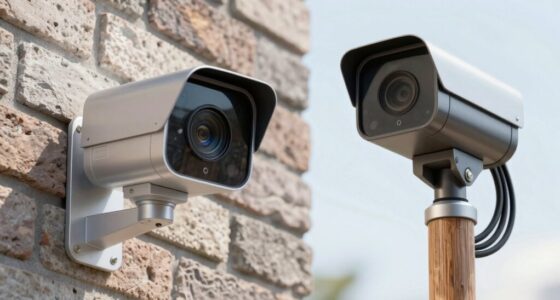
Choosing the right home camera resolution depends on your security needs, budget, and storage capacity. Higher resolutions like 4K provide sharper images and better detail for identifying faces and license plates, but they also require more bandwidth and storage. 1080p offers a good balance, while 720p is budget-friendly but less clear. Proper placement and lighting can make a big difference. Keep exploring to find the best setup for your home security.
Key Takeaways
- Higher resolutions like 4K provide clearer images for detailed identification but require more storage and bandwidth.
- 1080p offers a balanced option between image clarity, storage needs, and cost for most home security setups.
- Consider camera placement and lighting to maximize image quality regardless of resolution.
- Lower resolutions such as 720p may be sufficient for general monitoring but lack detail for close-up identification.
- Features like night vision, motion detection, and compression impact overall security effectiveness and system performance.
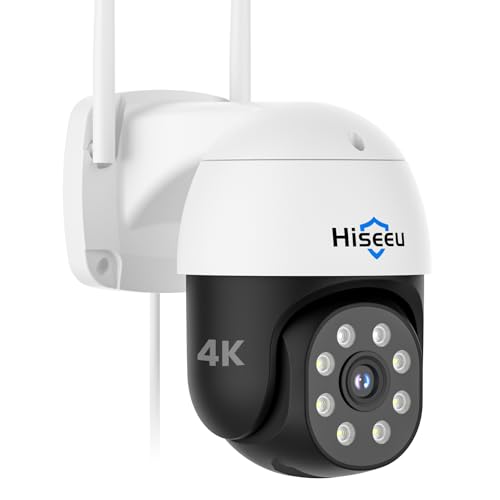
Hiseeu 4K 8MP Security Camera Outdoor, Wireless Home Security Camera with Pan & Tilt, WiFi Pro 2.4/5GHz, Auto Tracking, Color Night Vision, Two Way Audio, IP66, Plug in, No Subscription
4K Ultra HD with Full-Color Night Vision: See every detail in stunning 4K, day or night. Even in…
As an affiliate, we earn on qualifying purchases.
As an affiliate, we earn on qualifying purchases.
What Does Camera Resolution Mean for Home Security?
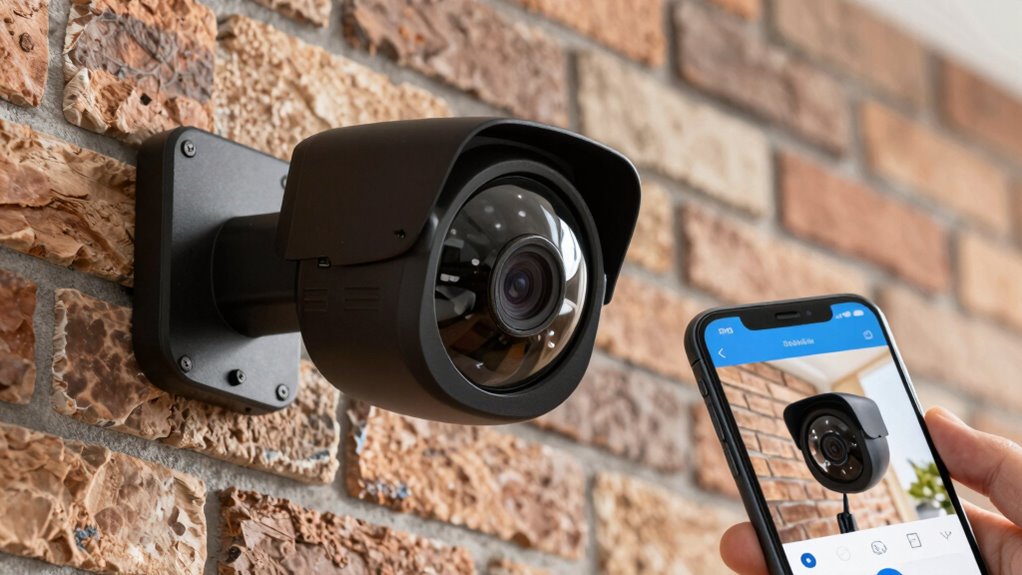
Ever wondered how camera resolution impacts your home security? Higher resolution means clearer images, making it easier to identify people or objects. This clarity is especially important during night vision, where low-light conditions can obscure details. A high-resolution camera captures sharper images in the dark, enhancing your ability to see who is outside or inside your home at night. Additionally, better resolution improves motion detection accuracy. When movement triggers alerts, clearer footage helps you quickly assess whether it’s a real threat or a false alarm. Understanding what resolution offers guarantees you choose a camera that provides crisp images, reliable night vision, and effective contrast ratio, key factors in keeping your home safe and secure. Incorporating outdoor surveillance strategies, such as proper camera placement and lighting, can further enhance security, especially during community festivals or events. Knowing how camera resolution influences overall image quality can help you make smarter decisions for your security setup.

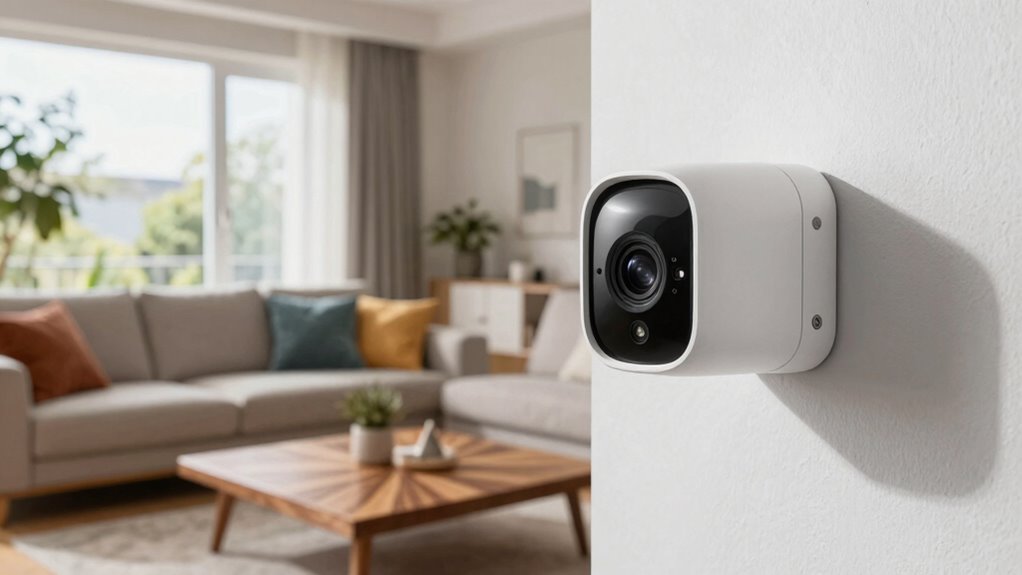
TP-Link Tapo 1080P Indoor Security Camera for Baby Monitor, Dog Camera w/Motion Detection, 2-Way Audio Siren, Night Vision, Cloud & SD Card Storage, Works w/Alexa & Google Home (Tapo C100)
【Motion Detection & Instant Notification】Get instant push notifications when motion, person or baby crying is detected, there is…
As an affiliate, we earn on qualifying purchases.
As an affiliate, we earn on qualifying purchases.
Comparing 720p, 1080p, and 4K Security Cameras
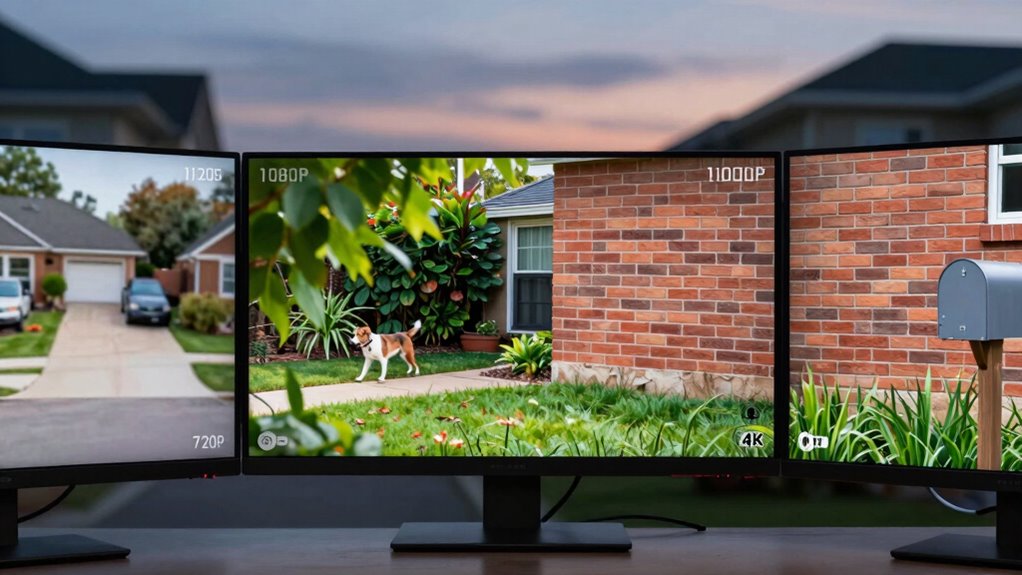
When choosing a security camera, understanding the differences between 720p, 1080p, and 4K resolutions is essential. For indoor placement, higher resolution cameras like 4K provide sharper details, making it easier to identify faces and objects. 720p cameras are more budget-friendly but may lack clarity for close-up camera angles, especially in larger rooms. 1080p strikes a good balance, offering clear images without overloading storage. Your choice depends on your camera angles and the level of detail you need. If you plan to monitor wide areas with multiple camera angles, 4K is ideal, but it requires more bandwidth and storage. For smaller spaces or basic monitoring, 720p or 1080p might suffice, providing effective coverage without unnecessary complexity. Additionally, understanding camera resolution differences can help you select the best option for your specific security needs. Considering installation requirements can also ensure your cameras perform optimally and meet your security goals. Being aware of how camera placement impacts image quality can further assist in optimizing your security system. Knowing how lighting conditions affect image clarity can also be crucial when setting up your cameras for the best results.

Kasa 1080p Indoor Pan/Tilt Wired Security Camera – Works as a Baby & Pet Monitor, Motion Detection & Tracking, 2-Way Audio, Night Vision, Subscription-Free Local Storage or Optional Cloud, EC71
【Up, Down, All Around】This Pan/Tilt IP camera see everything across an entire room or walkway with the 360°…
As an affiliate, we earn on qualifying purchases.
As an affiliate, we earn on qualifying purchases.
How Resolution Affects Image Clarity and Storage Needs
Higher resolution cameras produce sharper, more detailed images that make it easier to identify faces, license plates, and other vital details. The quality of these images depends heavily on the image sensor and pixel density—more pixels mean finer detail. A higher pixel density enhances clarity but also increases storage needs because larger files require more space. Smaller sensors may struggle to produce clear images at higher resolutions, impacting overall image quality. Conversely, larger sensors with higher pixel density deliver better clarity, especially in low light. Keep in mind, the more detail your camera captures, the more storage you’ll need for recordings. Additionally, understanding regional flavors and their impact on image quality can help optimize camera settings for specific environments. Recognizing the sensor size and its influence on image performance is essential for selecting the right camera for your needs. Moreover, sensor technology plays a critical role in determining overall image quality and performance in various conditions. An awareness of advanced camera features can further enhance image clarity and functionality in different scenarios. Understanding pixel density helps in choosing the best balance between image detail and storage requirements.

Hiseeu Wireless Pro WiFi Security Camera System, 16CH 4K NVR Kit, Corded Powered 8Pcs 5MP CCTV Home Security Camera System for Indoor/Outdoor, Night Vision, Waterproof, Motion Detection, 3TB HDD
【Local & Remote Control】 The home security camera system support local view & control, no need WiFi. For…
As an affiliate, we earn on qualifying purchases.
As an affiliate, we earn on qualifying purchases.
How to Choose the Best Camera Resolution for Your Home
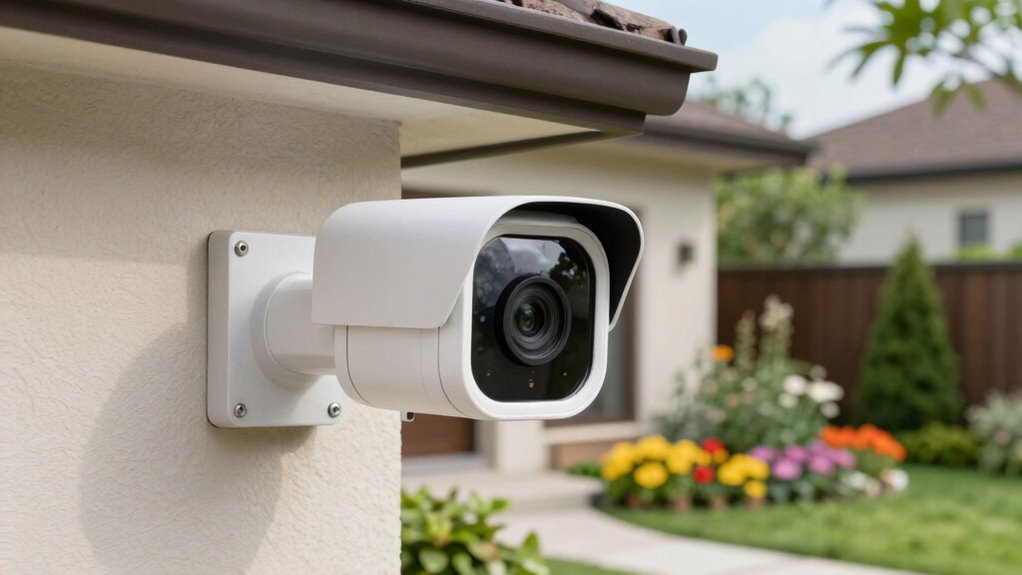
Deciding on the right camera resolution for your home depends on balancing your security needs with storage and budget considerations. If you prioritize detailed images for identifying faces or license plates, opt for higher resolutions like 4K. However, for general monitoring or areas where motion detection is key, lower resolutions may suffice, saving storage space and costs. Consider camera placement—covering wide areas might require lower resolution cameras, while focused spots benefit from higher clarity. Guarantee the resolution supports effective motion detection; sharper images help differentiate movement from false alarms. Additionally, choosing the right camera protection/accessories can help extend the lifespan of your equipment and maintain image quality over time. Incorporating features like video compression technologies can further optimize storage efficiency. Understanding image resolution and its impact on security performance is crucial for making an informed choice. Regularly reviewing camera settings and adjusting resolution based on evolving needs can enhance overall security effectiveness. Furthermore, being aware of resolution standards can assist in selecting cameras that meet industry benchmarks for security systems.
Tips to Balance Cost, Clarity, and Performance
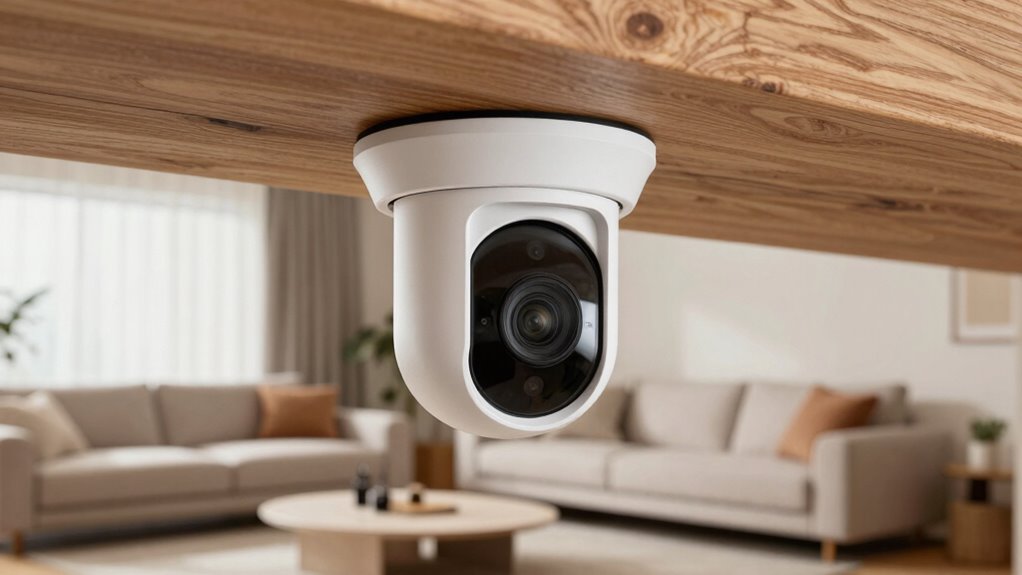
Striking the right balance between cost, clarity, and performance involves making strategic choices based on your specific security needs. To do this, consider how smart home integration can enhance convenience without overspending. Prioritize cameras with features that align with your goals, like motion detection or night vision, to avoid paying for unnecessary extras. Wireless connectivity offers flexibility and easier installation, but guarantee it provides reliable performance to prevent lag or disconnects. Opt for a mid-range resolution that offers clear images without draining your bandwidth or increasing costs excessively. Additionally, understanding camera resolution helps you select the appropriate level of detail for your security footage. When choosing a camera, also consider battery life and how it impacts your overall system reliability. Being aware of resolution options can guide you in selecting the best quality for your needs without overextending your budget. To further optimize your setup, researching Wireless connectivity options can ensure consistent performance across your security devices. Knowing about aviation regulations can also help you understand the importance of compliance and safety standards in your security setup. By balancing these factors, you get effective security without sacrificing quality, while also maintaining ease of use and system scalability. This approach helps you create a smart, efficient home security setup that fits your budget.
Frequently Asked Questions
How Does Lighting Affect Camera Resolution Performance?
Lighting conditions directly impact your camera’s resolution performance by affecting image clarity. When there’s ample light, your camera captures sharper, clearer images, even at higher resolutions. Poor lighting, however, causes grainy, blurry footage, reducing effective resolution. You should guarantee good lighting to maximize your camera’s resolution capabilities, especially in low-light areas. Proper lighting enhances image clarity, making details more visible and your security footage more reliable.
Are Higher Resolution Cameras More Vulnerable to Hacking?
Higher resolution cameras aren’t inherently more vulnerable to hacking, but their increased data output can attract more cybersecurity risks. You might worry that the extra data makes them easier targets, but the real vulnerability lies in weak passwords and outdated software. To protect yourself, always update firmware, use strong passwords, and enable two-factor authentication. Well-secured, high-resolution cameras can deliver crisp images without increasing hacking vulnerabilities if you follow good cybersecurity practices.
Can Older Security Systems Support 4K Resolution Cameras?
Older security systems often can’t support 4K resolution cameras because they lack the necessary camera lens compatibility and storage capacity. High-resolution cameras generate larger video files, requiring more storage space and better processing power. If your system’s hardware is outdated, it may struggle to handle the increased data, leading to poor performance or no support at all. Upgrading your system or choosing cameras with lower resolution can help guarantee compatibility.
What Is the Optimal Resolution for Outdoor Surveillance?
For outdoor surveillance, an ideal resolution is 1080p or higher, like 4K, which provides clear images for identifying details. Make sure your camera has good night vision to capture footage in low light and motion detection to alert you of activity. Higher resolutions help you see finer details, making it easier to identify people or objects, especially when combined with night vision and motion detection features for thorough security.
How Does Resolution Impact Camera Installation and Setup?
Sure, because who doesn’t want their camera resolution to be a puzzle? Higher resolution means you’ll need precise camera placement and careful installation requirements, or your footage might look like a blurry mess. You’ll spend extra time adjusting angles and positioning to guarantee clarity. Remember, resolution impacts how easily you can set up your system, making installation requirements more demanding—but hey, at least you’ll catch every squirrel in high definition!
Conclusion
Choosing the right home security camera is like finding the perfect lens for your camera — it’s all about clarity, performance, and your budget. Higher resolution offers sharper images but can fill up storage faster and cost more. Balance your needs wisely, just like tuning a musical instrument, to guarantee your home stays secure without overloading your system. Make an informed choice, and your security setup will be a symphony of clarity and peace of mind.