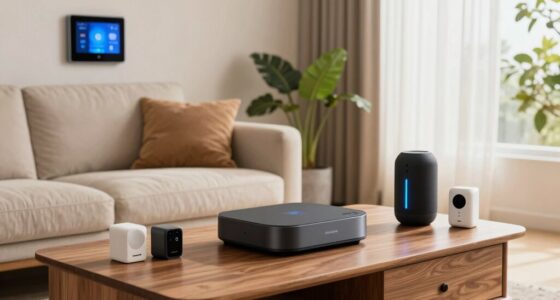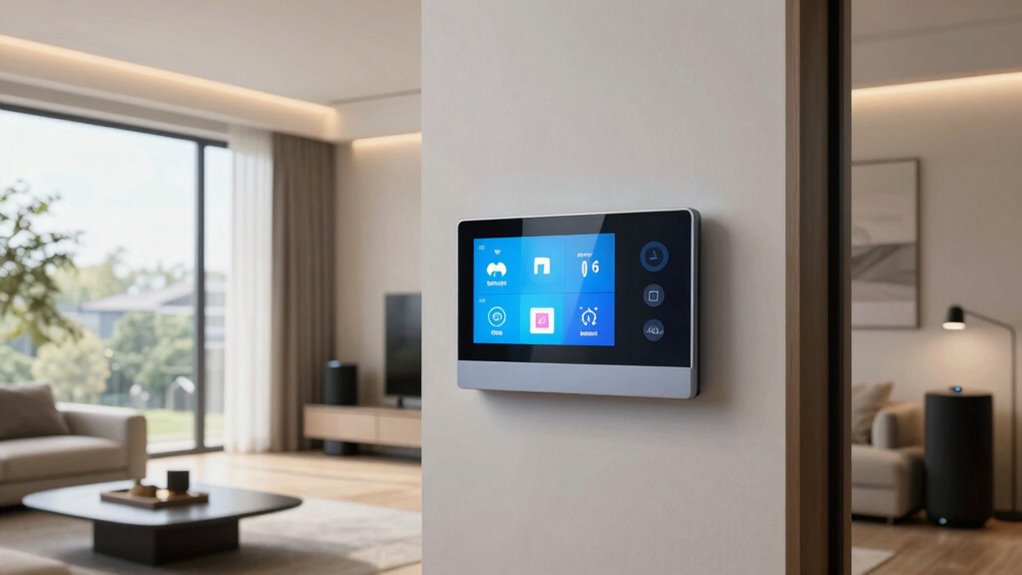

Home automation scenes let you control multiple smart devices with a single command or tap, creating personalized environments for different routines or moods. They automate lighting, security, entertainment, and more to simplify daily tasks, enhance safety, and boost comfort. You can set scenes for mornings, evenings, or special occasions, and customize them easily through user-friendly apps. If you’re curious about how to create and customize these scenes, you’ll find helpful tips and insights as you go further.
Key Takeaways
- Home automation scenes are pre-set configurations that control multiple devices simultaneously for specific environments or moods.
- Scenes can be triggered manually, by voice commands, or automatically based on sensors or schedules.
- They enhance convenience by automating routines like waking up, leaving home, or relaxing evenings.
- Customizing scenes allows personalized control over lighting, security, entertainment, and other devices.
- Proper setup and troubleshooting ensure scenes function smoothly and adapt to changing preferences.

Wireless Zigbee Smart Button, 4-Way Remote Control Button Switch for Smart Home Devices, Scene Controller, Compatible with Tuya, Home Assistant, Homey, Hubitat, Requires Tuya Zigbee Hub
Seamless Wireless Control: Leverages Zigbee wireless technology for reliable remote control of compatible smart home devices and scenes….
As an affiliate, we earn on qualifying purchases.
As an affiliate, we earn on qualifying purchases.
What Are Home Automation Scenes and How Do They Work?
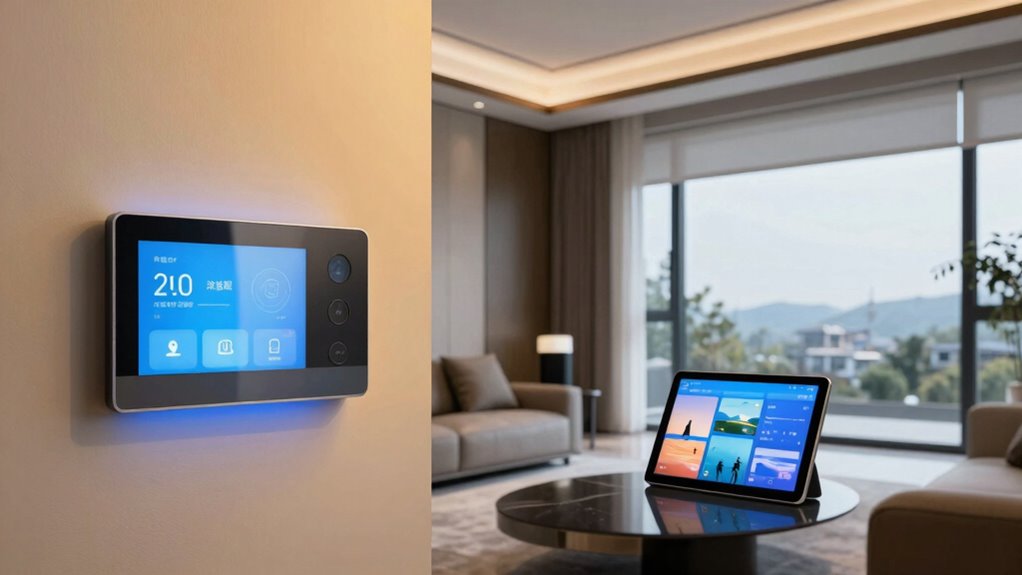
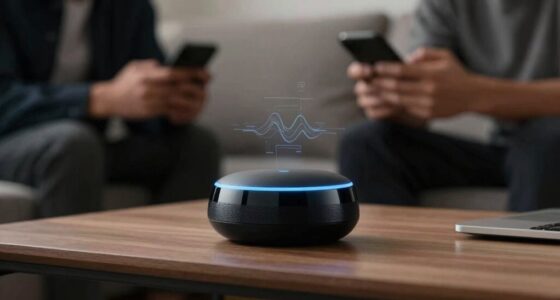
Have you ever wondered how smart homes seamlessly adjust lighting, temperature, and security with just a tap or a voice command? That’s the magic of home automation scenes. These scenes are pre-set configurations that control multiple devices at once, creating a tailored environment. With voice commands, you can activate a scene instantly, like saying “Good morning” to adjust blinds, turn on lights, and set the thermostat. Scene customization allows you to personalize these settings to match your routines or moods. When you activate a scene, your smart home coordinates various devices simultaneously, making it effortless to create the perfect ambiance or secure your home. The integration of home theatre projectors and other entertainment devices can also be incorporated into scenes for a more immersive experience. This integration simplifies daily tasks and enhances your overall living experience, showcasing the power of smart technology to improve convenience and efficiency. Additionally, as home automation continues to evolve, users are gaining more control and flexibility over their living environments, further emphasizing the importance of personalized automation. Incorporating security measures into scenes can also help ensure your home remains protected at all times, especially as these systems become more advanced and interconnected.

EIGHTREE Smart Plug, WiFi Outlet Works with Alexa & Google Home, Smart Home Socket with Remote Control & Timer Function, 2.4GHz WiFi Only, 4 Packs
Warm Tips: To use Alexa and Google Home for voice control, please connect the plug with the “Smart…
As an affiliate, we earn on qualifying purchases.
As an affiliate, we earn on qualifying purchases.
Why Use Scenes in Your Smart Home? Benefits You’ll Love
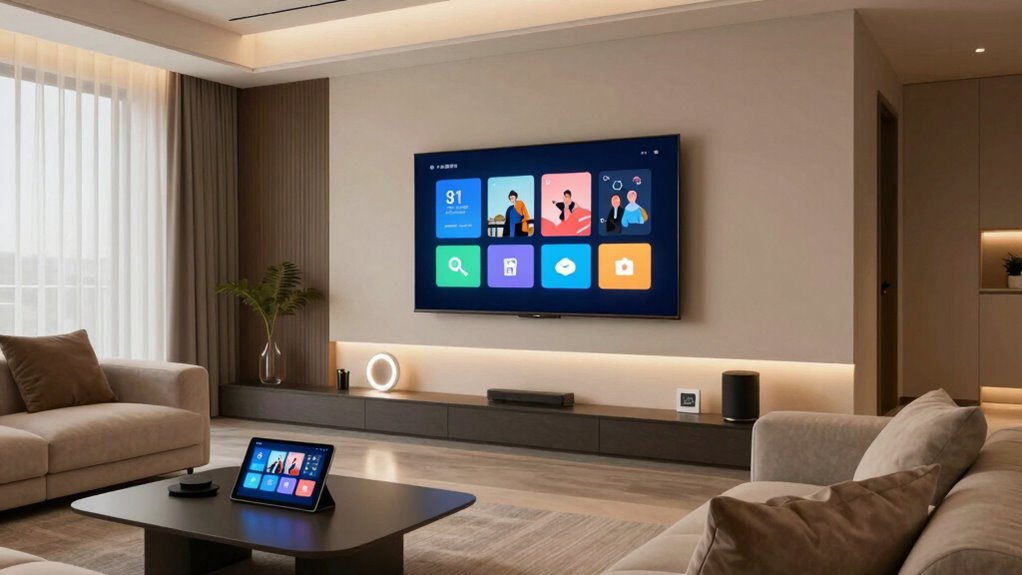
Using scenes makes your daily routines easier by automating common tasks with a single tap or voice command. They also boost your home security by activating lights and alarms automatically when needed. Overall, scenes help you save time and keep your home safer effortlessly. Incorporating outdoor automation can further enhance your backyard transformation and outdoor entertaining experiences. Additionally, understanding DIY tools and safety tips ensures you can set up and customize your scenes safely and effectively. Achieving work-life harmony through automation can also reduce stress and improve your overall home environment. Choosing the right battery inverter generator can ensure your automation systems remain reliable and uninterrupted during power outages. Exploring local automation options can help you optimize your system for energy efficiency and seamless integration.
Simplifies Daily Routines
Setting up scenes in your smart home makes your daily routines more effortless by automating multiple devices with a single command. For example, you can create a morning scene that turns on smart lighting gradually, adjusts the thermostat, and plays your favorite music—all at once. Using voice control, you can activate these scenes hands-free, saving time and reducing hassle. This integration enhances the overall luxurious lifestyle by combining convenience with sophistication. Scenes also help you stick to routines, like dimming lights and locking doors at night without extra effort. Additionally, understanding projector installations and cabling solutions can ensure your entertainment setup is seamless and reliable, further elevating your smart home experience. Incorporating automated routines can further personalize your environment, making daily tasks even more intuitive. Optimizing whole-home water systems can contribute to the comfort and efficiency of your home, supporting a truly integrated living experience. Implementing digital content formats effectively can also enhance how you interact with your devices and media, adding another layer of convenience. Overall, scenes streamline your daily activities, giving you more control and convenience while creating a seamless smart home experience.
Enhances Home Security
Smart home scenes can considerably boost your security by automating key safety measures, often working silently in the background. For example, you can set your alarm system to activate automatically when you leave the house, so you don’t forget. Security cameras can be programmed to turn on at specific times or whenever a door opens, providing real-time monitoring without manual effort. These scenes guarantee your home stays protected even when you’re busy or away. With smart automation, you can receive alerts if suspicious activity is detected or if someone bypasses your security system. This seamless integration enhances safety, giving you peace of mind. Automating security features allows you to stay alert and respond quickly, making your home safer and more secure around the clock. Understanding market trends and patterns can also help you optimize your smart home setup for maximum security benefits. Regularly updating your devices and understanding proper maintenance can prevent vulnerabilities that compromise your security. Properly maintaining your devices and understanding eco-friendly disposal options helps reduce electronic waste, and practicing responsible disposal supports sustainability efforts. Additionally, being aware of device vulnerabilities enables you to implement timely security patches and safeguard your home from potential cyber threats.
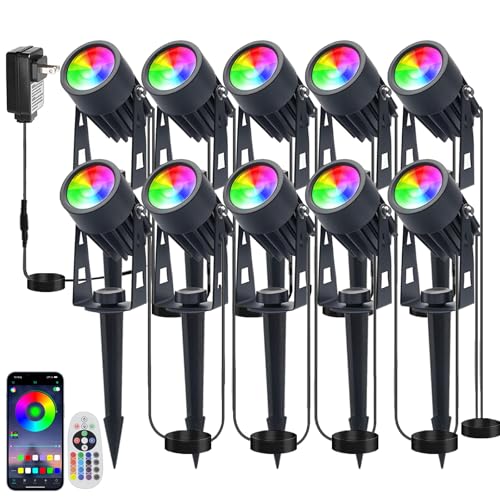
Sathem Smart RGB Low Voltage LED Spotlights, APP & Remote Control,Synchronous Dimming Lighting System, IP65 Waterproof,16 Million Colors for Outdoor Landscape,Yard,Garden,Holiday Decoration (10 Pack)
【APP & Remote Control Intelligent Control】: Easily adjust 16 million colors, brightness, dynamic mode through smart phone (Works…
As an affiliate, we earn on qualifying purchases.
As an affiliate, we earn on qualifying purchases.
How to Set Up Your First Home Automation Scene
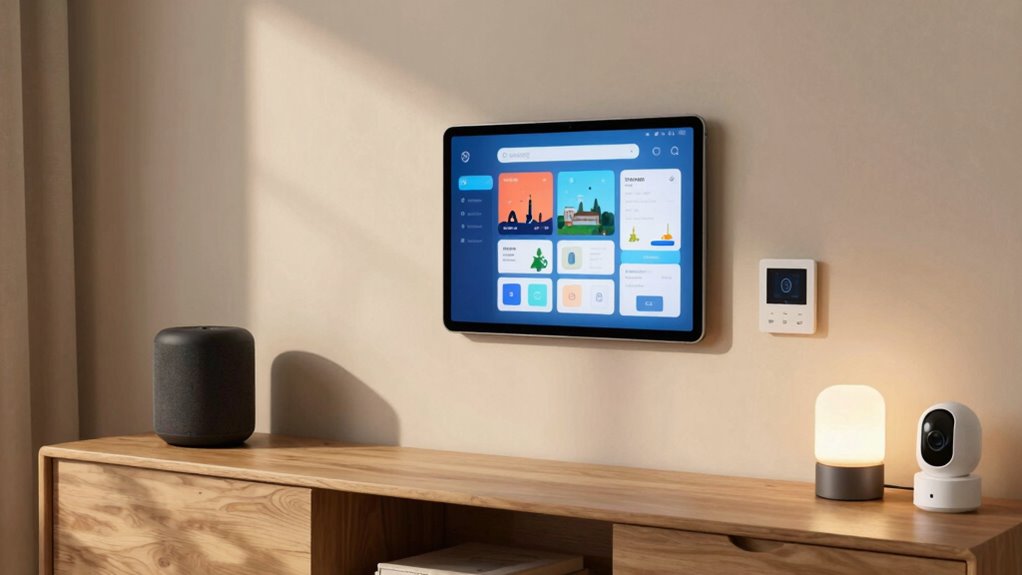
To set up your first home automation scene, start by choosing the right platform that fits your needs. Next, define the scene triggers, like time or motion sensors, to activate your scene automatically. A clear understanding of electrical basics can help prevent common setup issues and ensure safe installation. Additionally, understanding child development can help in designing safer and more intuitive automation setups for homes with children. Incorporating efficient planning strategies can help optimize your setup for energy savings and convenience. Understanding ethical considerations can also guide responsible automation practices that prioritize user safety and privacy. Being aware of smart furniture innovations can further enhance your automation experience by integrating seamlessly with your home environment. Finally, configure your device actions so everything responds seamlessly when triggered.
Choose Automation Platform
Choosing the right automation platform is a crucial first step in setting up your home automation scene. You want a system that supports voice control, making it easy to activate scenes with simple commands. Look for platforms that offer seamless security integration to keep your home safe and connected. Consider compatibility with your existing devices and how intuitive the interface feels. Some platforms provide built-in voice assistants, simplifying control without extra hardware. Security features like remote access and alerts are essential, so ensure your chosen platform emphasizes these. A good platform will also allow you to customize scenes easily, tailoring automation to fit your lifestyle. Picking the right system now sets a solid foundation for creating effective, reliable, and secure home automation scenes.
Define Scene Triggers
Setting up your first home automation scene begins with defining clear triggers that activate it. Think about what you want to trigger the scene—perhaps when you say a specific voice command or when ambient lighting reaches a certain level. Voice activation makes it easy to start a scene hands-free, so choose phrases you’ll remember. You can also set triggers based on time, motion sensors, or environmental conditions like light levels. For example, you might activate a “Relax” scene when ambient lighting dims in the evening or when you say “Good evening” aloud. Clear triggers guarantee your scene activates exactly when you want, creating a seamless experience. Take time to identify what initiates your scene, making automation intuitive and responsive.
Configure Device Actions
Once you’ve identified the triggers that will activate your scene, it’s time to specify what actions your devices should perform. This step involves device customization to match your preferences and creating a smooth action sequencing for the best experience. You can set lights to dim, blinds to close, or music to start playing—all in the right order. Use your automation app to assign specific actions to each device, guaranteeing they work together seamlessly.
| Device | Action |
|---|---|
| Living Room Lights | Dim to 30% during sunset |
| Blinds | Close at 8 PM |
| Speakers | Play relaxing playlist at 7 PM |
This setup guarantees your scene runs smoothly and feels natural each time you activate it.

Tapo Door Sensor Starter KIT, Matter Compatible, 3X Smart Door Window Contact Sensor and 1x Smart Hub with Built-in Chime, Smart Automation, Real-Time Notification, T31 KIT
𝐀𝐝𝐝𝐞𝐝 𝐒𝐞𝐜𝐮𝐫𝐢𝐭𝐲 𝐟𝐨𝐫 𝐲𝐨𝐮𝐫 𝐓𝐚𝐩𝐨 𝐒𝐦𝐚𝐫𝐭 𝐇𝐨𝐦𝐞 – This purchase includes 3x Tapo T110 Contact Sensors and 1x…
As an affiliate, we earn on qualifying purchases.
As an affiliate, we earn on qualifying purchases.
Customize Scenes for Your Daily Routines
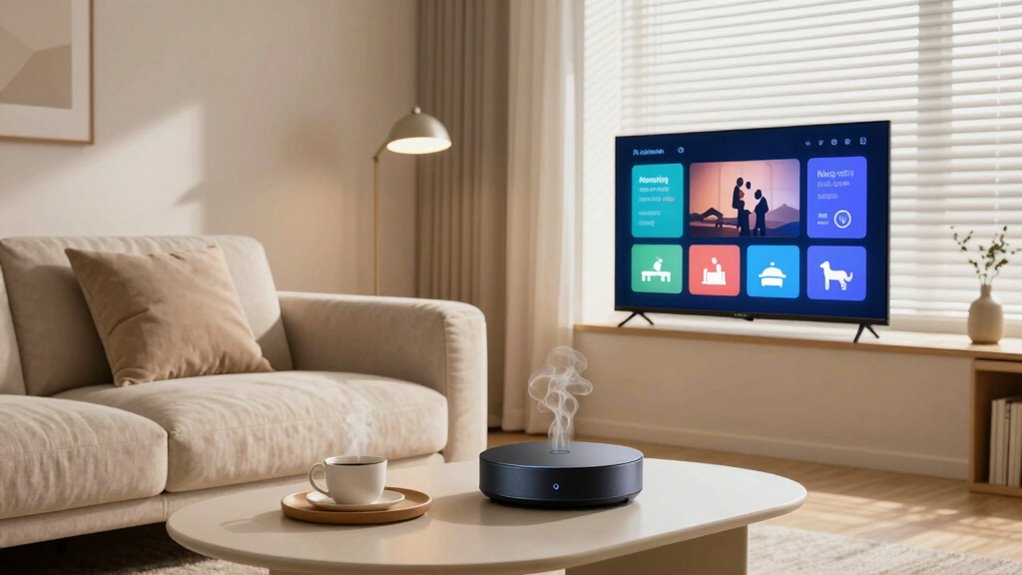
To make your daily routines more seamless, customizing scenes allows you to automate multiple devices with a single command. You can set up scenes that adjust lighting customization to match different times of day or activities, making mornings brighter or evenings cozier. Mood setting plays a key role here, enabling you to create the perfect atmosphere with just one tap or voice command. For example, you might program a “Wake Up” scene that gradually increases the bedroom light and starts your coffee maker. By tailoring scenes to your routines, you save time and effort while enhancing comfort and ambiance. This personalization guarantees your home responds intuitively to your needs, making daily life smoother and more enjoyable.
Troubleshooting Scene Issues: Common Problems and Fixes
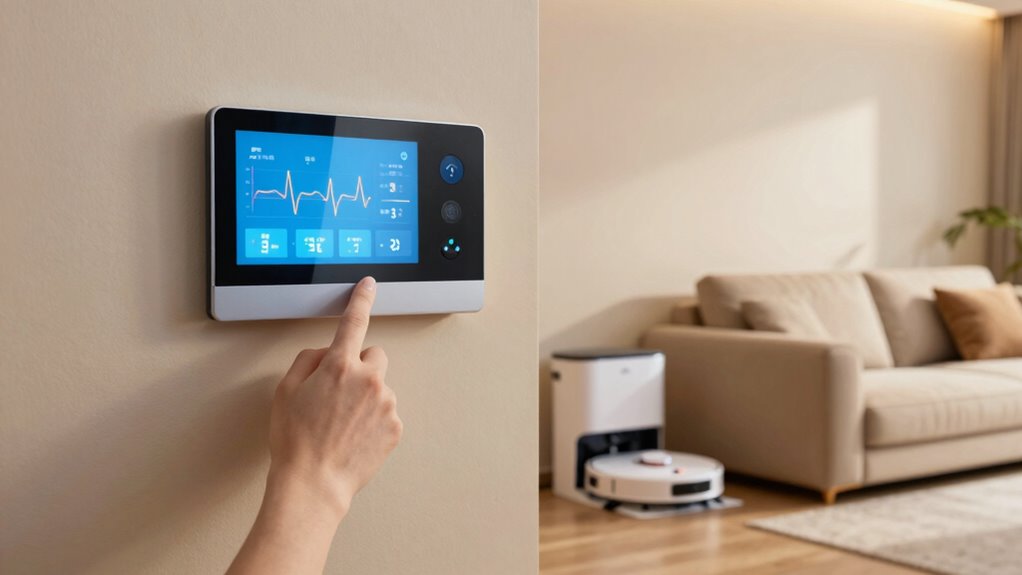
Even with well-designed scenes, you might encounter issues where devices don’t respond as expected or scenes don’t trigger at all. First, check your scene naming—ensure it’s clear and unique to avoid confusion. Sometimes, a simple typo or duplicate name can prevent a scene from activating. Next, consider sensor calibration; if sensors aren’t properly calibrated, they may send incorrect signals, causing scenes to malfunction. Recalibrate sensors regularly to improve accuracy. If devices still don’t respond, verify their connection and power status. Restart your hub or controller if needed. Updating firmware or software can also resolve compatibility issues. By reviewing scene naming and ensuring sensor calibration, you can troubleshoot common scene problems more effectively and restore smooth automation.
Tips for Creating Energy-Efficient and Cost-Saving Scenes
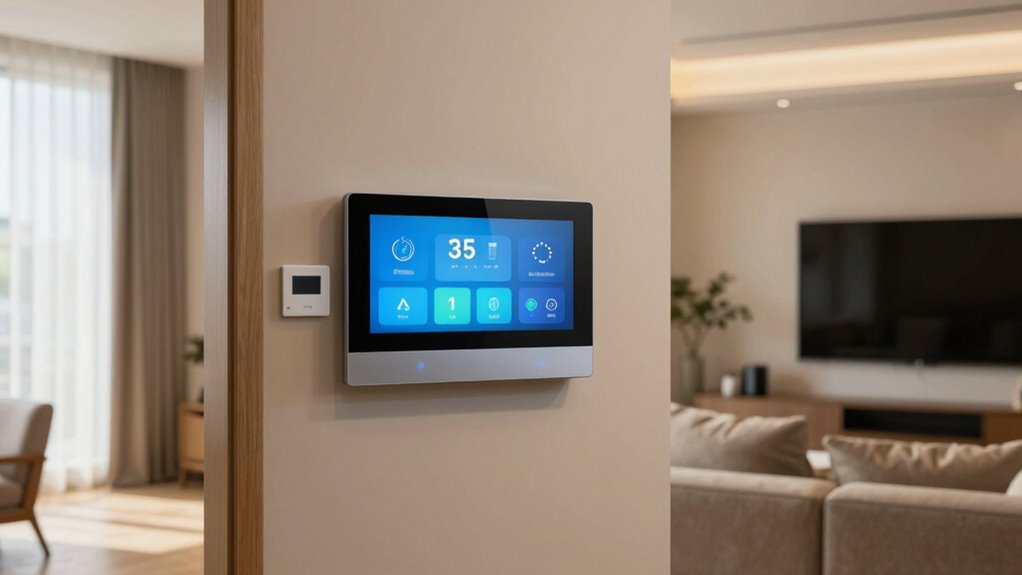
Creating energy-efficient and cost-saving scenes is essential for reducing your home’s utility bills and minimizing environmental impact. Start by using energy monitoring tools to track how much power your devices consume during different scenes. This data helps you identify high-energy activities and adjust settings accordingly. Perform a cost analysis to compare the expenses of various scenes, ensuring you choose options that save money over time. Incorporate smart sensors and timers to automate lighting and appliances, turning them off when not needed. Optimize temperature settings and use energy-efficient devices to further reduce consumption. Regularly review your energy data and tweak scenes for maximum efficiency. These practices help you create smarter, more sustainable routines that cut costs while protecting the environment.
Which Smart Home Platforms Are Best for Scenes? A Comparison
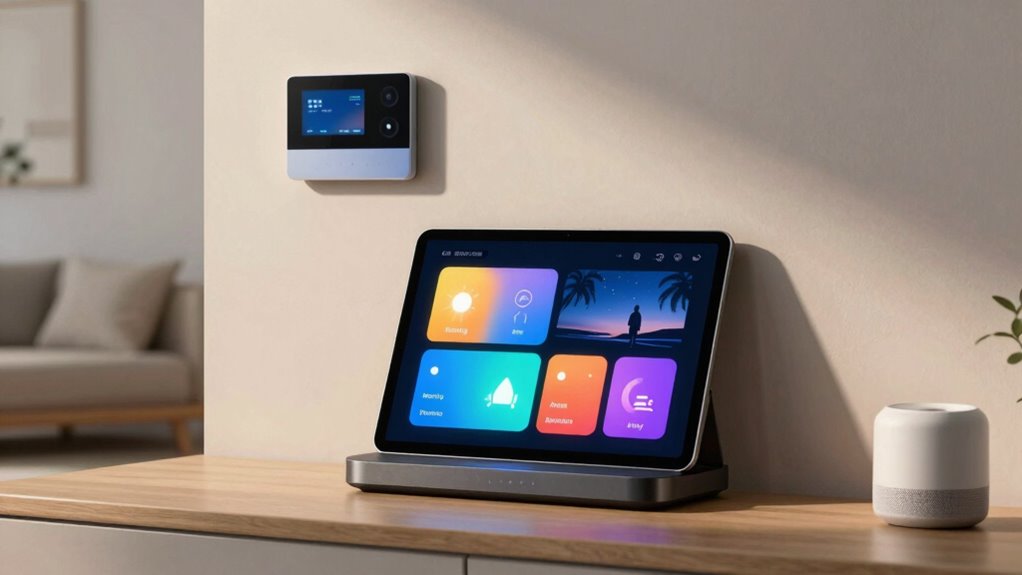
Choosing the right smart home platform is essential for building effective scenes that automate your daily routines. Some platforms excel with voice control, making it easy to activate scenes hands-free, while others offer better cross-platform compatibility to integrate various devices seamlessly. Consider your needs: do you want a system that works with Alexa, Google Assistant, or Apple’s HomeKit?
| Platform | Strengths |
|---|---|
| Apple HomeKit | Reliable, strong privacy, seamless integration |
| Samsung SmartThings | Wide device compatibility, good voice control |
| Amazon Alexa | Excellent voice control, broad device support |
| Google Home | Cross-platform compatibility, easy setup |
Pick one that fits your ecosystem for smooth scene creation and effortless control.
Make Your Home Safer and More Comfortable With Scene Automation

Scene automation can considerably enhance your home’s safety and comfort by allowing you to control multiple devices with a single command or scheduled trigger. Using voice control, you can easily activate scenes that turn on lights, adjust thermostats, or lock doors, creating a cozy or secure environment instantly. These automated scenes make daily routines smoother and improve overall safety, especially when you’re not home. However, privacy concerns can arise with voice-controlled devices collecting data. To address this, make sure your smart devices have strong security settings and regular updates. By thoughtfully setting up scenes, you create a safer, more comfortable home environment that adapts to your needs while safeguarding your privacy.
What’s Next for Home Automation Scenes?

Advancements in technology and increasing integration of smart devices are paving the way for more sophisticated home automation scenes. Future integration will allow seamless communication between devices, creating more intuitive experiences. AI advancements will enable your smart home to anticipate your needs, adjusting settings automatically. Here’s what to expect:
- Smarter scene customization based on your routines and preferences.
- Enhanced voice control with natural language understanding.
- Greater compatibility among devices from different brands.
- Predictive automation that learns and adapts over time.
As AI continues to evolve, home automation scenes will become more responsive and personalized. You’ll enjoy a home that not only reacts to commands but proactively improves your comfort and security through smarter, more connected technology.
Frequently Asked Questions
Can Scenes Be Scheduled to Activate Automatically at Specific Times?
Yes, you can schedule scenes to activate automatically at specific times. With scene customization, you set up automated triggers based on your preferred schedule, like mornings or evenings. These triggers ensure your scenes activate seamlessly, providing comfort and convenience. You simply program the times you want your scenes to run, and your home automation system manages the rest, making your daily routines smoother and more efficient.
How Secure Are Home Automation Scenes From Hacking or Unauthorized Access?
Home automation scenes can be quite secure if you prioritize encryption protocols and user authentication. They protect your data through strong encryption, making it difficult for hackers to intercept or decipher your commands. Additionally, robust user authentication ensures only authorized individuals access your scenes. To stay safe, keep your software updated, use complex passwords, and enable multi-factor authentication. These steps help secure your smart home and keep unauthorized users at bay.
Are There Any Compatibility Issues Between Different Smart Home Brands for Scenes?
There can be compatibility issues between different smart home brands for scenes, especially if they don’t support the same protocols or standards. You might face challenges with brand compatibility, which can hinder seamless scene synchronization. To avoid this, look for devices that support universal standards like Zigbee, Z-Wave, or Matter. Ensuring compatibility helps create smooth, integrated scenes across various brands, providing a more cohesive smart home experience.
Can Scenes Be Customized Remotely via Smartphone or Voice Commands?
Over 80% of smart home users prefer remote customization for convenience. Yes, you can customize scenes remotely via smartphone or voice control, making it easy to adjust settings from anywhere. Voice commands enable hands-free adjustments, while smartphone apps offer detailed control. This flexibility means you can easily personalize your home environment, whether you’re at work or on vacation, ensuring your smart home adapts effortlessly to your needs.
How Do Scenes Integrate With Other Smart Home Devices and Systems?
Scenes seamlessly integrate with other smart home devices and systems through device interoperability, allowing you to coordinate multiple gadgets in a single command. This integration enhances your user experience by making your smart home more intuitive and responsive. When you activate a scene, it automatically communicates with compatible devices, ensuring everything works harmoniously. You can control everything effortlessly, creating a cohesive environment tailored to your preferences.
Conclusion
Now that you understand how scenes streamline your smart home, imagine the comfort and efficiency waiting for you. They’re simple to set up but powerful enough to transform your daily routines. It’s easy to get caught up in the tech, but don’t forget—the real goal is a home that adapts to you. With a little effort now, you’ll enjoy seamless convenience and peace of mind, proving that smart doesn’t have to mean complicated.