When choosing between cloud and local storage cameras, consider your needs for access, security, and budget. Cloud storage offers easy remote access, scalability, and automatic backups but depends on internet stability and ongoing costs. Local storage gives you direct control, faster access, and independence from internet issues but may require hardware upgrades and physical security measures. To find out which option suits your situation best, explore the key differences and advantages further.
Key Takeaways
- Cloud storage offers remote access, scalability, and automatic backups, while local storage provides direct control and quick on-site access.
- Cloud storage depends on internet stability and ongoing subscription costs; local storage relies on physical hardware and upfront investment.
- Cloud systems enhance security with encryption but are vulnerable to hacking; local storage reduces remote attack risks but faces physical theft or damage.
- Cloud storage can become costly as data volume increases; local storage requires hardware upgrades, which can be expensive and time-consuming.
- Choose cloud for flexibility and remote access; opt for local storage for control, security, and unaffected access during internet outages.

TP-Link Tapo 1080P Indoor Security Camera for Baby Monitor, Dog Camera w/Motion Detection, 2-Way Audio Siren, Night Vision, Cloud & SD Card Storage, Works w/Alexa & Google Home (Tapo C100)
【Motion Detection & Instant Notification】Get instant push notifications when motion, person or baby crying is detected, there is…
As an affiliate, we earn on qualifying purchases.
As an affiliate, we earn on qualifying purchases.
How Do Cloud and Local Storage Cameras Differ in Video Storage?
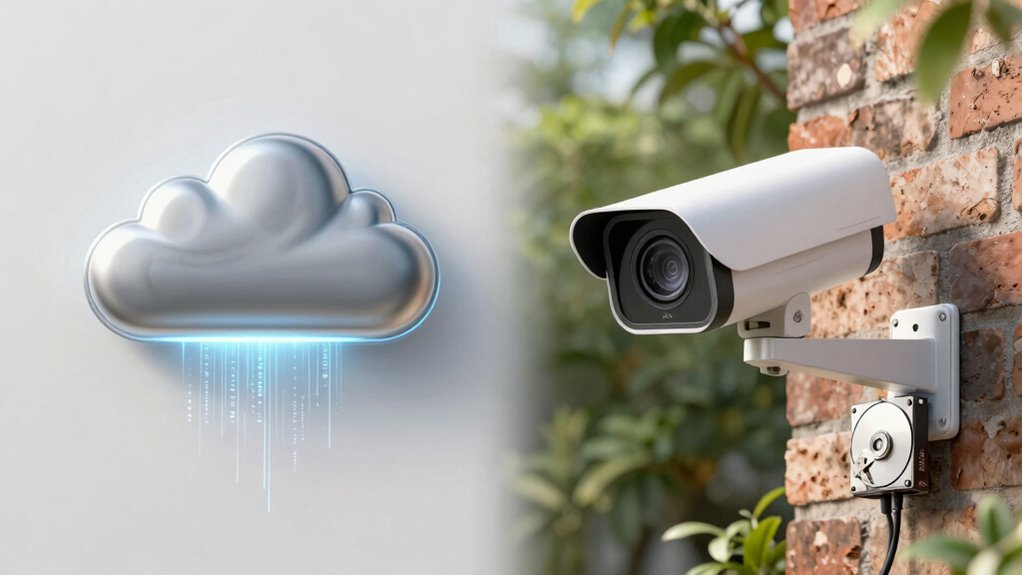
Cloud and local storage cameras differ primarily in where they save your video footage. With cloud storage, your videos are uploaded to remote servers via the internet. This setup often uses efficient video compression to reduce file sizes, helping to manage storage capacity and keep bandwidth use low. You don’t need physical space for storage, but you rely on your internet connection’s stability and speed. Local storage cameras, on the other hand, save footage directly onto an SD card or a connected hard drive. This gives you immediate access without internet dependency, but limits storage capacity based on the size of your storage device. If you record high-resolution videos, local storage might fill up quickly, requiring frequent manual management. Both options have unique benefits depending on your surveillance needs. Additionally, storage ratio plays a role in how much footage you can retain before needing to upgrade your setup. Understanding storage capacity helps in choosing the right system for your security requirements.

2026 Upgraded 2K Wireless Security Camera with 64G SD Card, Free Cloud Storage, 1-6 Month Battery Life, AI Motion Detection, Spotlight, Siren Alarm, 2-Way Audio, Waterproof WiFi Surveillance Camera
【2026 New Upgrade: 2K Image & Night Vision】Our wireless outdoor security camera delivers crystal-clear 2K video with a…
As an affiliate, we earn on qualifying purchases.
As an affiliate, we earn on qualifying purchases.
What Are the Main Advantages of Cloud Storage Cameras?
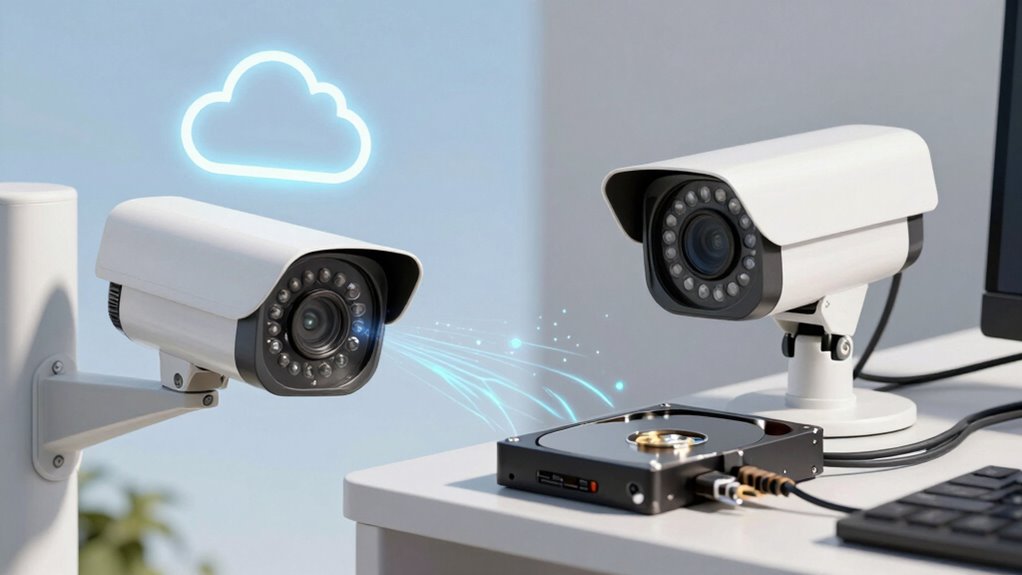
One of the biggest benefits of cloud storage cameras is their ease of access and convenience. You can view your footage anytime, anywhere, without needing physical storage devices. Cloud cameras often provide superior video quality, ensuring clear images even in low light. They also offer scalable storage capacity, so you don’t have to worry about running out of space as your footage accumulates. Additionally, cloud storage typically includes automatic backups, protecting your footage from theft or damage. With remote access, you can monitor multiple locations from a single device. Plus, updates and maintenance are handled by the service provider, reducing your hassle. Additionally, many cloud storage solutions incorporate security protocols that help prevent unauthorized access and ensure your data remains protected. Incorporating security and peace of mind strategies like these can also support your overall well-being during stressful times. Moreover, these cameras often utilize encryption protocols to safeguard your data against unauthorized access. Furthermore, understanding the storage options available can help you choose the most suitable solution for your specific needs. Staying informed about personal debt forgiveness and other financial literacy concepts can also help you make smarter decisions when managing your finances.

Blink Outdoor 4 – Wireless smart security camera, two-year battery life, 1080p HD day and infrared night live view, two-way talk. Sync Module Core included – 5 camera system
Outdoor 4 is our most affordable wireless smart security camera yet, offering up to two-year battery life for…
As an affiliate, we earn on qualifying purchases.
As an affiliate, we earn on qualifying purchases.
Why Choose Local Storage for Your Security Footage?
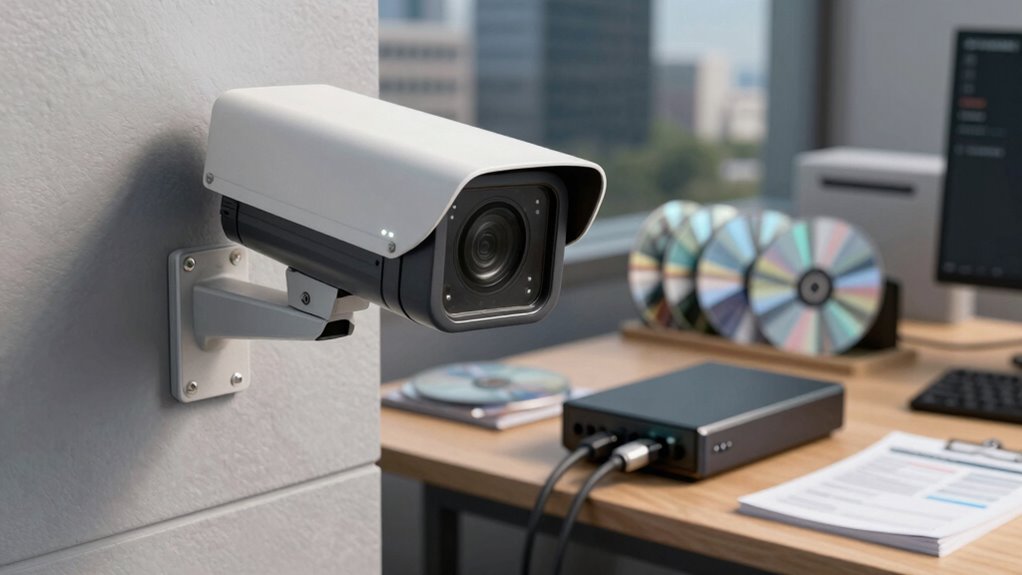
Choosing local storage for your security footage gives you direct control over your data without relying on external servers or internet connectivity. With edge devices, cameras can process and store footage locally, reducing latency and dependence on remote servers. This setup *guarantees* your footage remains accessible even if your internet connection drops. Additionally, having a power backup for your local storage system means your security footage stays protected during outages, preventing gaps in surveillance. Implementing proper cabling solutions ensures a reliable connection and optimal performance of your storage system. Selecting local storage options can also enhance your overall security by minimizing risks associated with cloud hacking. Overall, local storage offers reliability, quick access, and enhanced control over your security data. Incorporating data security measures is crucial to protect your stored footage from physical and digital threats.

GMK Security Cameras Wireless Outdoor 4 Pack, 2K Battery Powered Cameras for Home Security, Color Night Vision, Motion Detection, 2-Way Talk, IP65 Waterproof, Remote Access, Cloud/SD Storage
【2K Ultra HD & Full Color Night Vision – 4 Cam Kit】Upgrade your home security with this 4…
As an affiliate, we earn on qualifying purchases.
As an affiliate, we earn on qualifying purchases.
How Secure Is Your Footage With Cloud or Local Storage?
While both cloud and local storage systems offer ways to protect your footage, their security levels depend on different factors. Cloud storage often uses data encryption during transmission and at rest, making it harder for hackers to access your footage remotely. Local storage, on the other hand, relies on physical security measures and encryption on the device itself. Your storage capacity can influence security; larger capacities may require stronger encryption or additional safeguards. Additionally, utilizing natural pools and landscaping techniques can enhance the overall security of your outdoor spaces, just as robust security measures protect your digital footage. Implementing access control measures, such as strong passwords and user authentication, can further enhance the security of both storage types. Understanding encryption methods is crucial to evaluating the security of your chosen storage option, especially as advances in data protection continue to evolve. Being aware of storage management practices can also help prevent unauthorized access and data breaches.
How Do Costs Compare Between Cloud and Local Storage?
Comparing the costs of cloud and local storage reveals significant differences that can impact your decision. Cloud storage typically involves ongoing subscription fees, which can add up over time depending on the amount of footage you need to store and the features offered. These fees often cover data security, remote access, and automatic backups. In contrast, local storage requires upfront hardware costs, such as purchasing a DVR or NVR system and hard drives. While these hardware costs can be substantial initially, they don’t incur monthly fees. However, local storage might require maintenance and potential hardware upgrades. If you prefer predictable expenses, local storage offers a one-time investment. Additionally, understanding storage options can help you choose the best solution for your needs. If you want flexibility and remote access, cloud storage’s ongoing subscription fees may be justified, but they can become costly over time. Considering security and data protection measures is essential when choosing between cloud and local storage to ensure your footage remains safe. Incorporating sound healing science into your decision-making can also provide insights into the importance of reliable data management and security measures. Recognizing the long-term costs associated with each option can help you make a more informed choice tailored to your budget and security needs.
Which Storage Option Is Better for Remote Access and Monitoring?
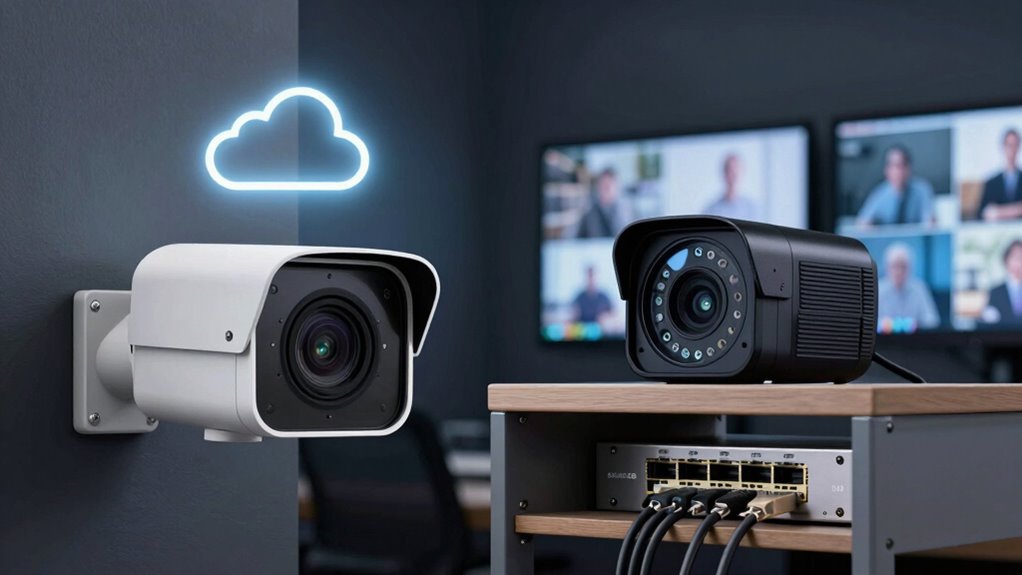
When it comes to remote access and monitoring, cloud storage makes it easy to view footage from anywhere with an internet connection, while local storage relies on network access to your physical device. However, cloud solutions depend heavily on internet stability and pose potential security risks, whereas local storage keeps data on-site, reducing exposure. Consider your priorities for accessibility, security, and network reliability to determine which option works best for you. Additionally, gear care tips can help ensure your storage devices remain in optimal condition for reliable performance. Proper maintenance of storage hardware, such as regular cleaning and updates, can enhance their longevity and prevent data loss. Understanding the security considerations associated with each storage type can further guide your decision-making process, especially in terms of data protection. Implementing appropriate backup strategies is also essential to safeguard against unexpected hardware failures or cyber threats.
Accessibility From Anywhere
Cloud storage cameras excel in providing remote access and monitoring because they store footage online, allowing you to view live feeds or review recordings from anywhere with an internet connection. This flexibility is especially useful if you want quick device compatibility across smartphones, tablets, or computers. With cloud storage, your storage capacity isn’t limited by local hardware, so you can expand it easily as your needs grow. You can monitor your property in real-time, whether you’re at work or on vacation. Plus, cloud platforms often include user-friendly apps for seamless access.
- Access footage instantly from any device
- No need for specialized hardware
- Easily scale storage capacity as needed
- Stay connected regardless of location
Internet Dependency Risks
While remote access offers significant convenience, both cloud and local storage options rely heavily on internet connectivity, which introduces certain risks. Internet dependency means that if your connection drops, you lose real-time access to your cameras, affecting remote monitoring. Cloud storage depends entirely on stable internet; a slow or unreliable connection can delay alerts or footage retrieval. Power outages also pose a threat, especially for local storage systems that lack backup power sources, making cameras temporarily unusable. For cloud storage, outages may prevent access to stored footage, though the recordings remain safe. Ultimately, both options require a dependable internet connection to guarantee uninterrupted remote access, but local storage systems are more vulnerable during power outages unless equipped with backup power solutions.
Data Security Concerns
Security is a top concern when choosing between cloud and local storage for remote access and monitoring. Both options have risks related to data breaches, so understanding their security features helps. Cloud storage often uses robust encryption protocols, making data transmission and storage safer. However, it remains vulnerable to hacking if providers don’t upgrade their security regularly. Local storage keeps data on physical devices, reducing exposure to remote attacks. But it’s susceptible to theft, damage, or unauthorized access if not properly secured. Consider these factors:
- Cloud providers implement advanced encryption protocols.
- Local storage depends on your physical security measures.
- Cloud storage can be targeted by large-scale data breaches.
- Local devices risk physical theft or damage.
Choosing the right option depends on your security priorities and how well you manage each system.
What Are the Common Challenges of Cloud and Local Storage?
Both cloud and local storage solutions come with their own set of challenges that users need to contemplate. One common issue is data redundancy; losing access to critical footage can happen if backups aren’t properly managed or if hardware failures occur. Cloud storage can mitigate this with automatic backups, but you still need to guarantee proper setup. Storage scalability is another concern—local storage often requires physical upgrades, which can be costly and time-consuming, whereas cloud services typically offer flexible plans but may become expensive as your data grows. Both options demand careful planning to balance capacity, cost, and reliability. Understanding these challenges helps you make informed decisions about which storage type best fits your security needs and long-term requirements.
Which Storage Solution Is Best for Your Security Needs?
Choosing the right storage solution depends on your specific security needs and the environment in which your cameras operate. If you need flexibility, cloud storage offers easy scalability and remote access, ideal for growing setups. Local storage, such as DVRs or NVRs, provides direct control and doesn’t rely on internet stability. Consider the power supply—local systems require continuous power, making backup options essential. Cloud solutions eliminate concerns about hardware failures but depend on internet reliability. Think about:
- Storage scalability to match your future growth
- Power supply stability for local systems
- Accessibility requirements (remote vs. on-site)
- Budget constraints and long-term costs
Matching these factors helps determine whether cloud or local storage best fits your security needs.
Frequently Asked Questions
Can Cloud Storage Cameras Operate Without an Internet Connection?
No, cloud storage cameras generally can’t operate without an internet connection. Offline functionality is limited because these cameras rely on internet access to upload footage to the cloud. Without it, you lose real-time recording and remote access, raising potential security risks. To guarantee continuous surveillance, consider cameras with local storage options, which work independently of internet, providing better security and reliability during outages.
How Does Data Retrieval Speed Differ Between Cloud and Local Storage?
Think of data retrieval as a race; local storage is a sprint, lightning-fast and direct, giving you near-instant access. Cloud storage, however, is a marathon, where bandwidth limitations and data latency can slow you down, causing delays. When speed matters, local storage offers quicker access, while cloud storage may introduce lag due to internet factors. Your choice depends on whether you prioritize speed or remote accessibility.
What Are the Environmental Impacts of Cloud Versus Local Storage Devices?
You should know that cloud storage often consumes more energy due to data centers’ high energy needs, impacting the environment. On the other hand, local storage devices usually require less energy but generate electronic waste when hardware becomes obsolete. By choosing wisely, you can reduce your environmental impact—considering energy consumption and proper hardware disposal—whether you opt for cloud or local storage solutions.
How Easy Is It to Upgrade or Expand Storage for Each Option?
You’ll find that upgrading or expanding storage differs between options. Cloud storage offers high scalability—you can often increase your storage capacity with just a few clicks, making upgrades seamless. Local storage, however, presents more upgrade challenges; you’ll need to buy and install additional hardware, which can be complex and time-consuming. Overall, cloud storage makes storage scalability easier, while local storage requires more effort for expansion.
Are There Legal or Privacy Concerns Specific to Cloud Storage Cameras?
You might face legal compliance and privacy risks with cloud storage cameras, especially if sensitive data is involved. Laws vary by location, so you need to guarantee your setup adheres to regulations like GDPR or CCPA. Cloud storage can raise concerns about data breaches or unauthorized access, making privacy more vulnerable. Always review your provider’s security measures and be transparent with those being monitored to mitigate legal and privacy issues.
Conclusion
Ultimately, choosing between cloud and local storage depends on your security needs and budget. While cloud options offer easy remote access and automatic backups, some worry about ongoing costs and data privacy. Local storage provides control and might be more cost-effective long-term, but it requires maintenance and physical space. Remember, you don’t have to pick just one—combining both can give you the best of both worlds, ensuring your footage stays safe and accessible, no matter what.