
To integrate your smart garage devices with Alexa or Google, first verify they are compatible and properly installed, with sensors correctly aligned and connected to power. Use the respective app to discover or add devices, then set up voice commands for easy control. Confirm your Wi-Fi is strong and firmware is updated. Creating automation routines can enhance functionality, while securing your setup ensures safety. If you want to master the details, you’ll find plenty of tips to optimize your system.

Get home appliances delivered free with Prime
- Fast, free delivery on millions of items
- Prime Video, Amazon Music and more included
- Member-only deals all year
Key Takeaways
- Verify device compatibility with Alexa or Google Assistant before setup.
- Use the respective app (Alexa or Google Home) to discover or manually add your smart garage devices.
- Ensure your Wi-Fi network is stable and devices are within effective range for seamless integration.
- Create custom voice commands and routines for easy control and automation of garage functions.
- Regularly update device firmware and apps to maintain security, functionality, and compatibility.
smart garage door opener compatible with Alexa
As an affiliate, we earn on qualifying purchases.
As an affiliate, we earn on qualifying purchases.
Prepare Your Smart Garage Devices Before Connecting
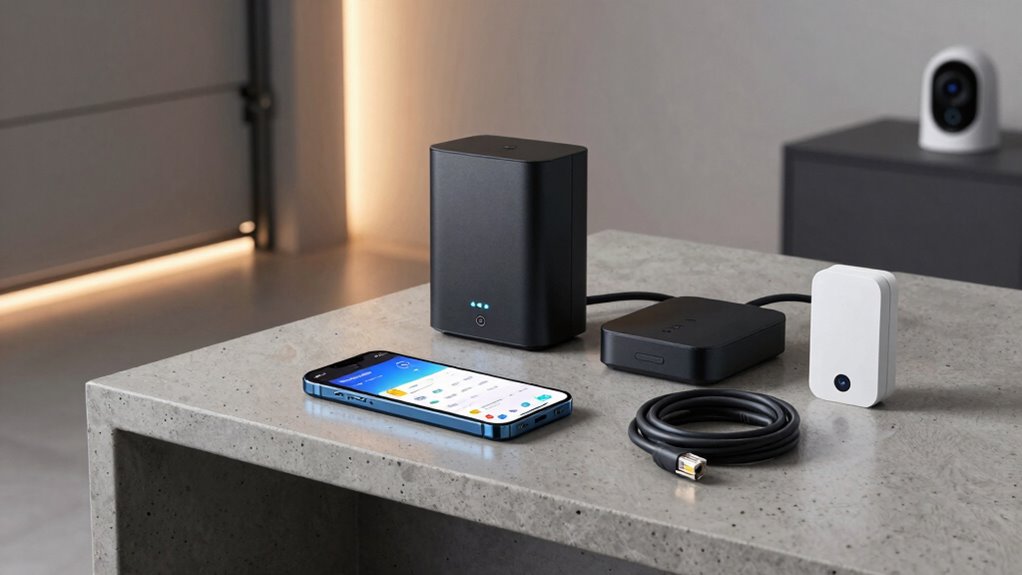
Before connecting your smart garage devices, it’s vital to prepare them properly. Start by checking the placement of your garage door sensors; they should be installed about six inches above the ground on each side of the door, facing each other directly. Proper smart device placement ensures accurate operation and reliable communication. Make sure the sensors are free of dust and debris, and test their alignment before proceeding. Verify that your garage door sensors are connected to a power source if needed, and confirm they’re functioning correctly with their respective apps. Taking these steps guarantees your smart garage devices will work seamlessly once connected, avoiding false triggers or communication issues later on. Proper preparation is the key to a smooth integration process, as well as understanding the importance of sensor placement and alignment, which can significantly impact the reliability of your smart garage system. Additionally, understanding how sensor calibration affects device performance can help you fine-tune their operation for optimal results. Regularly inspecting and maintaining your sensors can prevent malfunctions and ensure continuous, reliable operation. Ensuring these factors are addressed can prevent common issues and result in a more reliable smart system.
As an affiliate, we earn on qualifying purchases.
How to Connect Your Garage Devices to Alexa and Google
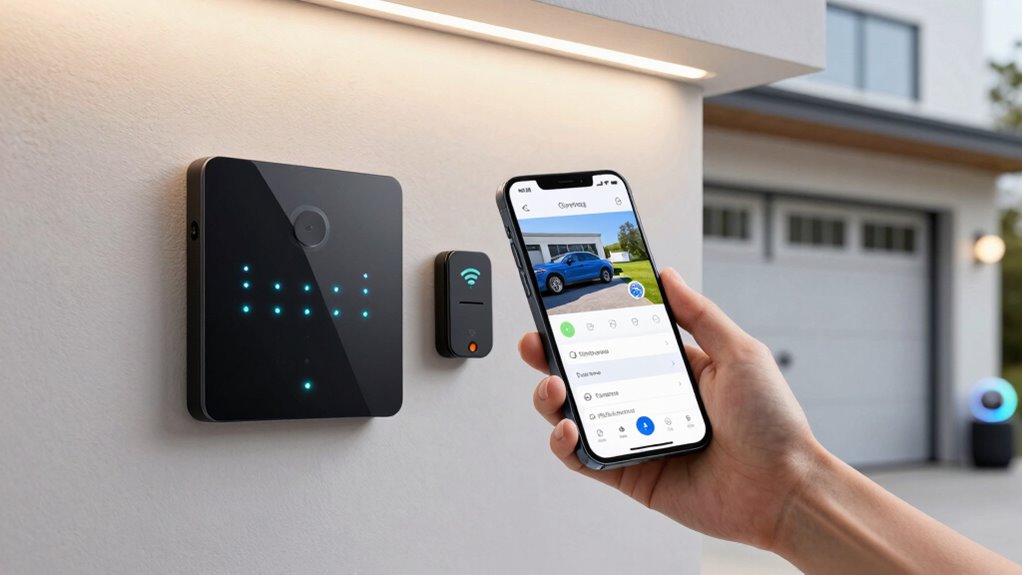
Connecting your smart garage devices to Alexa and Google Assistant is a straightforward process that enhances convenience and control. First, verify your devices are compatible with either Alexa or Google Assistant. Open the respective app—Alexa or Google Home—and navigate to the device setup section. Use the app to discover new devices by scanning or manually adding them. Once connected, you can control your garage security features, such as smart locks or cameras, with voice commands or app controls. Integrating these devices can also boost energy efficiency by scheduling or automating garage lighting and climate controls. Make sure your Wi-Fi network is stable for seamless operation. Proper connection allows you to monitor garage security and optimize energy use effortlessly, making your smart garage more functional and secure. Understanding contrast ratio can help you select the best projector for clear visibility in various lighting conditions. Additionally, ensuring your smart devices are compatible with your existing home automation system can streamline the setup process and improve overall performance, especially when considering the importance of interoperability in a cohesive smart home setup. For optimal results, it’s also beneficial to review device integration options and updates regularly to maintain a smooth connection. Moreover, paying attention to device setup procedures can prevent connectivity issues and ensure reliable operation.
As an affiliate, we earn on qualifying purchases.
Setting Up Voice Commands for Your Smart Garage
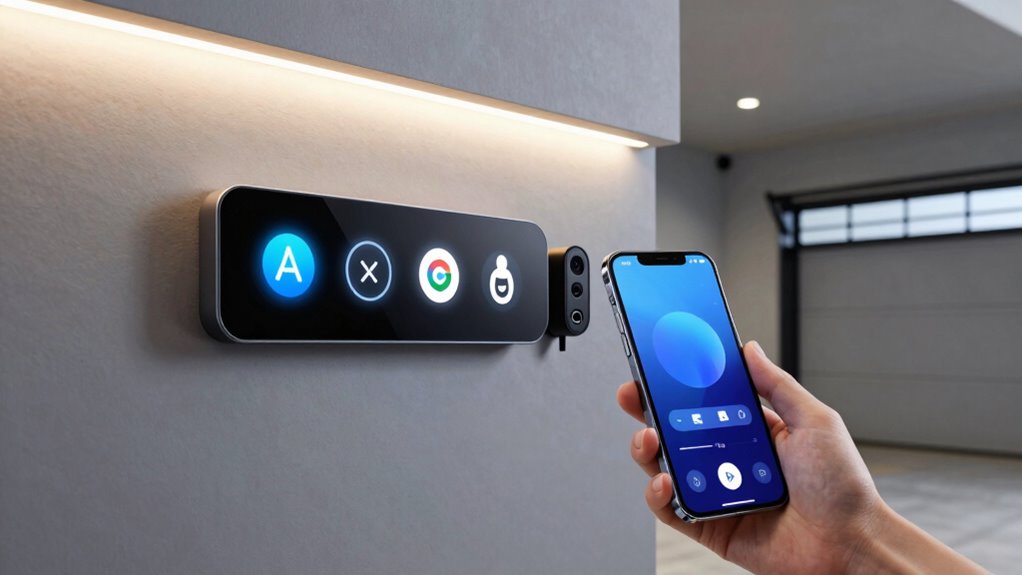
To set up voice commands for your smart garage, start by creating custom phrases that feel natural to you. Make certain your devices are synchronized correctly so commands work seamlessly. A landscaping approach can also help integrate your garage with the overall outdoor design, enhancing functionality. Ensuring your devices are properly securely connected can prevent unauthorized access and protect your privacy. Additionally, reviewing the urban pursuits in nearby regions can inspire creative ways to incorporate smart technology into your outdoor and garage spaces. Understanding the importance of digital security can help prevent potential vulnerabilities. Finally, test your voice activation to ensure everything responds promptly and accurately. Incorporating family-friendly language can help ensure all users feel comfortable using the system.
Creating Custom Voice Commands
Setting up custom voice commands for your smart garage allows you to control your devices effortlessly and tailor interactions to your preferences. To do this, focus on voice command customization by creating specific phrases that feel natural to you. Start by exploring your smart home app or voice assistant platform to add new commands. Use clear, concise language, like “Open the garage” or “Close the garage door,” making sure commands are distinct. When configuring, ensure proper device pairing techniques are in place so your voice assistant recognizes your commands accurately. Test each command to confirm it triggers the correct action. Additionally, understanding smart home device compatibility can help ensure your devices work seamlessly with your voice commands. Custom voice commands make managing your garage more intuitive, giving you quick control without steering through multiple screens.
Synchronizing Devices Properly
Properly coordinating your devices guarantees that your voice commands work seamlessly across all components of your smart garage system. First, ensure your garage door sensors are connected correctly within the app, so commands like “Open the garage” activate immediately. Next, verify your smart lighting is integrated and assigned to the same voice command routines. Use the table below to check device statuses:
| Device | Connection Status | Functionality Check |
|---|---|---|
| Garage door sensors | Connected | Detect door state |
| Smart lighting | Connected | Turn on/off as needed |
| Voice assistant | Synced | Recognizes commands |
This setup ensures your voice commands are precise, responsive, and reliable. Proper synchronization avoids delays and misfires, making your smart garage truly hands-free. Additionally, device status monitoring helps maintain optimal functionality and quickly identifies any issues that might interfere with voice command performance. Understanding the battery capacity of your devices can also help prevent unexpected failures and ensure consistent operation. Regularly checking this information can prevent disruptions and keep your system running smoothly. Being aware of device compatibility ensures all components work together efficiently.
Testing Voice Activation
Have you tested your voice commands recently to guarantee they activate your smart garage as intended? Proper testing ensures garage safety by confirming your voice controls work accurately, preventing accidental openings. Speak your commands clearly and from different distances to check responsiveness. If your devices don’t activate reliably, adjust the microphone sensitivity or placement. The accuracy of voice recognition can be improved through regular testing, ensuring your system responds correctly over time. Regular testing also helps optimize energy efficiency, as you can verify that your smart garage responds only when needed, avoiding unnecessary power use. Make certain your voice commands are precise, reducing the risk of false activations that could compromise security or increase energy costs. Consistent testing keeps your smart garage functioning smoothly and maintains the convenience you expect, giving you peace of mind that your garage is both safe and energy-efficient. Incorporating smart device calibration techniques can also help children understand the importance of safety features in smart devices. Additionally, understanding the integration process can streamline setup and troubleshooting for better system performance. Being aware of body piercing care can also help prevent complications if you or family members have piercings that could interfere with device sensors or safety features.
As an affiliate, we earn on qualifying purchases.
Troubleshoot Common Connection and Integration Problems
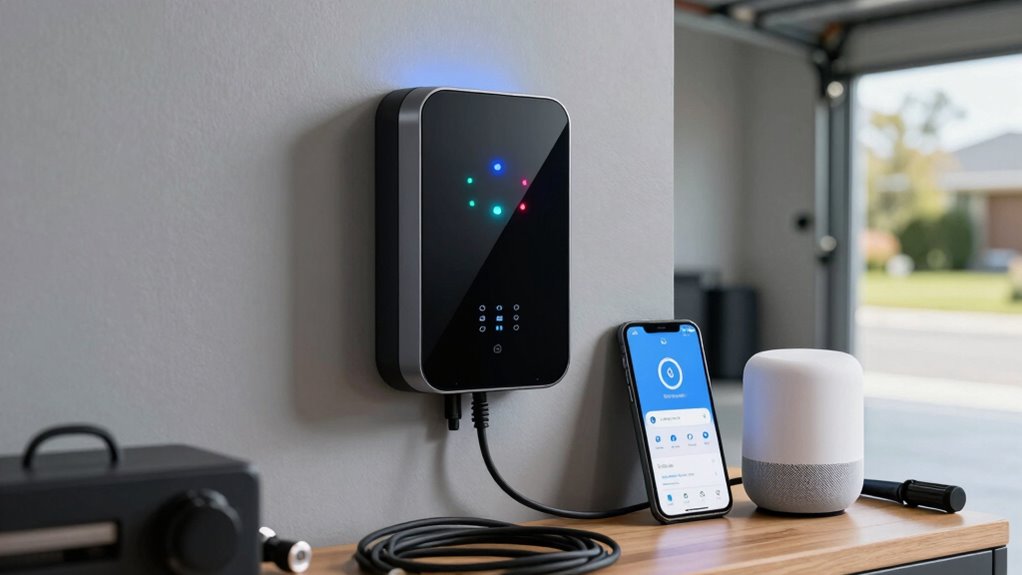
When your smart garage device isn’t connecting properly, start by checking your Wi-Fi stability to guarantee it has a strong signal. Make sure the device is compatible with your system, and keep its firmware updated to prevent glitches. Addressing these common issues can often resolve integration problems quickly.
Check Wi-Fi Stability
Is your Wi-Fi connection causing issues with your smart garage devices? Wi-Fi interference from other electronics or neighboring networks can weaken your signal, leading to unstable connections. Check your device’s signal strength through your router’s app or settings; a weak signal can cause devices to disconnect or respond slowly. To improve stability, move your router closer to the garage or eliminate sources of interference like cordless phones or microwaves. Reset your router to refresh the connection and ensure firmware is up to date. Consider using a Wi-Fi extender if your garage is far from the router, which can boost signal strength and reduce interruptions. Maintaining a strong, stable Wi-Fi connection is essential for seamless integration with Alexa or Google.
Verify Device Compatibility
Ensuring your smart garage devices are compatible with your existing smart home system is essential for smooth operation. Check the compatibility standards specified by the device manufacturer and your smart assistant, like Alexa or Google. Not all devices are universally compatible, so verify their specifications before purchasing. Pay attention to device durability; a sturdy, well-built device is less likely to encounter connection issues over time. Confirm that the device supports the required protocols, such as Zigbee or Z-Wave, if applicable. Compatibility issues often cause connection failures or integration problems, so taking these steps helps prevent frustration. By verifying compatibility standards and ensuring device durability, you set a solid foundation for seamless smart garage operation and integration.
Update Firmware Regularly
Updating the firmware on your smart garage devices is essential for maintaining reliable connections and seamless integration. Firmware updates improve device compatibility, fix bugs, and enhance security. Regularly check the manufacturer’s app or website for updates and follow instructions to install them. Outdated firmware can cause connection issues or integration failures with Alexa or Google. To stay current, keep track of your device’s firmware version and verify it’s up-to-date. Here’s a quick overview:
| Firmware Status | Compatibility | Action Needed |
|---|---|---|
| Up-to-date | Fully compatible | No action needed |
| Outdated | Possible issues | Update firmware |
| Incompatible | May not work well | Check for updates |
Keeping firmware current ensures your smart garage devices work smoothly with your voice assistants.
Create Automation Routines for Your Garage Devices
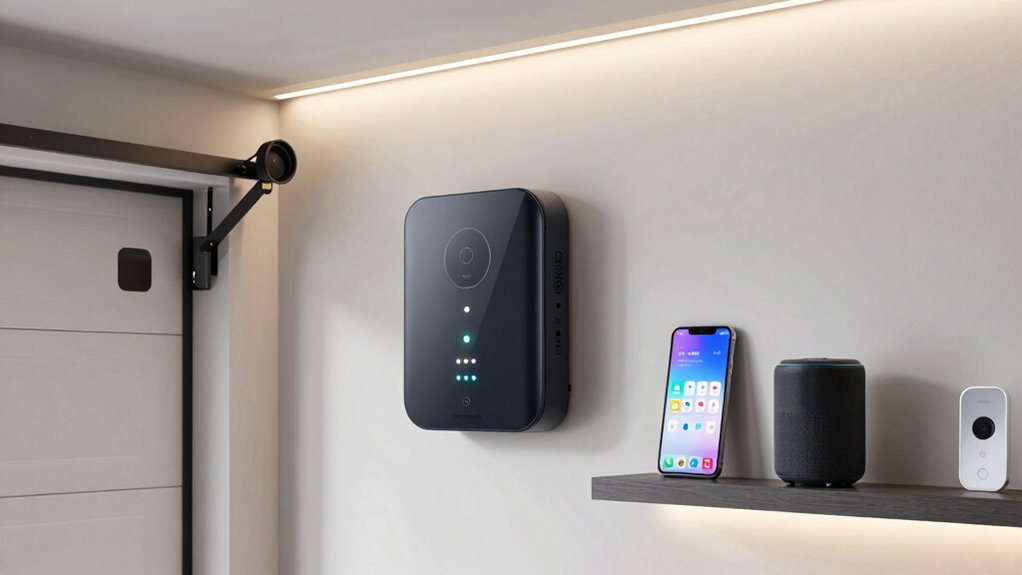
Creating automation routines for your garage devices allows you to streamline daily tasks and enhance convenience. For example, you can set your garage door sensors to trigger specific actions, like turning on the lights when the door opens. With remote control integration, you can create routines where a voice command or app action automatically opens or closes the garage door, eliminating the need for manual operation. You might also schedule routines to close the garage door at a certain time each night or when you leave the house. These automations help guarantee your garage stays secure and functional without constant manual input. By customizing routines, you make your smart garage more responsive to your habits, saving you time and providing peace of mind.
Secure Your Smart Garage and Voice Commands
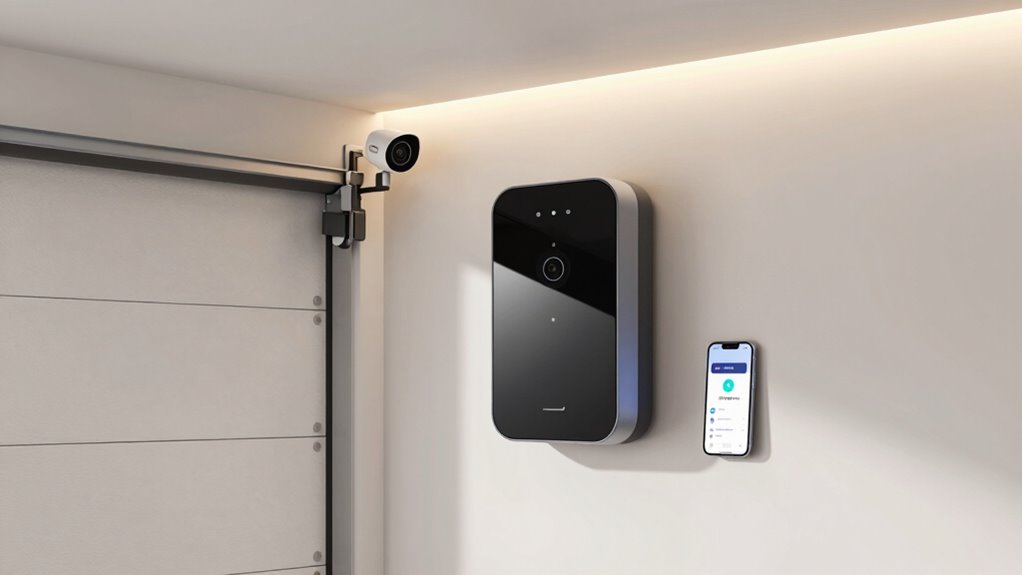
To keep your smart garage secure, it’s essential to implement strong access controls and monitor activity regularly. Focus on garage door security by enabling two-factor authentication and setting strong passwords. Regularly review activity logs to identify any suspicious access or commands. Protect voice command privacy by disabling voice controls when not in use or limiting access to trusted devices. Use the following table to understand key security measures:
| Security Measure | Description | Benefit |
|---|---|---|
| Multi-factor Authentication | Adds an extra layer of verification | Prevents unauthorized access |
| Activity Monitoring | Checks logs for unusual activity | Detects potential breaches |
| Voice Command Restrictions | Limits voice access to trusted users | Safeguards privacy |
Implement these steps to guarantee your smart garage stays secure.
Customize and Optimize Your Smart Garage Setup
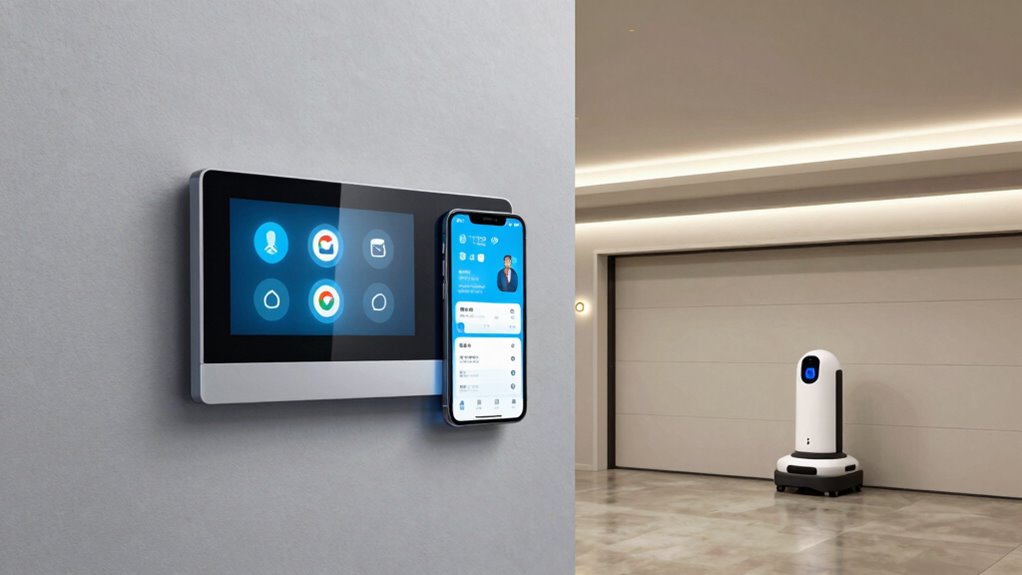
Once you’ve secured your smart garage with strong access controls, optimizing its setup can greatly enhance convenience and functionality. Start by adjusting your garage door sensors for reliable operation, guaranteeing they detect obstructions and prevent accidents. Proper placement and calibration minimize false alarms and improve safety. Next, customize your smart lighting to match your routines—set schedules or automate lights to turn on when you arrive or open the garage door. You can also link your lighting to voice commands for hands-free control. Regularly review and update your device settings to guarantee seamless integration and responsiveness. By fine-tuning these components, you create a safer, more efficient, and user-friendly smart garage environment tailored perfectly to your needs.
Explore Advanced Features for Your Smart Garage System
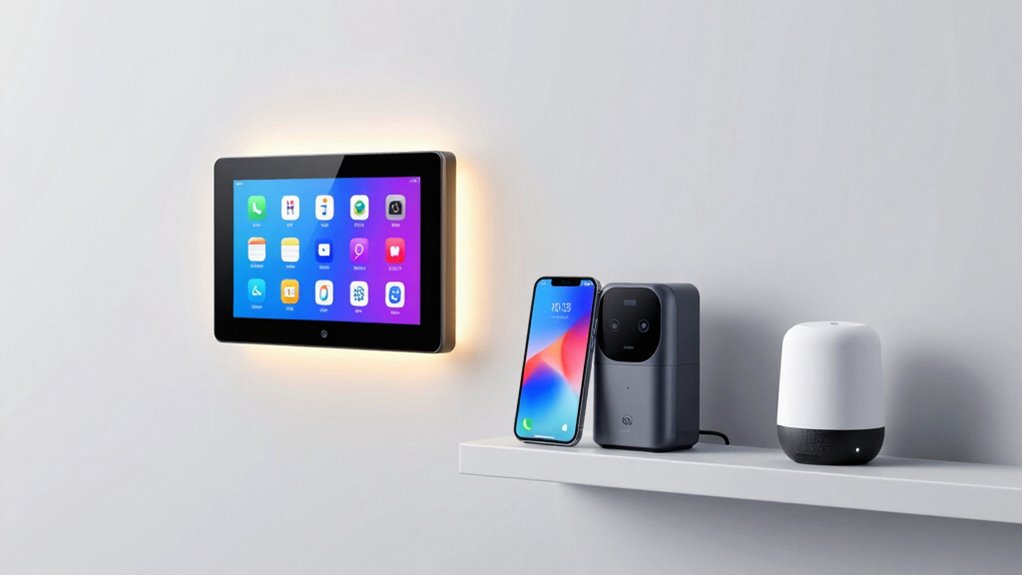
Exploring advanced features for your smart garage system can open new levels of convenience, security, and automation. You can enhance garage security by integrating motion sensors, cameras, or smart locks that automatically activate when you open or close the door. These features give you real-time alerts and remote control, increasing safety. Additionally, focus on device aesthetics to guarantee your smart devices blend seamlessly with your garage decor. Sleek, minimalistic designs not only look better but also reduce clutter. Advanced automation allows you to set routines, like opening the garage when your car approaches or closing it at a specific time. Experimenting with these features maximizes your system’s potential, making your garage smarter, safer, and more visually appealing.
Final Tips for a Seamless Smart Garage Experience
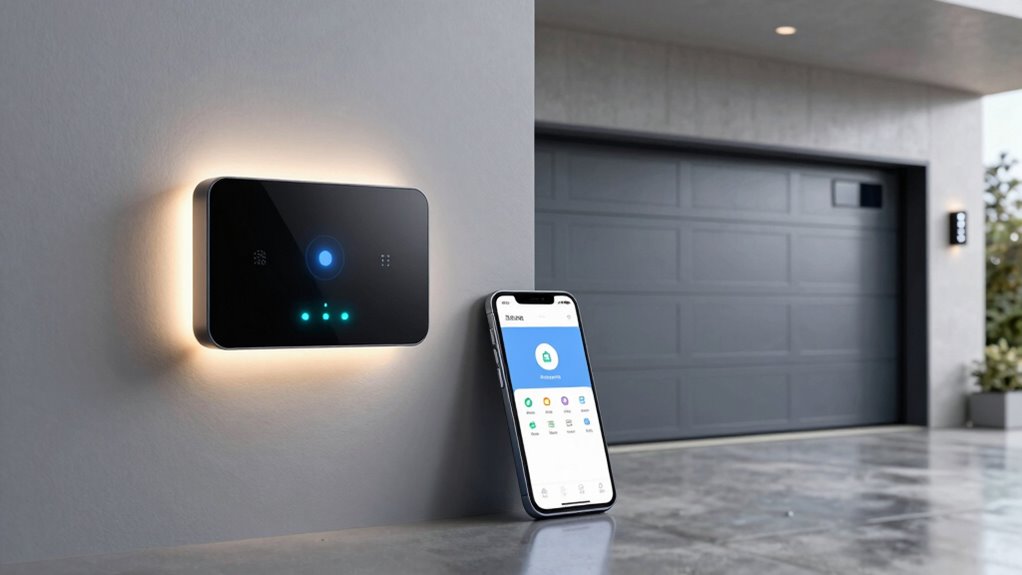
Achieving a seamless smart garage experience requires thoughtful setup and ongoing management. Prioritize garage door safety by regularly testing sensors and making certain the system responds correctly to obstructions. This prevents accidents and keeps your family safe. Optimize device energy saving by scheduling your smart garage devices to operate only when needed, reducing unnecessary power consumption. Keep your software updated to benefit from the latest security features and improvements. Use voice commands confidently, but double-check that your devices respond accurately to avoid mishaps. Maintain a clear, organized setup to prevent connectivity issues. Finally, regularly review your automation routines to ensure they align with your daily habits, making your smart garage both efficient and secure.
Frequently Asked Questions
Can I Connect Multiple Smart Garage Devices to One Voice Assistant?
Yes, you can connect multiple smart garage devices to one voice assistant. This setup enhances garage automation, allowing you to control several devices with a single voice command. Make sure your devices are compatible with your chosen voice platform. By customizing voice commands, you can streamline control and improve convenience, ensuring all your garage devices work seamlessly together, making your smart home more efficient and user-friendly.
What Compatibility Issues Might I Encounter With Different Smart Garage Brands?
You might face compatibility issues due to differences in brand compatibility and firmware updates. Some smart garage brands don’t work seamlessly with Alexa or Google, leading to integration hiccups. Keep your devices’ firmware updated regularly to guarantee they stay compatible with your voice assistant. If brands aren’t compatible, you may need additional hubs or bridges, or consider switching to brands with better compatibility to avoid frustrations.
How Do I Update Firmware on My Smart Garage Devices?
You might think updating firmware is complicated, but it’s quite straightforward. First, open the app for your smart garage device, then navigate to device settings or firmware update options. If the update isn’t available, try device troubleshooting steps like restarting or reconnecting it. Firmware update guarantees smooth operation and fixes bugs, so keeping your device current is key for peak performance and security.
Is It Possible to Set up Guest Access for Garage Controls?
Yes, you can set up guest access for your garage controls. Most smart garage devices support guest access configurations through their app, allowing you to grant temporary or limited control. This setup enhances privacy security by restricting guests to specific functions and monitoring their activity. Always review the app’s permissions and security settings to make sure your garage remains protected while allowing trusted visitors to operate the controls.
How Can I Monitor Garage Device Activity Remotely?
Envision your garage security as a silent guardian, always watchful. To monitor your garage device activity remotely, leverage your smart device’s app, which provides real-time updates and remote notifications. Many systems log activity history, allowing you to review who opened or closed the garage. This way, you stay informed and reassured, even when miles away, ensuring your property’s safety and peace of mind at all times.
Conclusion
Now that you’re equipped with the tools and knowledge, your smart garage is ready to dance in harmony with your voice commands. Imagine a symphony of convenience and security, where every device responds like a trusted conductor. With a few taps and prompts, your garage becomes a seamless extension of your smart home. Embrace the harmony, and enjoy the smooth, effortless rhythm of a truly intelligent garage experience.
Fall yard work Picks
leaf blowers
As an affiliate, we earn on qualifying purchases.