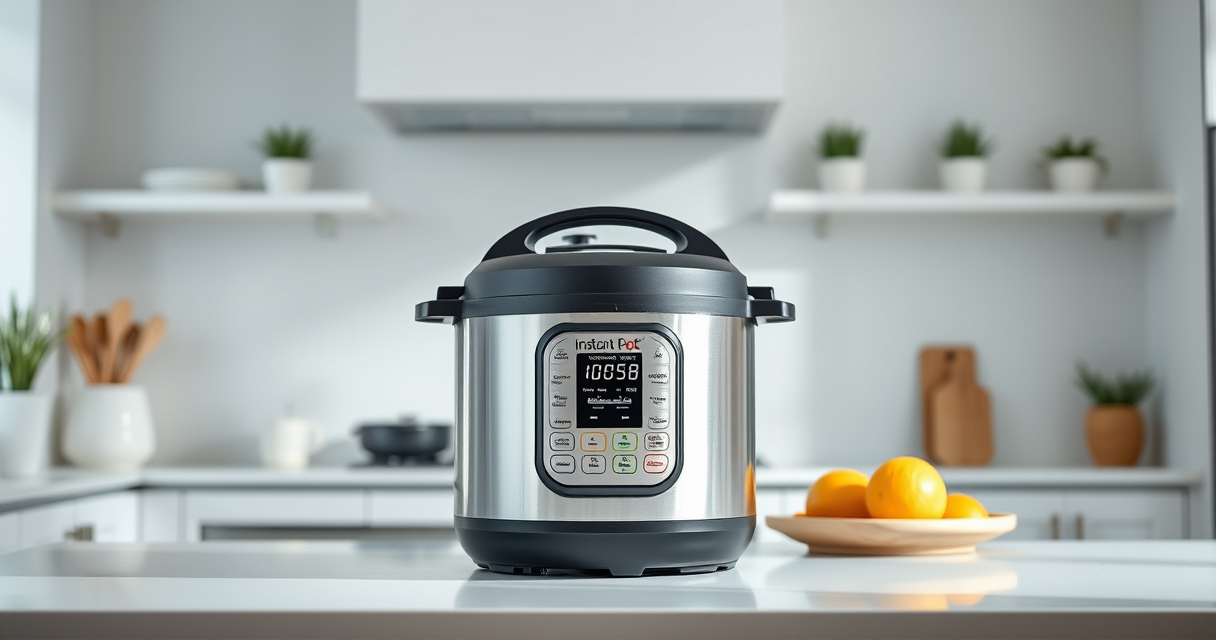

If your Instant Pot displays a burn error, it can interrupt your cooking and cause frustration. This guide provides clear, step-by-step instructions to identify causes and safely fix the issue, ensuring your meals are cooked perfectly without unnecessary hassle.

Get home appliances delivered free with Prime
- Fast, free delivery on millions of items
- Prime Video, Amazon Music and more included
- Member-only deals all year
Understanding common reasons behind the burn error and how to prevent it can save you time and preserve your appliance’s longevity. Follow these practical tips for a quick resolution.
Key Takeaways
| Common causes | Food sticking to the bottom or insufficient liquid can trigger the burn error. |
| Initial troubleshooting | Check the sealing ring and float valve for proper fit and cleanliness. |
| Cooking adjustments | Adding more liquid and avoiding thick sauces can prevent burn errors. |
| Safe reset procedures | Releasing pressure and cleaning the pot resets the sensor for continued use. |
Understanding the Burn Error
The burn error occurs when the Instant Pot detects a temperature rise above safe levels, often caused by food sticking or insufficient liquid. Recognizing these causes helps prevent future errors.
Initial Troubleshooting Steps
- Turn off and unplug the Instant Pot to prevent further issues.
- Release pressure carefully using the quick-release or natural-release method.
- Open the lid and inspect the bottom of the inner pot for food residue or burning.
Cleaning and Checking Components
- Remove the sealing ring and float valve, clean them thoroughly with warm soapy water.
- Check the sealing ring for cracks or deformities and replace if needed.
- Ensure the bottom of the inner pot is clean and free of stuck food.
Preparing to Cook Again
- Add enough liquid to cover ingredients as specified in your recipe—generally at least 1 cup.
- Stir ingredients to prevent sticking and distribute heat evenly.
- Replace the sealing ring securely and ensure the lid is properly locked.
Preventing Future Burn Errors
Avoid thick sauces or foods that tend to stick. Use a natural release for foods prone to foaming or splattering. Regularly clean the sealing ring and inner pot to maintain optimal function.
The Products in This Guide

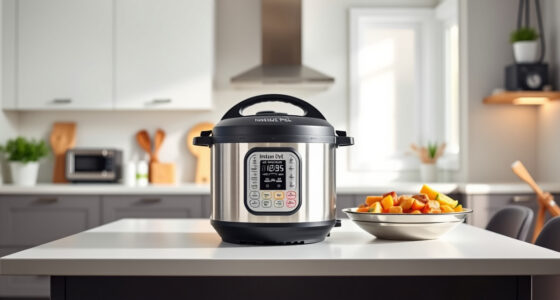
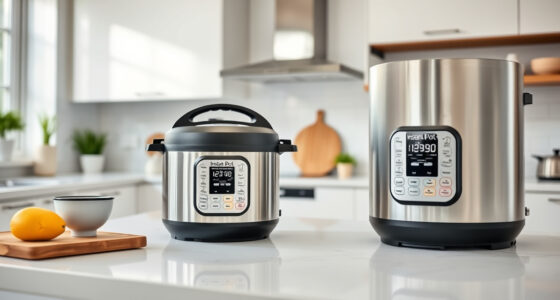
Instant Pot 4QT RIO Mini 7-in-1 Multi-Cooker
- ✔ Voltage: 120V
- ✔ Power: 1000W
- ✔ Warranty: 1-year limited

AOZITA Steamer Basket
- ✔ Weight: 1.2 lbs
- ✔ Color: Silver
- ✔ Warranty: N/A
Instant Pot 4QT RIO Mini 7-in-1 Multi-Cooker
<p>The Instant Pot 4QT RIO Mini combines multiple functions in a compact design, making it ideal for small households or limited kitchen space. Its pressure cooking, slow cooking, sauté, and more offer convenience with consistent results.</p>
Pros:
- 7-in-1 versatility
- Compact size fits small kitchens
- Fast cooking times
- Easy to clean
Cons:
- Limited 4-quart capacity
- Might require extra attention to prevent burning
- Less suited for large families
Best for: Small households, singles, students
Not ideal for: Large families needing bigger capacity
Bottom line: A compact, multi-functional pressure cooker perfect for small spaces and quick meals.
AOZITA Steamer Basket
<p>The AOZITA Steamer Basket offers versatile steaming options with a 2-tier design, perfect for cooking multiple foods simultaneously in your Instant Pot.</p>
Pros:
- Two-tier design
- Stainless steel mesh
- Compatible with 6 & 8 qt models
- Dishwasher safe
Cons:
- Adds extra cleaning step
- Requires space in the pot
Best for: Steaming vegetables, seafood, dumplings
Not ideal for: Cooking recipes that don’t require steaming
Bottom line: A practical accessory to maximize your Instant Pot’s steaming capabilities.
Frequently Asked Questions
What causes the burn error on my Instant Pot?
The burn error typically occurs when food sticks to the bottom, or there’s insufficient liquid, causing the sensor to detect excessive heat.
How can I prevent the burn error?
Ensure enough liquid is added, avoid thick sauces that stick, and clean the inner pot and sealing ring regularly.
Is it safe to continue cooking after a burn error?
Yes, but you should first release pressure, clean the pot, and check for any stuck food or damage before restarting.
Can I use my Instant Pot immediately after a burn error?
It’s best to carefully clean and inspect the appliance, then add more liquid if needed, before resuming cooking.
Keep Your Instant Pot Cooking Smoothly
Understanding the causes of the burn error and following these troubleshooting steps ensures your Instant Pot remains a reliable kitchen companion. Regular maintenance and mindful cooking techniques can help you enjoy stress-free, delicious meals every time.
Affiliate disclosure: As an Amazon Associate we earn from qualifying purchases. Prices and availability are accurate as of the time of publishing.
Cold & flu season Picks
humidifiers
As an affiliate, we earn on qualifying purchases.