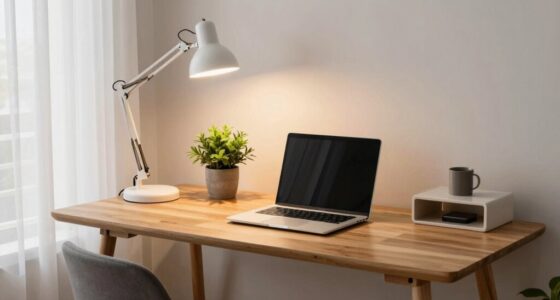
Your back hurts while working from home mainly because poor posture and extended sitting without proper support strain your muscles and spine. Slouching, leaning forward, or sitting in non-ergonomic chairs can worsen discomfort over time. Moving regularly, adjusting your workspace, and adding supportive accessories can help ease pain. If you keep these habits in check, you’ll find relief—and there’s more practical advice ahead to keep your back healthy.
Key Takeaways
- Poor posture and inadequate ergonomic support during long sitting periods strain back muscles and the spine.
- Lack of movement and frequent extended sitting lead to muscle stiffness and discomfort.
- Slouching or leaning forward due to an unsupported workspace misaligns the spine, causing pain.
- Insufficient breaks and ignoring ergonomic adjustments worsen back strain over time.
- Not monitoring posture or using ergonomic accessories contributes to ongoing back discomfort.

Marsail Ergonomic Office Chair: Office Desk Chair with High Back Mesh and Adjustable Lumbar Support Rolling Work Swivel Task Chairs with Wheel 3D Armrests and Headrest
Fully Adjustable Office Chair: Customized chairs, featuring with an adjustable 2D headrest, backrest with 90° to 120° recline,…
As an affiliate, we earn on qualifying purchases.
As an affiliate, we earn on qualifying purchases.
How Do Poor Posture and Long Sitting Cause Back Pain at Home?
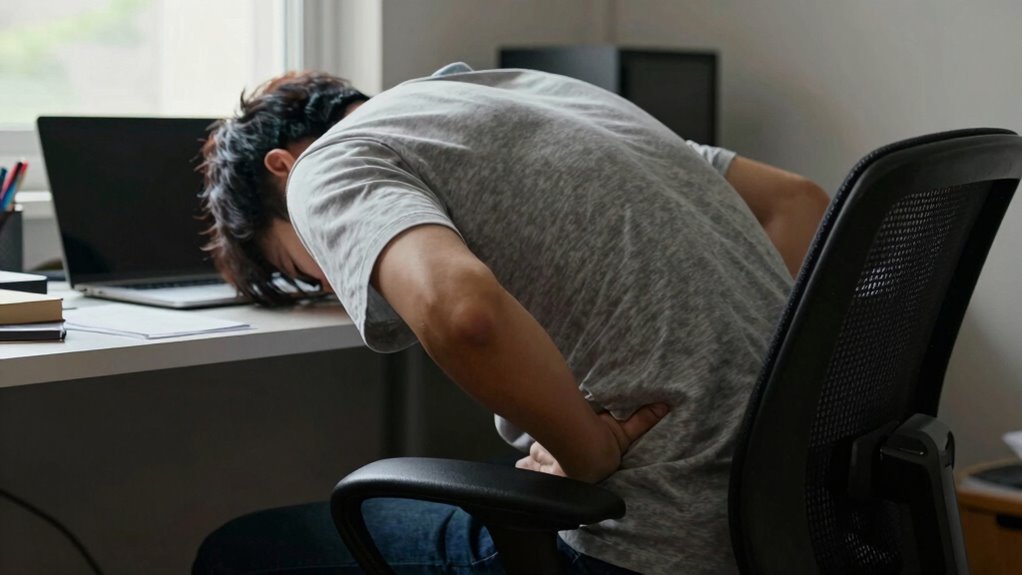
Poor posture and prolonged sitting at home place continuous strain on your back muscles and spine, leading to discomfort and pain. When you sit for hours without proper support, your muscles work harder to keep you upright, causing fatigue and tension. Using ergonomic accessories, like adjustable chairs or lumbar supports, helps promote better posture and reduces strain. These tools assist in maintaining proper alignment and prevent slouching, which worsens back issues. Regularly practicing posture correction techniques, such as sitting with your feet flat on the ground and shoulders relaxed, can make a significant difference. Additionally, being mindful of long-term sitting habits** and investing in ergonomic accessories can help support your back’s health and reduce the risk of pain caused by long hours of sitting at home. Incorporating posture awareness into your daily routine can further alleviate ongoing discomfort, especially when combined with essential oils for back pain relief, which may help relax tense muscles and reduce inflammation. Being aware of muscle fatigue and taking short breaks to stretch can also play a vital role in preventing back pain over time. Moreover, integrating landscaping elements** that promote a more comfortable and supportive environment can create a healthier workspace at home.

FITUEYES Height Adjustable Standing Desk 32” Wide Sit to Stand Converter Stand Up Desk Tabletop Workstation for Dual Monitor Riser FSD308001WB
【Spacious Work Area】: The top surface measures 31.5” x 15.7” providing plenty of space for single monitor, dual…
As an affiliate, we earn on qualifying purchases.
As an affiliate, we earn on qualifying purchases.
What Signs Indicate Your Home Office Is Causing Back Pain?
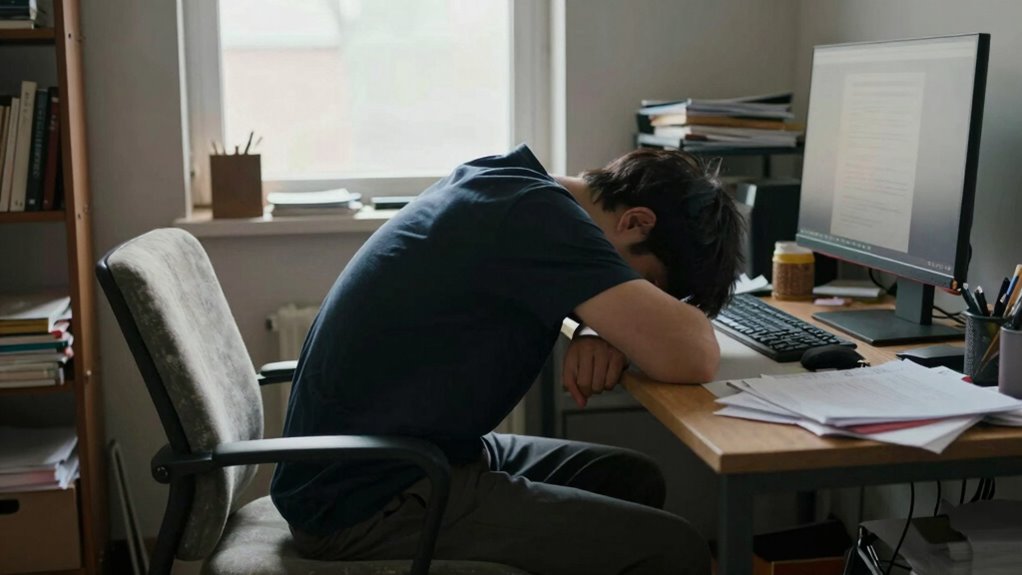
If you notice persistent discomfort or pain after long hours at your desk, your home office setup might be the culprit. Poor posture habits, like slouching or leaning forward, can also signal that your workspace isn’t supporting your back properly. Paying attention to these signs can help you identify if your home office is contributing to your back pain. Additionally, improper flooring or inadequate support under your chair can exacerbate discomfort over time. Incorporating ergonomic cycling gear principles, such as adjustable chairs and proper desk height, can further improve your posture and reduce back strain. Exploring mythology-inspired names with strong meanings can also serve as a motivational reminder to prioritize your health and well-being while working.
Persistent Discomfort or Pain
Persistent discomfort or pain in your back can be a clear sign that your home office setup isn’t supporting your body properly. If you find yourself experiencing ongoing aches, even after breaks, it’s time to evaluate your workspace. Using ergonomic accessories, like an adjustable chair or lumbar support, can help alleviate strain. Additionally, practicing posture mindfulness keeps you aware of how you’re sitting throughout the day. If discomfort persists despite these adjustments, it may indicate that your current setup isn’t ideal. Pay attention to persistent pains, as they often signal that your body isn’t aligned correctly. Addressing these signs early can prevent more serious issues and improve your overall comfort while working from home. Incorporating ergonomic paint sprayers in your workspace can also promote better posture and reduce physical strain. Recognizing these ergonomic principles can guide you in creating a healthier, more supportive environment. Being mindful of household safety tips can help prevent additional health issues related to your workspace setup. Regularly reviewing your workspace setup and making necessary adjustments can further enhance your overall ergonomic health. Additionally, understanding ergonomic accessories can help you choose the right tools to support your body during long working hours.
Poor Posture Habits
You might notice signs that your home office setup is affecting your back if you frequently find yourself slouching or leaning forward while working. Poor posture habits often develop when your workspace isn’t ergonomically optimized. You may feel tension in your neck, shoulders, or lower back, indicating misalignment. Using ergonomic accessories like adjustable chairs and monitor stands encourages better posture and reduces strain. Posture awareness is key—regularly checking how you’re sitting helps prevent bad habits from taking hold. If you catch yourself hunching over your desk or leaning into your screen, it’s a sign your setup needs adjustment. Small changes, like positioning your keyboard and mouse properly, can make a big difference. Staying mindful of your posture helps prevent ongoing back pain caused by poor posture habits.

Lexeme X Large Memory Foam Seat Cushion Lumbar Support Pillow for Sciatica & Tailbone Pressure Relief Coccyx Pad for Office Chair, Car,Wheelchair,Home,Office
【Unique design and Extra Large size】 Our product has two advantages Unique design and Extra Large size ,unique…
As an affiliate, we earn on qualifying purchases.
As an affiliate, we earn on qualifying purchases.
Common Habits That Worsen Back Discomfort While Working Remotely
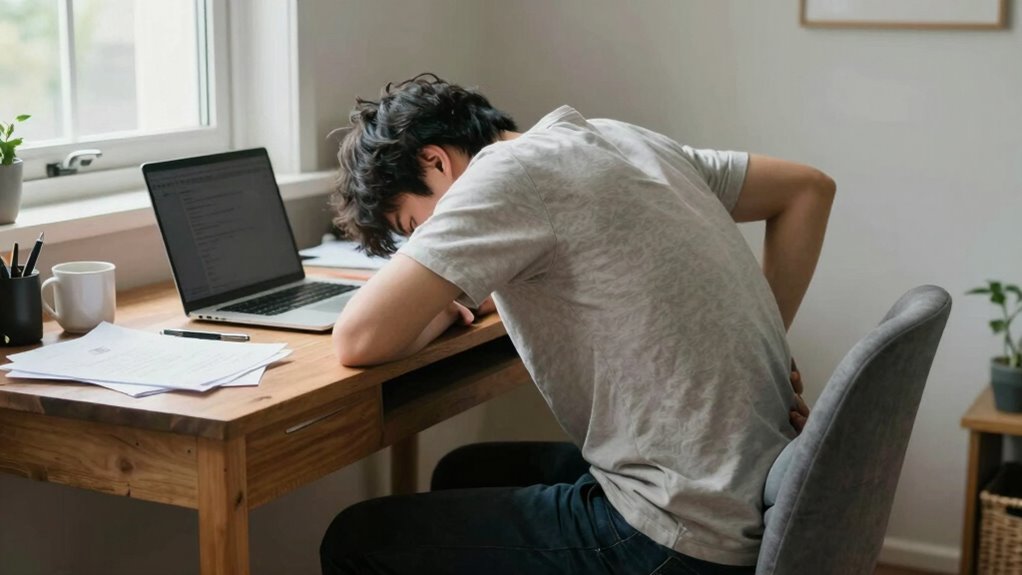
Many habits can make back pain worse when you’re working from home. Poor posture, sitting for long stretches without breaks, and skipping movement can all lead to increased discomfort. Recognizing and changing these habits can help ease your back pain and improve your overall comfort. Using ergonomic accessories, such as remote car covers and gear upgrades, can also support better posture and reduce strain during your workday. Additionally, improving indoor air quality by managing dust and humidity levels can create a healthier environment that promotes better posture and reduces overall discomfort. Incorporating biohacking techniques, like proper sleep and movement routines, can further enhance your physical well-being and alleviate back pain.
Poor Posture Habits
Poor posture habits are among the main culprits that worsen back discomfort when working from home. Slouching, leaning forward, or craning your neck puts unnecessary strain on your spine and muscles. You might neglect ergonomic accessories like adjustable chairs or monitor stands, which are designed to support proper posture. Without these tools, it’s easy to fall into habits that compromise your back health. Increasing your posture awareness helps you recognize when you’re slumping or misaligning your body. Regularly check your sitting position, keep your feet flat on the floor, and guarantee your screen is at eye level. Small adjustments can make a big difference in reducing back pain and maintaining comfort during long work hours. Using ergonomic accessories like anti-fatigue mats can also help reduce fatigue and support better posture during prolonged periods of standing or working. Paying attention to ergonomic principles can further enhance your workspace setup and prevent long-term discomfort. Additionally, understanding proper posture and how to implement ergonomic strategies can help you maintain spinal health and reduce the risk of chronic pain. Incorporating ergonomic accessories into your workspace can promote better alignment and prevent strain in the long run.
Extended Sitting Periods
Extended periods of sitting without breaks can considerably worsen back discomfort when working remotely. Sitting for long stretches strains your spine and weakens posture awareness. To combat this, consider these habits:
- Skipping ergonomic accessories like lumbar support cushions or adjustable chairs, which help maintain proper alignment.
- Staying sedentary for hours, reducing the chance to shift or stretch your back. Incorporating regular movement can significantly alleviate strain.
- Ignoring signs of poor posture, such as slouching or leaning forward, which exacerbate discomfort.
- Failing to set timers or reminders to stand or stretch, leading to prolonged sitting.
- Overlooking the importance of posture awareness and not actively monitoring your sitting habits can contribute significantly to ongoing back issues. Being mindful of your ergonomic setup can make a meaningful difference in preventing pain.
Lack of Movement Breaks
Have you ever noticed how quickly your back starts to ache after hours at your desk without moving? When you skip regular movement breaks, your muscles tighten, and your posture worsens. Incorporating ergonomic accessories can help, but without frequent breaks, even the best setup won’t prevent discomfort. To avoid worsening back pain, set reminders to stand, stretch, or walk every 30 minutes. These small movements promote circulation and reduce stiffness. Developing posture awareness is essential—you might think you’re sitting correctly, but subtle habits can lead to strain over time. Taking regular movement breaks keeps your muscles engaged and back pain at bay. Remember, staying still for too long is a common habit that worsens back discomfort while working remotely.

Sitting Posture Corrector, Sitting Posture Reminder for Students, Height Adjustable Vision Writing Desk Posture Corrector Low Head Prevention Posture Trainer Writing Desk Clip
[Chest Support and Comfort] This posture reminder offers chest support and a comfortable writing experience, encouraging correct sitting…
As an affiliate, we earn on qualifying purchases.
As an affiliate, we earn on qualifying purchases.
Easy Changes to Your Workspace That Can Relieve Back Strain
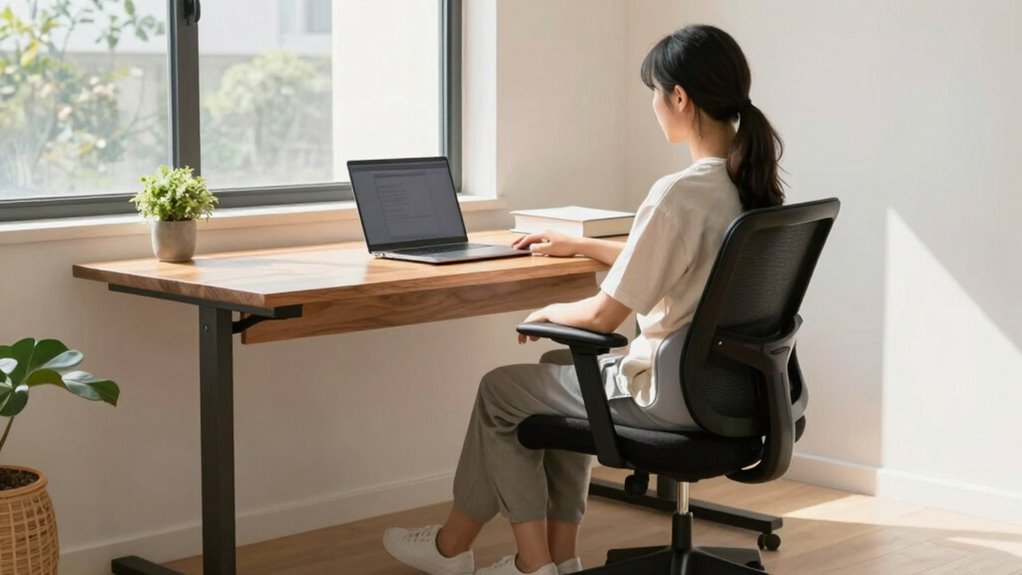
Making simple adjustments to your workspace can substantially reduce back strain while working from home. First, invest in ergonomic accessories like an adjustable chair and a supportive lumbar pillow to maintain proper posture. Second, optimize office lighting by using natural light or adding desk lamps to reduce eye strain and improve focus. Third, position your monitor at eye level to prevent neck and back tension. Fourth, keep your feet flat on the floor or on a footrest, ensuring your knees are at a 90-degree angle. These small changes can make a big difference in alleviating back discomfort. By improving your workspace setup, you support your back’s health and create a more comfortable, productive environment.
Effective Exercises and Stretches to Ease Back Pain at Home
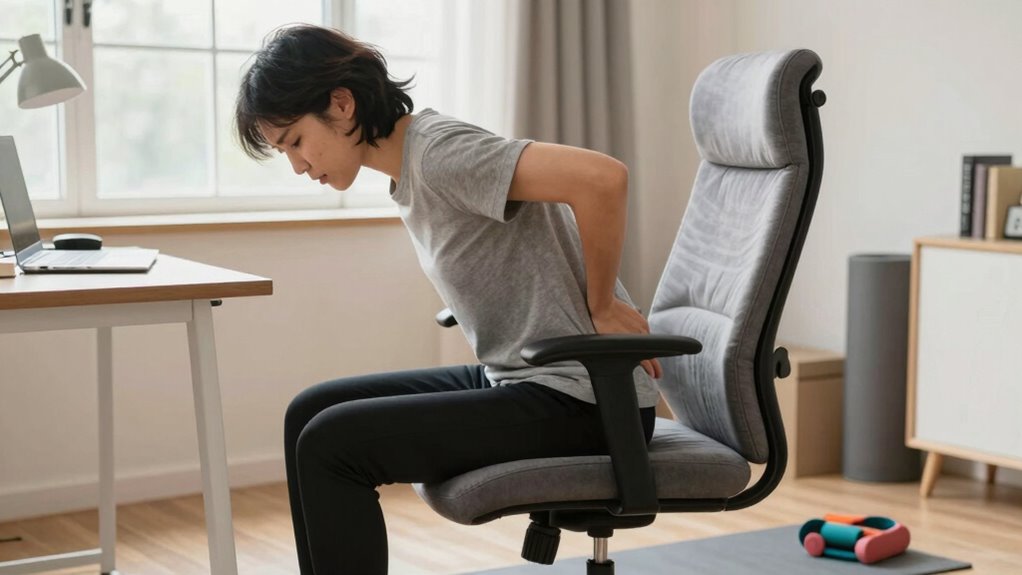
Once you’ve optimized your workspace, incorporating regular movement and stretches can further alleviate back pain. Focus on core strengthening exercises like planks and bridges, which support your spine and improve posture. Gentle stretches such as cat-cow and child’s pose can relieve tension and increase flexibility.
| Exercise | Benefits |
|---|---|
| Plank | Builds core strength, stabilizes your back |
| Cat-Cow | Enhances spinal flexibility, reduces stiffness |
| Bridge | Strengthens lower back and glutes |
| Child’s Pose | Relieves lower back strain, promotes relaxation |
Budget-Friendly Tips for Creating a Back-Friendly Home Office
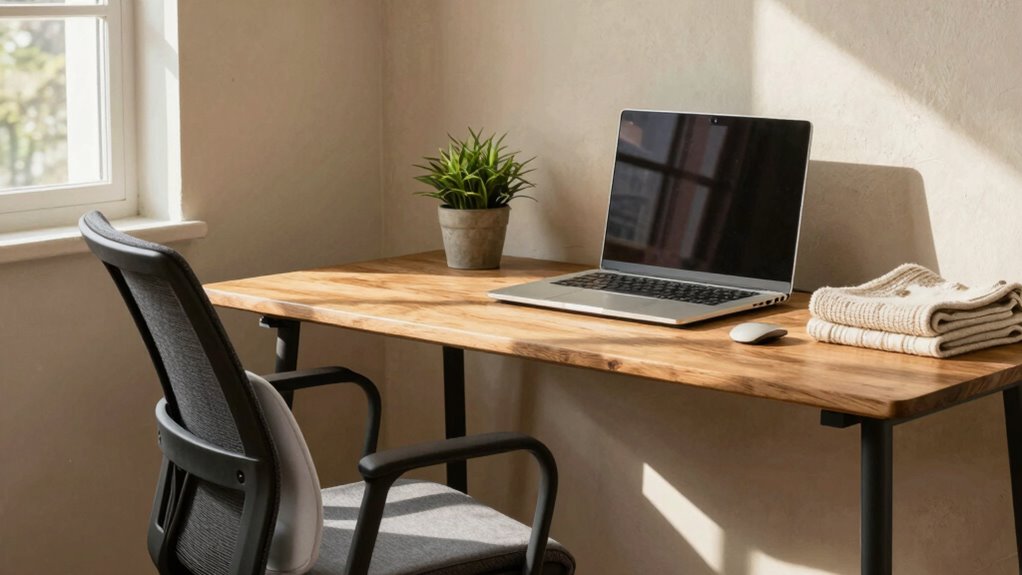
Creating a back-friendly home office doesn’t have to be expensive; simple adjustments and budget-friendly solutions can make a significant difference. Focus on improving posture awareness and using ergonomic accessories to support your spine. Here are four cost-effective ideas:
- Use a supportive cushion or lumbar roll to maintain proper lower back support.
- Invest in an adjustable chair or add a height-adjustable footrest for better alignment.
- Position your monitor at eye level to avoid neck strain.
- Incorporate inexpensive ergonomic accessories like wrist rests and keyboard supports for comfort.
These small changes promote better posture, reduce back pain, and are easy on your wallet. With a few mindful adjustments, you can create a healthier, more comfortable workspace.
How to Know When It’s Time to See a Professional for Back Pain?

Understanding when to see a healthcare professional for back pain is essential, especially if the pain persists or worsens despite your efforts to improve your workspace. If ergonomic accessories and posture awareness aren’t providing relief after several days, it’s time to seek help. Persistent pain, numbness, tingling, or weakness in your legs can indicate nerve issues that require professional evaluation. Additionally, if your pain is sudden, severe, or accompanied by other symptoms like fever or loss of bladder control, don’t delay. A healthcare provider can determine if underlying conditions like herniated discs or muscle injuries are involved. Early intervention can prevent long-term damage, so trust your body and consult a professional when pain feels abnormal or unmanageable.
Quick Tips to Relieve Back Pain During Your Workday
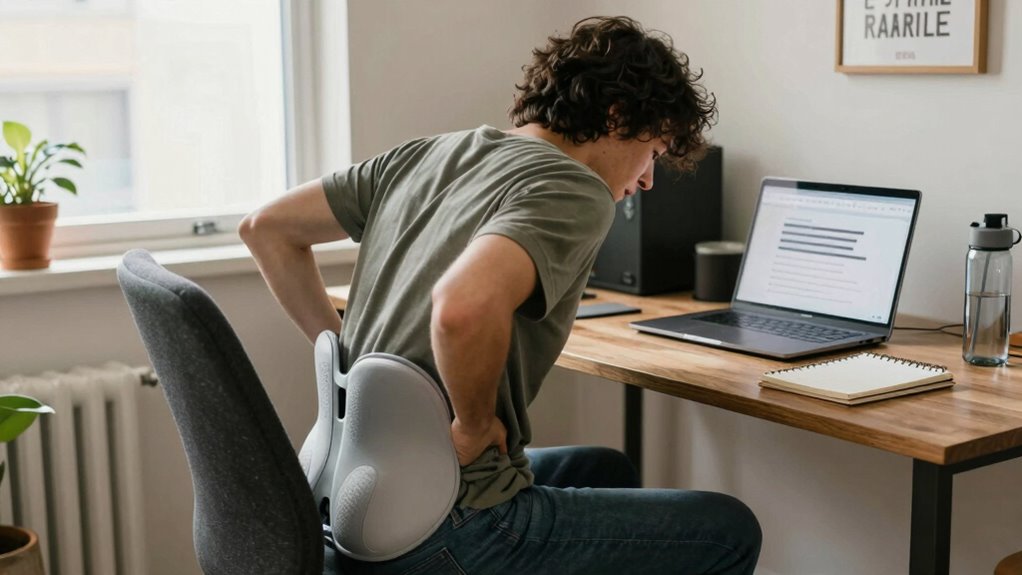
If you’re feeling back tension during your workday, quick adjustments can provide immediate relief and help you stay comfortable. Start by incorporating ergonomic accessories, like an adjustable chair or lumbar support, to improve your posture awareness. Here are four simple tips:
Feeling back tension? Try quick ergonomic tweaks and mindful posture checks for instant relief and ongoing comfort.
- Stretch regularly — stand up and stretch your back, neck, and shoulders every hour.
- Adjust your workspace — guarantee your monitor is at eye level and your feet are flat on the floor.
- Use proper seating — sit with your lower back supported and avoid slouching.
- Practice mindful posture awareness — check in with your body throughout the day and correct slouching immediately.
These small changes can reduce back pain and keep you comfortable during long work hours.
Next Steps to Keep Your Back Healthy While Working From Home
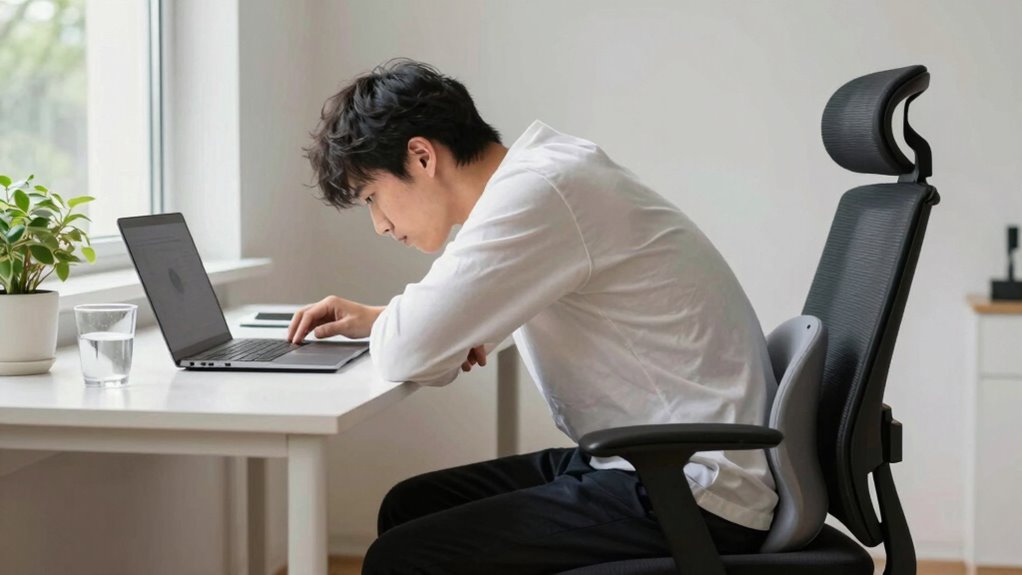
To maintain long-term back health while working from home, it’s essential to establish consistent habits and create an ergonomic environment that supports your body. Start by investing in ergonomic accessories like an adjustable chair, lumbar support, and a sit-stand desk to reduce strain. Practice posture awareness throughout your workday, keeping your back straight and shoulders relaxed. Take regular breaks to stretch and move, preventing stiffness and muscle fatigue. Adjust your workspace to guarantee your monitor is at eye level and your keyboard and mouse are comfortably positioned. These small changes promote better alignment and reduce the risk of pain. By developing mindful habits and optimizing your setup, you can protect your back and work comfortably for years to come.
Frequently Asked Questions
Can Ergonomic Chairs Alone Prevent Back Pain When Working From Home?
Ergonomic chairs offer benefits like proper lumbar support and adjustable features, but they can’t prevent back pain alone. To truly safeguard your back, combine an ergonomic chair with posture correction techniques, such as sitting with your feet flat on the floor, keeping your shoulders relaxed, and taking regular breaks. This holistic approach ensures better spinal health, reducing discomfort and promoting overall well-being while working from home.
How Does Stress Contribute to Back Pain During Remote Work?
Stress-related tension can cause your muscles to tighten, leading to back pain during remote work. When your emotional well-being suffers, your body reacts by increasing muscle tension, especially in the back. This ongoing tension strains your spine and surrounding muscles, making pain worse. Managing stress through relaxation techniques and maintaining emotional well-being helps reduce muscle tightness, preventing back pain and supporting your overall comfort while working from home.
Are There Specific Office Accessories That Help Reduce Back Discomfort?
Yes, ergonomic footrests and lumbar support pillows can substantially reduce back discomfort. An ergonomic footrest helps keep your feet flat, promoting proper posture and reducing strain on your lower back. Meanwhile, a lumbar support pillow maintains the natural curve of your spine, providing extra support where you need it most. Using these accessories consistently encourages better alignment and can make your home workspace much more comfortable.
How Long Should I Take Breaks to Prevent Back Strain?
You should take breaks every 30 to 60 minutes to prevent back strain. During these breaks, do stretching routines and posture adjustments to ease muscle tension and improve circulation. Research shows that regular movement reduces discomfort and the risk of chronic back issues. By staying active throughout your workday, you help maintain good spinal health and avoid prolonged periods of sitting that can worsen back pain.
What Signs Indicate My Back Pain Needs Medical Attention?
If your back pain worsens, persists beyond a few days, or is accompanied by numbness, tingling, or weakness, it’s time to seek medical attention. Signs like sudden, severe pain, loss of bladder or bowel control, or muscle strain that doesn’t improve with rest indicate a need for professional care. Focus on posture correction, and if pain persists, a healthcare provider can help address underlying issues and prevent further injury.
Conclusion
Did you know that over 80% of adults experience back pain at some point? By making simple changes to your workspace and habits, you can considerably reduce discomfort and improve your overall well-being. Remember, taking regular breaks, practicing stretches, and maintaining good posture are key. Don’t ignore persistent pain—consult a professional if needed. Prioritize your back health today, so you can work comfortably and stay productive tomorrow.