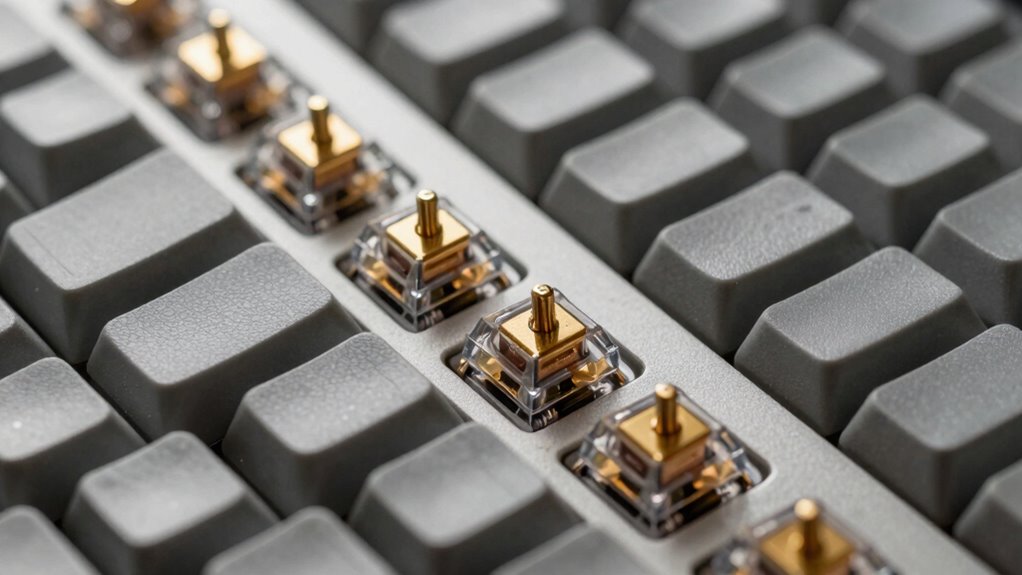
Mechanical keyboards use separate switches for each key, offering better durability, tactile feedback, and a louder sound, making them ideal for gaming and heavy typing. Membrane keyboards are softer, quieter, and more affordable, suited for casual use and quiet environments. They tend to feel less responsive and wear out faster. Choosing between them depends on your preferences for feel, noise, and budget—keep exploring to find the best fit for you.
Key Takeaways
- Mechanical keyboards offer greater durability and longer lifespan compared to membrane keyboards.
- They provide tactile or clicky feedback, while membrane keyboards tend to be softer and quieter.
- Mechanical keys require more force to actuate, potentially causing finger fatigue during extended use.
- Membrane keyboards are more affordable, quieter, and easier to maintain but generally less durable.
- Mechanical keyboards are preferred for gaming and professional typing, while membrane models suit casual, quiet use environments.

Redragon Mechanical Gaming Keyboard Wired, 11 Programmable Backlit Modes, Hot-Swappable Red Switch, Anti-Ghosting, Double-Shot PBT Keycaps, Light Up Keyboard for PC Mac
Brilliant Color Illumination- With 11 unique backlights, choose the perfect ambiance for any mood. Adjust light speed and…
As an affiliate, we earn on qualifying purchases.
As an affiliate, we earn on qualifying purchases.
What Are Mechanical and Membrane Keyboards?
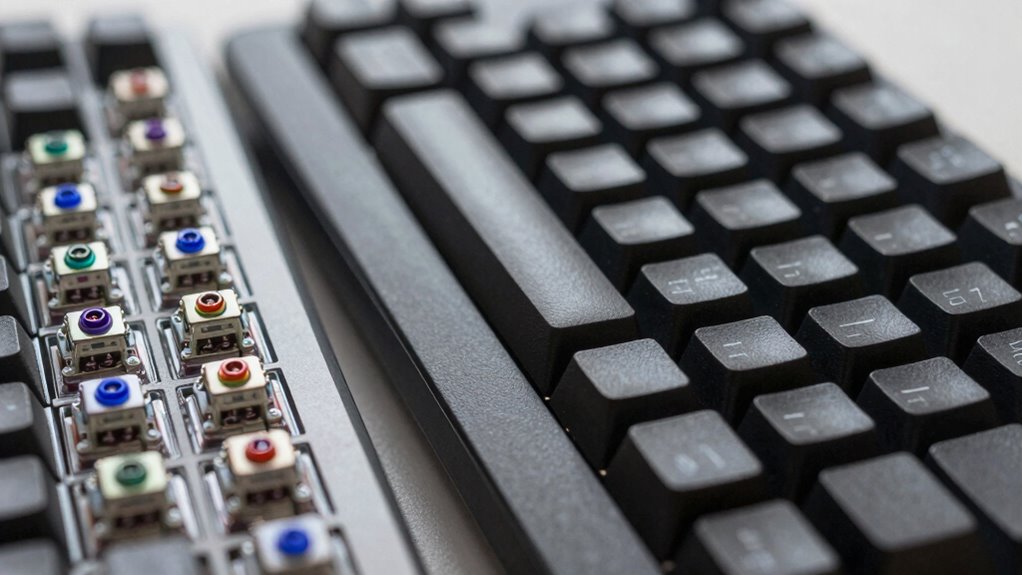
Mechanical and membrane keyboards are two common types of input devices, each with distinct mechanisms that influence their feel and performance. Mechanical keyboards use individual switches for each key, providing a variety of switching mechanisms like linear, tactile, or clicky. These switches determine how the keys respond and feel under your fingers. Because of their robust build, mechanical switches generally offer higher key durability, often lasting over 50 million keystrokes. In contrast, membrane keyboards rely on pressure pads beneath a rubber or silicone membrane, which completes the circuit when pressed. They tend to have less durability, with keys typically rated for fewer keystrokes. Your choice depends on whether you prioritize switch feedback, key longevity, or a more affordable, low-profile design. Additionally, key durability plays a significant role in overall keyboard performance and lifespan. Selecting the right type can also impact typing experience, especially for prolonged use or gaming, where feedback quality can greatly influence comfort and accuracy.

Corsair K55 CORE RGB Membrane Wired Gaming Keyboard – QWERTY US Layout – Quiet, Responsive Switches – Spill Resistance – Ten-Zone RGB – Media Keys – iCUE Compatible – PC, Mac – Black
Your Winning Streak Starts Now: Everything you need to start your winning streak is here. Enjoy quiet, responsive…
As an affiliate, we earn on qualifying purchases.
As an affiliate, we earn on qualifying purchases.
How Do Mechanical and Membrane Keyboards Feel and Sound?
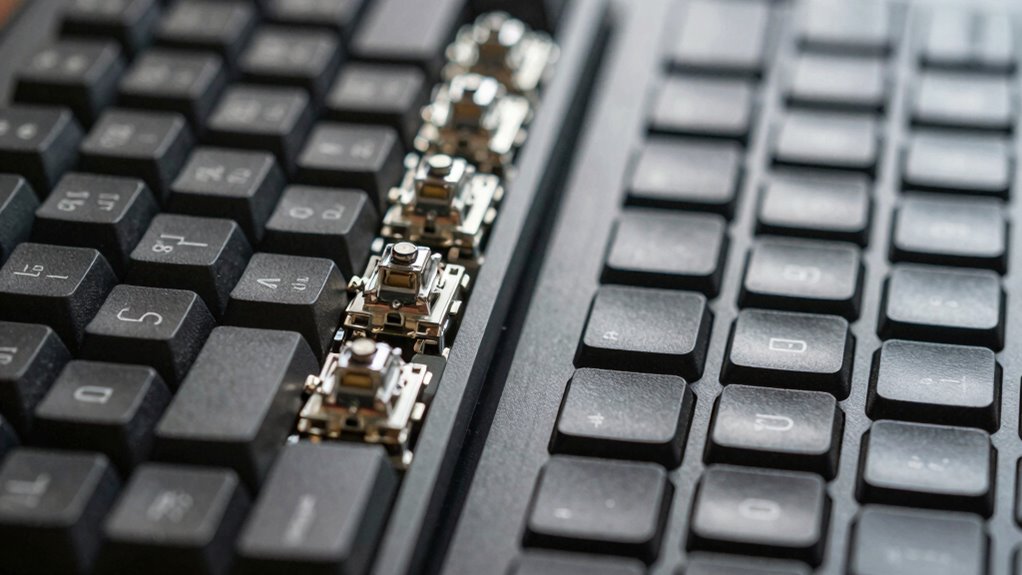
When you press down on mechanical and membrane keyboards, you’ll notice differences in tactile response and overall feel. Mechanical switches usually provide a more pronounced bump and click, while membrane keys feel softer and quieter. The noise levels also vary, with mechanical keyboards often being louder than their quieter membrane counterparts. Additionally, the choice between the two can influence how users perceive authenticity and self-identity in their typing experience. Some users find that the tactile feedback of mechanical keyboards enhances their typing comfort and efficiency, fostering a more personalized connection with their device. Moreover, the material and design of the keys can impact the aesthetic appeal, which is often considered part of personal expression in tech setups.
Tactile Response and Feel
You’ll immediately notice a difference in how mechanical and membrane keyboards respond when you press their keys. Mechanical keyboards offer distinct tactile feedback with each keystroke, giving you a clear sense of actuation, which enhances the overall key feel. You might feel a noticeable bump or click, depending on the switch type, making your typing more precise and satisfying. In contrast, membrane keyboards tend to have a softer, more muted response, with less pronounced tactile feedback. The key feel is smoother and less defined, which can sometimes lead to accidental presses. Mechanical switches provide a more responsive experience, while membrane keys prioritize quietness and simplicity. Your preference depends on whether you value tactile sensation or a quieter, softer feel during long typing sessions.
Noise Levels and Sound
The tactile differences between mechanical and membrane keyboards extend beyond feel to how they sound during use. Mechanical keyboards tend to produce louder, more distinct clicks with each keystroke, which can be satisfying but disruptive in quiet environments. Membrane keyboards are generally quieter, making them better suited for shared spaces. Your choice affects aesthetic customization options, as mechanical keyboards often allow for sound dampening modifications. Maintenance requirements also differ; mechanical keyboards might need regular cleaning to prevent dust buildup, which can influence sound levels over time. Additionally, the sound levels of keyboards can be adjusted with various modifications, giving users more control over their typing experience. The durability of mechanical keyboards often surpasses that of membrane keyboards, which may degrade faster in sound quality. Conversely, membrane keyboards usually require less upkeep but may degrade faster in sound quality. Furthermore, the materials used in mechanical switches often contribute to their longer lifespan and consistent sound profile, whereas membrane keyboards typically use softer, less durable materials. Additionally, the battery life of wireless models can vary depending on the type of keyboard, with membrane keyboards often offering longer usage between charges. Ultimately, your preference depends on whether you prioritize a louder, more tactile experience or a quieter, low-maintenance setup.

Deftomo 50 Pcs Blue Keyboard Switches, 3-Pin Clicky Tactile Mechanical Keyboard Switches, Complete DIY Replacement Kit with Switch Puller & Brush
Package Includes: You will get 50 Pcs blue keyboard switches in one bag! Each set of our mechanical…
As an affiliate, we earn on qualifying purchases.
As an affiliate, we earn on qualifying purchases.
Which Keyboard Is Better for Gaming and Typing?
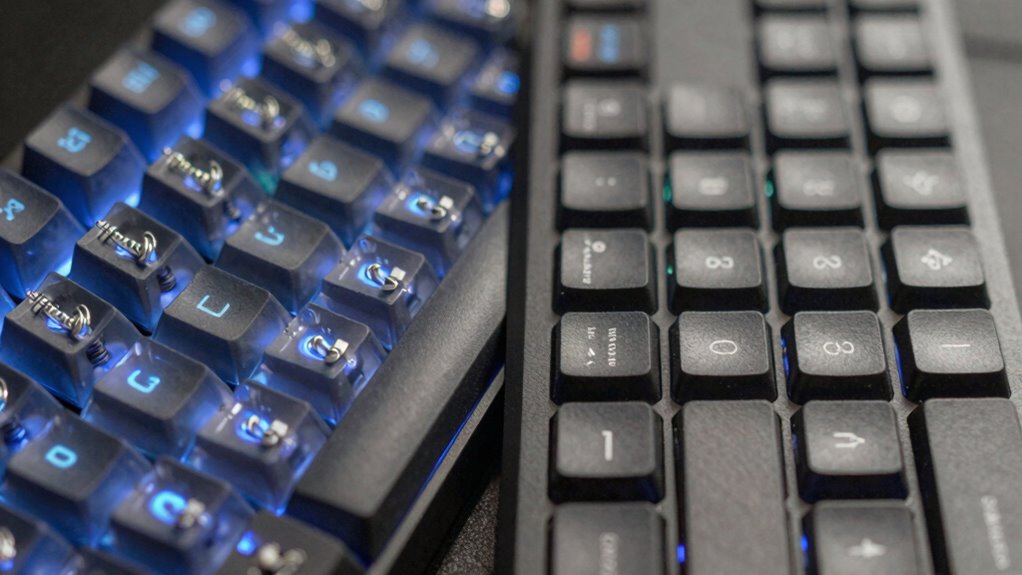
When choosing between mechanical and membrane keyboards for gaming and typing, keypress responsiveness is vital, as it affects your speed and accuracy. Comfort levels also matter, since prolonged use can cause fatigue or discomfort depending on the keyboard type. A well-designed keyboard can also incorporate ergonomic features that reduce strain during extended sessions. Additionally, some high-end mechanical keyboards offer customizable luxury lifestyle elements like premium finishes and programmable keys, which can enhance user experience. The type of switches used in mechanical keyboards, such as linear, tactile, or clicky, can significantly influence performance and user preference, making it important to consider these factors. Mechanical keyboards often feature durable components that withstand extensive use and maintain performance over time, which is crucial for gamers and heavy typists alike. Ultimately, gaming performance factors like switch latency and durability can give one option an edge over the other. Additionally, considering well-designed keyboards such as those with well-constructed switches and materials can contribute to better overall performance and comfort.
Keypress Responsiveness
Keypress responsiveness is essential when choosing between mechanical and membrane keyboards, especially for gaming and typing. Mechanical keyboards often offer faster, more precise responses due to their individual switches, which contribute to better switch durability and consistent actuation. Membrane keyboards tend to have a softer feel, which can cause delays in response time. Additionally, understanding the testing accuracy of different keyboard types can help you select a more reliable device for your needs. – Mechanical switches provide superior responsiveness, making them ideal for fast-paced gaming. – The durability of switches means mechanical keyboards can withstand millions of keystrokes, ensuring longevity. – Keycap customization on mechanical keyboards allows you to fine-tune the feel and responsiveness to your preference, enhancing your overall experience. Furthermore, switch technology plays a crucial role in determining the overall performance and reliability of each keyboard type. Analyzing performance metrics can also help you decide which keyboard best suits your specific requirements. A comprehensive understanding of switch behavior can further assist in selecting the right keyboard for optimal performance. For instance, the evolution of arcade games highlights how quick and precise inputs have historically been vital for success.
Typing Comfort Levels
While mechanical keyboards excel in responsiveness, their design can also impact typing comfort, especially during long sessions. Mechanical switches often require more force, which can lead to finger fatigue, but their ergonomic design can help reduce strain if chosen carefully. The key layout and keycap shape influence comfort, making prolonged typing less tiring. Additionally, the ergonomic features of a keyboard, such as wrist rests and tilt adjustments, can significantly enhance comfort during extended use. Mechanical keyboards often feature customizable options, allowing users to tailor the typing experience to their preferences for increased comfort. A personalized setup can further improve comfort and reduce fatigue, especially during intensive typing or gaming sessions. Membrane keyboards, generally softer and quieter, tend to offer a more comfortable experience for extended typing, especially for users with sensitive fingers. Furthermore, material composition plays a role in comfort, as softer materials can provide a gentler typing experience. Additionally, aesthetic appeal plays a role—sleek, well-designed keyboards can make typing a more enjoyable task. Considering accessibility features like adjustable key sensitivity can further enhance comfort for diverse users. Ultimately, your comfort depends on personal preference, but a focus on ergonomic features and appealing design can improve your overall typing experience, whether you prefer mechanical or membrane options.
Gaming Performance Factors
Choosing the right keyboard for gaming and typing depends largely on how quickly and accurately you can respond. Mechanical keyboards often excel in gaming due to their faster actuation and tactile feedback, but membrane keyboards can still be effective with proper responsiveness. Your choice depends on factors like switch types, which influence key feel and response time. Alternative switch types, such as linear or clicky switches, offer different gaming experiences and can impact your reaction speed. Additionally, customization options like programmable keys or adjustable actuation points can enhance performance. Consider how much you value precision versus comfort, and whether you prefer the tactile feedback of mechanical switches or the quieter operation of membrane keys. Your specific gaming needs will determine which keyboard is ultimately better for performance.

TECKNET Wired Keyboard,Silent USB Keyboard for Office,Spill-Resistant,Slim Full-Size Membrane Layout,Plug and Play for PC/Laptop/Mac-RGB Backlit
【Quiet & Comfortable Typing】 Designed with low-profile membrane keys, this keyboard delivers soft keystrokes and significantly reduces typing…
As an affiliate, we earn on qualifying purchases.
As an affiliate, we earn on qualifying purchases.
Pros and Cons of Mechanical vs. Membrane Keyboards
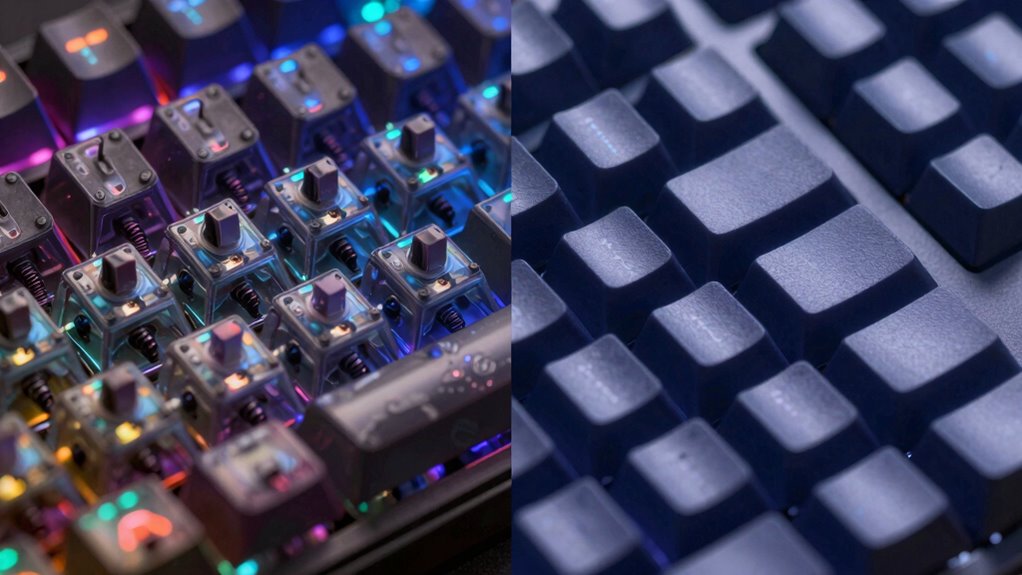
Mechanical and membrane keyboards each have distinct advantages and drawbacks that can influence your typing experience. Mechanical keyboards excel in keyboard durability, often lasting longer due to their robust switches, but they require more maintenance to keep the keys clean and functional. Membrane keyboards tend to have lower maintenance needs but may wear out faster, affecting overall durability.
| Feature | Mechanical | Membrane | Notes |
|---|---|---|---|
| Keyboard durability | Typically higher | Usually lower | Mechanical switches last longer |
| Maintenance needs | Higher (cleaning, switch checks) | Lower (less cleaning required) | Membrane keyboards are simpler to maintain |
| Tactility | Precise, responsive | Less tactile | Mechanical offers better feedback |
| Cost | Generally more expensive | Budget-friendly | Membranes are more affordable |
| Typing comfort | Customizable options available | Limited options | Mechanical keyboards often preferred |
How Much Do Mechanical and Membrane Keyboards Cost?
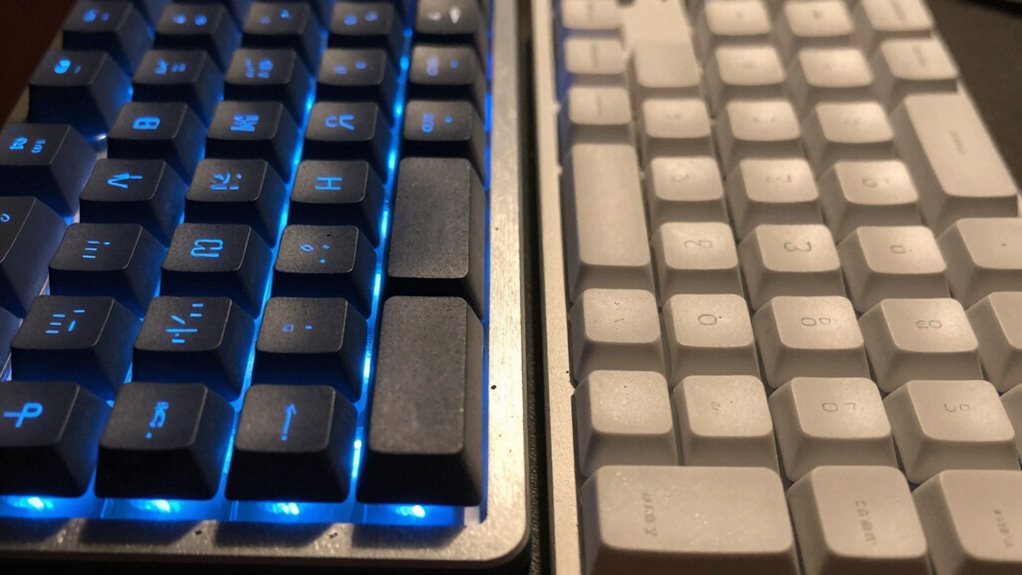
The cost of keyboards varies widely depending on their type and features, with mechanical and membrane models fitting into different budget ranges. Mechanical keyboards generally cost more upfront, often between $80 and $200, due to their build quality and switch technology. Membrane keyboards tend to be more affordable, typically priced from $20 to $50. When considering a price comparison, durability differences play a key role—mechanical keyboards usually last longer because of their robust switches, while membrane models may wear out faster. Keep in mind, higher prices often reflect better materials and features, but not always better performance for your needs.
Keyboard prices vary by type and features, with mechanical models costing more and lasting longer than membrane options.
- Mechanical keyboards often offer longer-lasting switches, enhancing durability.
- Membrane models are cheaper but may require replacement sooner.
- Features like backlighting or additional keys can influence the overall cost.
Which Keyboard Is Best for Your Needs?
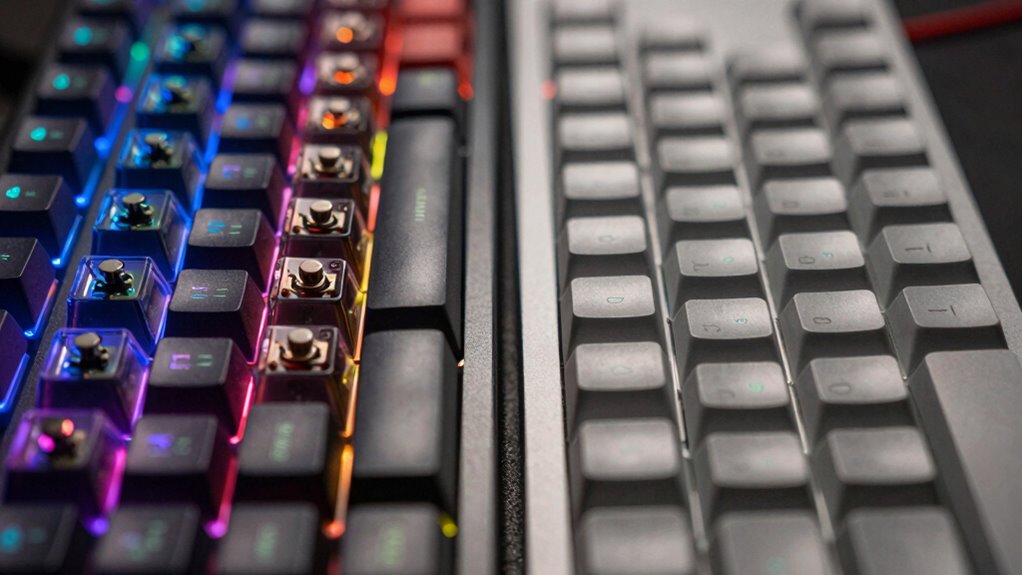
When deciding which keyboard suits your needs, consider how you’ll use it daily. If you value customization options, a mechanical keyboard often offers more keyboard customization features, like programmable keys and switch choices, allowing you to tailor it to your preferences. On the other hand, if comfort is your priority, look for an ergonomic design that reduces strain during long typing sessions, especially on membrane keyboards. Think about your typical activities—gaming, typing, or general use—and choose accordingly. Mechanical keyboards tend to be more durable and customizable, while membrane keyboards usually provide a quieter experience and may be more affordable. Ultimately, selecting the best keyboard depends on your specific needs, preferences, and how much importance you place on features like customization and ergonomic design.
Frequently Asked Questions
Are Mechanical Keyboards More Durable Than Membrane Keyboards?
Yes, mechanical keyboards are generally more durable than membrane keyboards. They often withstand more switching costs over time because each key has individual mechanical switches, which are built to last longer. However, they tend to be louder, producing more typing noise than membrane keyboards. If you prioritize longevity and are okay with increased noise, mechanical keyboards are a better choice, especially for heavy or frequent use.
Can Membrane Keyboards Be Customized Like Mechanical Ones?
You can absolutely customize membrane keyboards, but don’t expect the same level of mechanical personalization. With membrane customization, you’re limited to changing keycaps or adding silicone covers, which is like decorating a toy. Mechanical keyboards, on the other hand, open a universe of mechanical personalization—swappable switches, custom keycaps, and RGB lighting. So, while membrane keyboards can be tuned a bit, mechanical keyboards let you craft a truly personalized, epic typing experience.
Which Keyboard Type Is More Energy-Efficient?
You’ll find that membrane keyboards are generally more energy-efficient, leading to lower battery consumption in wireless models. Their simpler design requires less power to operate, making them a good choice for portable devices or long-lasting battery life. Mechanical keyboards, while offering better durability and tactile feedback, tend to consume more power due to their complex components. So, if power efficiency is your priority, membrane keyboards are the smarter option.
Do Mechanical Keyboards Require More Maintenance?
Sure, mechanical keyboards require more maintenance, but who doesn’t love a little DIY fun? You’ll enjoy replacing keycaps and lubricating switches, turning keyboard upkeep into a hobby. Unlike membrane keyboards, which are practically maintenance-free, your mechanical one demands attention—cleaning, switch lubrication, keycap replacement—to keep it performing at its best. Think of it as a rewarding, hands-on way to lengthen your keyboard’s lifespan and customize your typing experience.
Are Wireless Options Available for Both Keyboard Types?
Yes, wireless options are available for both mechanical and membrane keyboards. You can enjoy wireless connectivity through Bluetooth or dedicated wireless receivers. Keep in mind, though, that battery life varies depending on the keyboard type and usage. Mechanical wireless keyboards often have longer battery life due to their efficient switches, while membrane wireless models might need more frequent charging. Choose based on your preferred connectivity and how long you need your keyboard to last between charges.
Conclusion
Choosing between mechanical and membrane keyboards ultimately depends on your preferences and needs. Do you prioritize durability, typing feel, or budget? Mechanical keyboards offer a satisfying, long-lasting experience but come at a higher price, while membrane keyboards are budget-friendly and quieter. Think about what matters most to you—comfort, noise, or cost—and pick the one that fits your lifestyle best. After all, isn’t the right keyboard about enhancing your overall experience?