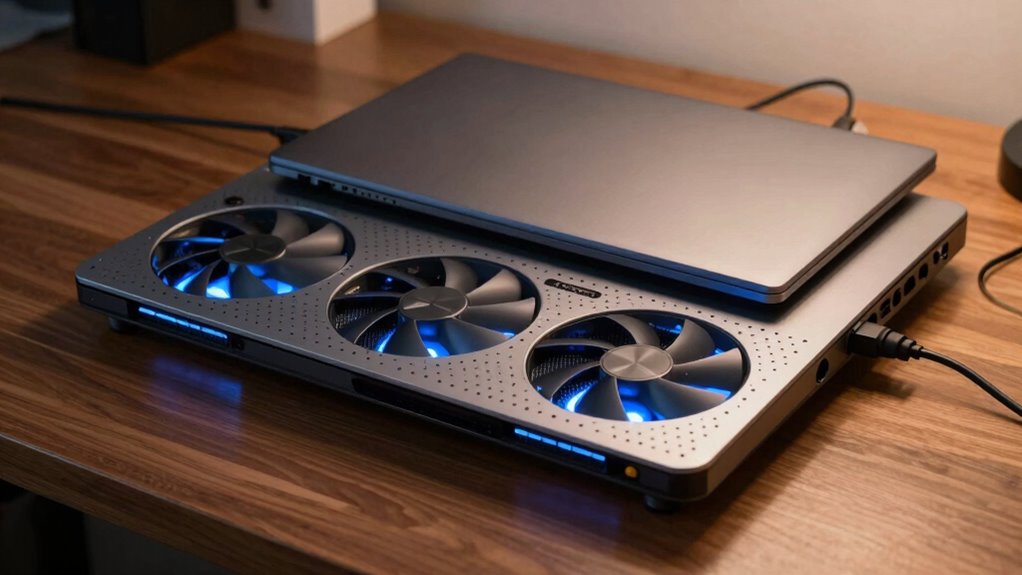
A laptop cooling pad is a device with built-in fans that actively cool your laptop by improving airflow and heat dissipation. It elevates your device for better ergonomics and reduces overheating, which can boost performance and extend your laptop’s lifespan. You can choose from various types, features, and sizes based on your needs. Want to find out how to get the most out of your cooling pad? Keep exploring for more details.
Key Takeaways
- A laptop cooling pad is a surface with built-in fans that improve airflow to prevent overheating.
- It helps maintain optimal device temperatures, enhancing performance and extending the laptop’s lifespan.
- Cooling pads come in active (with fans) and passive (heat-dissipating materials) types, with various features for different needs.
- Proper placement, compatibility, and regular cleaning are essential for effective cooling and performance.
- They are especially useful during intensive tasks like gaming or in warm environments to prevent thermal issues.

Kootek Laptop Cooling Pad, Laptop Cooler with 5 Quiet Fans for 12"-17" Computer PC Notebook Gaming Laptop Fan, Height Adjustable Laptop Cooling Stand Laptop Accessories, Blue
Whisper-Quiet Operation: Enjoy a noise-free and interference-free environment with super quiet fans, allowing you to focus on your…
As an affiliate, we earn on qualifying purchases.
As an affiliate, we earn on qualifying purchases.
What Is a Laptop Cooling Pad and How Does It Work?
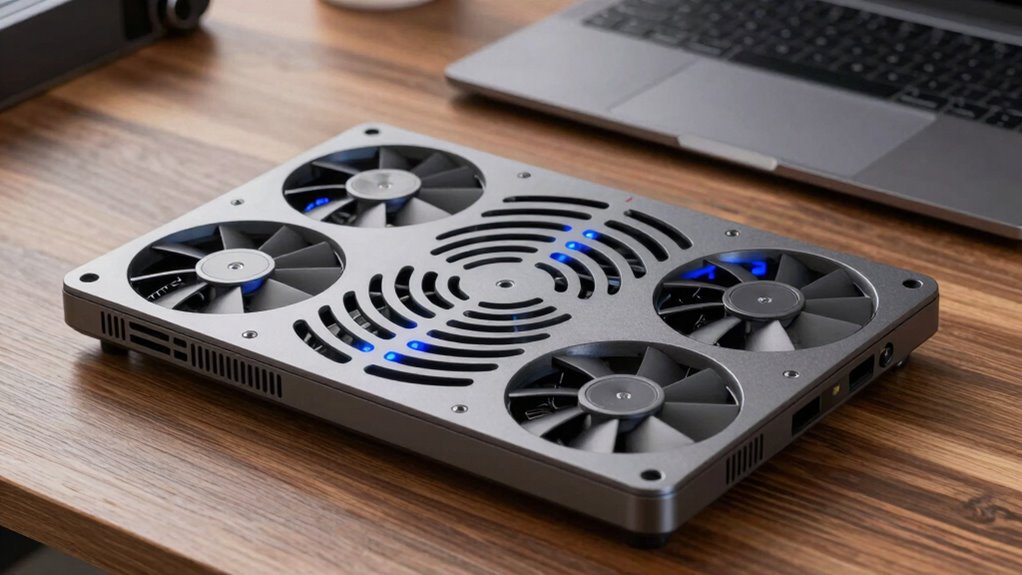
Have you ever noticed your laptop getting unusually hot during extended use? A laptop cooling pad helps manage this heat, preventing overheating and improving performance. It works by providing a dedicated surface with built-in fans that enhance airflow, keeping your device cool. Proper cooling not only safeguards your hardware but also promotes battery efficiency, extending your laptop’s lifespan. Additionally, using a cooling pad can offer ergonomic benefits, elevating your laptop to a more comfortable viewing angle and reducing strain on your neck and wrists. This setup encourages better posture during long working sessions. Incorporating proper ventilation can further optimize cooling efficiency and protect your device from heat damage. Ensuring your workspace is smartly organized can also improve overall device maintenance. Being aware of high-quality materials used in cooling pads can help you choose a more durable and effective product. When selecting a cooling pad, consider environmental impact to choose eco-friendly options that minimize waste and energy consumption. Overall, a cooling pad is a simple yet effective solution to maintain ideal laptop temperatures, improve comfort, and support your device’s longevity.

havit HV-F2056 15.6"-17" Laptop Cooler Cooling Pad – Slim Portable USB Powered (3 Fans), Black/Blue
Ultra-Portable: Slim, portable, and light weight allowing you to protect your investment wherever you go
As an affiliate, we earn on qualifying purchases.
As an affiliate, we earn on qualifying purchases.
Why Use a Cooling Pad? Benefits for Your Laptop
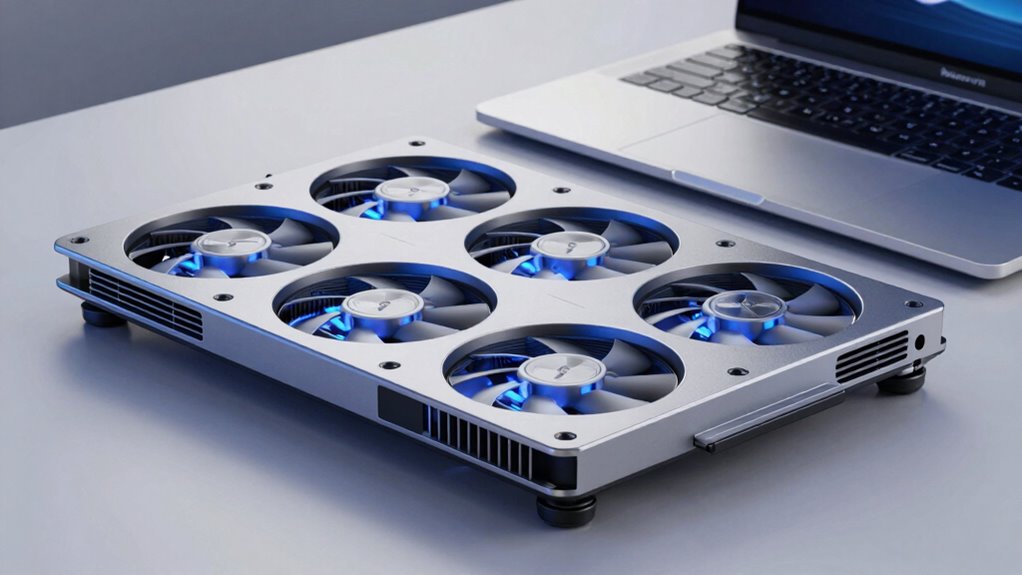
Using a cooling pad offers several clear advantages that can enhance your laptop experience. First, it helps lower your laptop’s temperature, preventing overheating and potential damage. Second, it improves user comfort by providing a stable, elevated surface that reduces wrist strain. Third, a cooling pad can boost your laptop’s performance by maintaining ideal operating temperatures, ensuring smoother multitasking. Fourth, it enhances laptop aesthetics, giving your workspace a cleaner, more organized look. By keeping your device cool, you also extend its lifespan and reduce noise from internal fans. Additionally, a cooling pad can contribute to effective heat dissipation, which is essential for maintaining optimal device function. Proper support and boundaries in your workspace can also help protect your device from accidental damage. Incorporating a cooling pad into your setup can also promote ergonomic benefits, making your overall workspace more comfortable. Furthermore, understanding regional flavors and pairings can help you create an inspiring environment for your work or relaxation. Using a cooling pad not only benefits your device but also aligns with maintaining a luxurious workspace, elevating the overall aesthetic of your setup. Overall, a cooling pad isn’t just about cooling—it’s about protecting your investment while making your workspace more comfortable and visually appealing.
havit HV-F2056 15.6"-17" Laptop Cooler Cooling Pad – Slim Portable USB Powered (3 Fans), Black/Blue
Ultra-Portable: Slim, portable, and light weight allowing you to protect your investment wherever you go
As an affiliate, we earn on qualifying purchases.
As an affiliate, we earn on qualifying purchases.
What Are the Different Types of Cooling Pads?
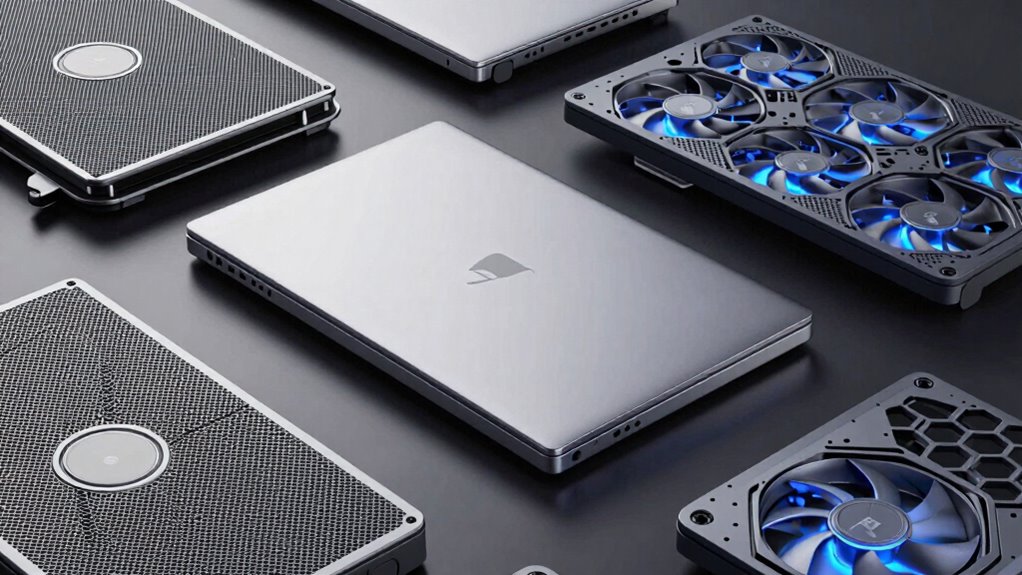
Cooling pads come in various types designed to suit different needs and preferences. Some feature built-in fans that actively reduce heat, while others use passive cooling methods with heat-dissipating materials. There are ergonomic models focused on improving keyboard ergonomics, providing angles that reduce strain during long typing sessions. You might find cooling pads with wireless charging capabilities, allowing you to power your devices conveniently while cooling your laptop. These pads often have adjustable height settings, enhancing comfort and airflow. Some models integrate USB hubs or additional ports, making them multifunctional. Whether you prefer a simple passive pad or a high-tech cooling system with wireless charging, understanding the different types helps you choose a cooling pad that fits your specific needs and enhances your overall laptop experience. Additionally, considering the role of heat dissipation can help you select the most effective cooling method for your device, especially since effective thermal management can prolong your laptop’s lifespan. Recognizing the different cooling technologies available can also guide you toward the most suitable option for your usage habits and device specifications. Incorporating advanced cooling solutions can further optimize your device’s performance and longevity. For example, selecting a model with effective heat dissipation can be crucial in maintaining optimal temperatures during extended use.
havit HV-F2056 15.6"-17" Laptop Cooler Cooling Pad – Slim Portable USB Powered (3 Fans), Black/Blue
Ultra-Portable: Slim, portable, and light weight allowing you to protect your investment wherever you go
As an affiliate, we earn on qualifying purchases.
As an affiliate, we earn on qualifying purchases.
How to Choose the Best Cooling Pad for Your Needs
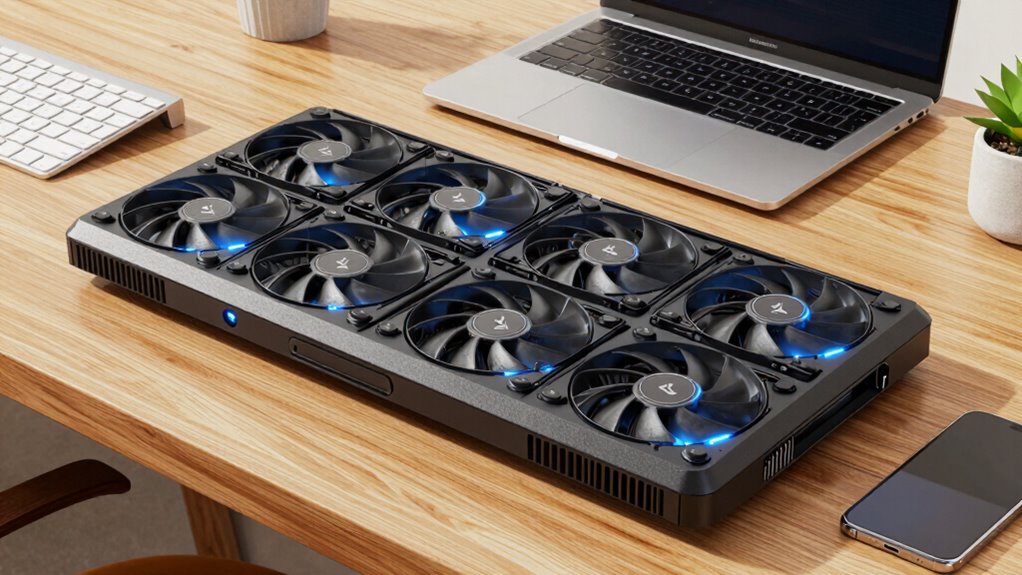
When choosing a cooling pad, you need to take into account if it fits your laptop’s size and shape to guarantee proper support. Look for features that boost cooling performance without sacrificing portability or style. Balancing these factors helps you find a pad that keeps your laptop cool and suits your everyday needs. Additionally, consider car accessories that can enhance your overall setup, similar to how selecting the right vehicle protection can improve your driving experience. Understanding home safety considerations can also help you ensure your workspace remains secure and comfortable during extended use. Paying attention to cable failures can help you prevent overheating or damage caused by poor ventilation or faulty connections. Being aware of airflow optimization techniques can further improve your cooling system’s efficiency. Incorporating curiosity about optimal airflow practices can lead to innovative solutions for better cooling performance.
Compatibility With Laptop Size
Choosing a cooling pad that fits your laptop comfortably is essential for effective heat dissipation. To verify compatibility, you need to consider the cooling pad dimensions relative to your laptop size. Here are key points to help you select the right one:
- Measure your laptop’s length and width to find the right fit.
- Check the cooling pad’s dimensions to ensure it’s slightly larger than your device for stability.
- Look for models designed for small, medium, or large laptops based on your size.
- Avoid oversized pads for small laptops, as they can be unstable or cumbersome.
Matching your laptop size with the cooling pad’s dimensions guarantees proper airflow and stability, maximizing cooling efficiency.
Cooling Performance Features
How well a cooling pad performs can make a significant difference in keeping your laptop at ideal temperatures during intensive use. Look for features that enhance airflow enhancement, such as multiple vents or adjustable fan speeds. Good airflow ensures heat dissipation is efficient, preventing your laptop from overheating. Pay attention to the number and size of fans, as more or larger fans can improve cooling capacity. Some pads include fans with variable speed controls, allowing you to adjust for peak performance. A well-designed cooling pad directs airflow where it’s needed most, boosting heat dissipation. Proper setup and placement are essential to airflow optimization, ensuring the cooling pad functions effectively. Additionally, understanding Northeast regional climate conditions can help you select a cooling pad that meets your cooling needs, especially in warmer months. Choosing a cooling pad with efficient heat dissipation features can also help prevent hardware damage due to overheating. Ensuring that the cooling pad is compatible with your laptop’s size and weight can also enhance overall cooling efficiency. Keep in mind that better airflow and heat dissipation can prolong your laptop’s lifespan and maintain smooth performance during demanding tasks.
Portability and Design
A cooling pad‘s design and portability can considerably impact your overall experience, especially if you frequently travel or move between workspaces. When choosing, consider these factors:
- Size and weight – Opt for a lightweight, slim model that’s easy to carry.
- Build quality – Durable materials ensure longevity and ease of transport.
- Ergonomic comfort – Look for adjustable height options to reduce strain during long use.
- Aesthetic appeal – Choose a design that complements your laptop and personal style.
A well-designed cooling pad combines portability with ergonomic comfort, making it easier to work comfortably on the go. Aesthetic appeal also enhances your setup, ensuring your workspace looks sleek and professional. Consider these factors to find a cooling pad that fits your lifestyle perfectly.
How to Properly Install and Use Your Cooling Pad
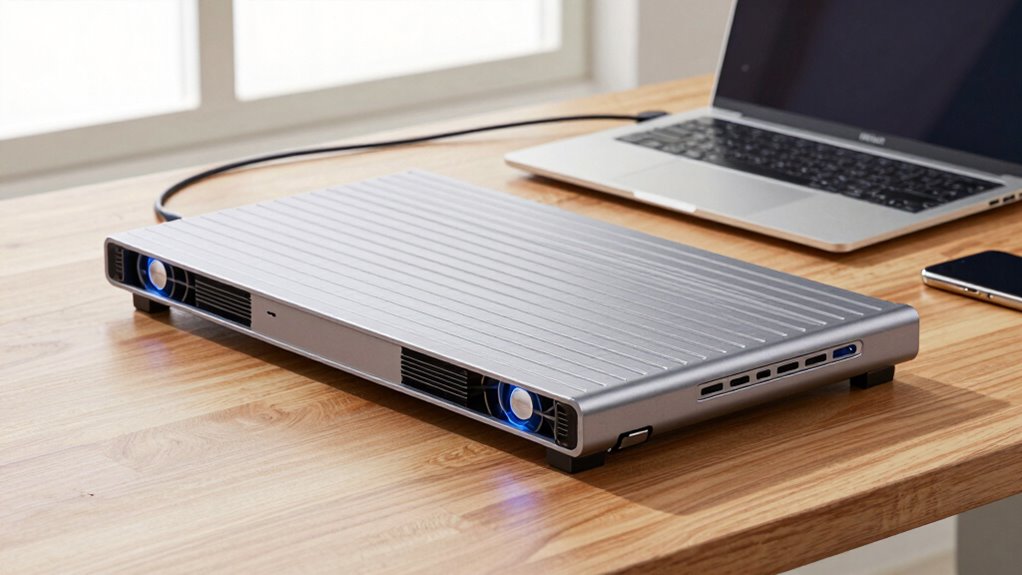
To guarantee your laptop stays cool and performs at its best, it’s essential to install and use your cooling pad properly. Begin by placing the pad on a flat, stable surface, ensuring it’s close enough for the fans to work effectively. Choose a cooling pad with an aesthetic design that complements your setup, making it both functional and visually appealing. Adjust your laptop’s position so the vents align with the cooling fans for maximum airflow. Turn on the cooling pad before starting your work, and monitor noise levels—select a model with quiet operation if noise sensitivity is a concern. Regularly clean the fans and vents to maintain airflow, and avoid obstructing air intake or exhaust areas for consistent cooling performance.
Troubleshooting Common Cooling Pad Problems
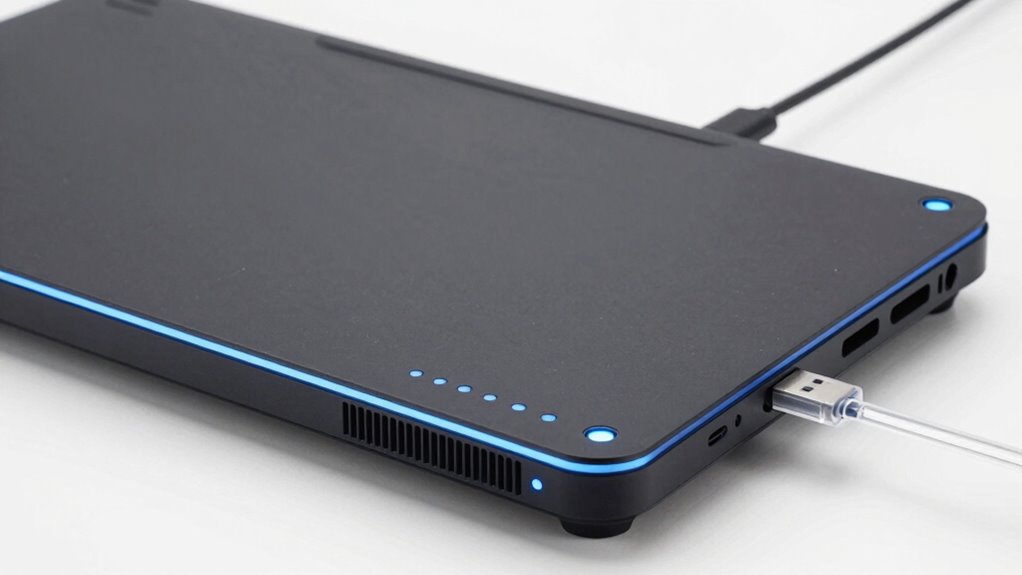
Even though cooling pads are designed to enhance your laptop’s performance, they can sometimes encounter issues that hinder their effectiveness. Common problems include insufficient cooling, noisy fans, or poor fit. To troubleshoot:
- Check the Aesthetic design—ensure the pad aligns properly with your laptop’s vents for ideal airflow.
- Inspect the power connection and USB port to confirm the pad is receiving power.
- Clean the fans and vents regularly to prevent dust buildup, which can reduce cooling efficiency.
- Consider the Brand reputation—if you experience persistent issues, opt for a reputable brand known for quality and durability, rather than cheaper, unreliable options.
Addressing these problems improves performance and prolongs your cooling pad’s lifespan.
Are Cooling Pads Necessary for Gaming and Heavy Tasks?
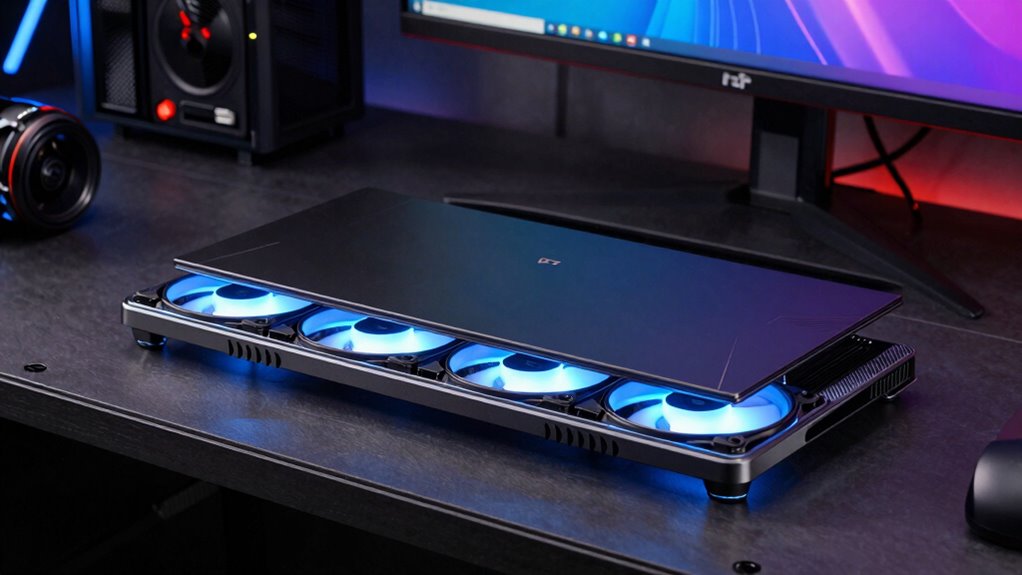
If you’re gaming or handling heavy tasks, a cooling pad can help manage heat more effectively. It can also extend your laptop’s lifespan and boost performance by preventing overheating. So, you should consider whether a cooling pad is a worthwhile investment for your specific needs.
Heat Management Benefits
When you’re gaming or running heavy tasks, heat buildup can quickly become a problem, causing your laptop to slow down or overheat. A cooling pad enhances heat management by improving thermal conductivity and airflow enhancement. This helps disperse heat more efficiently, keeping your laptop at ideal temperatures.
Consider these benefits:
- Reduced overheating risk, maintaining performance
- Improved thermal conductivity, aiding heat transfer away from components
- Enhanced airflow, preventing hot spots
- Extended laptop usability during demanding tasks
Using a cooling pad ensures your device stays cooler longer, preventing thermal throttling and potential damage. It’s a simple yet effective way to manage heat, especially during intensive gaming or multitasking sessions.
Impact on Laptop Lifespan
Using a cooling pad not only helps manage immediate heat issues but also plays a significant role in extending your laptop’s overall lifespan. By reducing operating temperatures, it minimizes wear and tear on internal components, especially during intense gaming or heavy tasks. Cooler temperatures help prevent dust buildup inside your device, which can clog vents and hinder airflow over time. Additionally, lower heat levels often mean reduced noise levels from cooling fans, preventing overheating-related loud fan noise. Consistently high temperatures accelerate component degradation, so a cooling pad helps mitigate this risk, ultimately prolonging your laptop’s life. Investing in a cooling pad is a simple yet effective way to protect your device from heat-related damage and maintain ideal performance over the long term.
Performance Enhancement Factors
For gamers and users running heavy applications, a cooling pad can greatly boost performance by helping your laptop maintain ideal temperatures during intense tasks. When your device stays cooler, you’ll notice improved battery efficiency and smoother operation. Plus, many cooling pads feature ergonomic design, reducing strain during long gaming or work sessions.
Key performance enhancement factors include:
- Temperature regulation guarantees your laptop doesn’t overheat, preventing throttling.
- Battery efficiency benefits from lower internal temperatures, extending usage time.
- Ergonomic design promotes better posture, reducing fatigue.
- Stable airflow helps maintain consistent performance during demanding tasks.
Tips to Maximize Cooling Performance and Extend Your Cooling Pad’s Life
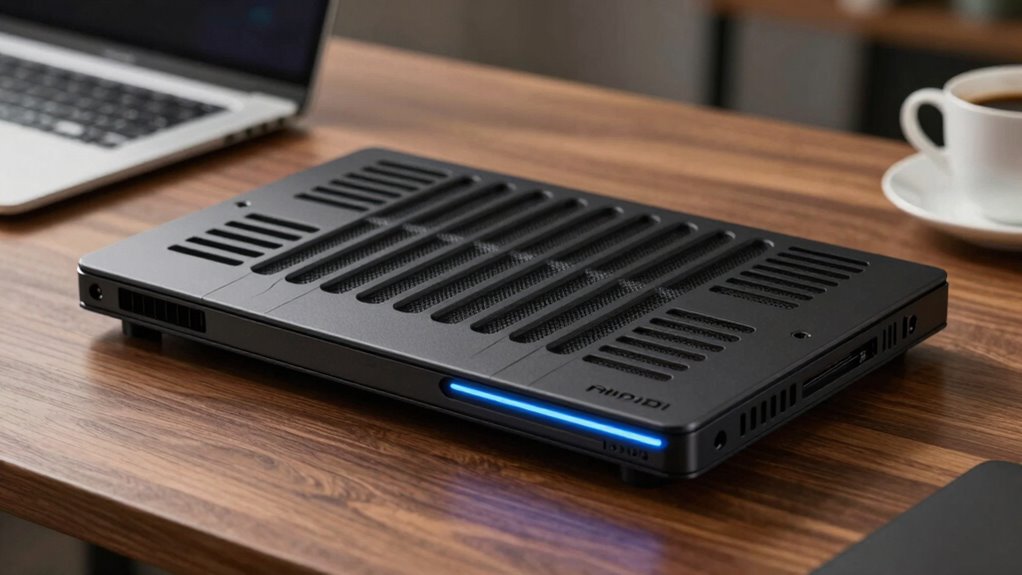
To get the most out of your cooling pad and make sure it lasts longer, you need to focus on proper maintenance and usage habits. Keep the vents clean by regularly dusting the pad to prevent airflow blockages. Position your laptop correctly to guarantee excellent cooling, avoiding obstructing the fans. If your cooling pad has wireless charging or Bluetooth connectivity features, verify they’re used properly—keep Bluetooth updated and avoid overloading the wireless charging pad to prevent overheating. Store your cooling pad in a cool, dry place when not in use, and avoid exposing it to extreme temperatures. Properly caring for your cooling pad will maintain its efficiency and prolong its lifespan, ensuring your device stays cool during intensive tasks.
When Should You Upgrade or Replace Your Cooling Pad?
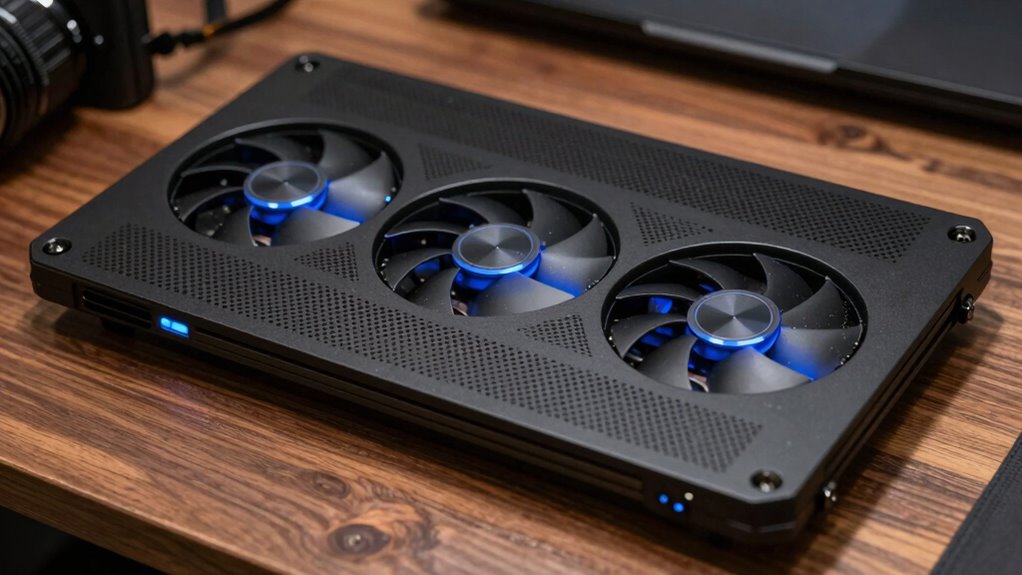
Wondering when it’s time to upgrade or replace your cooling pad? If you notice persistent overheating despite proper maintenance, it’s a sign. Also, if your cooling pad’s fans are noisy or not spinning correctly, replacement might be necessary. Keep an eye on battery maintenance; if your laptop heats up quickly during charging, your cooling pad may no longer be effective. Additionally, outdated software updates can impair your cooling system’s performance, so make sure your device is current. Consider replacing your cooling pad if:
- Fans are failing or producing unusual noises
- Overheating persists after cleaning and maintenance
- The pad shows physical damage or wear
- You’ve installed software updates that improve thermal management, but issues remain
Replacing your cooling pad guarantees peak cooling and laptop longevity.
Frequently Asked Questions
Can a Cooling Pad Improve My Laptop’s Overall Performance?
Yes, a cooling pad can improve your laptop’s overall performance by enhancing thermal management and airflow optimization. When your laptop stays cooler, it prevents overheating, which can cause thermal throttling, slowing down your device. Using a cooling pad helps maintain a steady temperature, allowing your laptop to run smoothly and efficiently. Ultimately, better thermal management results in improved performance and potentially extends your laptop’s lifespan.
Are There Specific Brands Known for the Best Cooling Pads?
Ever wondered which brands top the list for cooling pads? You should consider trusted names like Cooler Master, Razer, and NZXT, known for their solid reputation and quality. Are you willing to spend a bit more for premium features? Comparing prices helps you find the best deal, but don’t compromise on durability or effectiveness. These brands offer reliable options, ensuring your laptop stays cool during intense use.
How Noisy Are Most Cooling Pads During Operation?
Most cooling pads operate quietly, with fan noise typically ranging from near-silent to about 30 decibels, similar to a whisper or rustling leaves. Noise levels depend on the fan speed and design; higher speeds can produce more noise. If you’re sensitive to sound, look for models with noise reduction features or adjustable fan controls, so you can balance cooling performance with minimal disruption during your work or gaming sessions.
Do Cooling Pads Work Equally Well for All Laptop Sizes?
Cooling pads are like superheroes for laptops, but their effectiveness varies by size. For smaller or lightweight laptops, most cooling pads work well, enhancing airflow and reducing heat. However, for larger or heavier laptops, you might need a more robust cooling solution due to increased laptop weight and portability concerns. Always choose a cooling pad that matches your laptop’s size to guarantee ideal cooling and convenience during your mobile work sessions.
Can a Cooling Pad Help Extend My Laptop’s Lifespan?
Yes, a cooling pad can help extend your laptop’s lifespan by improving thermal regulation. It enhances airflow around your device, preventing overheating that can damage internal components over time. By keeping temperatures lower during intensive tasks, a cooling pad reduces stress on your laptop’s hardware. This proactive airflow enhancement promotes better performance and longevity, ensuring your laptop stays healthy and functional for a longer period.
Conclusion
So, after all this talk about cooling pads, you might think they’re optional accessories. But here’s the irony: neglecting one could turn your sleek laptop into a fiery mess faster than you’d like to admit. In reality, a cooling pad isn’t just a luxury; it’s your device’s best friend in disguise. Skip it, and you might just find yourself wishing you’d taken cooling more seriously—before your laptop throws a temper tantrum.