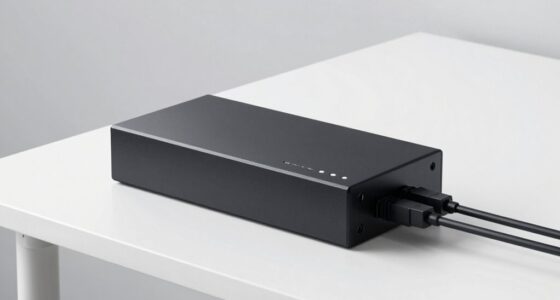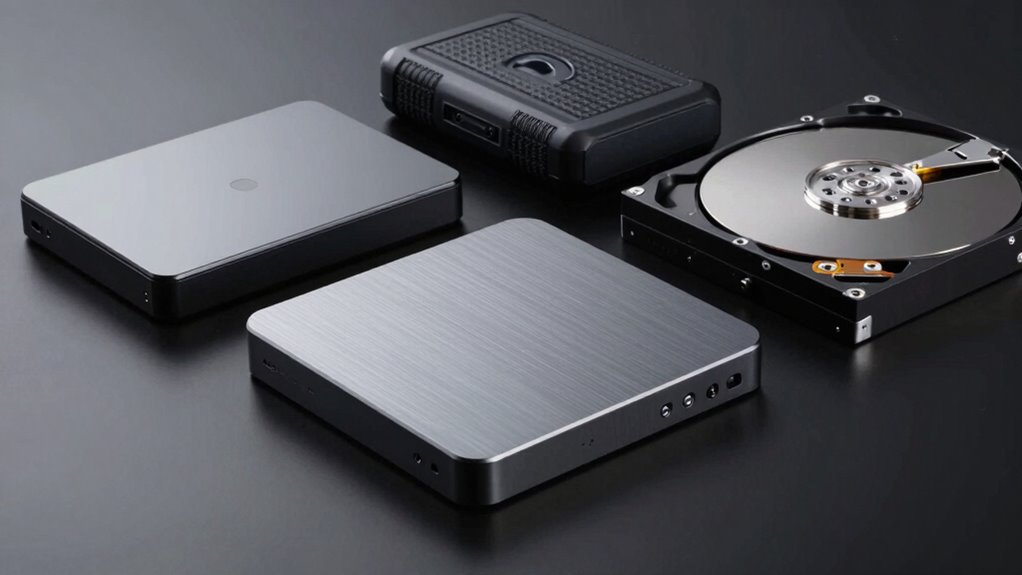
External hard drives come in several types to suit your needs, including portable drives that are lightweight and easy to carry, and desktop models with larger storage capacities for stationary use. You can choose faster SSDs for quick transfers and durability or more affordable HDDs for bulk storage. Specialized options like rugged, backup, or network drives also exist. Knowing the features helps you pick the right one—if you want further details, stay tuned for more insights.
Key Takeaways
- External hard drives are classified into portable, desktop, and specialized types, each designed for different use cases.
- Portable drives are lightweight and ideal for on-the-go storage, while desktop drives offer larger capacities for stationary use.
- SSDs provide faster data transfer speeds, durability, and enhanced security compared to traditional HDDs.
- Specialized drives include rugged, waterproof models, backup solutions, and network-attached storage for multi-user access.
- Choosing the right type depends on factors like capacity needs, portability, speed, security features, and budget.

SanDisk 1TB Extreme Portable SSD – Up to 1050MB/s, USB-C, USB 3.2 Gen 2, IP65 Water and Dust Resistance, Updated Firmware – External Solid State Drive – SDSSDE61-1T00-G25
Get NVMe solid state performance with up to 1050MB/s read and 1000MB/s write speeds in a portable, high-capacity…
As an affiliate, we earn on qualifying purchases.
As an affiliate, we earn on qualifying purchases.
What Are External Hard Drives and How Do They Work?
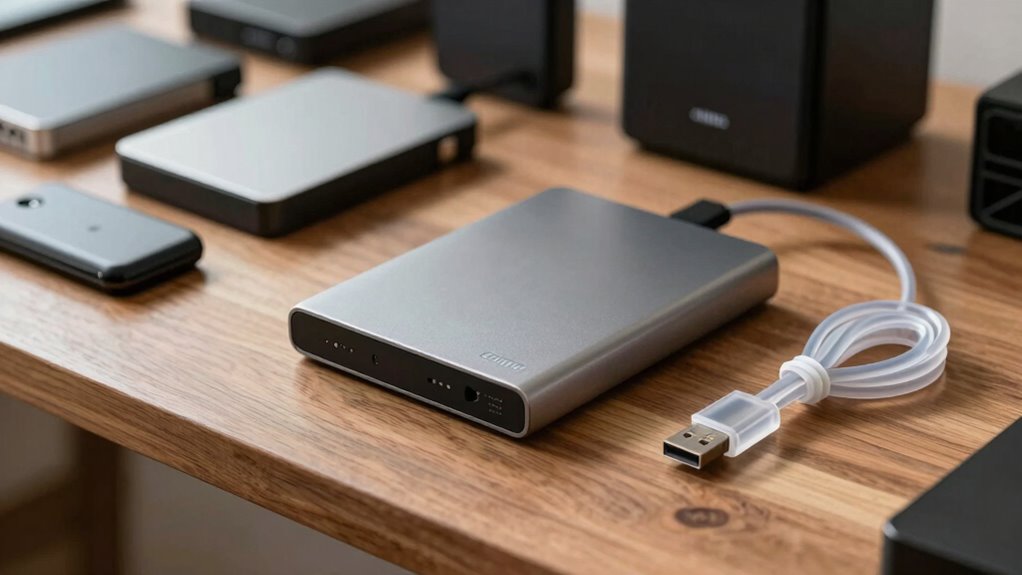
External hard drives are portable storage devices that connect to your computer, providing additional space for files, backups,, and media. They work by using internal spinning disks or solid-state memory to store data, which you can access quickly through a USB, Thunderbolt, or other connection. Many drives now feature data encryption, adding a layer of security to protect sensitive information from unauthorized access. Some models also support cloud integration, allowing you to sync files directly with cloud services for seamless backup and remote access. When you connect the drive, your computer recognizes it as an external storage device, enabling you to transfer, save, or retrieve files easily. This combination of physical storage and security features makes external hard drives versatile tools for data management, with high data transfer speeds improving overall efficiency.

Western Digital 4TB My Book Desktop External Hard Drive, USB 3.0, External HDD with Password Protection and Backup Software – WDBBGB0040HBK-NESN
Massive capacity, up to 22TB capacity. (1TB = one trillion bytes. Actual user capacity may be less depending…
As an affiliate, we earn on qualifying purchases.
As an affiliate, we earn on qualifying purchases.
Key Factors to Consider When Choosing an External Drive

Choosing the right external hard drive depends on several key factors that align with your storage needs and usage habits. Start by considering your budget and do a thorough price comparison to find options that offer the best value without sacrificing quality. Brand reputation matters, as established brands typically provide reliable performance and better customer support. Look into reviews and user feedback to gauge durability and ease of use. Also, think about the drive’s capacity—ensure it meets your current and future storage requirements. Compatibility is essential, so verify that the drive works with your devices. Finally, consider the warranty and customer service, which can save you trouble down the line. Prioritizing these factors helps you choose a dependable, cost-effective external drive tailored to your needs.

LaCie LAC9000298 La Cie Rugged Mini USB 3.0 / USB 2.0 External Hard Drive (9000298)
Shock, drops up to 4 feet, dust and water resistant for all-terrain use.Specific uses: Personal
As an affiliate, we earn on qualifying purchases.
As an affiliate, we earn on qualifying purchases.
Portable External Hard Drives: Pros, Cons, and Best Uses
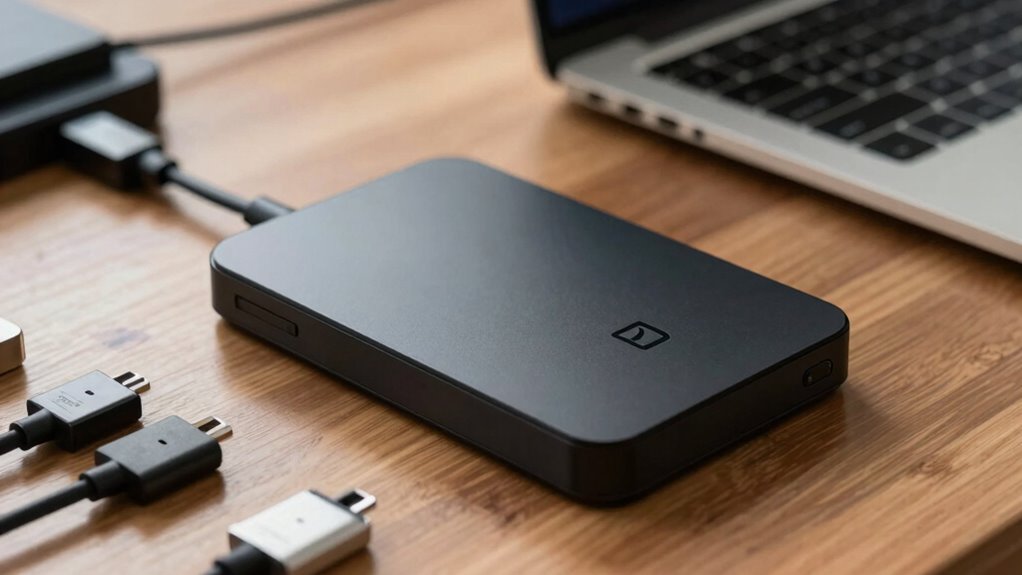
Portable external hard drives are an excellent solution for those who need quick, convenient access to their data on the go. They’re lightweight, compact, and ideal for frequent travelers or remote workers. Their portability makes it simple to transfer large files without relying on cloud backup, saving time and bandwidth. However, they often require data encryption to guarantee security, especially if sensitive information is involved. Using accessibility features can make managing and using these drives easier for all users.
Consider these key points:
- Easy to carry and set up
- Ideal for quick data transfers
- Can be encrypted for security
- Useful for offline storage, reducing dependence on internet
- Not always as durable as desktop drives
While portable drives excel in convenience, they might be more vulnerable to physical damage. Use them for quick access and transfer, but always back up critical data to the cloud for added safety. Furthermore, understanding data protection measures can help safeguard your information effectively, especially when handling sensitive data that requires extra security. The regional significance of these devices can also influence their use depending on where you are located. Additionally, incorporating natural pool design principles can enhance backyard aesthetics, blending technology with natural beauty in outdoor spaces.

UGREEN NAS DH2300 2-Bay Desktop NASync, Support Capacity 64TB (Diskless), Remote Access, AI Photo Album, Beginner Friendly System, 4GB RAM on Board,1GbE, 4K HDMI, Network Attached Storage(Diskless)
Entry-level NAS Personal Storage:UGREEN NAS DH2300 is your first and best NAS made easy. It is designed for…
As an affiliate, we earn on qualifying purchases.
As an affiliate, we earn on qualifying purchases.
Desktop External Hard Drives: When and Why to Use Them
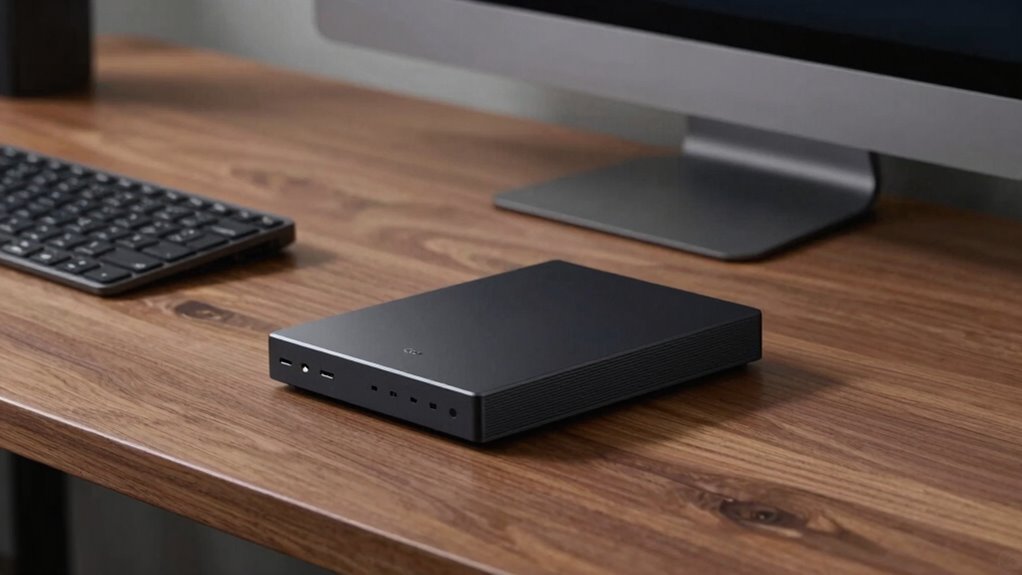
Desktop external hard drives are perfect when you need extensive storage for large files or backups. They’re designed for stationary use, so you don’t have to worry about portability. Plus, they offer enhanced performance capabilities that make them ideal for demanding tasks.
Optimal For Extensive Storage
When you need to store large files or back up extensive data sets, desktop external hard drives are an excellent choice. They offer high capacities, making them ideal for photographers, videographers, or professionals managing vast amounts of data. With features like data encryption, you can keep sensitive information secure, while cloud integration allows for easy backups and remote access. These drives are designed for stationary use, providing reliable performance over long periods. Their larger size often means better cooling and durability, supporting continuous operation. Consider desktop external hard drives when you require extensive storage, robust security, and seamless backups. They’re perfect for creating a central data hub for your home or office. Additionally, their reliable performance over long periods makes them suitable for ongoing, intensive use. Understanding hard drive durability can help ensure your data remains safe and accessible over time, especially when considering the longevity of storage devices] in demanding environments.
Ideal For Stationary Use
Are you wondering if a desktop external hard drive is the right choice for your storage needs? If you primarily use your device in one location, a desktop hard drive offers stability and larger capacity, making it ideal for stationary use. These drives are perfect for backing up important files and managing extensive collections of data, especially when you want to avoid relying solely on cloud storage. Desktop external hard drives often come with advanced data encryption options, ensuring your sensitive information stays secure. Since they’re designed to stay connected and operate continuously, they’re suitable for a dedicated home or office setup. If constant access, high storage capacity, and security are priorities, a desktop external hard drive is a smart choice for stationary use. Additionally, understanding filter sizing/flow can help in maintaining optimal system performance and data integrity, similar to how filtration efficiency is critical in vacuums for allergy sufferers and households with pets.
Enhanced Performance Capabilities
For tasks that demand quick data transfer and smooth performance, enhanced capabilities are essential. Desktop external hard drives with these features are ideal when handling large files, editing videos, or running intensive applications. They often include faster transfer interfaces like Thunderbolt or USB 3.2, boosting efficiency. Look for drives with robust encryption security to protect sensitive data and features that facilitate easy data recovery if needed. These drives typically have larger storage capacities, making them suitable for backups and archiving. Investing in a desktop external hard drive with improved performance can save you time and ensure your data is safe and accessible. Incorporating standardized protocols can also enhance the reliability and consistency of data transfer and recovery processes.
SSD External Drives: Speed and Durability Explained
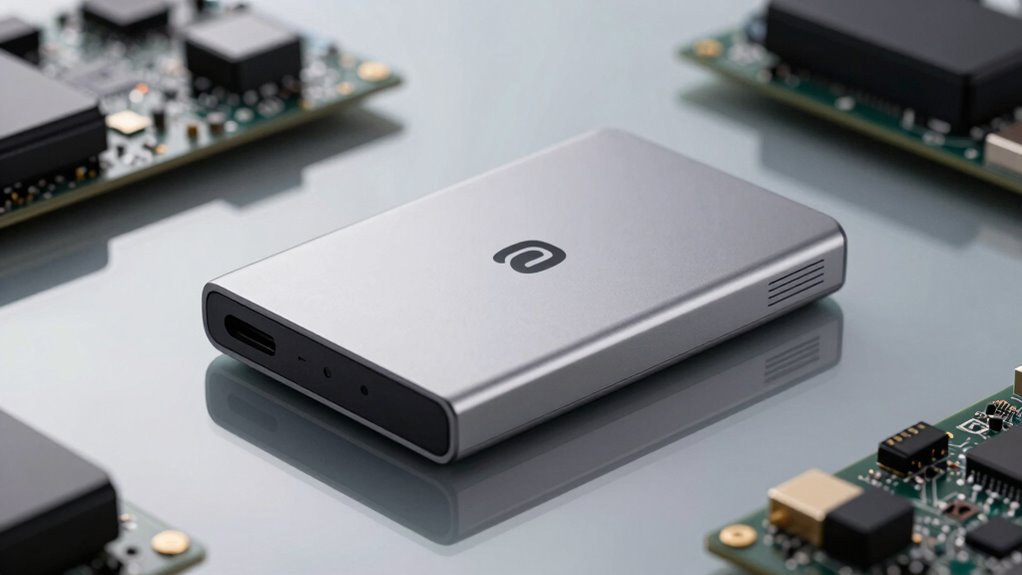
SSD external drives offer lightning-fast data transfer speeds that save you time. They also feature shock resistance, making your data safer if you accidentally drop them. With their durability and reliability, SSDs are built to last and keep your files secure. Considering ethical choices when selecting storage options can help ensure your data handling aligns with your personal values. Understanding data security features in SSDs can further enhance your confidence in protecting sensitive information, especially as some drives include encryption technology to safeguard your data from unauthorized access. Additionally, the inclusion of shock resistance features contributes to the overall durability of SSDs, ensuring your data remains safe even in challenging conditions. Recognizing comprehensive build quality can help you choose drives that are better suited for long-term use and various environments.
Fast Data Transfer
When it comes to transferring large files quickly, SSD external drives stand out thanks to their impressive speed. They leverage high-speed interfaces like USB 3.2 or Thunderbolt, ensuring rapid data movement. This speed makes them ideal for handling big projects, backups, or multimedia editing on the go. Many SSDs also feature wireless connectivity options, allowing you to transfer files without cables, adding convenience. Additionally, encryption security keeps your data safe during fast transfers, protecting sensitive information from unauthorized access. To maximize performance, look for drives with the latest interface standards and security features. Remember, fast data transfer isn’t just about speed; it’s also about maintaining data integrity and security during rapid movements, especially with privacy and consent considerations in digital spaces.
Shock Resistance Features
Among the key features to evaluate in external SSDs is their shock resistance, which guarantees your data stays safe even if accidental drops happen. Many SSDs are designed with shock absorption materials that cushion internal components from impacts. This impact resistance helps prevent data loss or hardware damage when you accidentally knock your drive off a table or drop it in your bag. Look for drives with reinforced enclosures or rubberized edges, as these enhance shock absorption and impact resistance. By choosing an SSD with strong shock resistance, you assure your data remains secure during everyday transport and mishaps. Proper wealth protection strategies can also help safeguard your assets in case of unforeseen incidents. Additionally, selecting a drive with reliable impact resistance features ensures your device can withstand the rigors of daily use. Incorporating shock-resistant design elements is essential for maximizing the longevity and safety of your external storage device. Recognizing the importance of durability features can help you make more informed choices when selecting an external drive. For example, understanding how shock absorption technology works can guide you toward more resilient options.
Longevity and Reliability
Choosing an external SSD that’s built to last means prioritizing both longevity and reliability. You want a drive that withstands daily use, protects your data, and offers peace of mind. Look for models with strong data encryption to safeguard sensitive information. Reliable drives often come with robust warranty coverage, ensuring support if issues arise. Durability also depends on the drive’s build quality and the type of NAND flash memory used. Additionally, selecting drives with robust construction can further enhance their resilience against physical damage. Opt for SSDs with high TBW (Terabytes Written) ratings for longer lifespan. Check for encryption features to secure your data. Select drives with manufacturer warranties that cover repairs or replacements. Consider drives with shock-resistant or rugged designs. Read reviews to gauge real-world reliability and performance.
HDD External Drives: Cost-Effective Storage Options
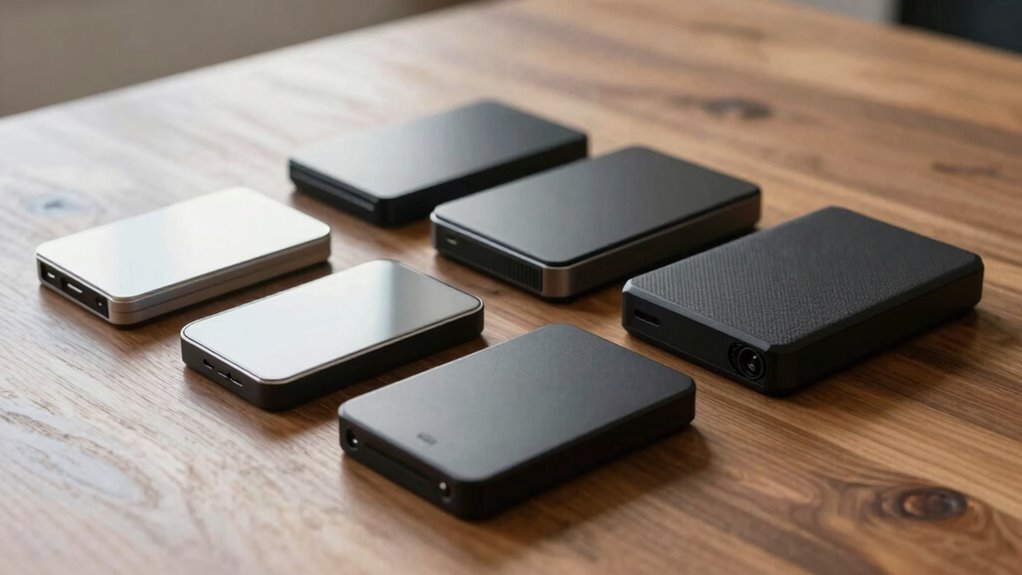
If you’re looking for an affordable way to expand your storage, HDD external drives are a practical choice. They typically offer a better cost comparison than SSDs, making them ideal if you need large capacities on a budget. These drives work with most computers and devices, but compatibility considerations are important—check your device’s ports and supported formats before purchasing. HDD external drives are straightforward to set up and use, providing reliable storage without breaking the bank. While they may be slower than SSDs, for everyday backups and large file storage, they’re more than sufficient. Overall, HDD external drives deliver great value for those prioritizing capacity and affordability, especially when you don’t need the fastest data transfer speeds.
Specialized External Hard Drives: Rugged, Backup, and Network Options
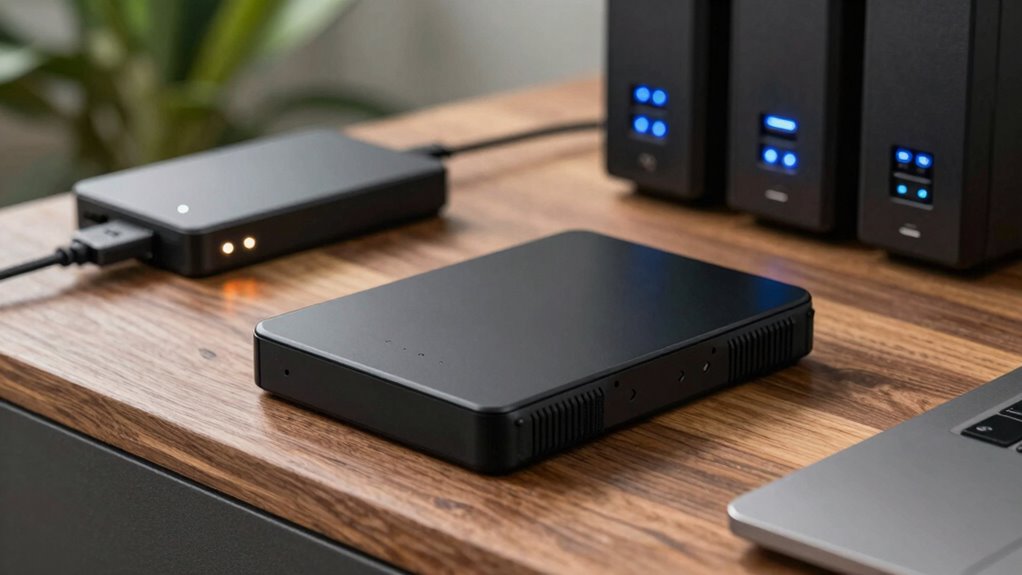
Specialized external hard drives cater to specific needs, offering features beyond basic storage. Whether you need rugged durability for outdoor use, automated backup options, or network connectivity, these drives provide tailored solutions. Rugged drives are built to withstand drops, water, and dust, ideal for fieldwork. Backup drives often include data encryption and automatic cloud backup features, ensuring your data stays safe and accessible. Network external drives connect directly to your home or office network, enabling multiple users to access files without plugging in cables. These options help streamline workflows, protect data, and enhance security.
- Rugged drives with shockproof and waterproof design
- Backup drives with automatic cloud backup and data encryption
- Network-attached storage (NAS) for multi-user access
- Portable drives with ruggedized cases
- Drives with built-in security features
How to Pick the Best External Hard Drive for Your Needs
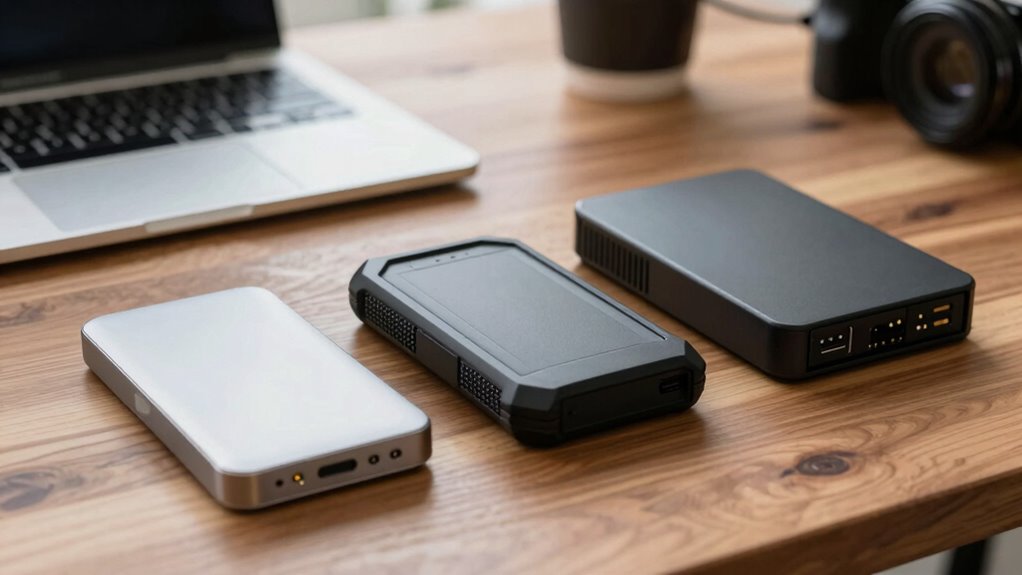
Selecting the right external hard drive depends on understanding your specific storage needs and how you plan to use it. Consider factors like capacity, speed, and security features. If you’re into cloud backup, look for drives with seamless integration or automatic syncing. For sensitive data, choose models with data encryption to protect your info. Storage capacity varies; opt for larger drives if you handle large files regularly. Speed matters for quick backups and transfers. Here’s a quick comparison:
| Feature | Best for | Security Features | Capacity Range |
|---|---|---|---|
| Encryption | Sensitive info | Data encryption | 500GB – 2TB |
| Cloud Backup | Frequent backups | Cloud integration | 1TB – 8TB |
| Speed | Fast data transfer | No encryption needed | 256GB – 4TB |
| Portability | On-the-go use | Password protection | 500GB – 2TB |
| Large Storage | Archiving | Backup options | 4TB – 10TB+ |
Choose based on your priorities and security needs.
Frequently Asked Questions
Are External Hard Drives Compatible With All Operating Systems?
Yes, external hard drives are generally compatible with most operating systems. You should check the drive’s port compatibility to guarantee it connects with your device, and consider file transfer speeds, which vary depending on the drive type. Some drives are formatted for specific systems like Windows or Mac, so you might need to reformat for full compatibility. Always verify these factors before purchasing to avoid issues.
How Secure Are External Hard Drives Against Data Theft?
You’re right to worry—about 20% of data breaches involve stolen devices. External hard drives can be quite secure if you use strong encryption protocols, making data unreadable without a password. Physical security also matters; keep drives in safe places. Combining encryption with physical safeguards considerably reduces theft risks. So, while no system is foolproof, taking these steps greatly enhances your drive’s protection against data theft.
Can External Drives Be Used for Gaming or High-Performance Tasks?
Yes, you can use external drives for gaming and high-performance tasks. Look for external hard drives with gaming optimization features and high-speed data transfer capabilities, like USB 3.2 or Thunderbolt. These drives reduce lag, improve load times, and handle large files efficiently. However, for the best gaming experience, consider SSDs over traditional HDDs, as they offer faster speeds and better performance for intensive tasks.
What Is the Typical Lifespan of an External Hard Drive?
An external hard drive typically lasts about 3 to 5 years, but durability concerns and usage patterns can affect this. You might experience data recovery issues if the drive fails prematurely, especially if it’s heavily used or dropped. To extend its lifespan, handle it carefully, keep backups, and avoid frequent disconnects. Regularly check its health with diagnostic tools to catch potential problems early and guarantee your data stays safe.
Are There Environmental Considerations for Storing External Drives?
Sure, storing external drives is as eco-friendly as a coal plant. You should consider eco-friendly materials and energy consumption, which matter more than you’d think. Keep drives in cool, dry places to prevent overheating and reduce energy use. Avoid unnecessary power when not in use by unplugging them. While your drive may not be a tree-hugger, small eco-conscious choices can extend its lifespan and lower your carbon footprint.
Conclusion
Choosing the right external hard drive is like finding the perfect backpack—you want it to fit your needs, be durable, and reliable. Whether you need speed, portability, or large storage capacity, understanding your options helps you make smarter choices. Think of your external drive as a trusted sidekick—ready to carry your data securely wherever life takes you. Make your pick wisely, and you’ll have a dependable storage partner for years to come.