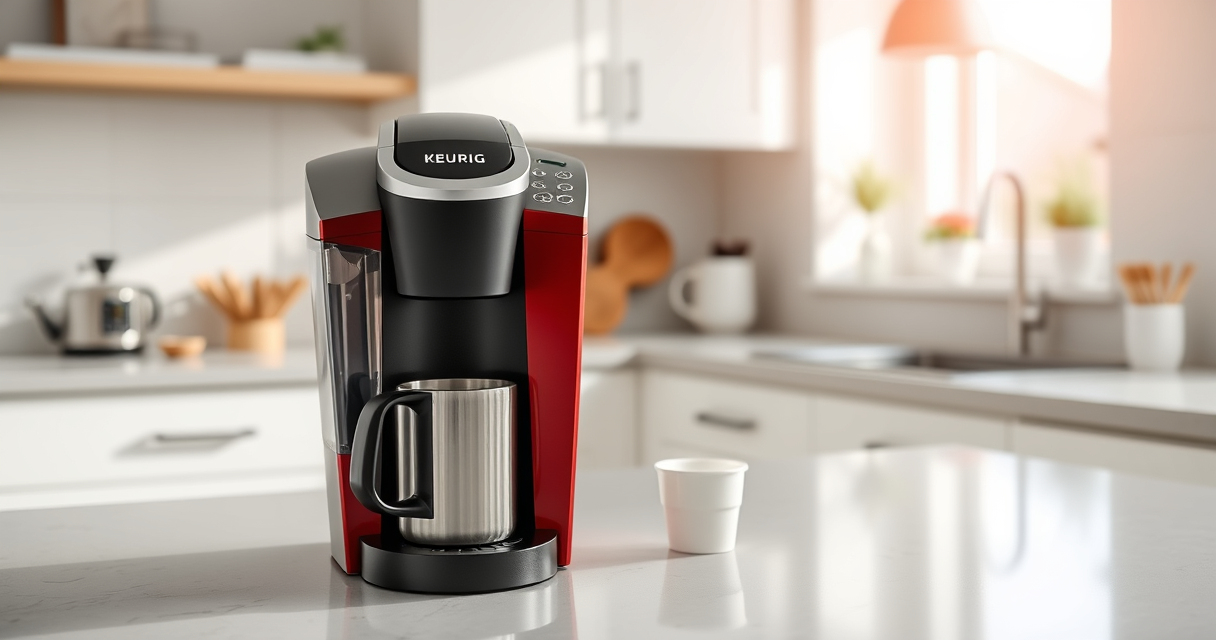
Maintaining your Keurig coffee maker ensures optimal performance and extends its lifespan. Whether you’re experiencing flavor issues, mineral buildup, or just want to keep your machine in top shape, this guide provides clear, practical steps to clean and troubleshoot your Keurig K-Mini Single Serve K-Cup Pod Coffee Maker.
From descaling to filter replacement, you’ll find everything you need to keep your coffee fresh and your machine functioning smoothly. Follow these simple, safe procedures to enjoy consistently delicious coffee every day.
Key Takeaways
| Regular Descaling Needed | Descale every 3-6 months to prevent mineral buildup. |
| Keep It Clean | Clean the K-Cup holder and water reservoir regularly. |
| Use Quality Filters | Replace water filters to improve taste and machine longevity. |
| Troubleshoot Common Issues | Identify and fix brewing problems quickly. |
| Safe Maintenance Practices | Always unplug before cleaning to avoid electric shock. |
Preparing for Maintenance
Before starting any cleaning or troubleshooting, ensure your Keurig K-Mini is unplugged. Gather necessary supplies such as fresh water, a soft cloth, descaling solution, and any replacement filters. Make sure your machine is cool and free of hot liquids to prevent burns or damage during cleaning.
Familiarize yourself with the machine’s components—water reservoir, drip tray, K-Cup holder, and drip tray. Proper preparation ensures a safer, more effective maintenance process, minimizing disruption to your daily coffee routine.
Regular Cleaning and Daily Maintenance
- Remove and clean the drip tray and water reservoir with warm, soapy water. Rinse thoroughly and dry.
- Wipe the exterior with a damp cloth to remove dust and coffee splashes.
- Empty the used K-Cup holder after each use to prevent buildup and mold.
- Refill the water reservoir with fresh, clean water before each brew.
Performing these daily tasks keeps your machine hygienic and prevents common issues like stale coffee or clogs.
Descaling Your Keurig K-Mini
Mineral deposits from hard water can clog your machine, affecting performance and taste. Descaling every 3-6 months is recommended. Use a descaling solution compatible with Keurig machines, such as the Keurig Descaling Solution included in the Maintenance Kit.
- Fill the water reservoir with the descaling solution mixed with water as per instructions.
- Place a large mug on the drip tray.
- Run a brew cycle without a K-Cup, then repeat until the reservoir is empty.
- Let the machine sit for 30 minutes, then run multiple rinse cycles with clean water to remove any residual descaling solution.
This process helps remove mineral buildup and ensures your coffee tastes fresh and your machine functions efficiently.
Replacing Water Filters and Using Reusable Filters
If your model is compatible with filters, replacing the water filter cartridge every 2 months improves water quality and taste. For ground coffee, consider using the My K-Cup reusable filter, which allows you to brew with your favorite ground coffee.
- Remove the old filter from the water reservoir.
- Insert the new filter, ensuring it is seated properly.
- Run a brew cycle with plain water to flush the system before regular use.
This not only enhances flavor but also prolongs your machine’s lifespan by reducing mineral deposits.
Troubleshooting Common Issues
Experiencing issues such as the machine not brewing, leaking, or poor coffee quality? Here are quick solutions:
- Machine not turning on: Ensure it is plugged in and the power switch is on. Check the outlet with another device.
- Leaking water: Verify that the water reservoir is seated correctly and not cracked.
- Poor brew quality: Descale your machine and clean the K-Cup holder regularly.
- Machine not brewing enough: Check for clogs or mineral buildup and descale if necessary.
If problems persist, consult the troubleshooting section in your user manual or contact Keurig customer support.
The Products in This Guide

Keurig K-Mini Single Serve K-Cup Pod Coffee Maker
- ✔ Color: Black
- ✔ Capacity: Removable drip tray
- ✔ Dimensions: Less than 5 inches wide

My K-Cup® Reusable Coffee Filter
- ✔ Material: Plastic
- ✔ Compatibility: Keurig K-Mini
- ✔ Ease of Use: Dishwasher safe
Keurig K-Mini Single Serve K-Cup Pod Coffee Maker
The Keurig K-Mini is perfect for those with limited space, offering quick and convenient brewing with minimal cleanup. Its compact design doesn’t sacrifice performance, making it an ideal choice for apartments, offices, or travel.
Pros:
- Space-saving design
- Brews 6-12oz cups
- Removable drip tray
- Fast brewing
Cons:
- No water filter included
- Limited features compared to larger models
- Requires regular descaling for optimal performance
Best for: Small spaces, quick coffee needs, travel
Not ideal for: Heavy users needing advanced features or larger capacity
Bottom line: A reliable, space-efficient coffee maker for everyday use.
My K-Cup® Reusable Coffee Filter
The My K-Cup reusable coffee filter allows you to brew your favorite ground coffee, offering flexibility and cost savings. Its simple design fits seamlessly into your Keurig K-Mini and other models, providing a fresh coffee experience every time.
Pros:
- Brew with ground coffee
- Cost-effective
- Eco-friendly
- Easy to clean
Cons:
- Requires grinding beans
- May need fine-tuning for grind size
- Less convenient than K-Cup pods
Best for: Ground coffee enthusiasts, eco-conscious users
Not ideal for: Those preferring pre-packaged pods or quick brewing
Bottom line: A versatile reusable filter that enhances your coffee options.
Frequently Asked Questions
How often should I descale my Keurig K-Mini?
Descale your Keurig K-Mini every 3 to 6 months, or more frequently if you have hard water, to prevent mineral buildup and ensure optimal brewing performance.
Can I use ground coffee with my Keurig?
Yes, if you have a reusable filter like the My K-Cup, you can brew ground coffee directly in your Keurig K-Mini, giving you more control over your brew and saving money.
What should I do if my machine leaks water?
Check that the water reservoir is properly seated and not cracked. Clean the area around the reservoir and ensure the water filter (if used) is correctly installed.
How do I clean the K-Cup holder?
Remove the K-Cup holder and wash it with warm, soapy water. Rinse thoroughly and dry before reassembling to prevent residue buildup and mold.
Is it safe to clean my Keurig with vinegar?
While vinegar can be used for descaling, Keurig recommends using their descaling solution for best results. If using vinegar, run multiple rinse cycles afterward to remove residual taste.
Keep Your Keurig Brewing Perfectly
With regular cleaning, descaling, and proper maintenance, your Keurig K-Mini will deliver fresh, flavorful coffee every day. Simple steps like using the right filters, cleaning the K-Cup holder, and descaling periodically help prevent common issues and extend your machine’s lifespan. By following this comprehensive guide, you’ll enjoy hassle-free brewing and more delicious cups for years to come.
Affiliate disclosure: As an Amazon Associate we earn from qualifying purchases. Prices and availability are accurate as of the time of publishing.