
If your Bissell ProHeat 2X Revolution Pet Turbo isn’t drying your carpets properly and leaves water behind, it could be caused by a few common issues. Fortunately, most problems are simple to diagnose and fix with basic troubleshooting steps. This guide will walk you through the necessary steps to restore your cleaner’s performance safely and effectively.
Before you start, ensure your machine is unplugged for safety. Gather any replacement parts or cleaning supplies you might need, and follow each step carefully for the best results.
Key Takeaways
| Identify the cause | Common issues include clogged nozzles, dirty filters, or worn brushes. |
| Check for clogs | Clear blockages in the spray nozzles and hoses to prevent water buildup. |
| Maintain filters | Regularly clean or replace filters to ensure proper suction and water removal. |
| Inspect brushes | Worn or clogged brushes can cause poor water pick-up—replace if necessary. |
| Test after fixes | Run a small cleaning cycle to confirm the issue is resolved. |
Step 1: Turn Off and Unplug the Cleaner
Always unplug your Bissell cleaner before performing any maintenance or troubleshooting to prevent electrical hazards.
Step 2: Check and Clear the Spray Nozzles
- Remove the water tank and detach the spray nozzle assembly if possible.
- Inspect for any clogs or debris blocking the spray holes.
- Use a small pin or needle to gently clear any blockages.
- Reassemble and refill the water tank.
Step 3: Clean or Replace Filters
Dirty filters can restrict water flow and suction. Remove the filters as per your model’s manual, rinse with warm water, and let dry completely before reinstalling. If filters are worn out, consider replacing them with compatible replacements.
Step 4: Inspect and Maintain Brushes
Worn or clogged brushes can hinder dirt and water removal. Check the dual dirtlifter powerbrushes for hair, debris, or wear. Clean them thoroughly and replace if they are significantly worn or damaged.
Step 5: Test the Machine
After completing the above steps, fill the water tank, run a short cleaning cycle, and observe if the water is being properly extracted. If water still remains, repeat the inspection process or consider professional service.
The Products in This Guide

BISSELL ProHeat 2X Revolution Pet Turbo Upright Carpet C
- ✔ Weight: 19 pounds
- ✔ Tank Capacity: 1.5 liters
- ✔ Noise Level: Reduced by 50%

JORAIR Brush Replacement Compatible
- ✔ Package Includes: 3 brushes, 3 filters, 1 cleaning brush
- ✔ Material: Durable synthetic
- ✔ Color: White/Gray
BISSELL ProHeat 2X Revolution Pet Turbo Upright Carpet C
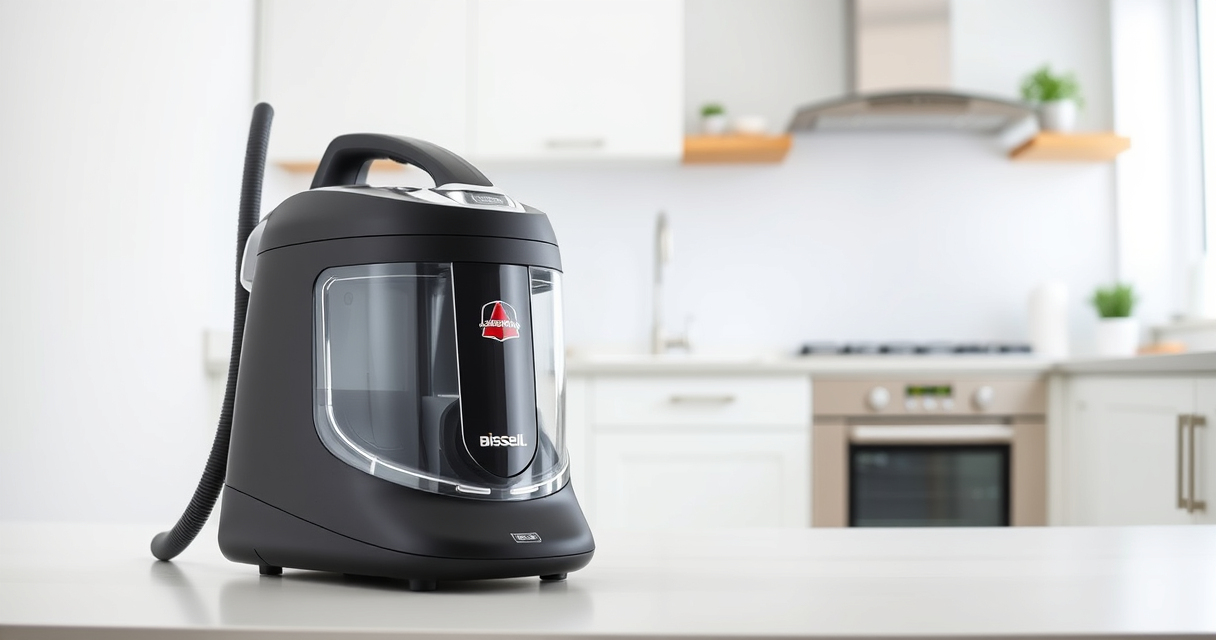
The BISSELL ProHeat 2X Revolution Pet Turbo is a powerful carpet cleaner with advanced features like Heatwave Technology and TurboStrength Motor. When it leaves water, troubleshooting common issues like clogs and dirty filters can restore optimal performance.
Pros:
- Powerful suction and cleaning modes
- Effective pet stain removal
- Quiet operation with noise reduction
- Durable dual bristled brushes
Cons:
- Can be complex to disassemble for beginners
- Requires regular maintenance
- Wand and hose cleaning can be tedious
Best for: Pet owners and heavy-duty carpet cleaning
Not ideal for: Light cleaning or occasional use
Bottom line: Regular maintenance can prevent water leaving issues and keep your Bissell performing at its best.
JORAIR Brush Replacement Compatible
The JORAIR Brush Replacement Compatible set offers a cost-effective way to refresh your Bissell CrossWave, ensuring consistent cleaning and preventing water issues caused by worn brushes.
Pros:
- Easy to install
- Compatible with multiple CrossWave models
- Includes brushes and filters
- Affordable price
Cons:
- Limited to CrossWave series
- May require regular replacement
- Compatibility check needed
Best for: Maintaining optimal brush performance
Not ideal for: Use with non-compatible models
Bottom line: Replacing worn brushes and filters helps prevent water retention issues.
Frequently Asked Questions
Why is my Bissell carpet cleaner leaving water behind?
This usually indicates clogged nozzles, dirty filters, worn brushes, or blockages in the hose. Regular maintenance and cleaning can resolve these issues.
How often should I clean the filters?
Check and clean the filters after every 3-5 uses, or more frequently if you notice reduced suction or water pooling.
Can I use other cleaning solutions with my Bissell?
It’s best to use Bissell Multi-Surface Solution or recommended deep cleaning formulas to ensure compatibility and prevent damage.
What if cleaning the nozzles and filters doesn’t fix the problem?
If issues persist, inspect the brushes for wear, check for blockages in hoses, and consider professional servicing or replacing worn parts.
Keep Your Carpet Cleaner Performing Like New
Regular maintenance and prompt troubleshooting can significantly extend the life of your Bissell carpet cleaner and ensure it leaves carpets thoroughly dry and clean. By following these steps, you can resolve water-leaving issues quickly and enjoy fresh, spotless carpets every time.
Affiliate disclosure: As an Amazon Associate we earn from qualifying purchases. Prices and availability are accurate as of the time of publishing.