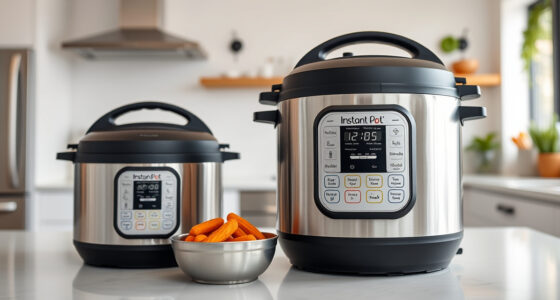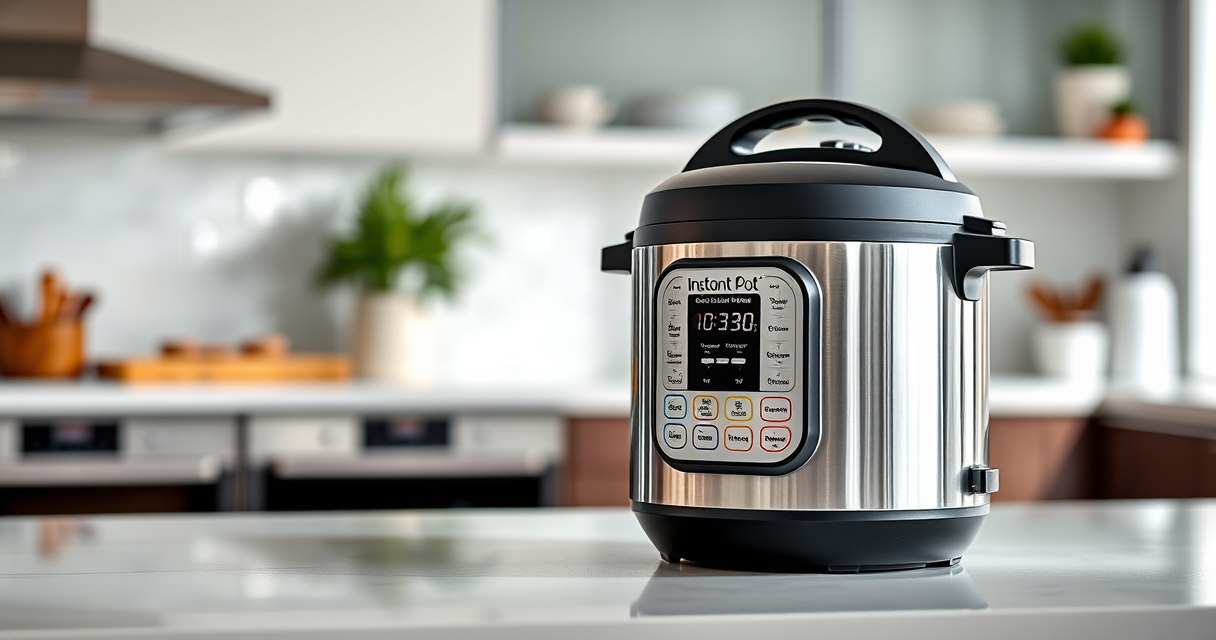

The Instant Pot is a versatile kitchen appliance that simplifies cooking, but encountering a burn error can be frustrating. This guide provides clear, step-by-step instructions to diagnose and resolve the burn warning safely, ensuring your meals are cooked perfectly without damage or safety risks.
Understanding the common causes and knowing how to fix them can save you time and prevent future errors, making your Instant Pot experience smooth and enjoyable.
Key Takeaways
| Common Cause | Food sticking to the bottom or insufficient liquid can trigger the burn error. |
| Initial Step | Always turn off and unplug the Instant Pot before troubleshooting. |
| Cleaning | Thoroughly clean the inner pot and sealing ring to prevent residue buildup. |
| Adding Liquid | Ensure enough liquid is added to generate steam and pressure. |
| Preventive Tips | Use the right amount of liquid and avoid thick sauces that can burn. |
Step 1: Turn Off and Release Pressure
- Press the ‘Cancel’ button to stop cooking.
- Unplug the Instant Pot for safety.
- Allow the pressure to release naturally or manually release steam if safe.
Step 2: Open the Lid and Inspect the Food
Carefully open the lid after pressure release. Check for food stuck to the bottom or burnt residues. Remove any burnt or stuck food to prevent recurrence.
Step 3: Clean the Inner Pot and Sealing Ring
- Wash the inner pot thoroughly with warm, soapy water.
- Clean the sealing ring, especially if food has leaked or burned onto it.
- Dry all parts completely before reassembling.
Step 4: Add Adequate Liquid and Adjust Recipes
Ensure there is at least 1 to 1.5 cups of liquid in the inner pot, depending on your recipe. Avoid thick sauces or ingredients that tend to stick and burn during pressure cooking.
Step 5: Restart and Monitor
- Securely close the lid and select the appropriate cooking function.
- Start cooking and keep an eye on the first few minutes.
The Products in This Guide

Instant Pot 4QT RIO Mini 7-in-1 Multi-Cooker
- ✔ Power: 1000W
- ✔ Voltage: 120V
- ✔ Warranty: 1-year manufacturer warranty

AOZITA Steamer Basket
- ✔ Handle: Silicone
- ✔ Capacity: Two-tier
- ✔ Dishwasher Safe: Yes
Instant Pot 4QT RIO Mini 7-in-1 Multi-Cooker
The Instant Pot 4QT RIO Mini 7-in-1 Multi-Cooker is a compact yet versatile appliance, perfect for small households. Its pressure cooking feature is reliable, but like all pressure cookers, it can encounter burn errors if not used properly.
Pros:
- 7-in-1 functionality
- Compact size
- Easy to use controls
- Multi-cooker versatility
Cons:
- Burn error if not enough liquid
- Small capacity limits larger meals
- Requires careful cleaning
Best for: Small families, singles, small apartments
Not ideal for: Cooking large meals or for big families
Bottom line: A compact, versatile pressure cooker suitable for small kitchen needs.
AOZITA Steamer Basket
The AOZITA Steamer Basket is an excellent accessory to prevent food from sticking to the bottom of your Instant Pot, reducing burn errors. It allows for easy steaming of vegetables, eggs, and more.
Pros:
- Two-tier stackable design
- Stainless steel quality
- Easy to clean
- Multi-purpose use
Cons:
- Adds extra cleaning step
- May not fit all models perfectly
- Requires space in the pot
Best for: Steaming vegetables, eggs, and small portions
Not ideal for: Cooking large quantities or as a replacement for the inner pot
Bottom line: A versatile steamer basket that helps prevent burn errors and expands your cooking options.
Frequently Asked Questions
What causes the burn error on my Instant Pot?
The burn error typically occurs when food sticks to the bottom, there’s insufficient liquid, or ingredients are too thick and prone to burning during cooking.
How can I prevent the burn error?
Use enough liquid, avoid overly thick sauces, and ensure the inner pot and sealing ring are clean and properly installed.
Is it safe to continue cooking after a burn error?
No, always turn off and unplug the Instant Pot, release pressure safely, and inspect before restarting to avoid damage or safety hazards.
Can I fix the burn error without cleaning?
Cleaning the inner pot and sealing ring is often necessary; adding more liquid and removing burnt food are key steps for a successful fix.
Mastering Your Instant Pot: Troubleshooting the Burn Error
Dealing with a burn error can be straightforward once you understand its causes. By ensuring proper cleaning, adequate liquid, and cautious recipe adjustments, you can enjoy safe, efficient pressure cooking. Remember, safety first—turn off and release pressure before inspecting or cleaning your Instant Pot.
Affiliate disclosure: As an Amazon Associate we earn from qualifying purchases. Prices and availability are accurate as of the time of publishing.